
Groups
What are Groups?
Groups allow you to organize your agents into different teams for different purposes, such as responding to different types of inquiries or to different channels.
Why use Groups?
The functionality allows you to associate agents with groups, define different email signatures for each, configure access to topics, and helps you keep your agents and Inbox configuration organized.
How to access Groups?
In order to find Groups, please go to Inbox > Settings > Groups.
Configuring Groups
Once you've navigated to the Groups page, click the "Add New Group" button.
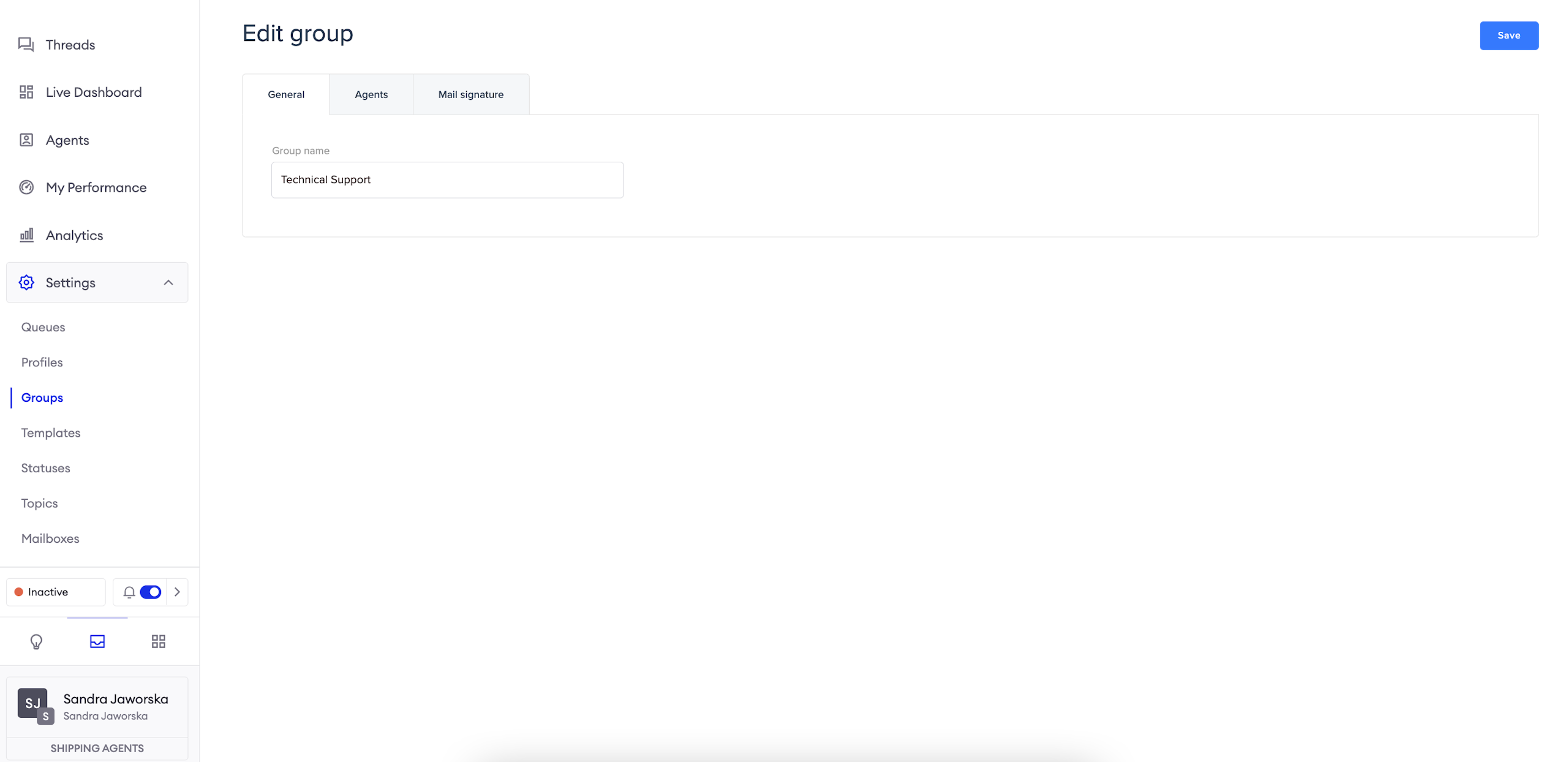
In the General tab, give your group a name.
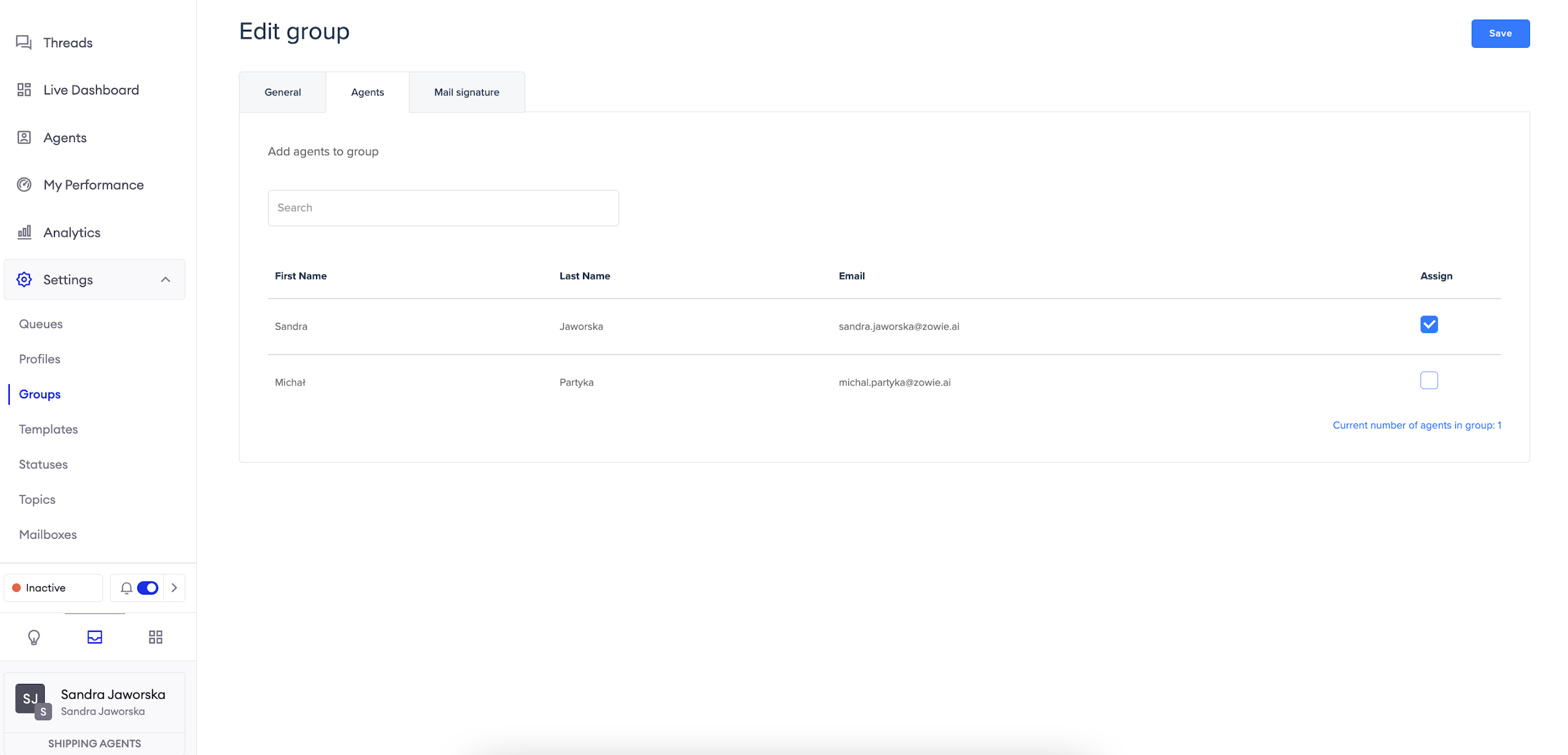
In the Agents tab, assign relevant agents to the group.
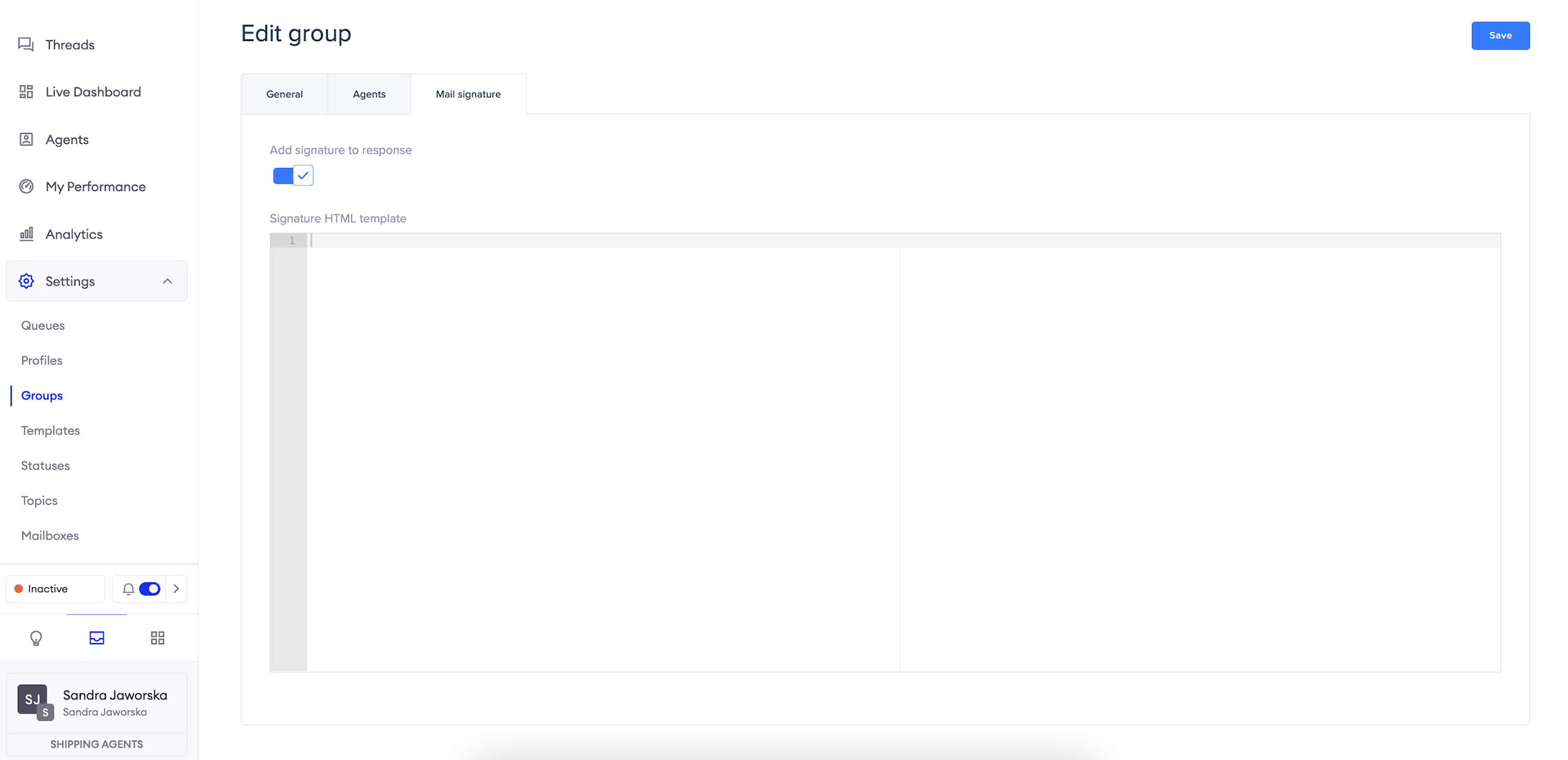
In the Mail signature tab, you can configure the email signature relevant to each group.
AttentionWhen configuring email signatures, simply include the {firstName} and {lastName} variables in the signature to include the agent's personal information for a customized experience.
Updated over 1 year ago