
Templates
Templates are being replaced by Macros
What are Templates?
Templates are pre-defined responses that agents can quickly pull into a thread to provide a best-practice response to your customers. Templates allow you to speed up the process of responding to your customers and provide your agents with predefined content that can be used to quickly ask the customer for the necessary information or respond with a standardized answer.
Why use Templates?
Templates allow you to manage your customer support process more closely and to ensure your customers are receiving adequate support.
How to access Templates?
In order to find templates, please go to Inbox > Settings > Templates.
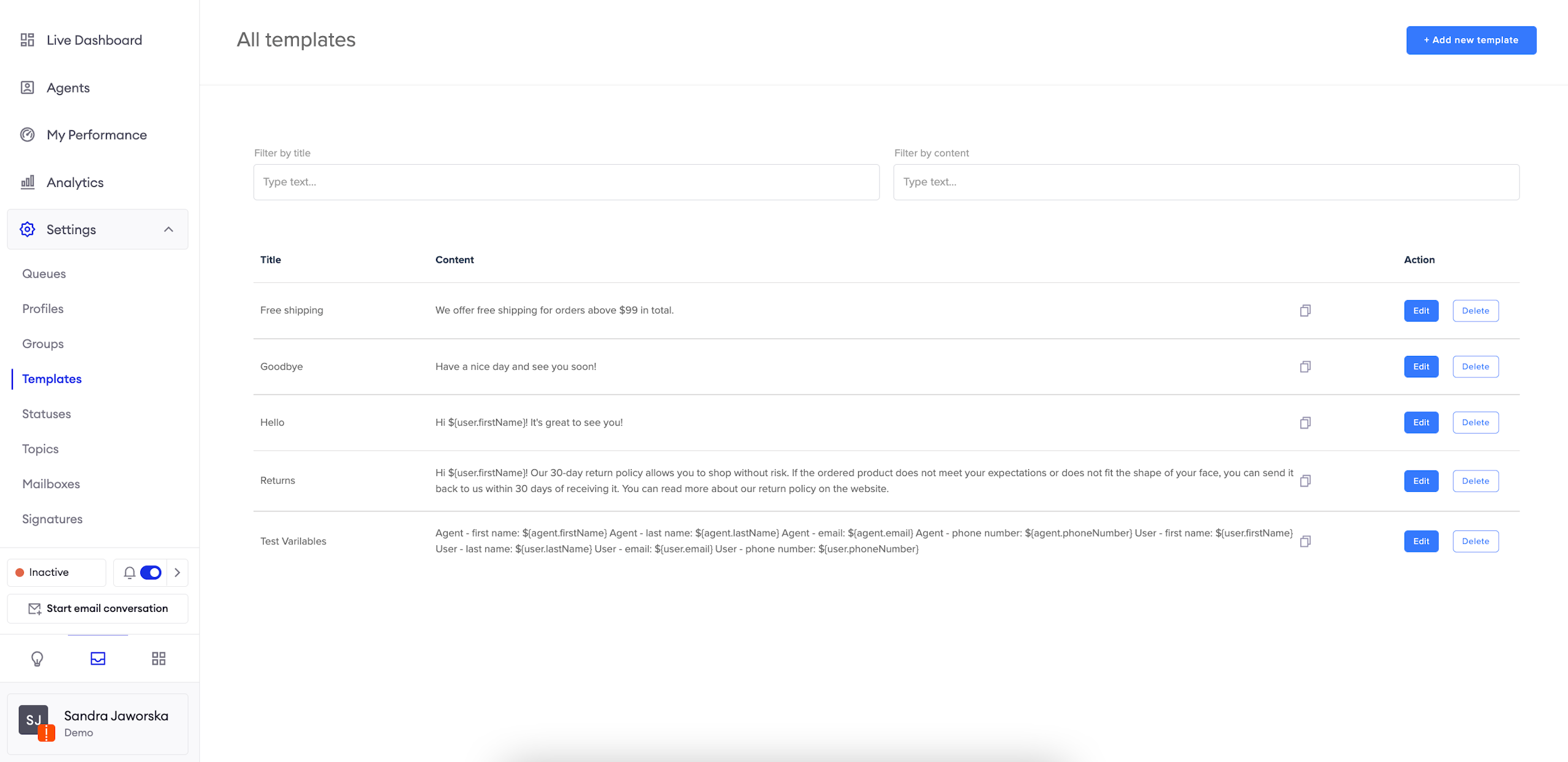
Filtering the list of Templates
Filter by title and Filter by content allow you to type words and find exact match in respective parts of templates.
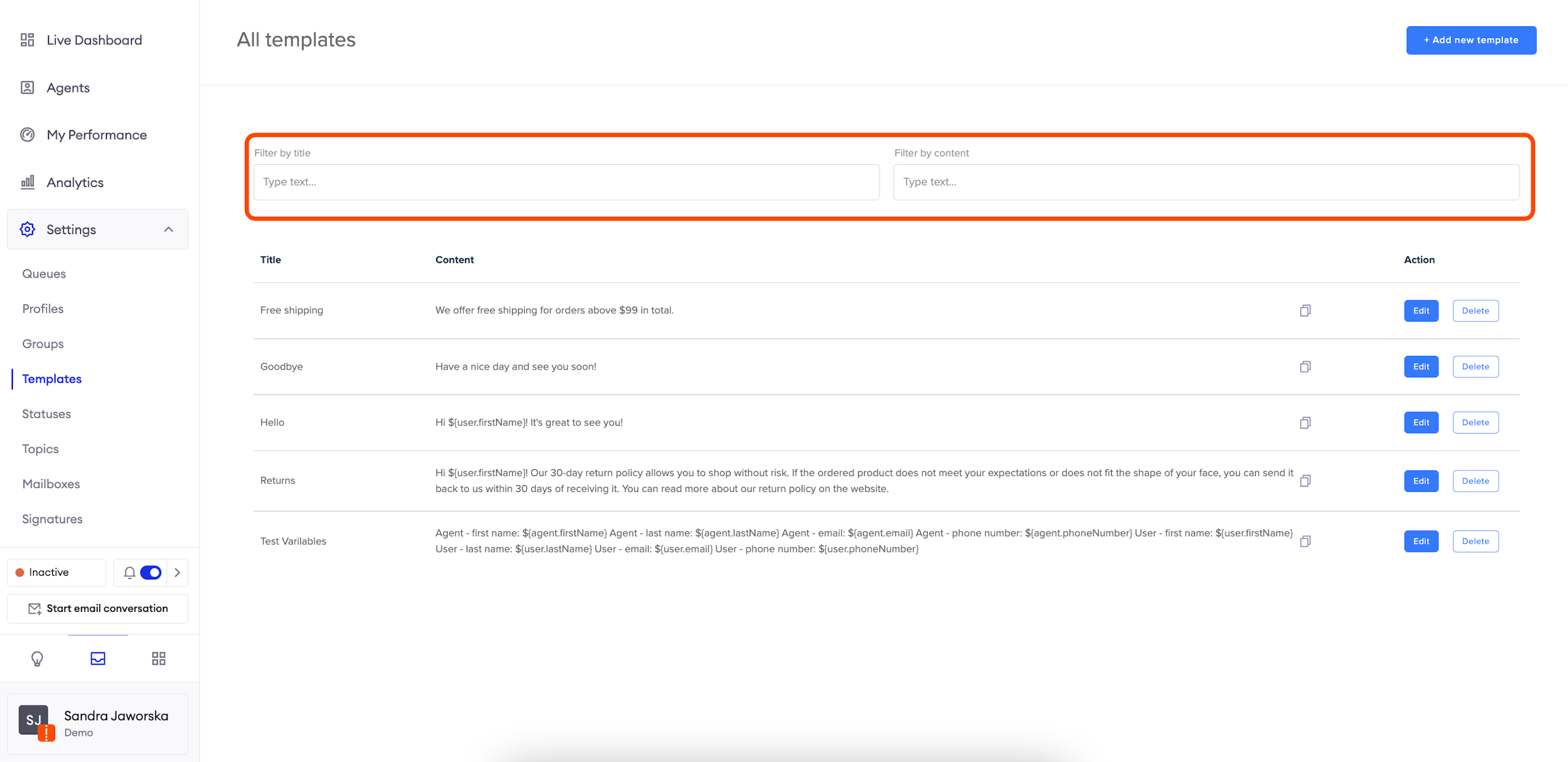
Templates preview
You can preview the title and content of all templates on this list.
In order to copy the content, click on the icon on the right.
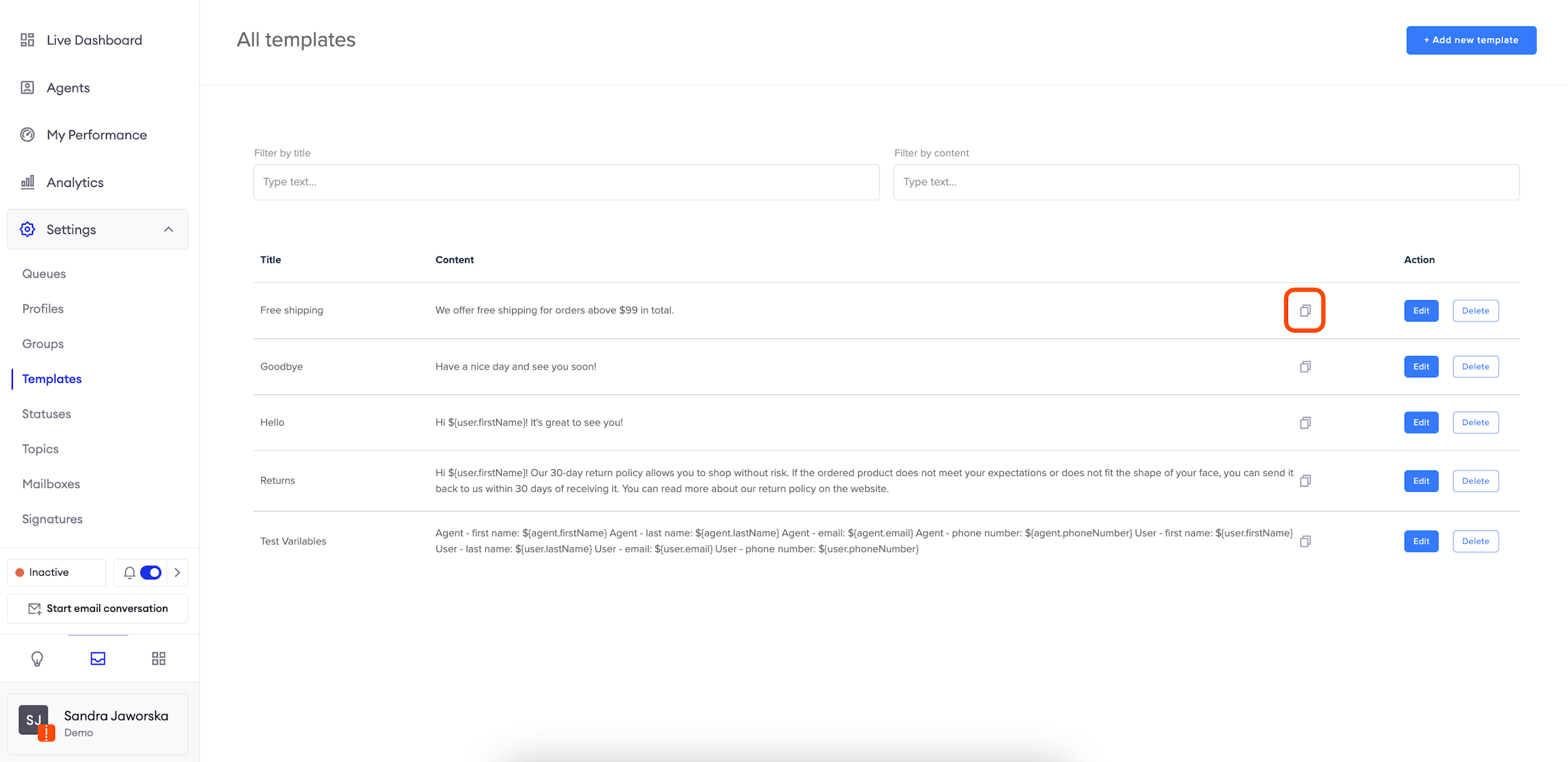
Configuring Templates
Start by clicking the Add new template button in the top right corner.
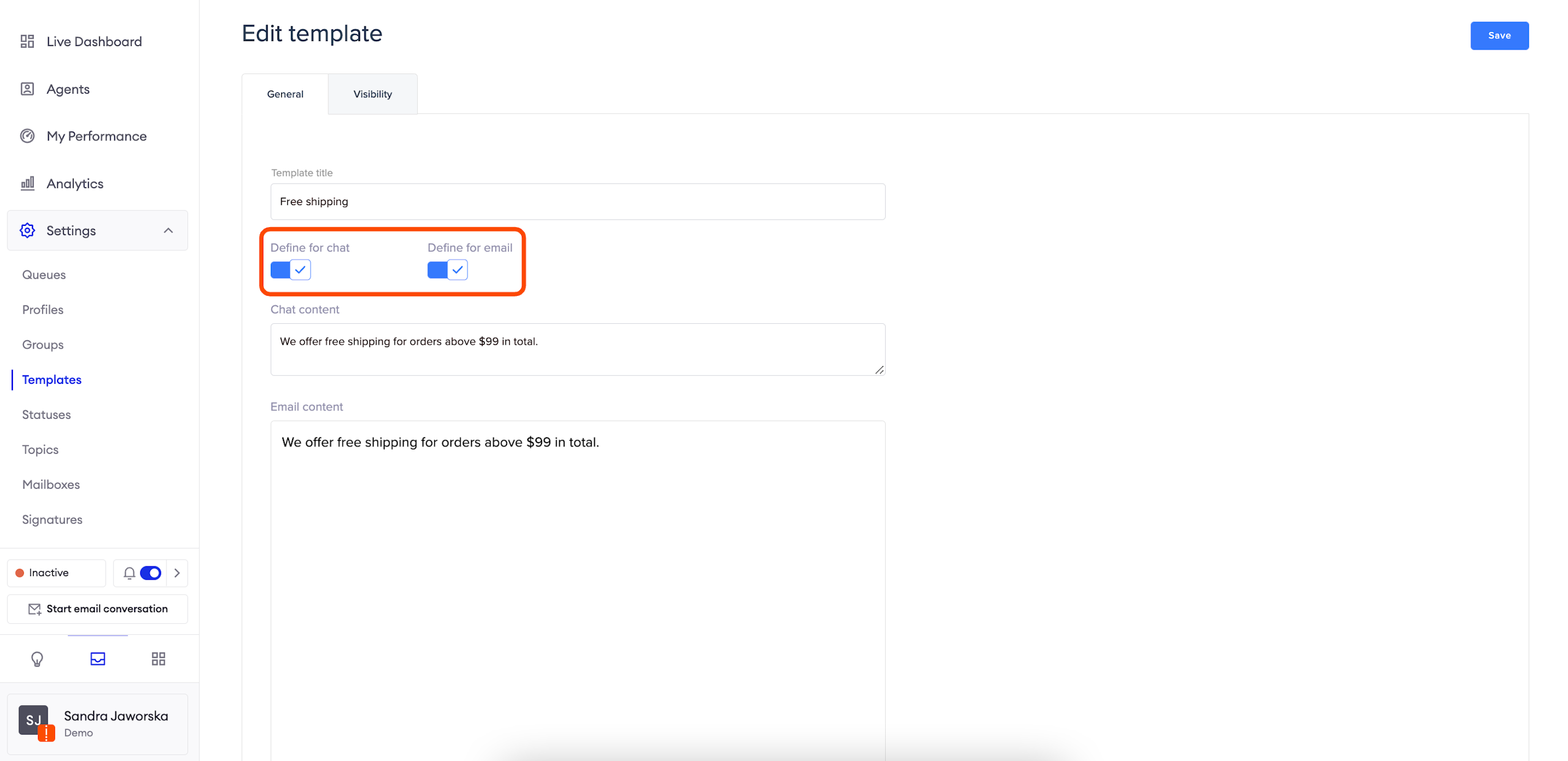
In the General tab, give the Template a name, and populate the relevant content for agents to use. You can populate different content for Chats vs Emails.
AttentionPersonalize your templates using available tags:
Agent - first name:
${agent.firstName}Agent - last name:
${agent.lastName}Agent - email:
${agent.email}Agent - phone number:
${agent.phoneNumber}User - first name:
$USER.FIRSTNAMEUser - last name:
$USER.LASTNAMEUser - email:
$USER.EMAILUser - phone number:
$USER.PHONENUMBEROrders - shipping address - line1:
${user.integrations.ecommerce.orders[0].shippingAddress.addressLine1}Orders - shipping address - line2:
${user.integrations.ecommerce.orders[0].shippingAddress.addressLine2}Orders - shipping address - city:
${user.integrations.ecommerce.orders[0].shippingAddress.city}Orders - shipping address - province:
${user.integrations.ecommerce.orders[0].shippingAddress.province}Orders - shipping address - zip:
${user.integrations.ecommerce.orders[0].shippingAddress.zip}Orders - shipping address - country:
${user.integrations.ecommerce.orders[0].shippingAddress.country}Orders - tracking url for latest order:
${user.integrations.ecommerce.orders[0].fulfillments[0].trackingUrl}Orders - tracking number for latest order:
${user.integrations.ecommerce.orders[0].fulfillments[0].trackingNumber}Orders - number for latest order:
${user.integrations.ecommerce.orders[0].title}Orders - confirmation page for latest order:
${user.integrations.ecommerce.orders[0].storeUrl}
Template Visibility
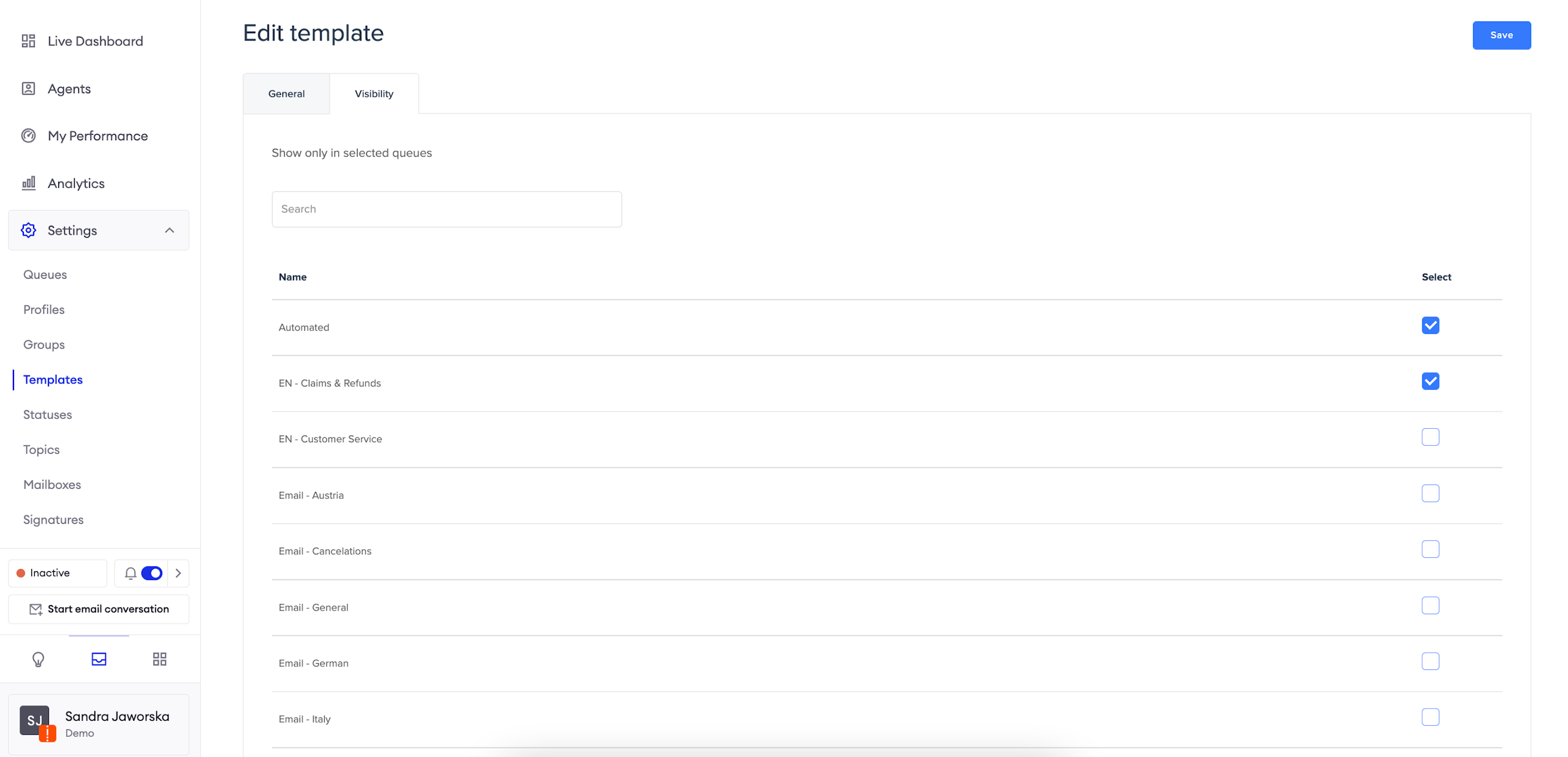
In the Visibility tab, you can choose which Queues should have access to each Template.
Congrats! Your Template is now ready to be used by agents.
Updated over 1 year ago