
Campaigns Module
What are Campaigns?
The Campaigns module allows you to reach out to customers within 24 hours after they finished certain activities in the chatbot.
Why use Campaigns?
By using Campaigns you can plan and launch marketing campaigns targeted at selected groups of users. Campaigns allow you to follow up with users by sending them messages (for example, with your new product offer) after they completed certain actions in the chatbot (for example, checking what the latest promotions are). This module enables automating most of the communication between you and the user in a personalized way.
How to access Campaigns?
To access the Survey Module, navigate to Modules > Campaigns from the navigation bar.
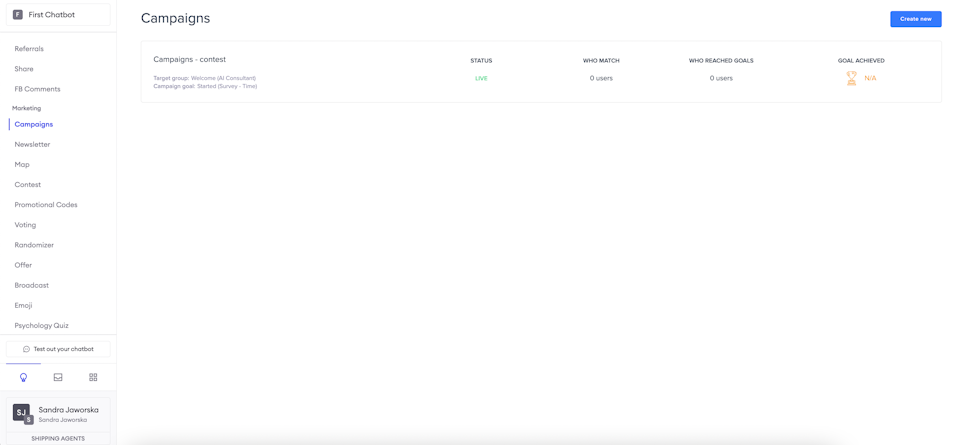
Target group
First, choose your target group — those who completed a certain action or are assigned to a group from other modules (for example, the Broadcast module).
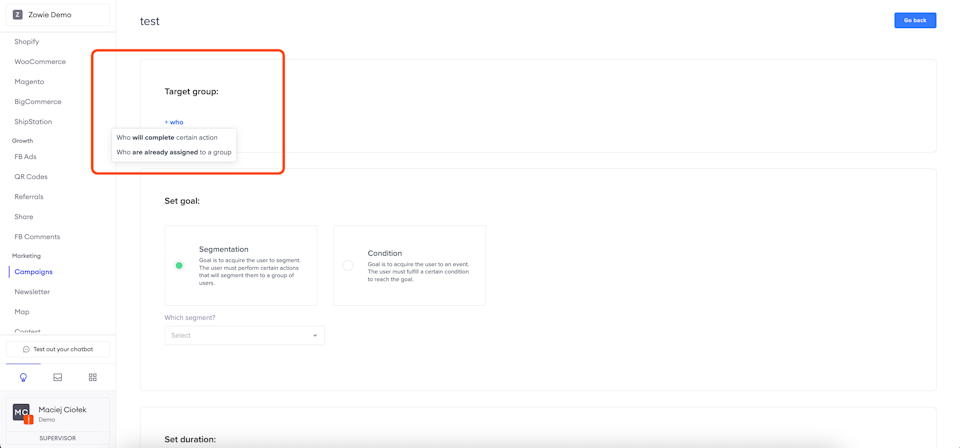
Set a goal
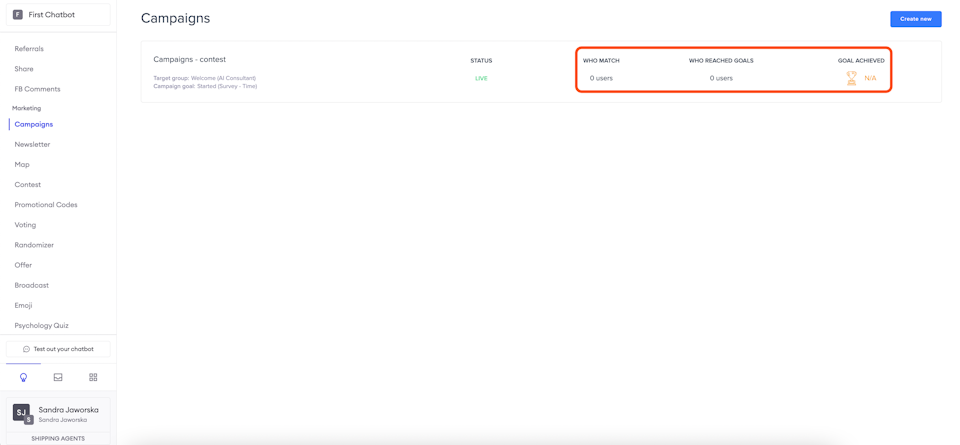
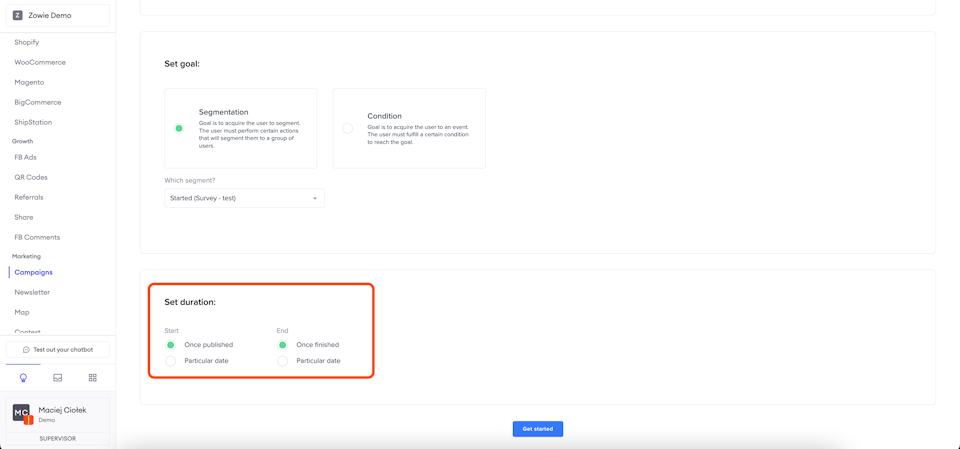
Then set a goal — the Segmentation goal allows you to add the user to a segment, and the Condition goal is to add the user to an event. As a result, you will be able to see how many users matched and how many users reached the goal.
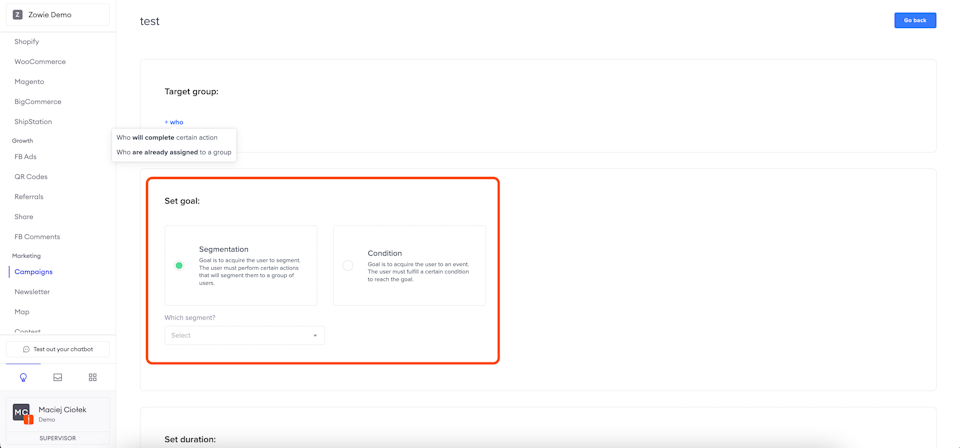
Set duration
Next, setting a duration is required. A specific date can be chosen, or the Campaign can go live as soon as it is published.
Mechanism Creator
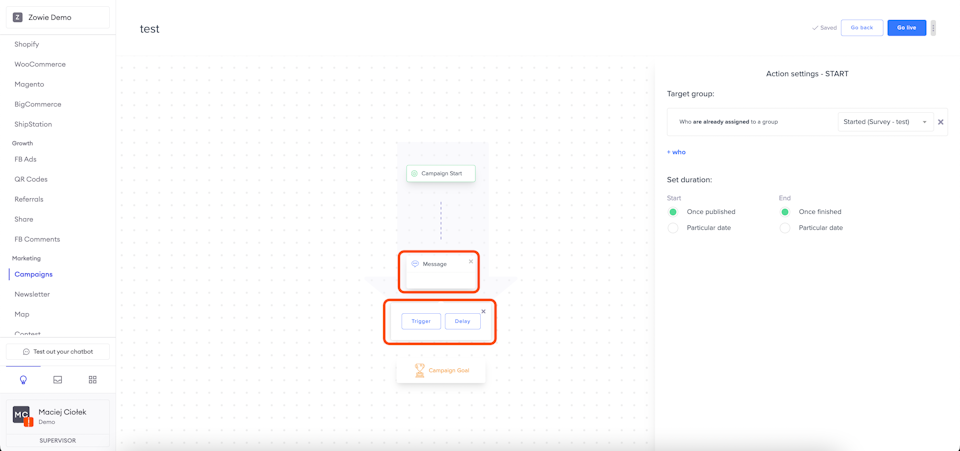
Then the mechanism creator is displayed.
In Campaign Start, you can change the target group and campaign duration.
After clicking the Message field, you may need to provide content sent to users after certain activities.
The Trigger lets you choose follow-up users once again.
Clicking "+" lets you add more steps to the flow.
After clicking Delay, you can configure the time certain content is sent to users after they complete the specified activity.
Updated over 1 year ago