
Processes AI Assistant
Overview
Processes AI Assistant is your intelligent conversational companion for Decision Engine Processes. It transforms workflows into plain language explanations, generates code for custom blocks, and provides step-by-step guidance—making Decision Engine accessible to your entire team, regardless of technical expertise.
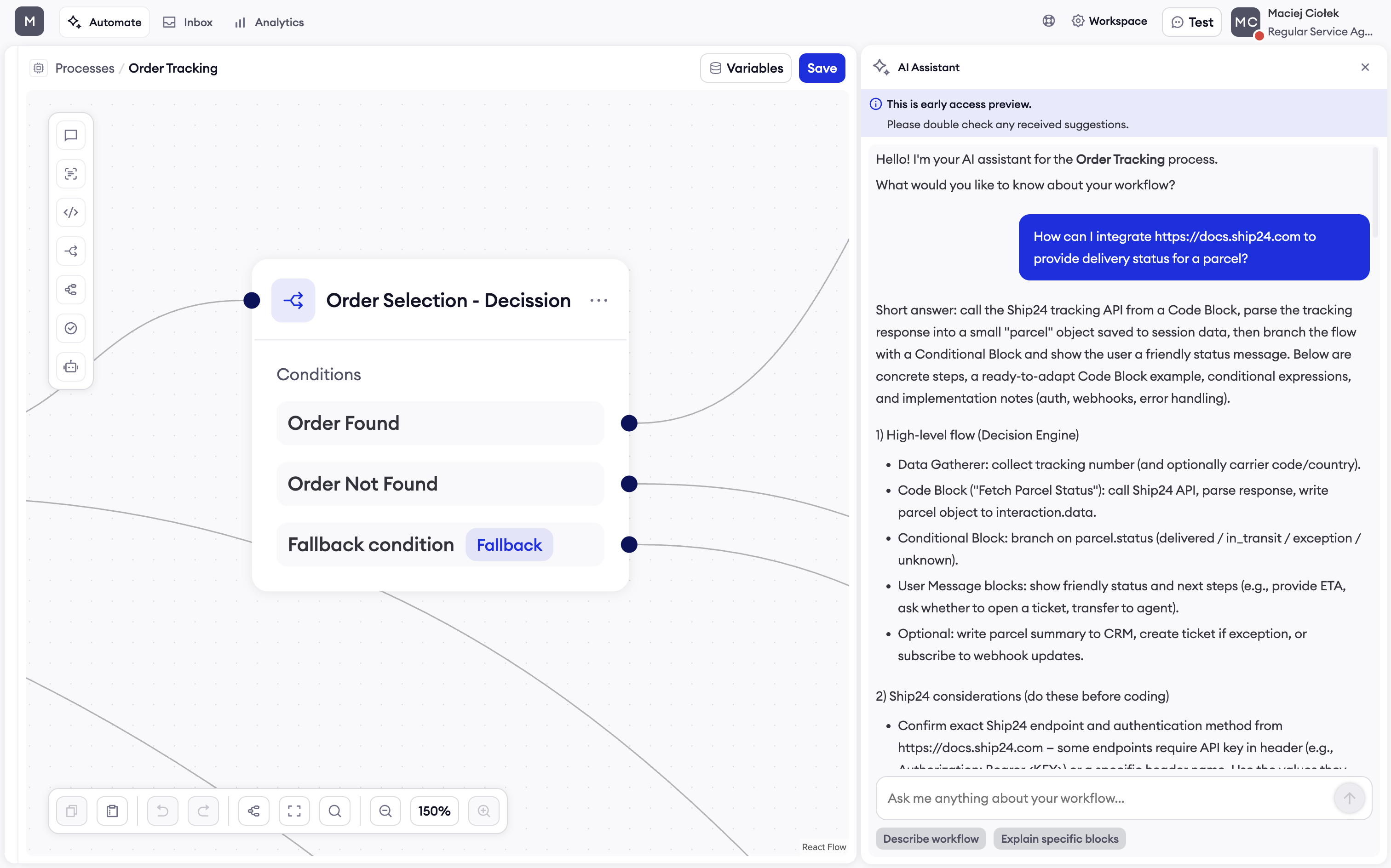
What is Processes AI Assistant?
Processes AI Assistant helps you understand, navigate, and optimize your AI agent processes through natural conversation. Instead of manually parsing through complex configurations, simply ask questions in plain language and receive instant, actionable guidance.
Key Benefits
- Understand Any Process: Get clear explanations of what your processes do and how they work
- Generate Code Instantly: Receive production-ready JavaScript code for custom blocks
- Navigate Complex Workflows: Find exactly where specific logic is implemented
- Get Modification Guidance: Learn best practices and receive step-by-step implementation instructions
- Accelerate Development: Build and modify processes faster with contextual assistance
Getting Started
Accessing AI Assistant
- Open any process in Decision Engine
- Click the AI Assistant icon on the right side of the screen
- The AI Assistant panel will open up
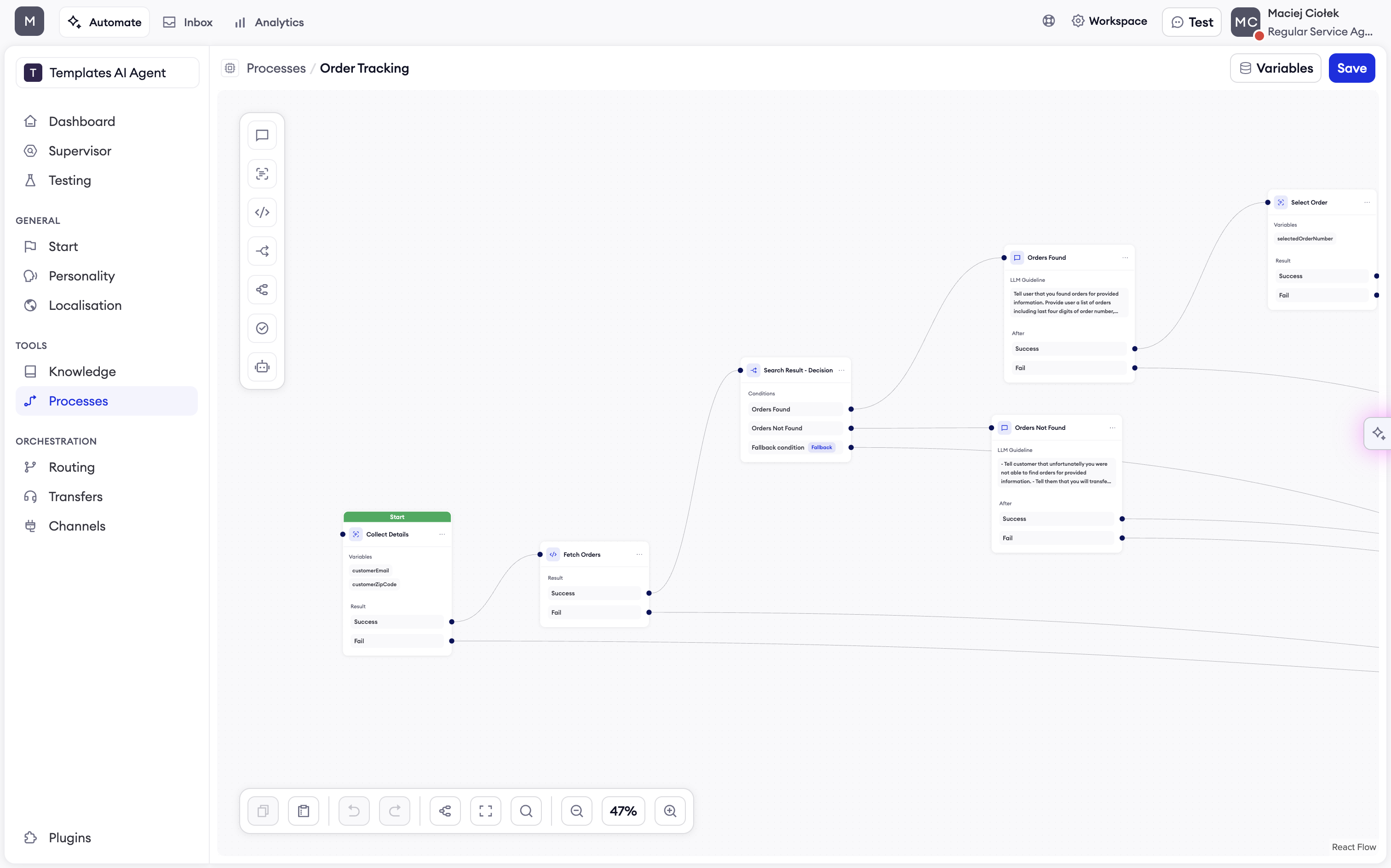
AI Assistant button is located on the right side of the screen
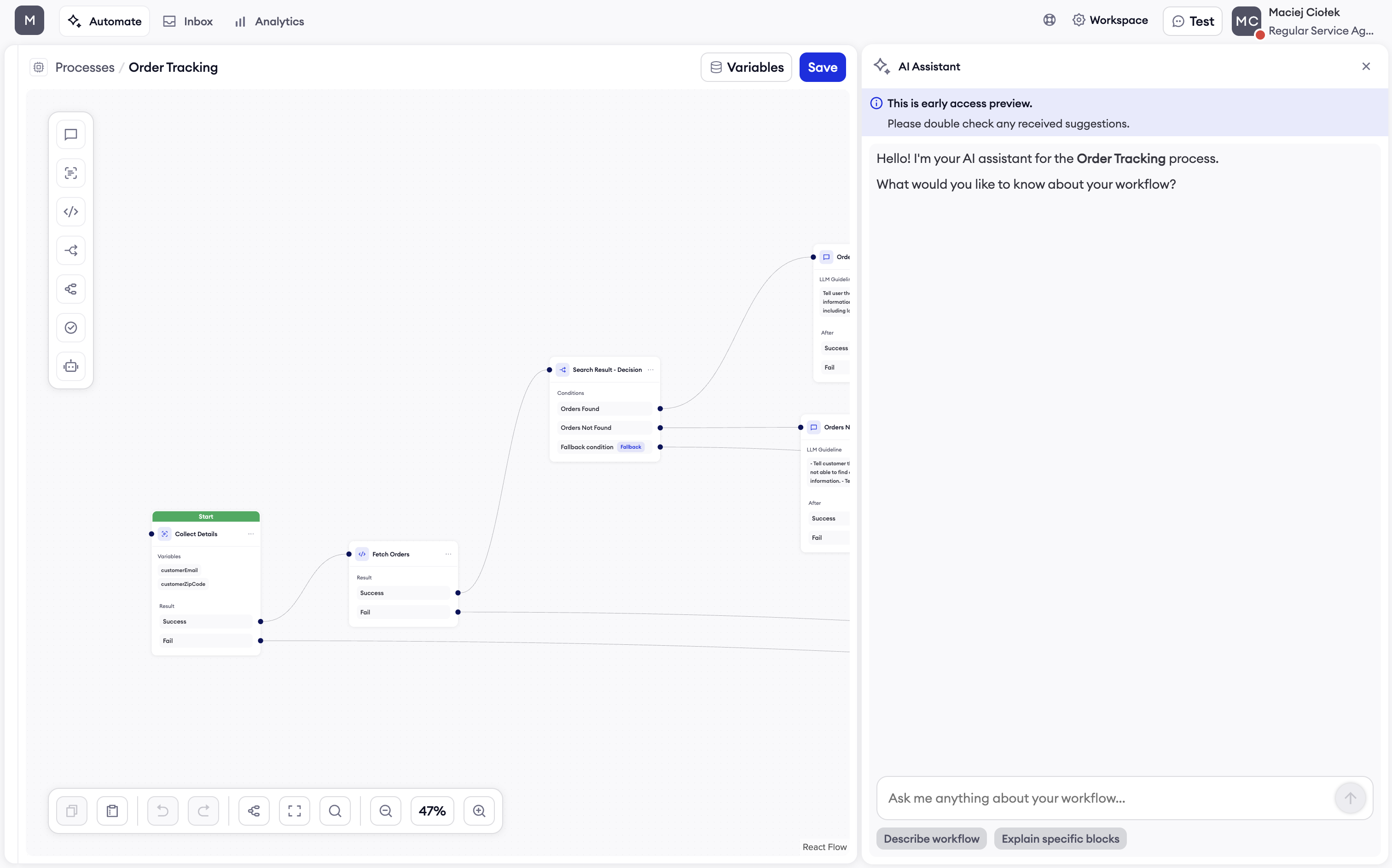
Your First Conversation
AI Assistant is ready to help immediately. Try asking:
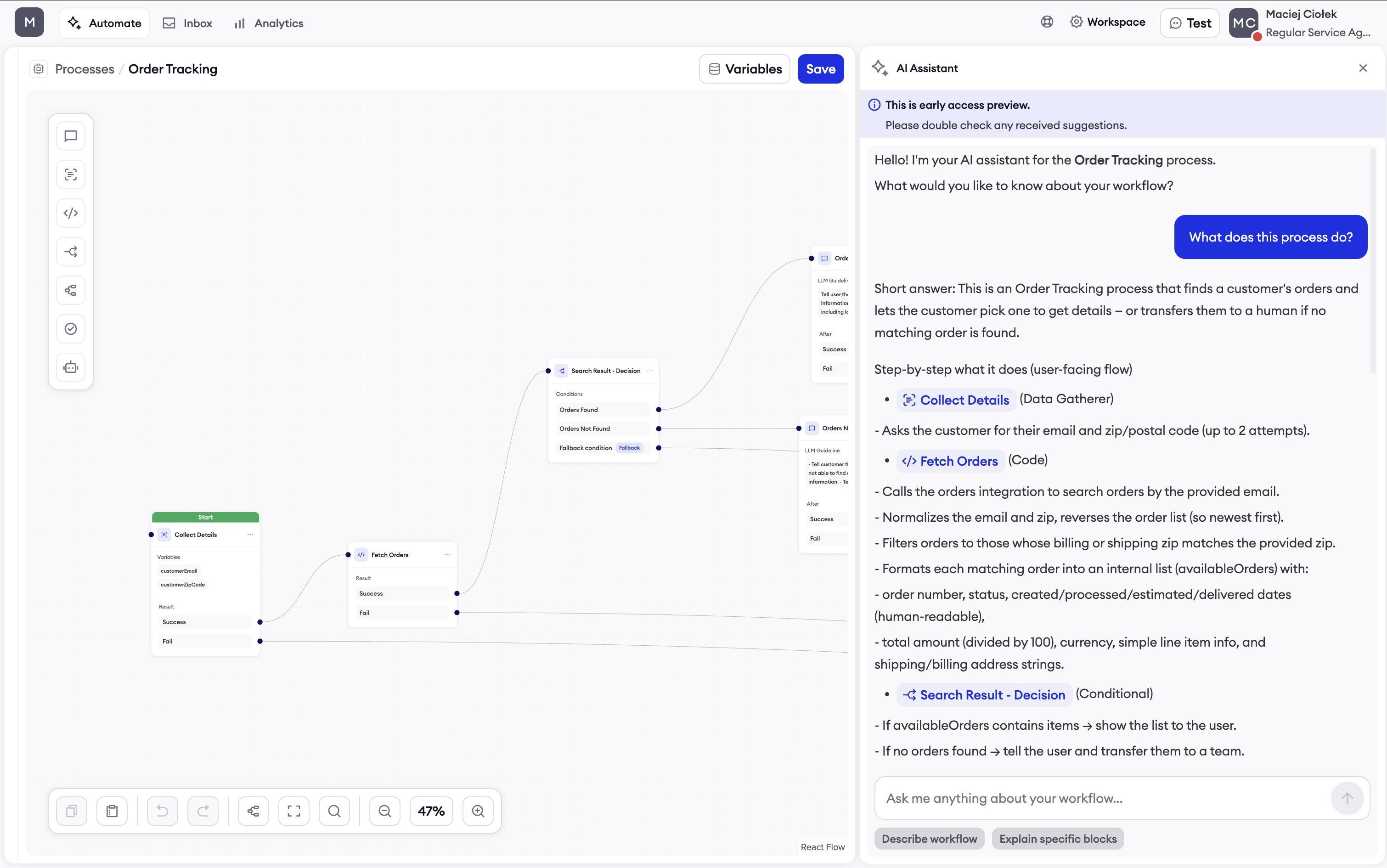
- "What does this process do?"
- "How can I modify this process to support order tracking with ship24 service?"
- "How can I make sure AI Agent also includes order value when communicating order details to the end customer?
Core Features
Process Explanation
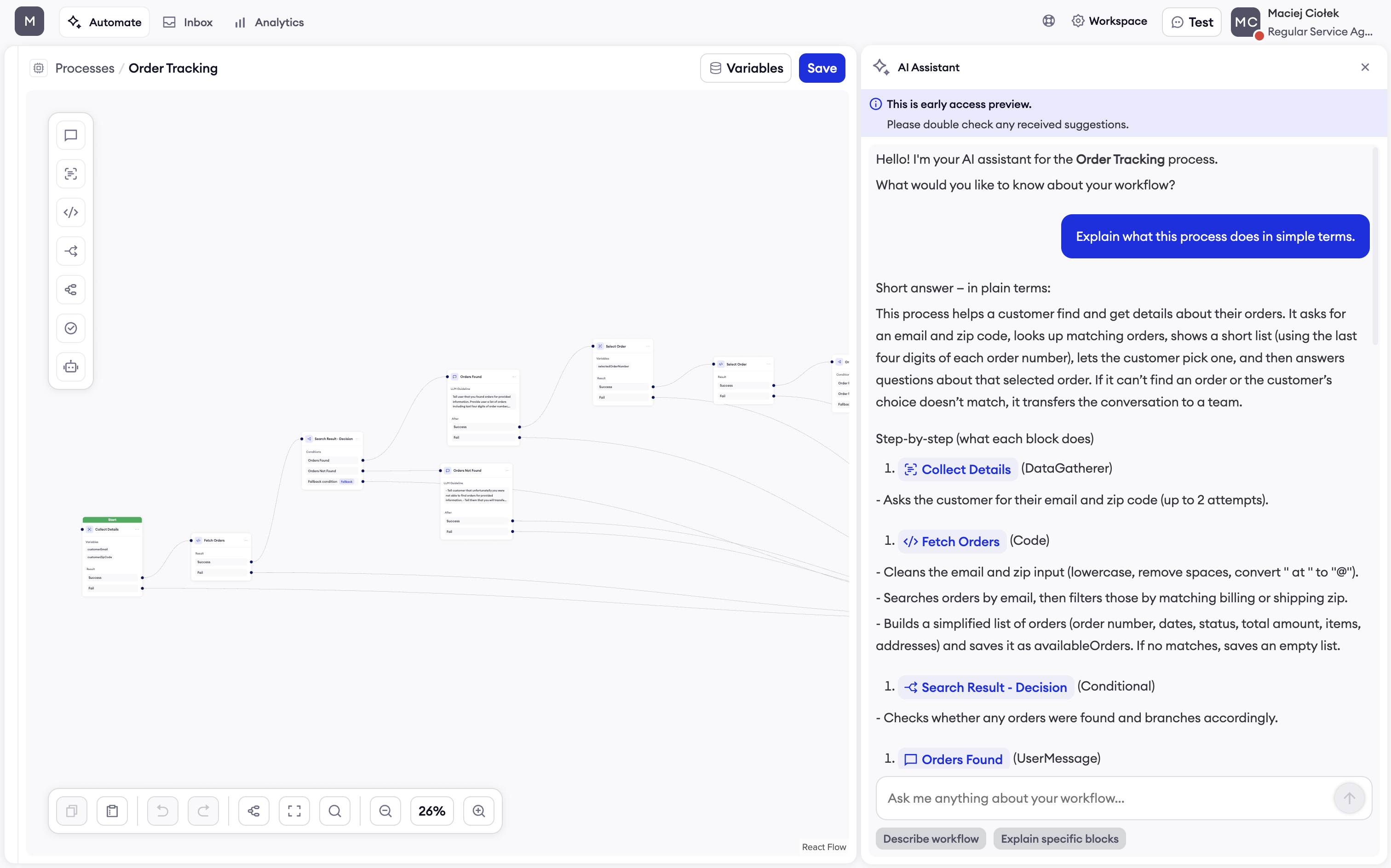
AI Assistant translates your technical processes into plain language anyone can understand.
Examples:
- "Explain what this process does in simple terms"
- "What happens when a customer asks to return items?"
- "Walk me through the decision logic in this workflow"
Smart Navigation
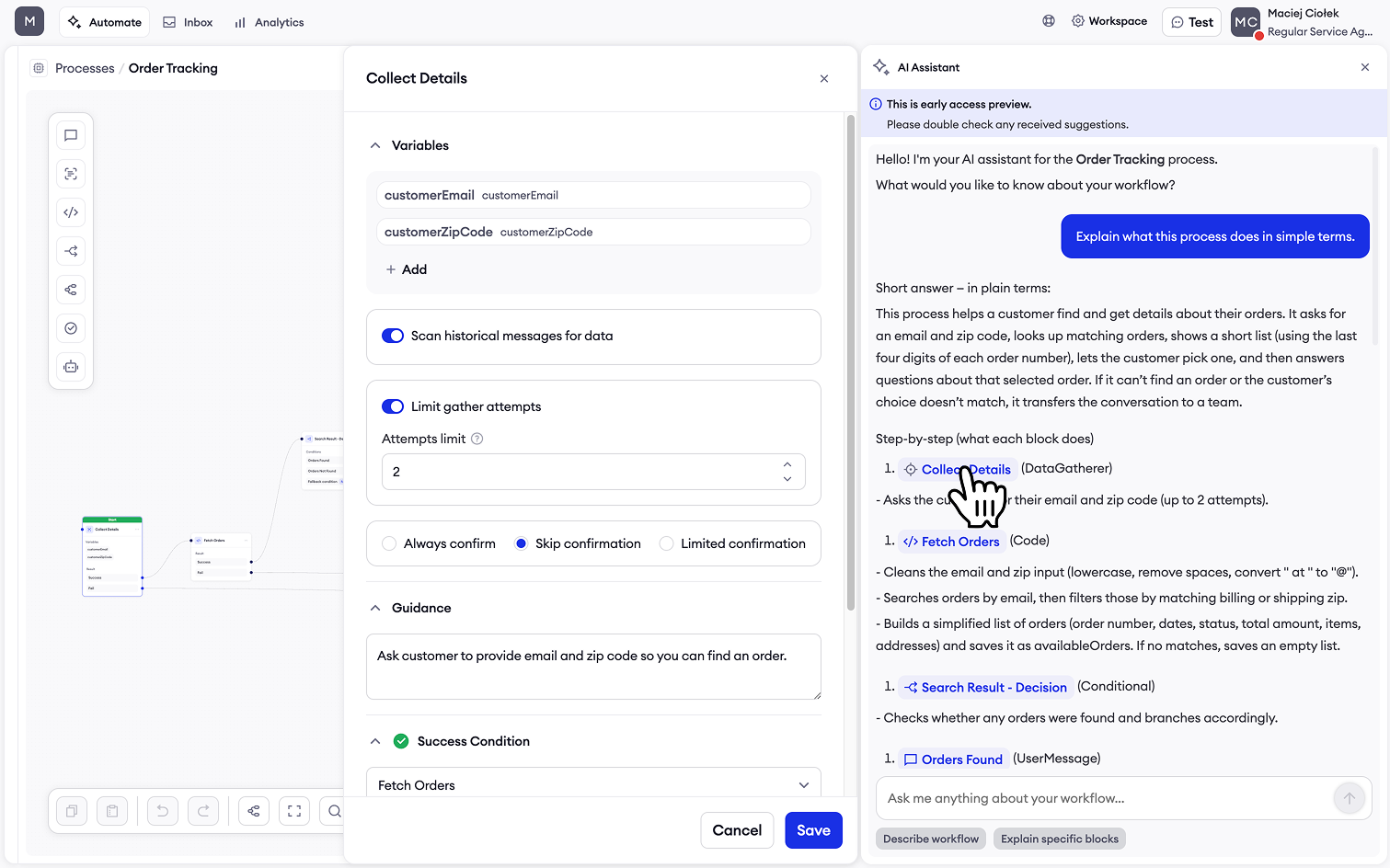
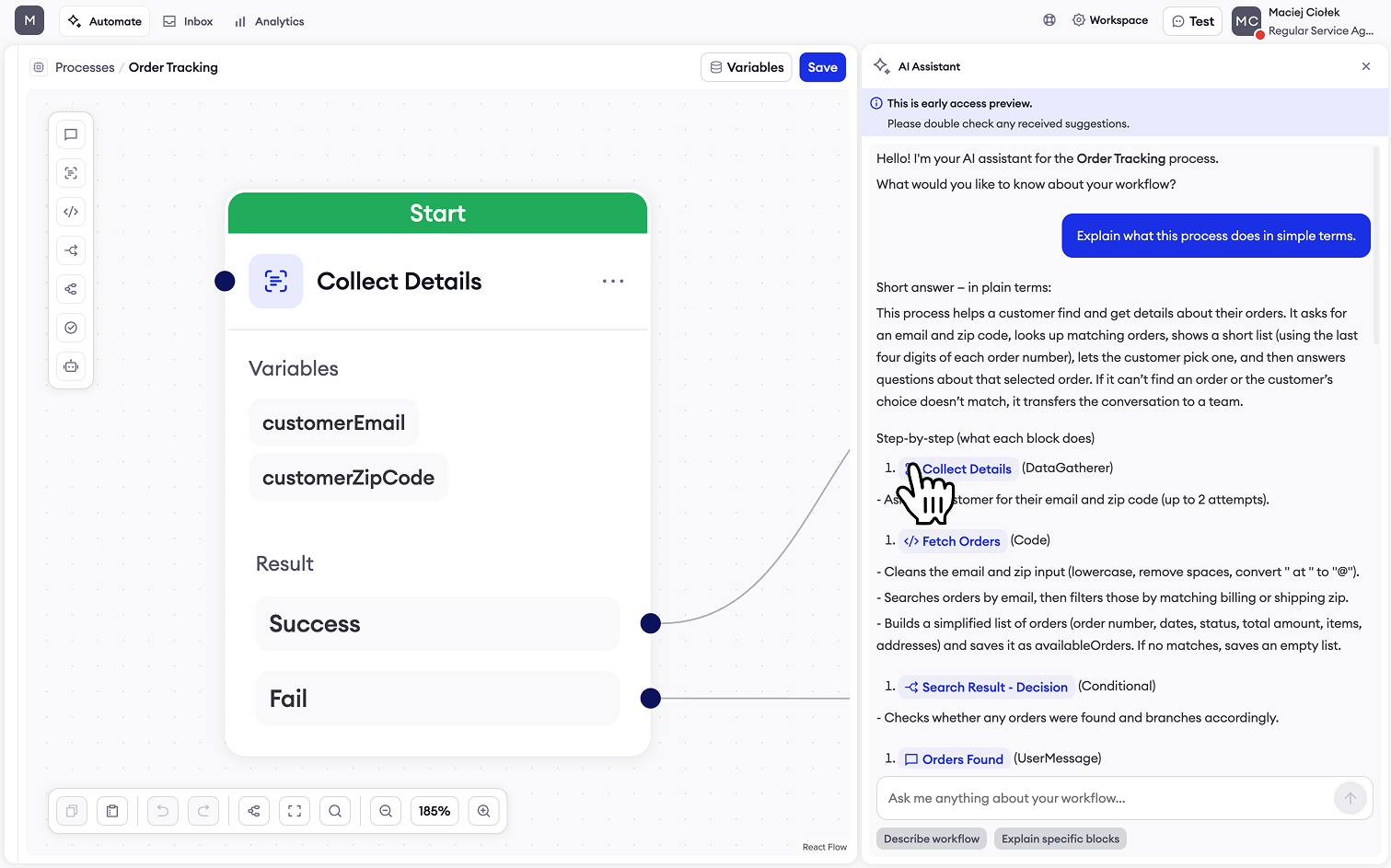
Quickly locate specific logic, blocks, or configurations within your processes. Just click on block name within AI Assistant's answer to either open up block details or locate the block.
Open up block details
Locate the block
Modification Guidance
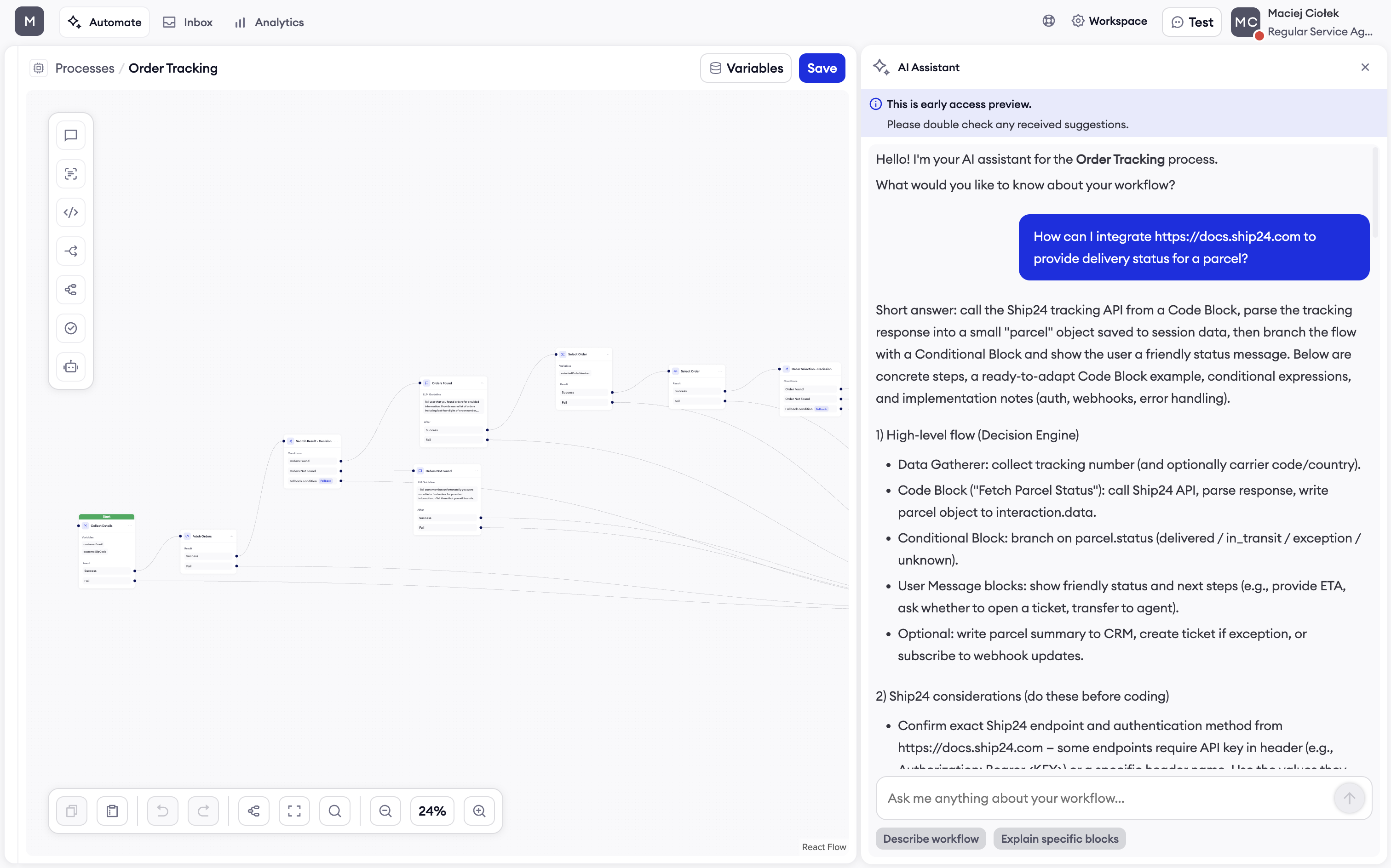
Receive step-by-step instructions for implementing changes and enhancements.
Examples:
- "How can I integrate https://docs.ship24.com to provide delivery status for a parcel?"
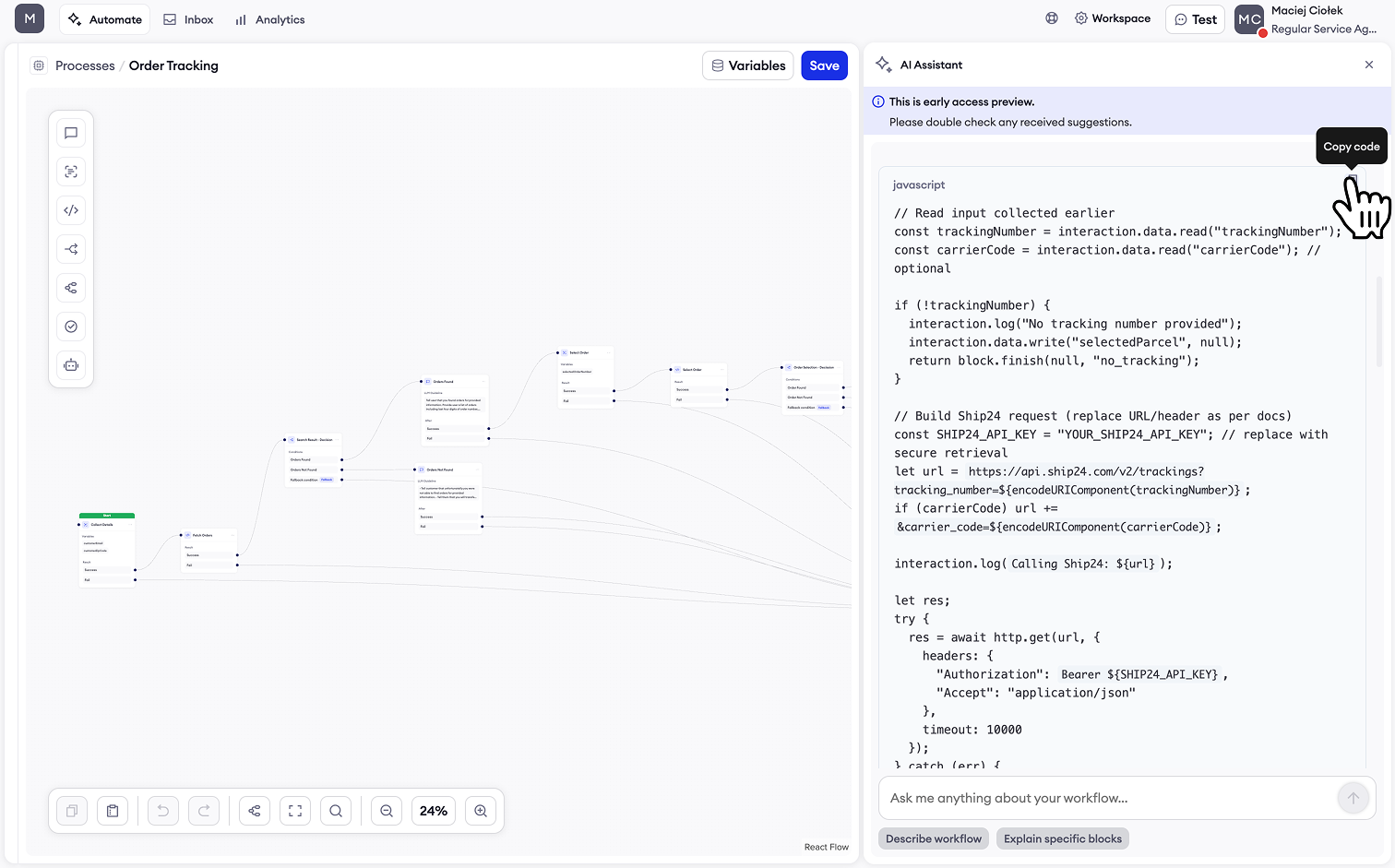
Code Generation
Generate ready-to-use JavaScript code for custom blocks, API integrations, and data transformations.
Example:
- "How can I integrate https://docs.ship24.com to provide delivery status for a parcel?"
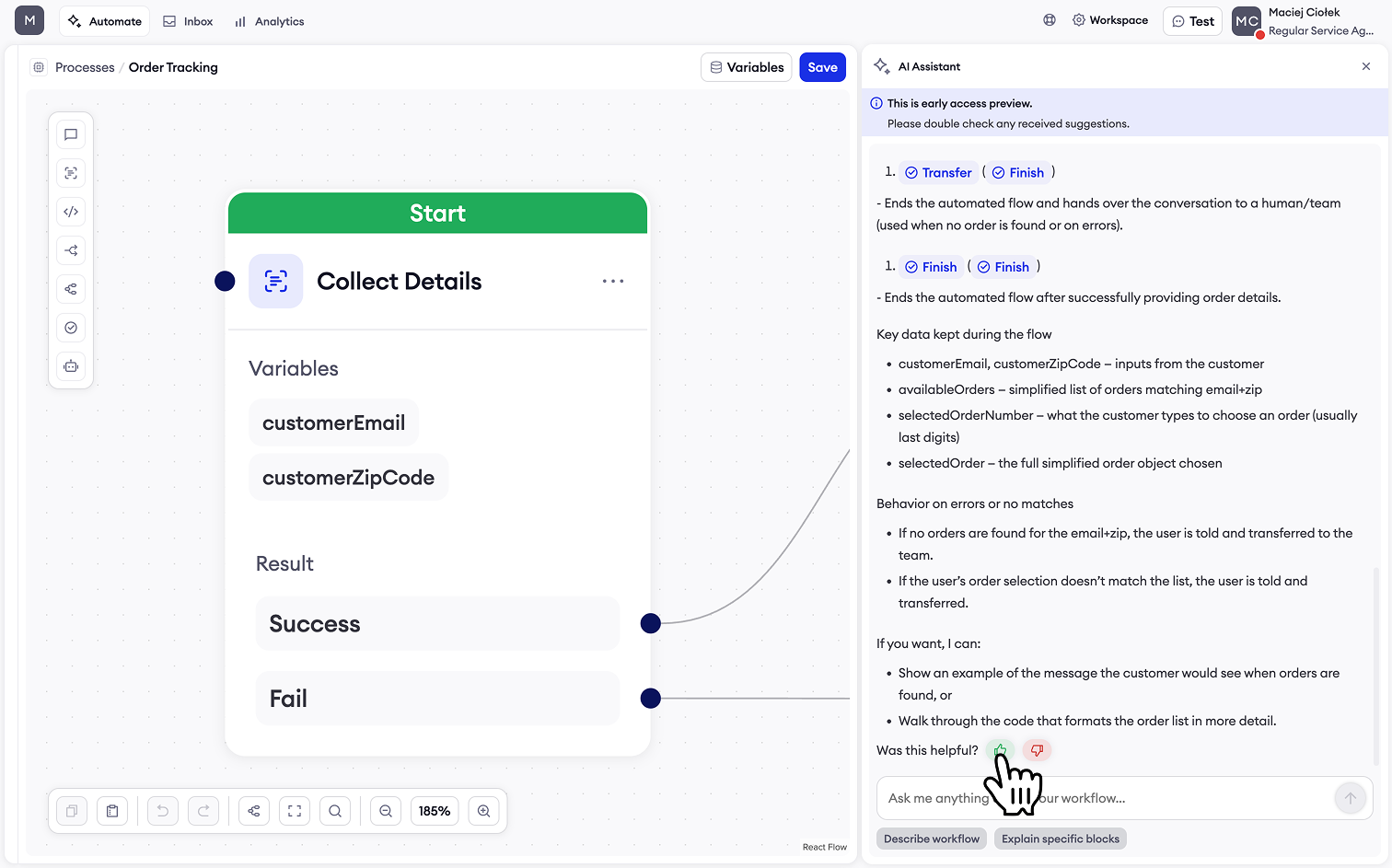
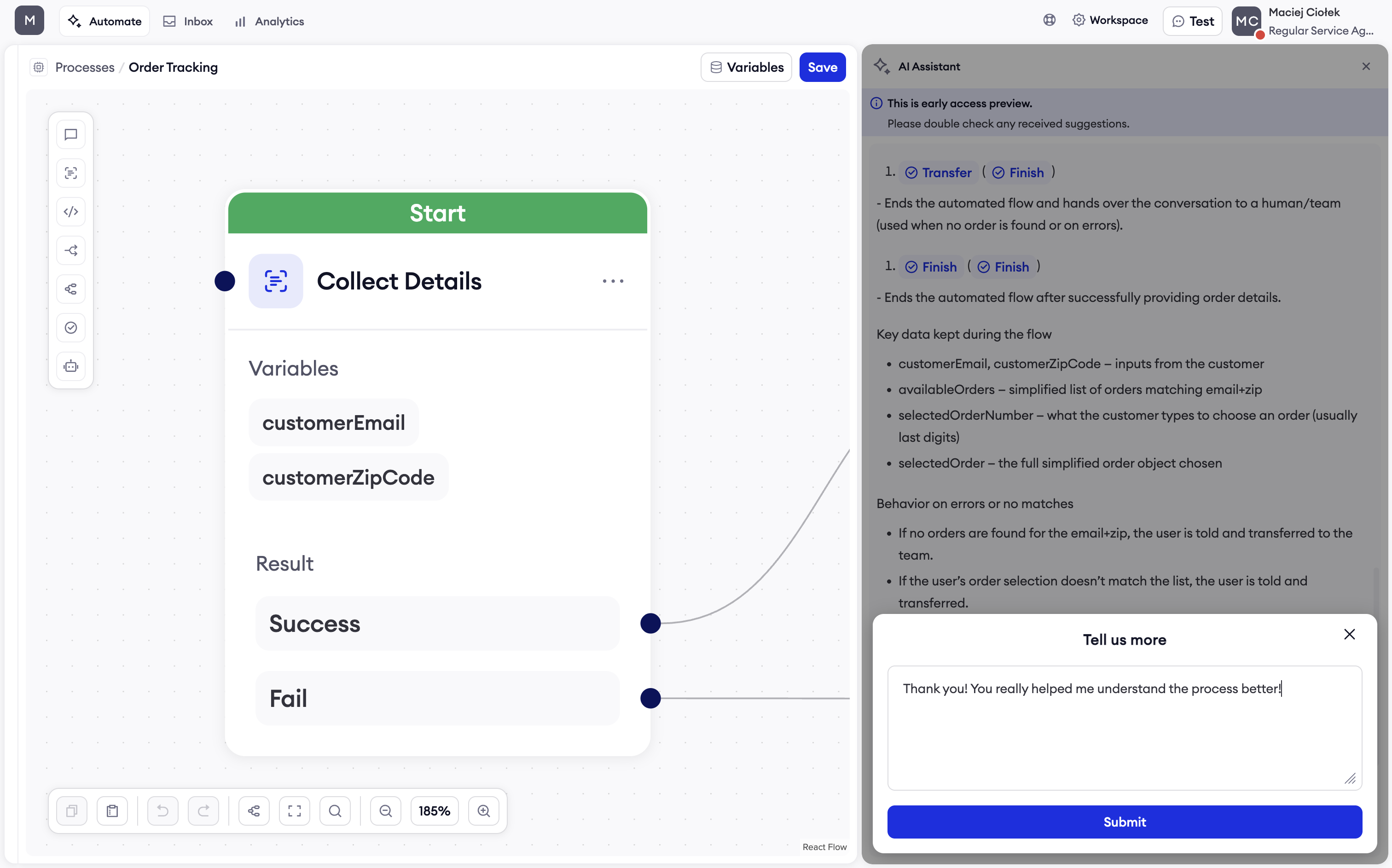
Feedback
We're continuously improving AI Assistant based on your feedback. Share your experience:
Updated about 1 year ago