
A/B tests
What are A/B Tests?
With built-in A/B Tests at Zowie, you can quickly test different versions of your chatbot experience and decide which drives the best results for your business.
Why use built-in A/B Tests?
With built-in A/B tests mechanism you don't need any external tools. Our platform allows you to run a test whenever it's needed and compare results with other data you have in Zowie.
What metrics I can track?
A/B Tests allows you to track the following statistics for each tests:
- Traffic per scenario - how many users engage in specific scenario
- Deflection per scenario - what is the % of deflection per each scenario
- Quality per scenario - what is the quality feedback from users per scenari
Can I manage the traffic rate?
Yes, you can decide if you A/B tests should be splitted by 50/50 of with any other rate eg. 80/20.
Can I review each conversation for different scenarios?
Yes, we offer you with the built-in view where you can easily review each conversation per triggered scenario.
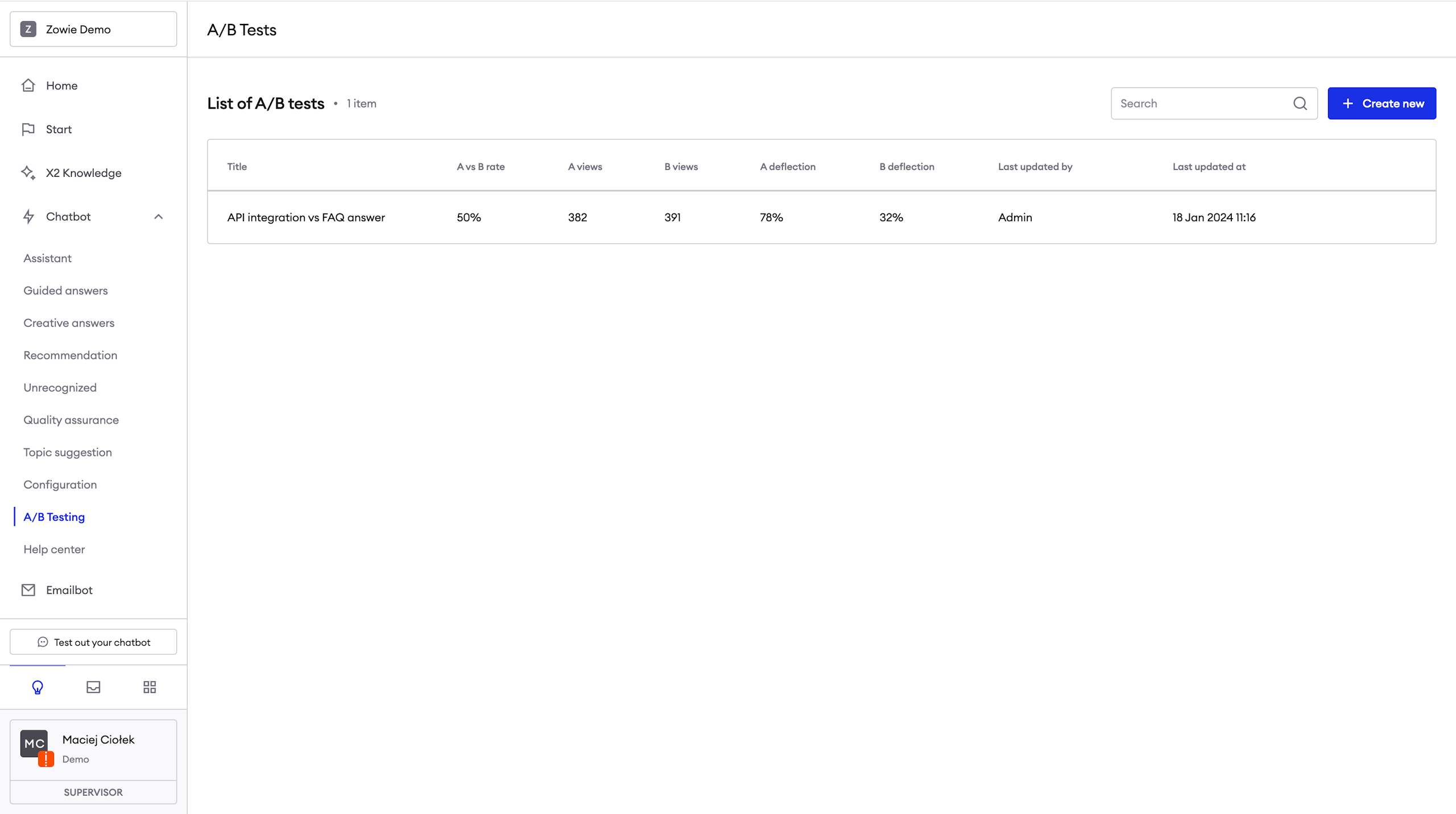
Describe your test
- Provide Name for your test.
- Provide Description for your test - it's recommended to describe here what thesis would you like to test so everyone at your team can refer to this in the future.
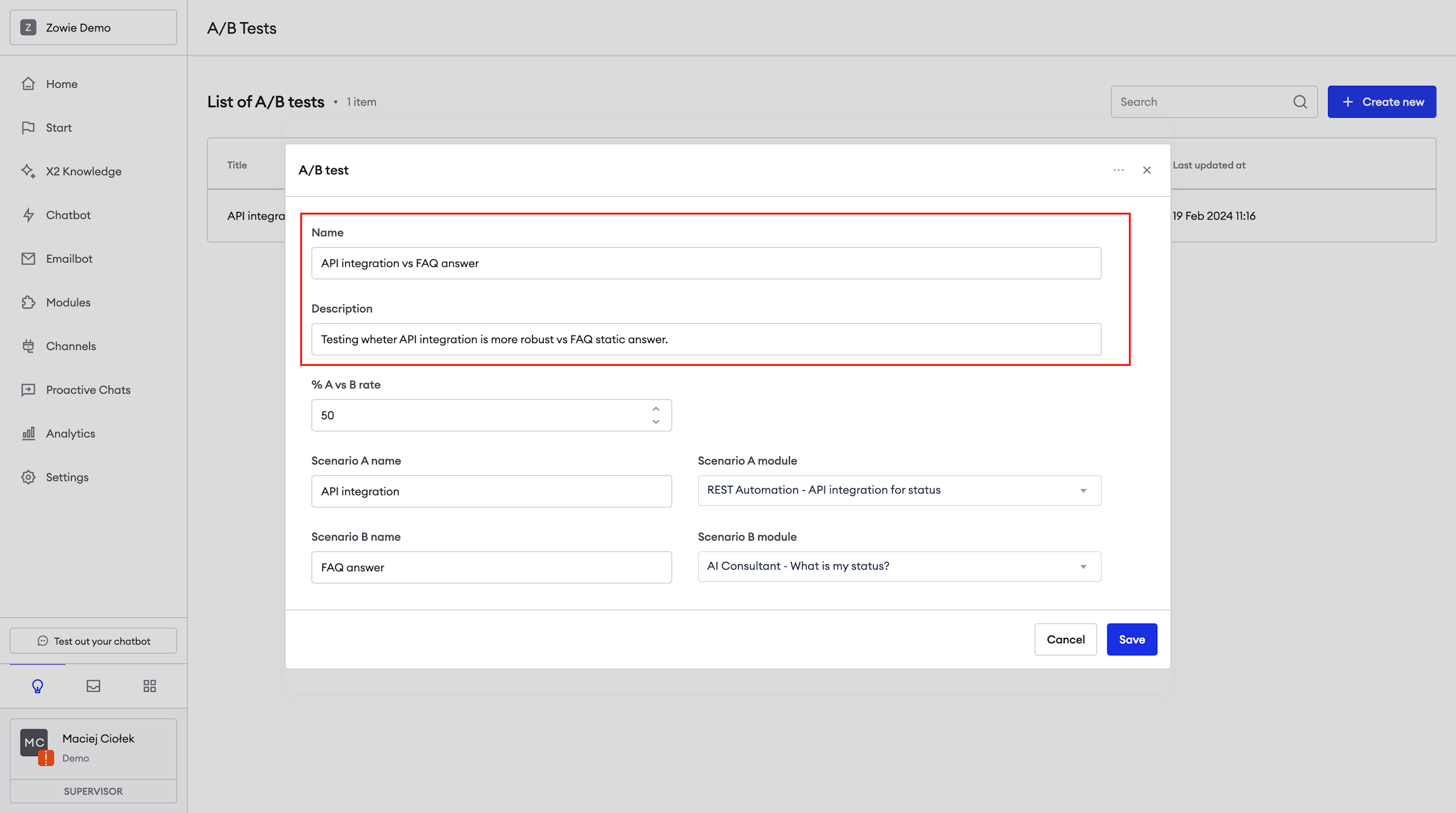
Adjust the test ratio
Decide at what rate would you like to test scenario A vs scenario B by configuration a % split at % A vs B rate field.
Sometimes you may want to roll out new scenario in controlled way. You can start with rate equal to 10% and increase it to the expected level.
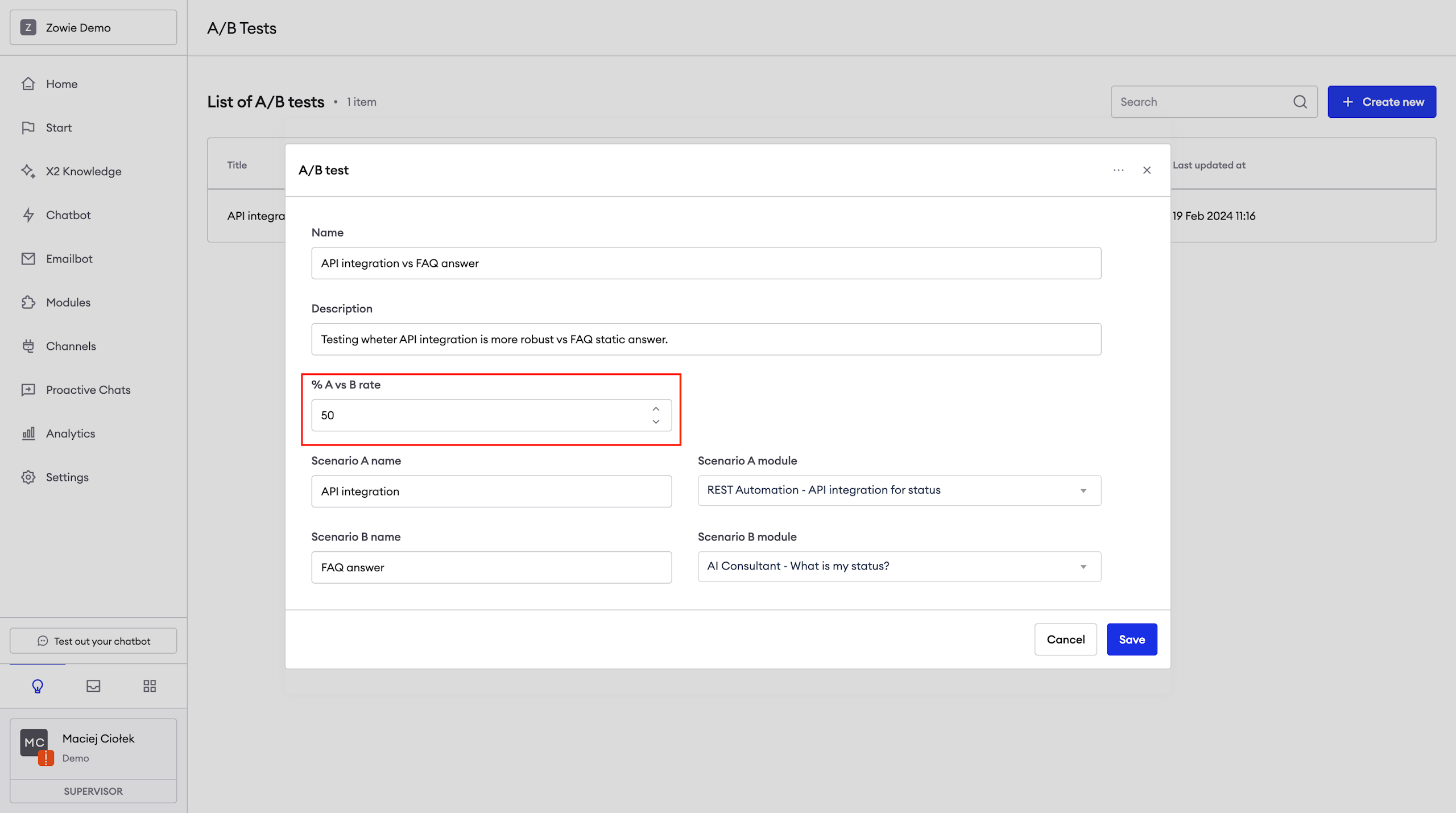
Selecting scenarios
At the last step, select what scenarios would you like to trigger for Scenario A and Scenario B. You can connect any exsisting flow at Zowie.
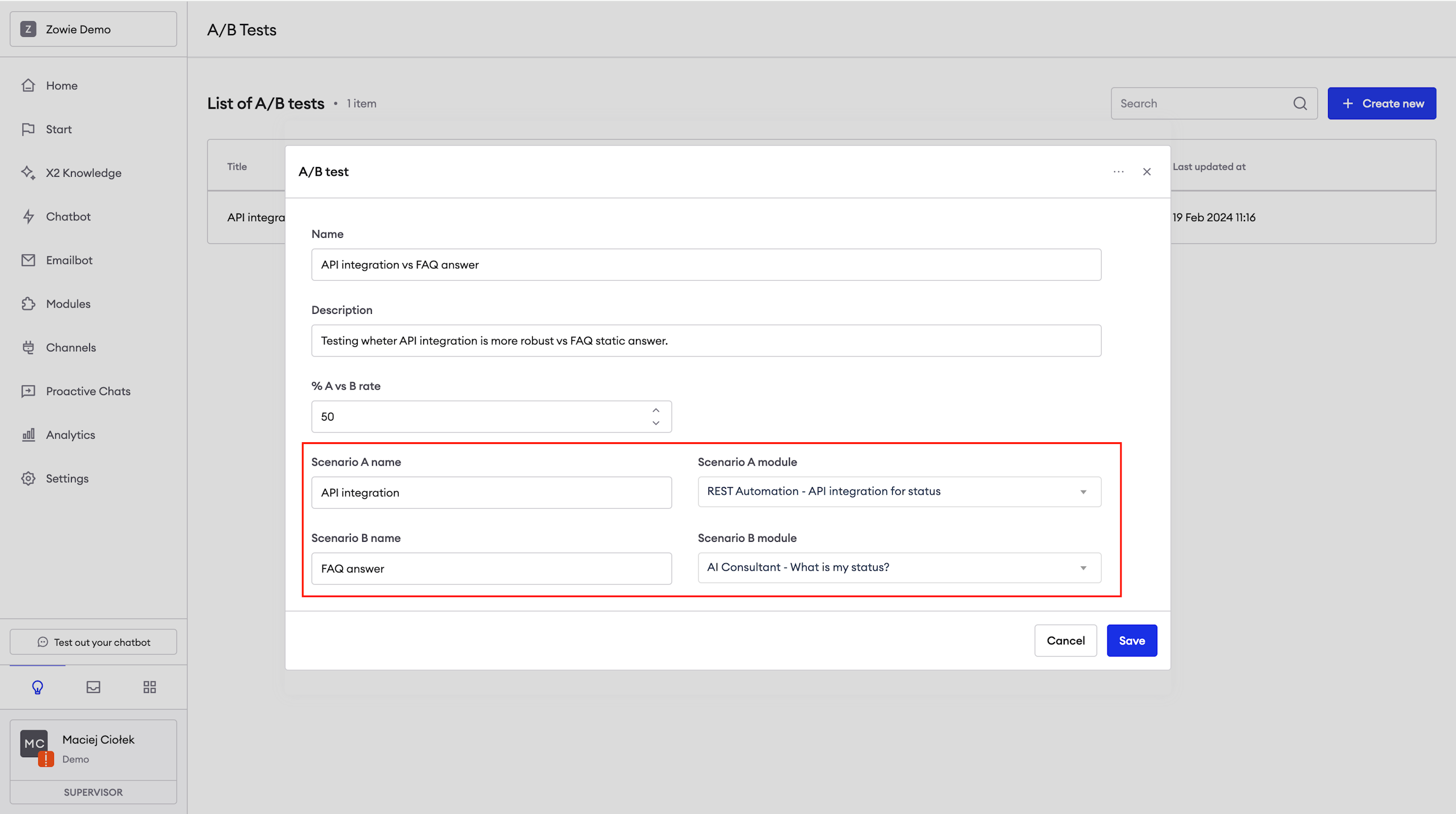
Review results
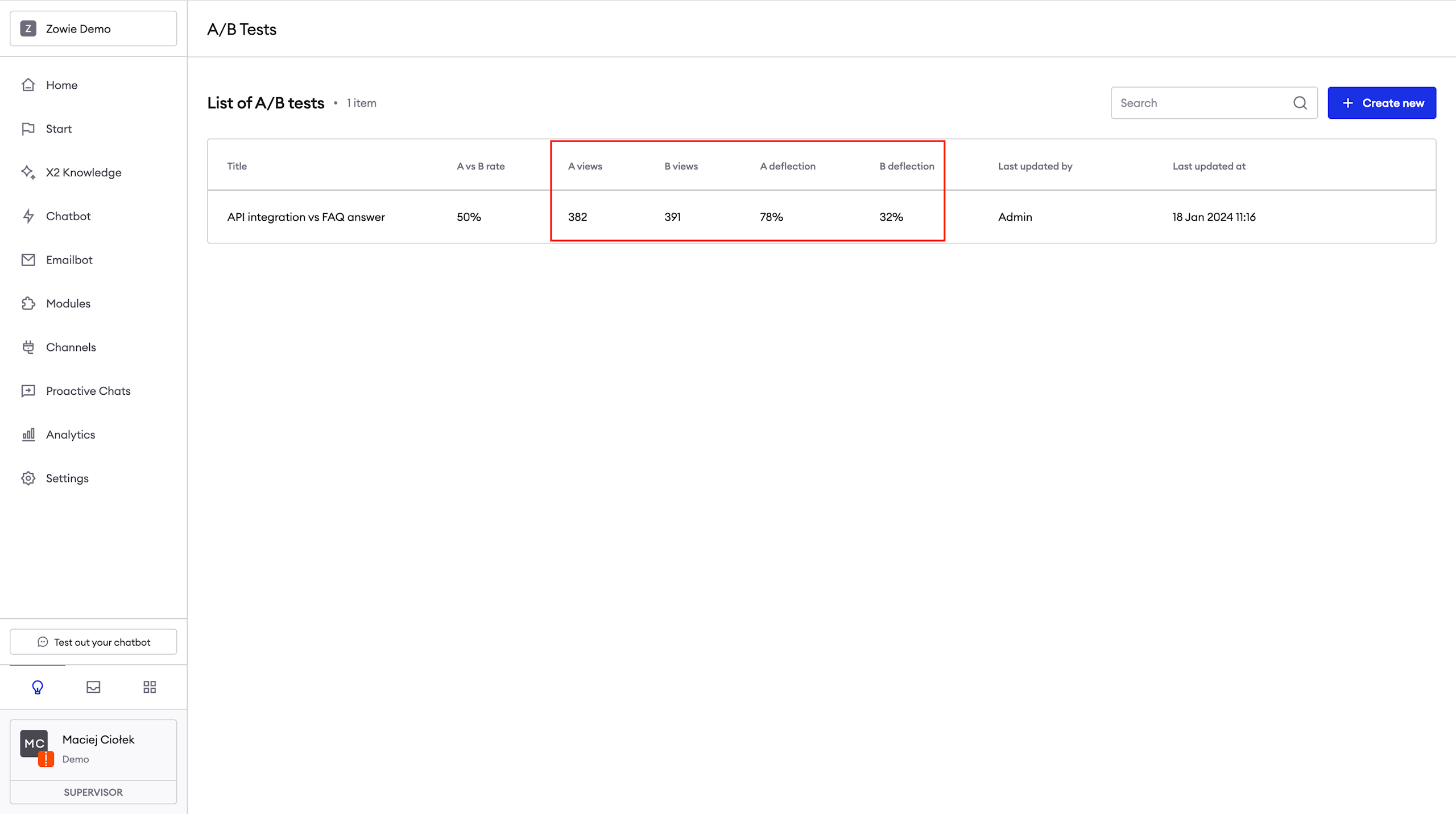
You can review results for each A/B Test on the list. Results are updated in real time.
Preview conversations
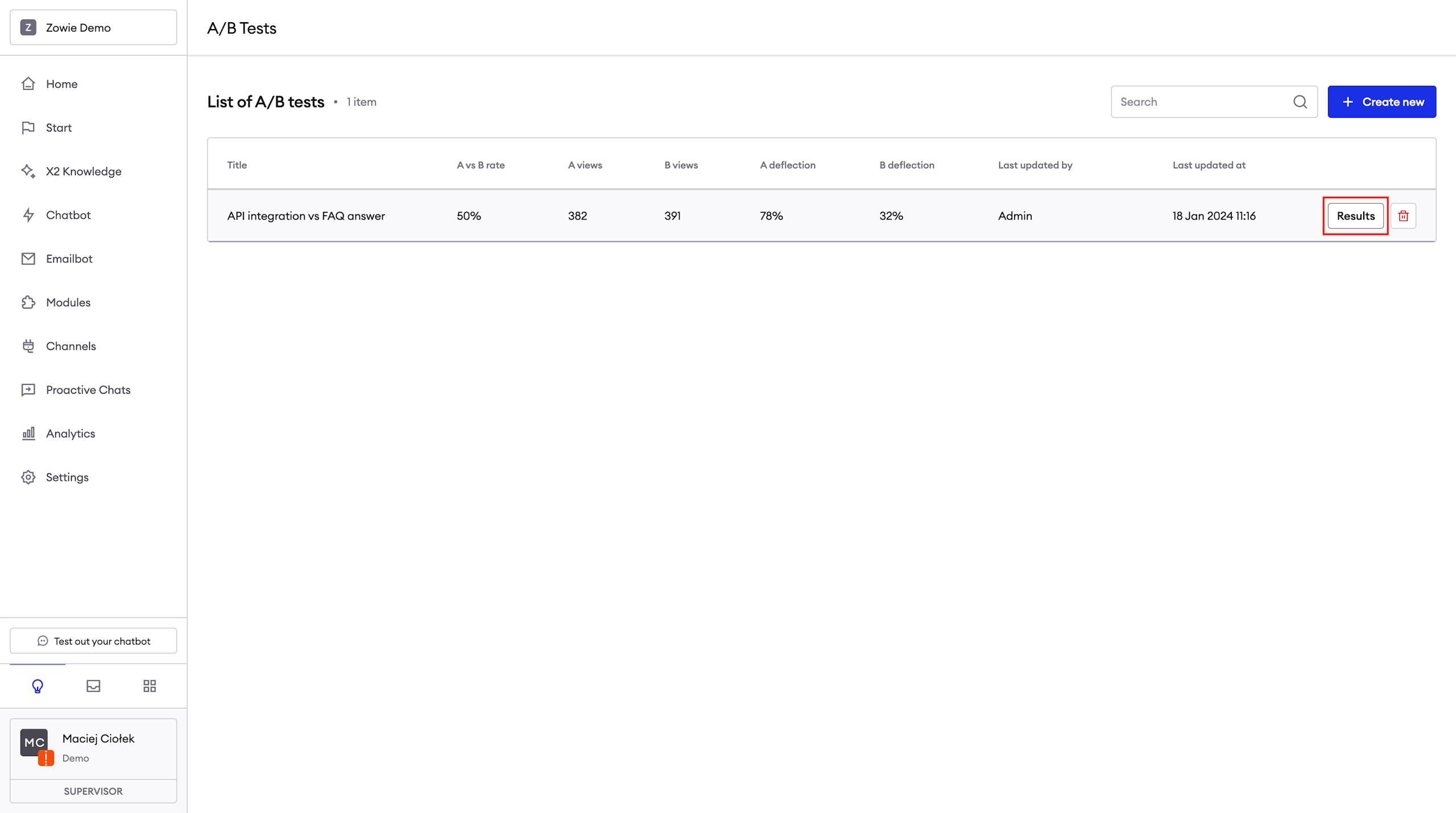
Click "Preview" button on a test.
List of conversations
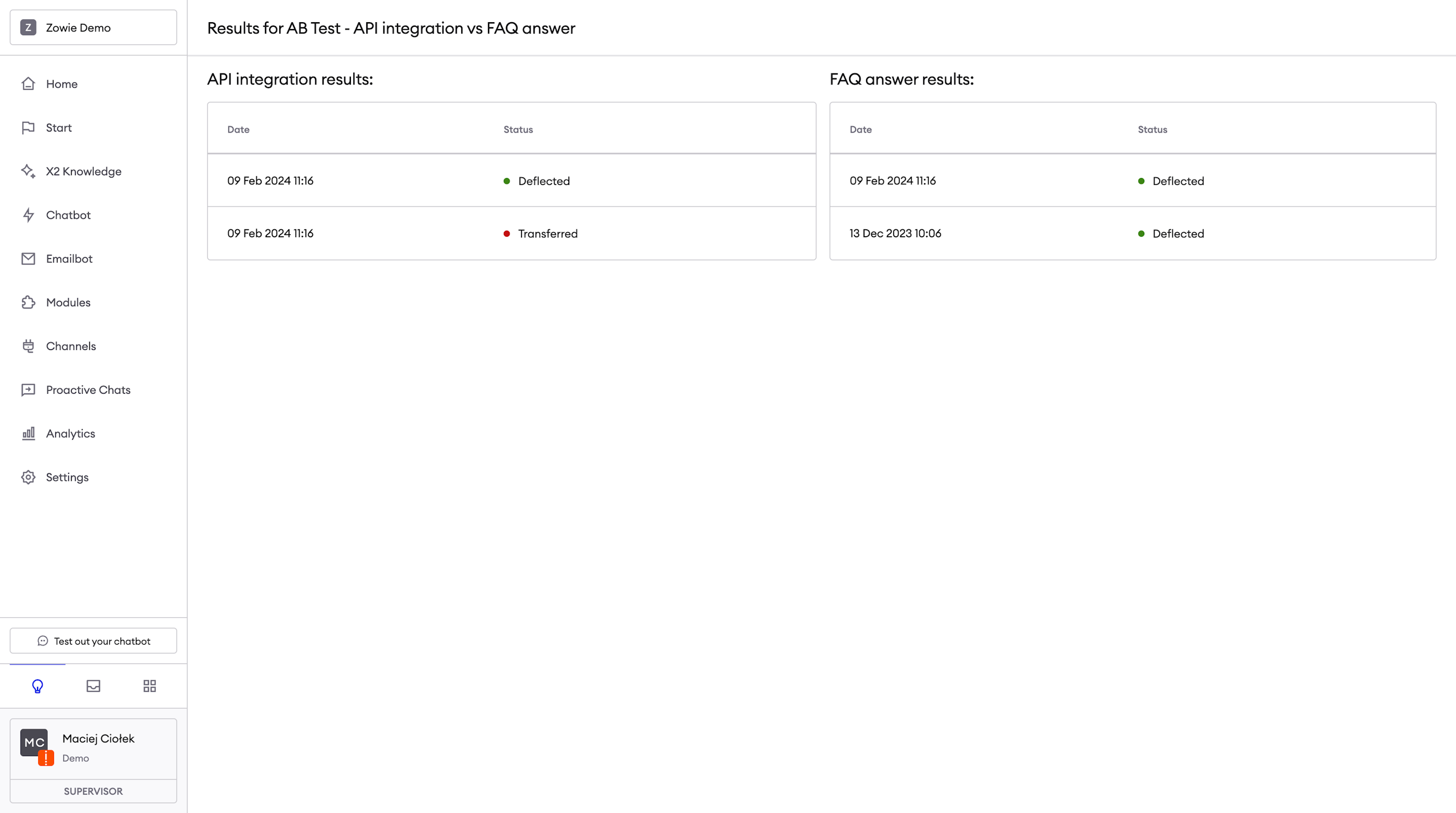
You can access list of conversations per each of scenarios. For each conversation you can see whether it was deflected or transferred.
Review single conversation
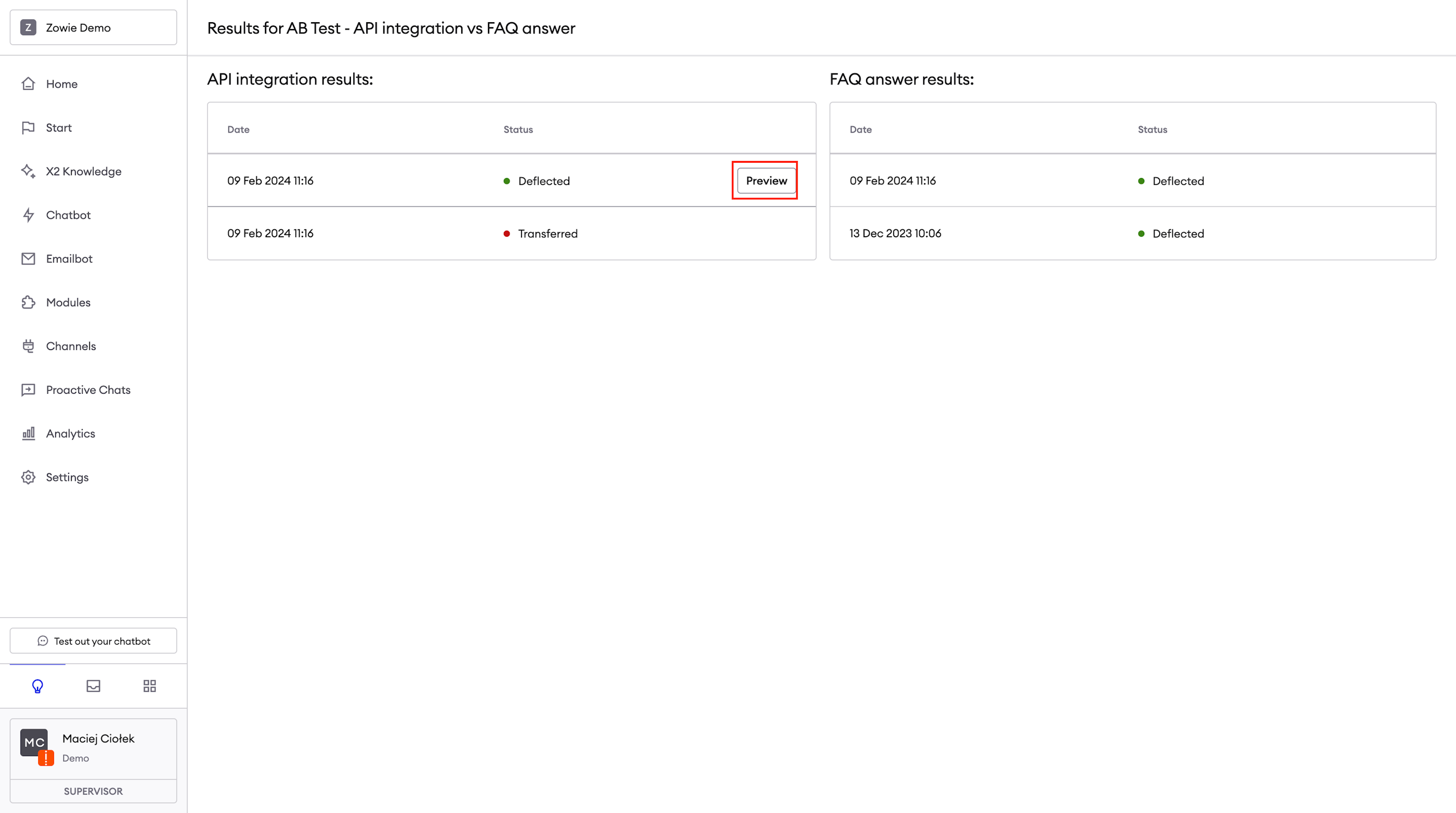
You can click "Preview" button on each conversation to review all messages and interactions.
Updated over 1 year ago