
The New Zowie Inbox
Inbox 2.0 supplies teams with 2 major benefits: greater productivity and unmatched personalization. See what changed with the new Inbox.
- Elevate team efficiency: Equip your team to handle 1.5x more customer queries every day with the cutting-edge X2 generative AI engine.
- Personalize at scale: Harness integrated data to provide customized interactions across your customer service team.
- Empower agents: Leverage new workflow integrations and insights to enhance team performance and drive sales.
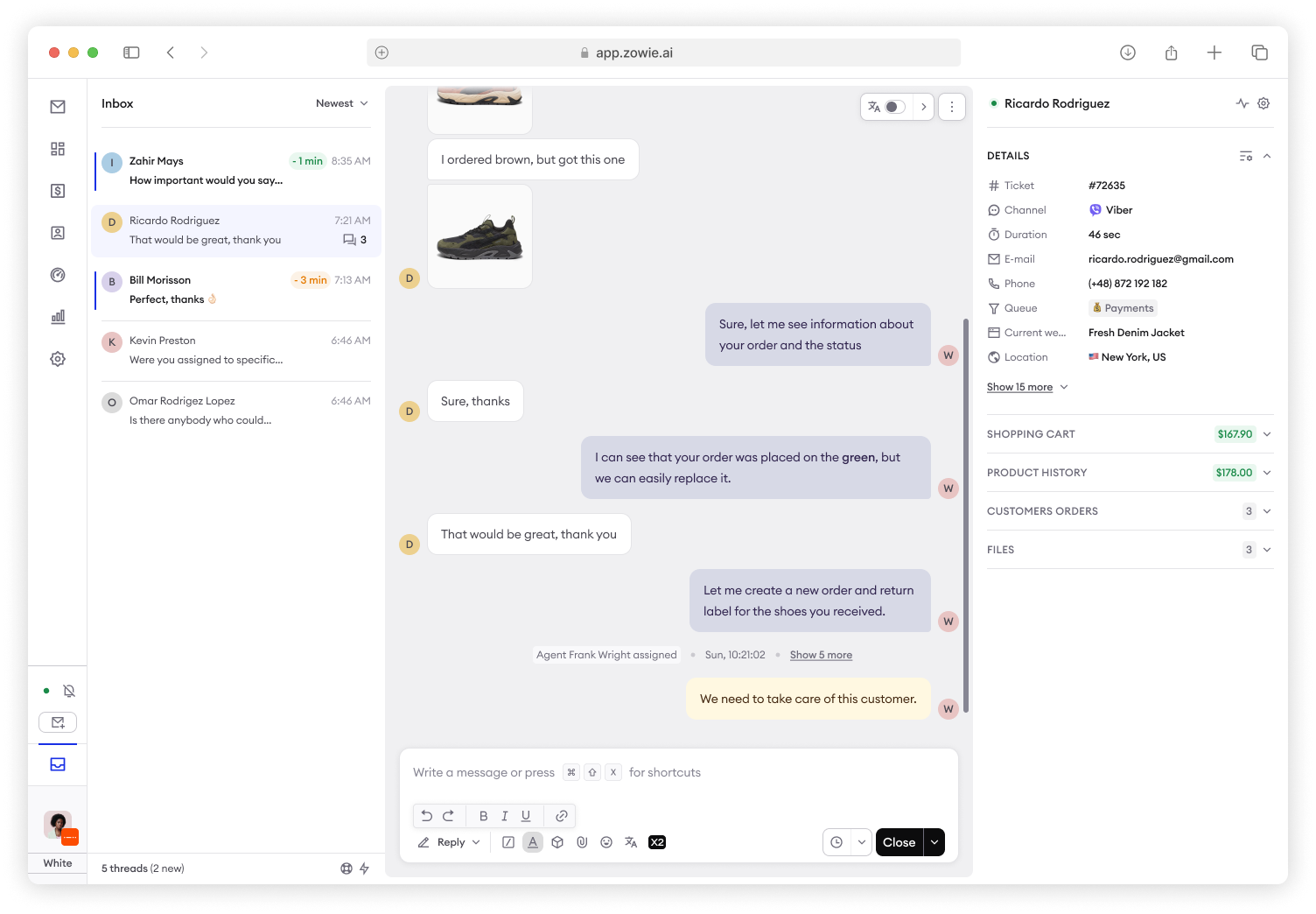
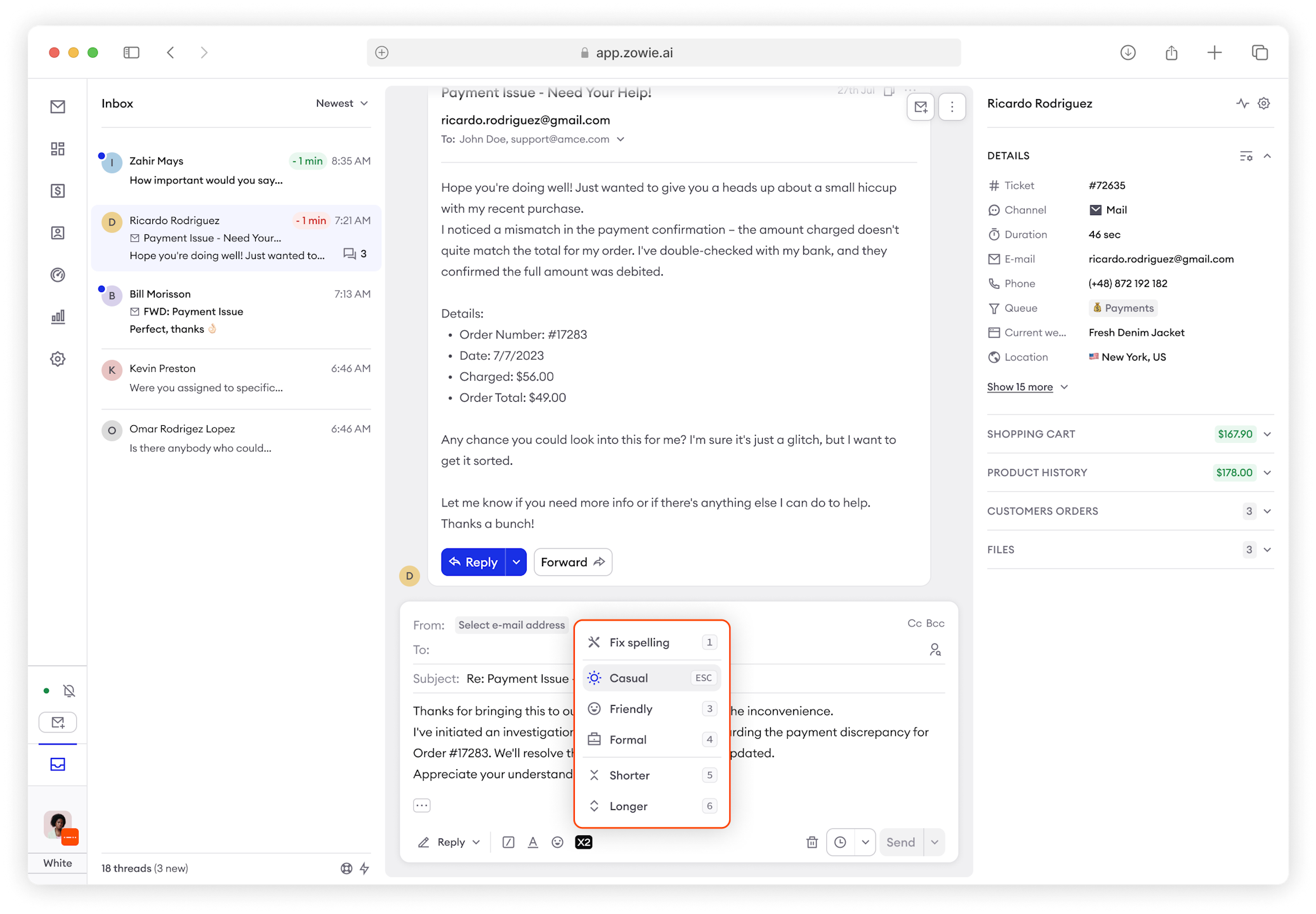
Zowie X2
Write Assist and Quick Summary available to all customers free of charge guaranteeing up to 14% resolution time improvement.
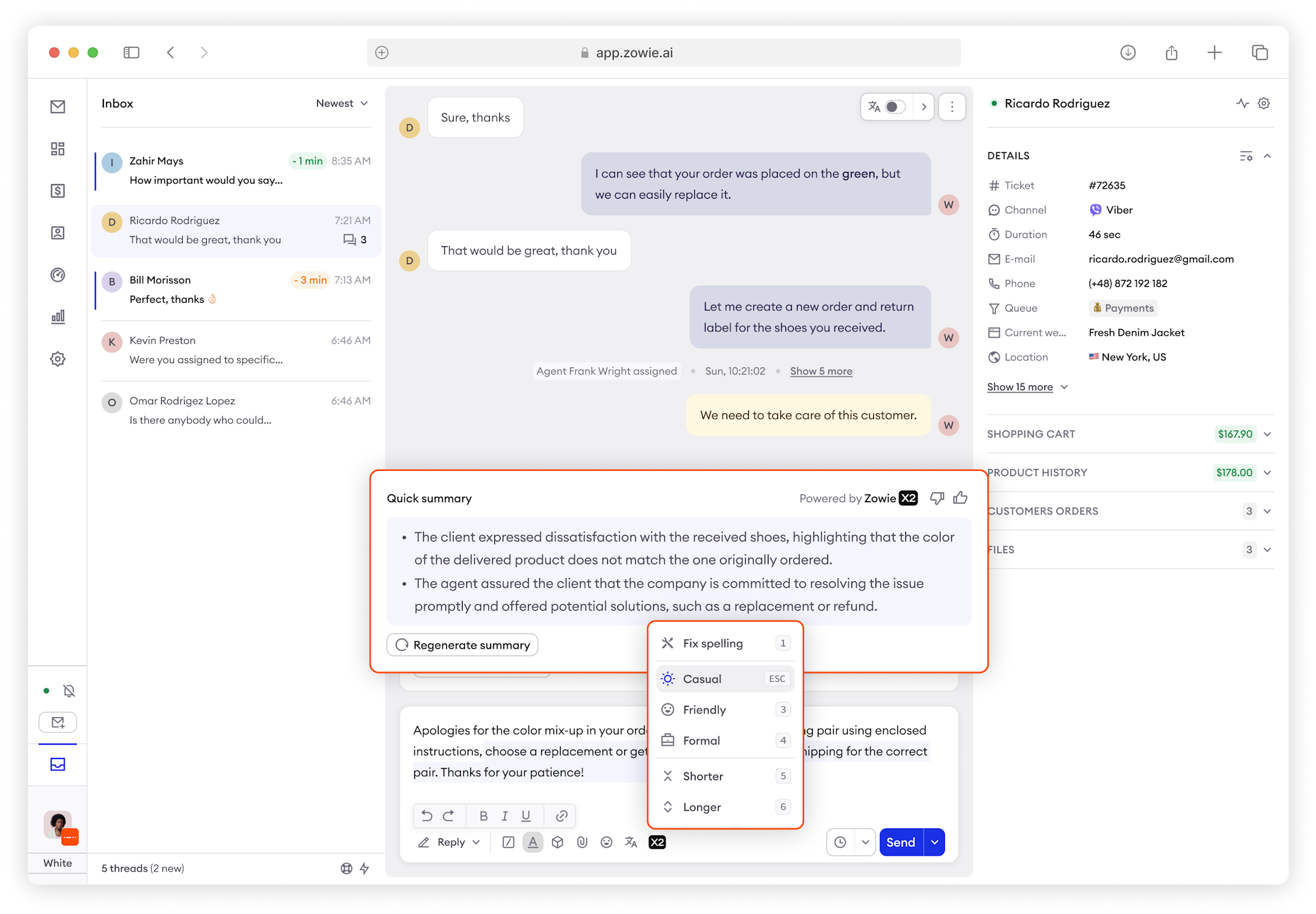
Shortcuts
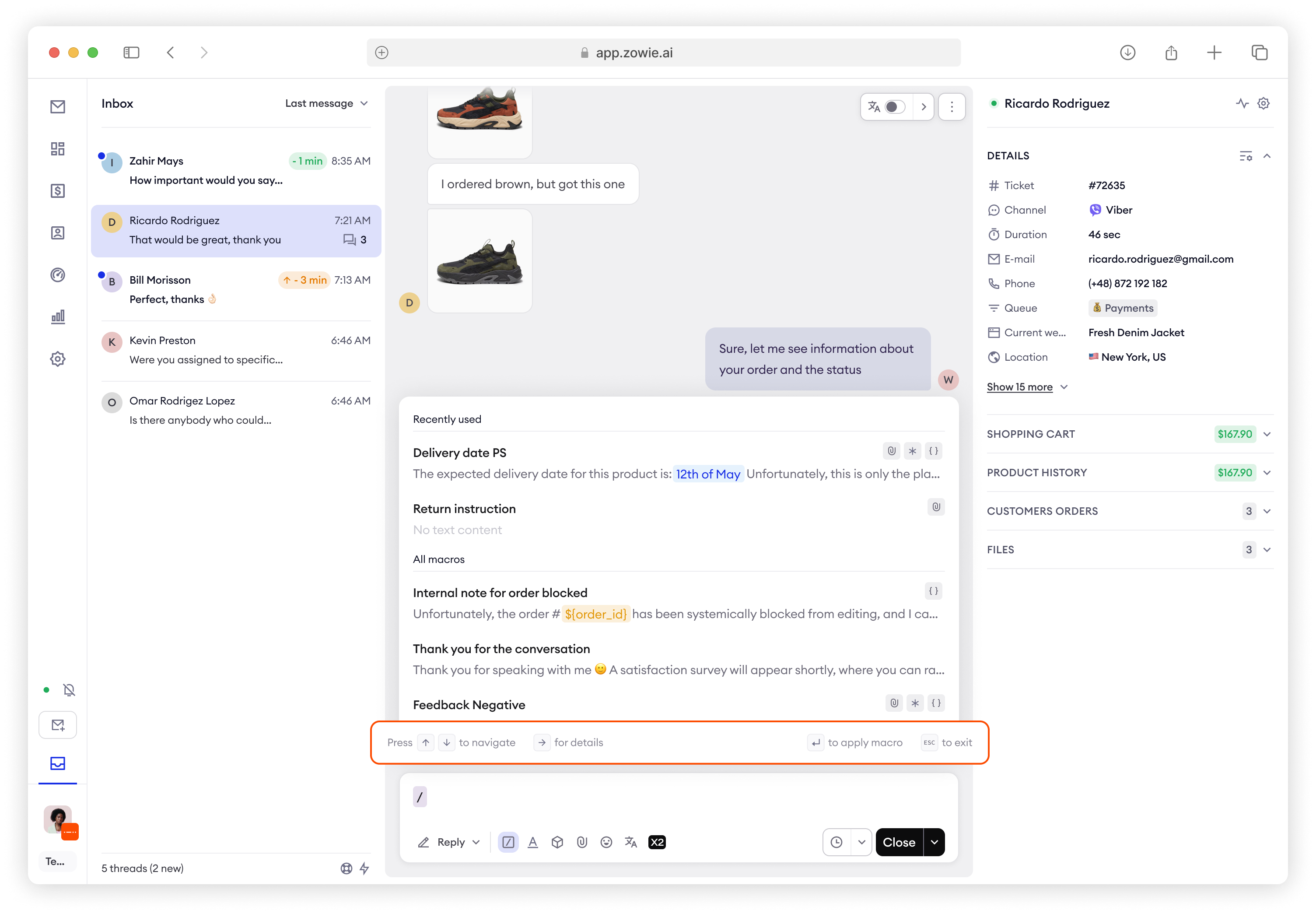
The New Inbox introduces full support for keyboard shortcuts. You can open them up by clicking CTRL + Shift + X (Windows) or CMS + Shift + X (Mac). Use them to change between conversations, Closing, Forwarding, choosing templates and many more!
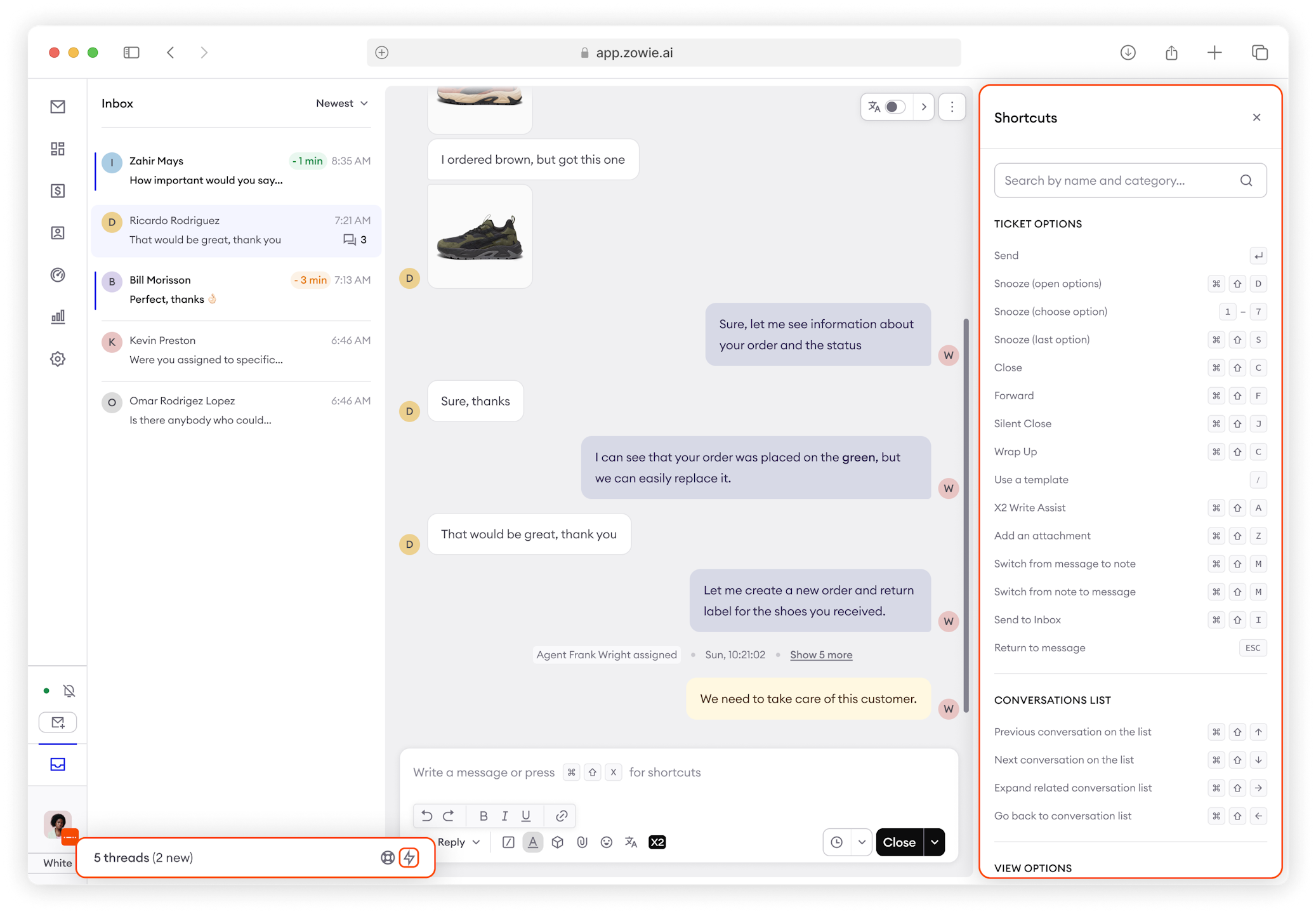
Improved information architecture
- Ticket ID, Queue, Duration, Channel are now in Sidebar, moved from Header
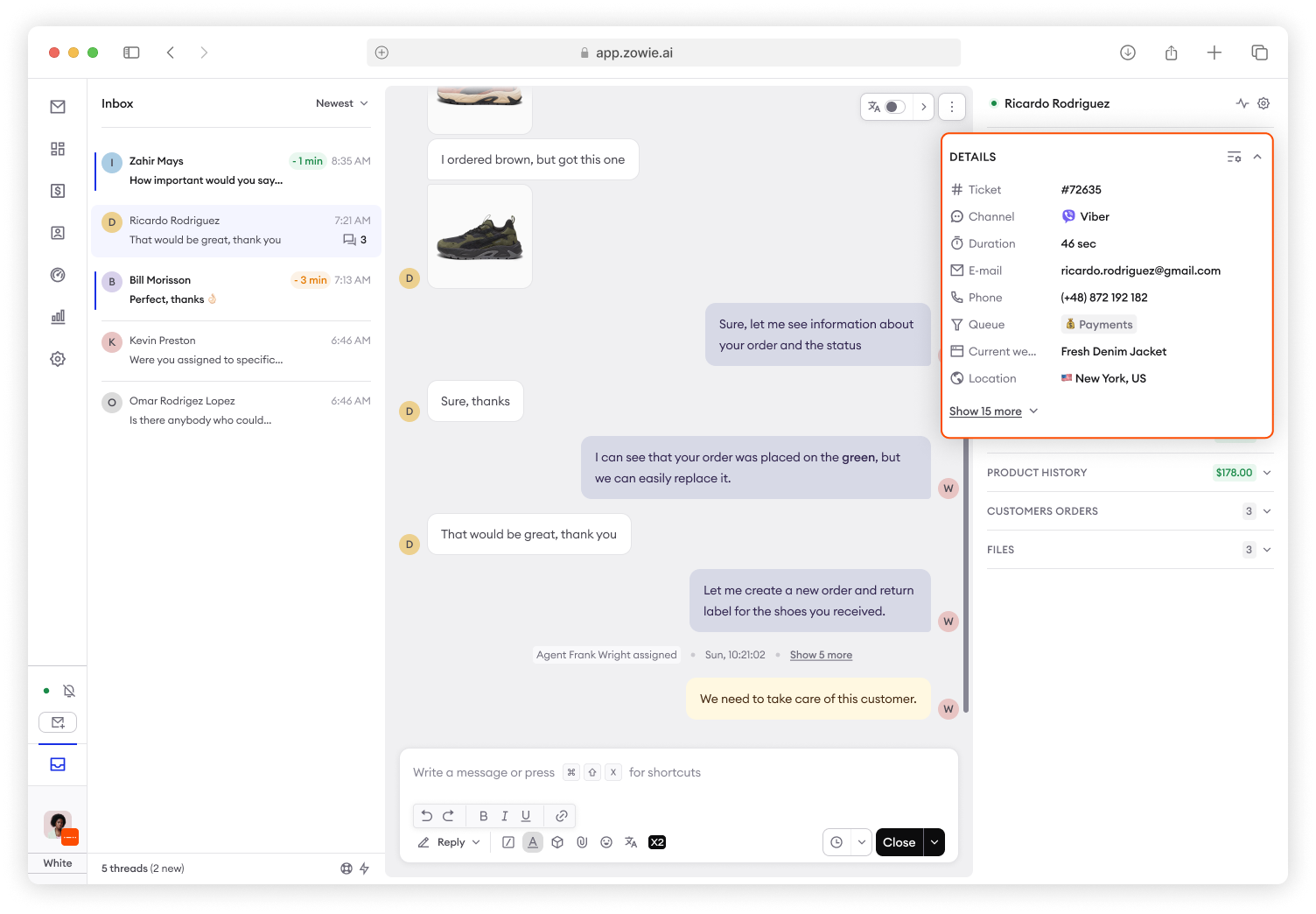
- Last activity and Visited URLs are now under Activity icon in Sidebar
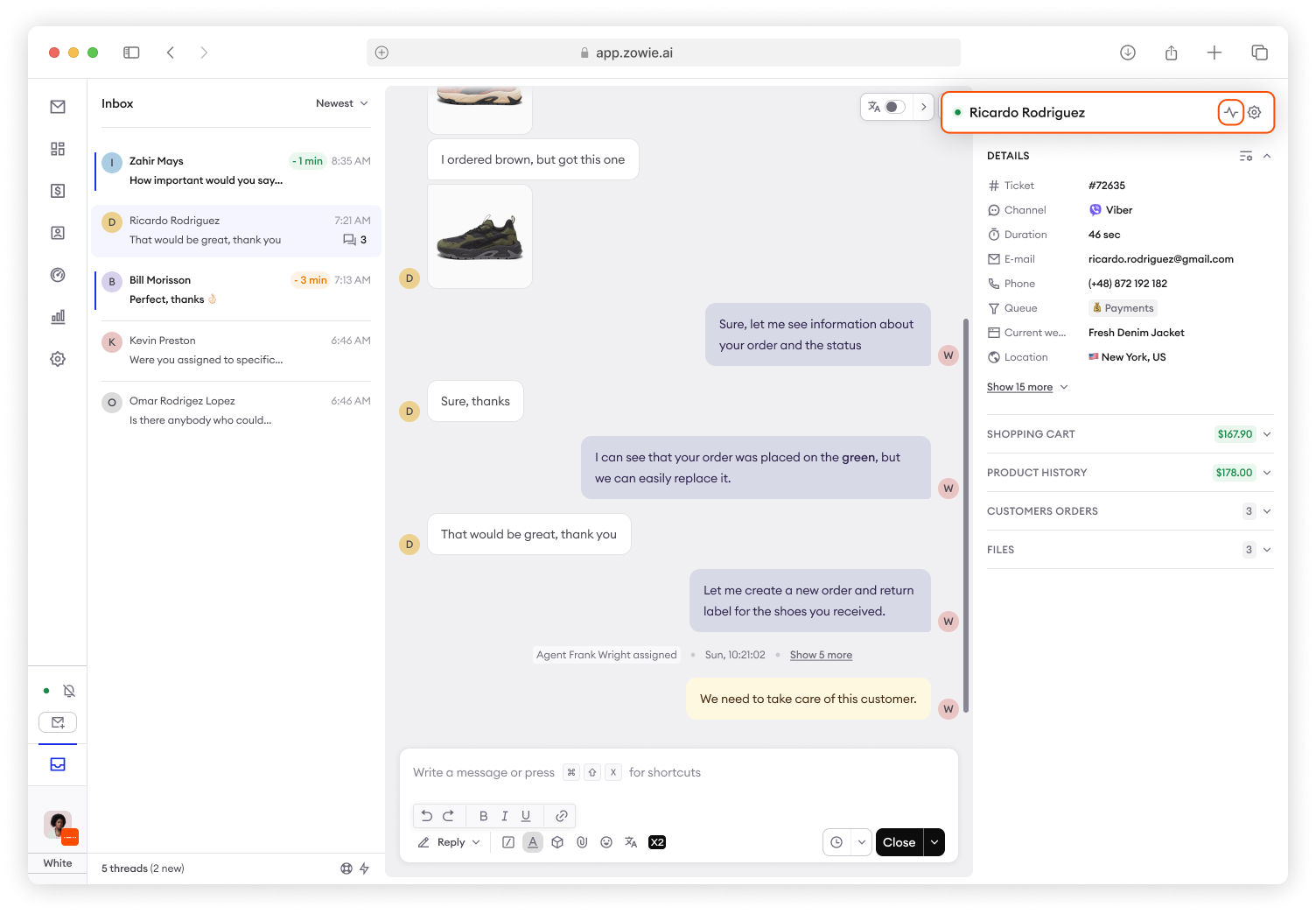
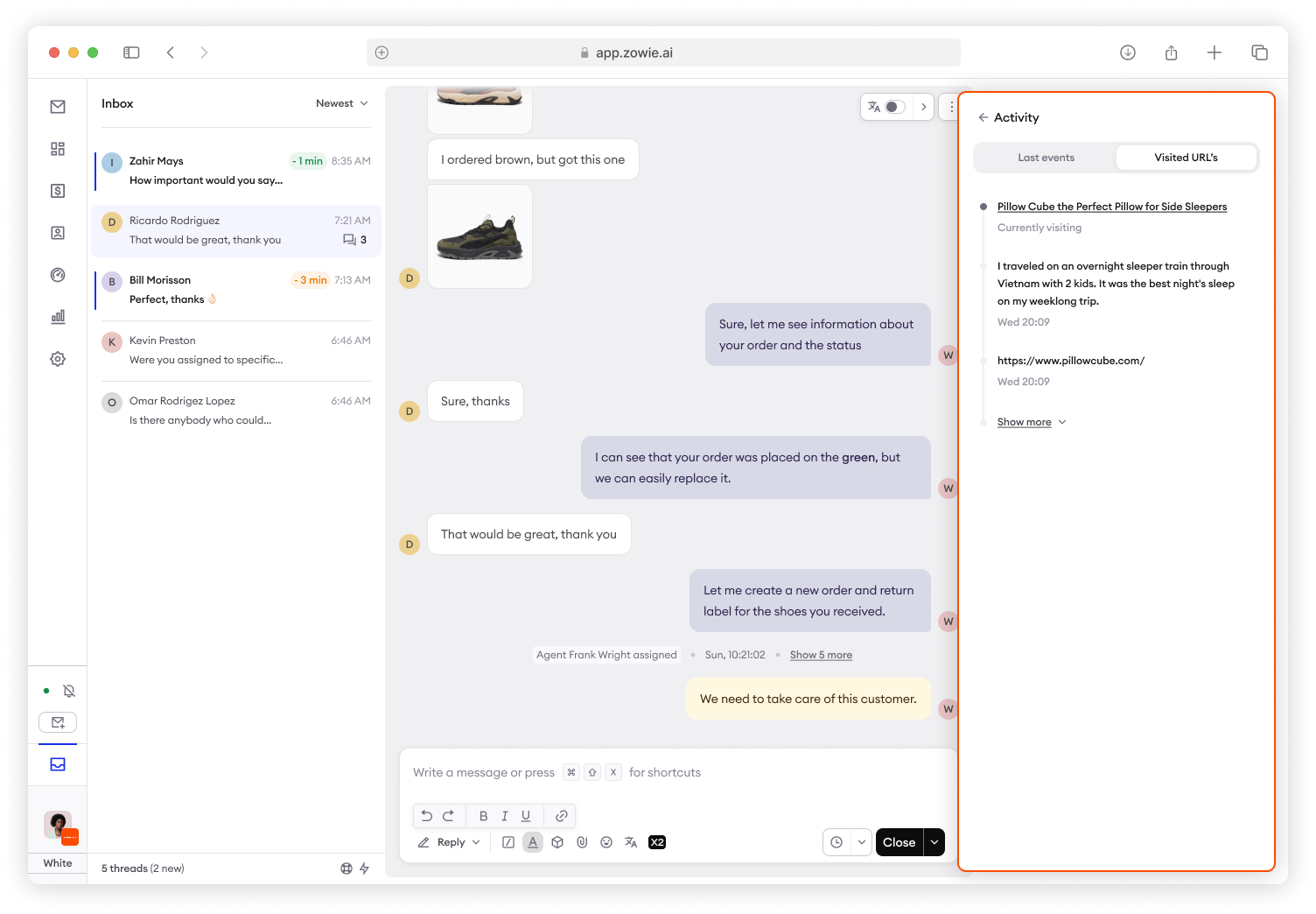
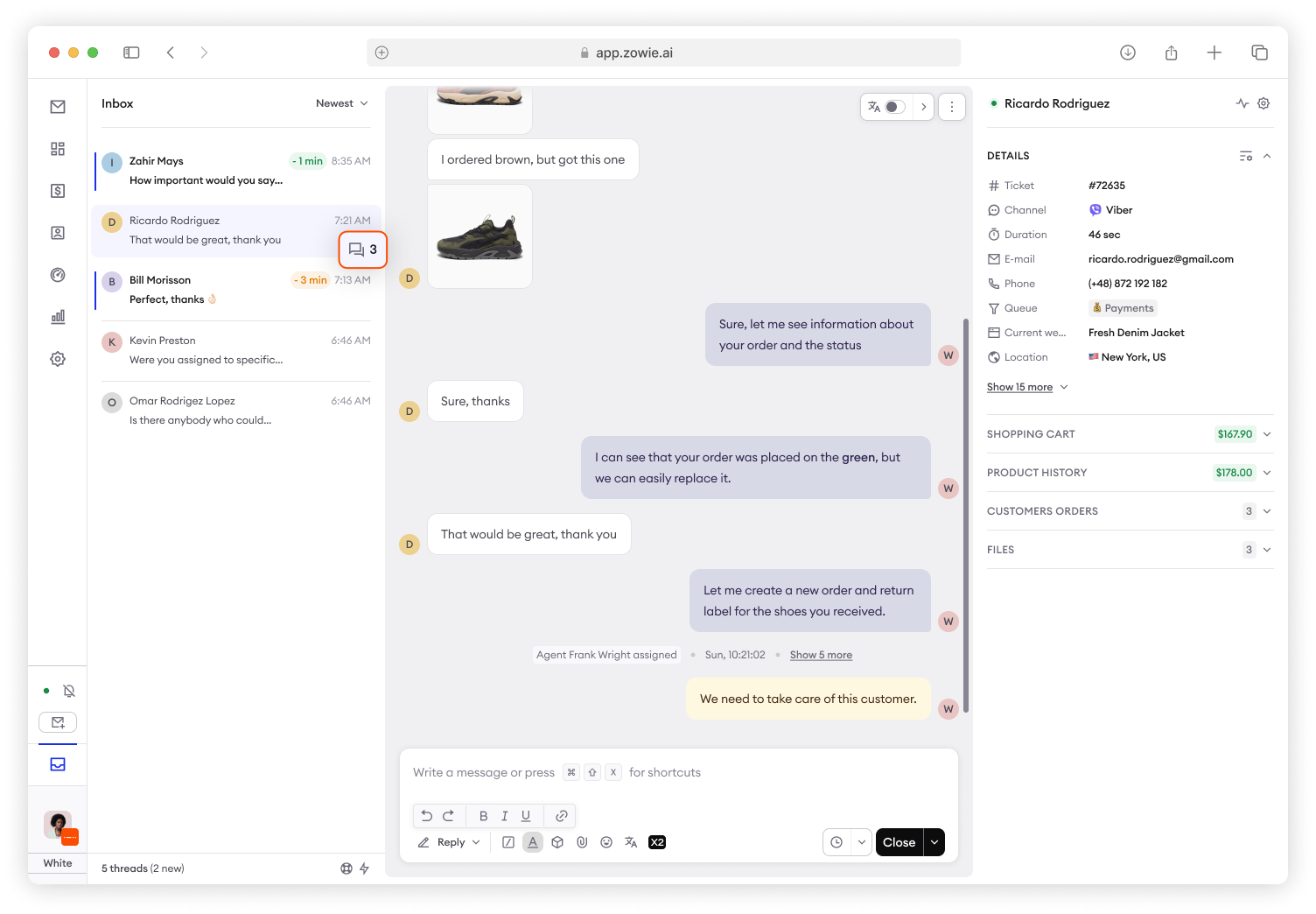
- Related conversations are now in Conversation List, moved from Sidebar
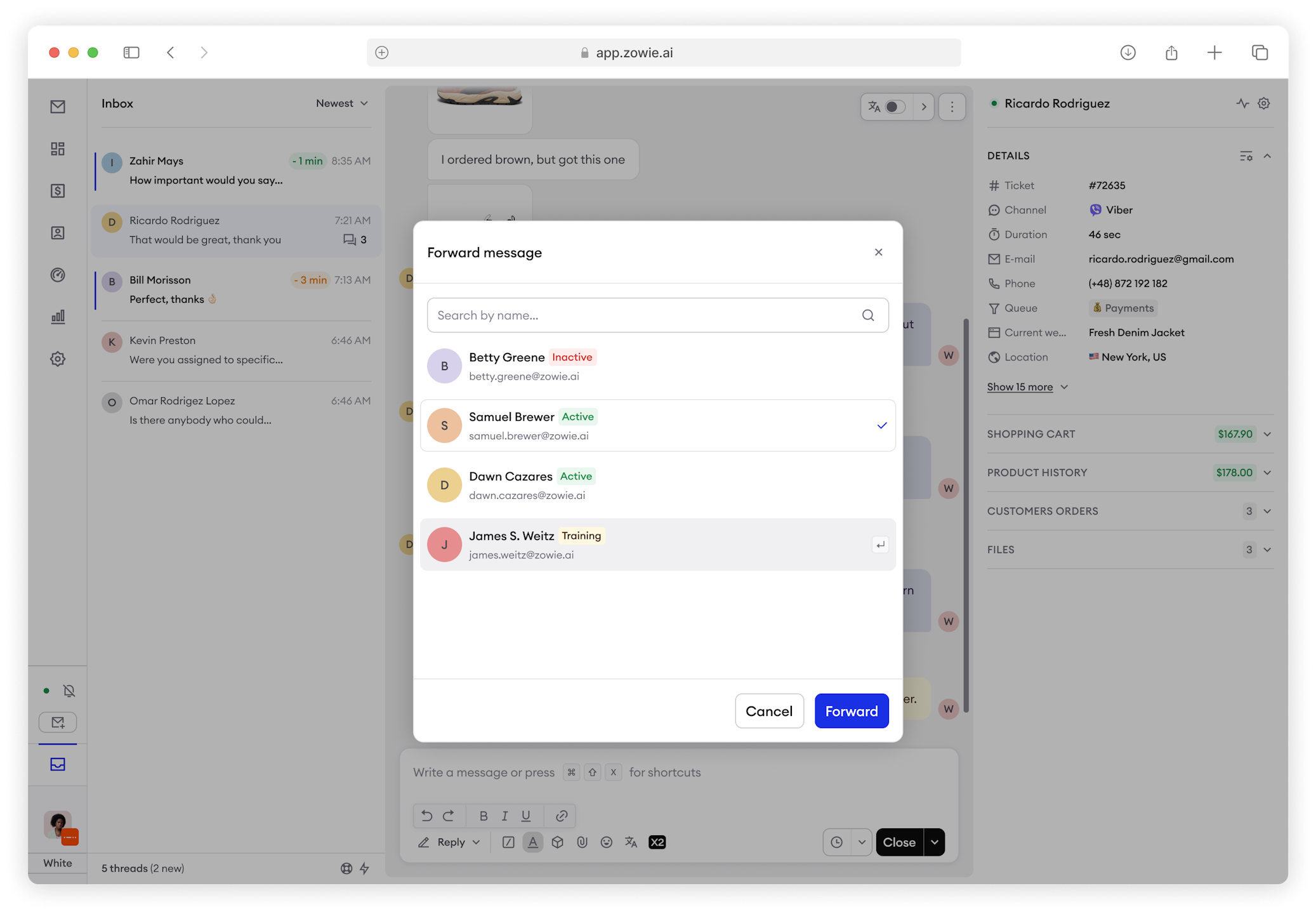
- When forwarding to an agent you can see their status.
- Refreshed, faster topic selection with improved navigation options.
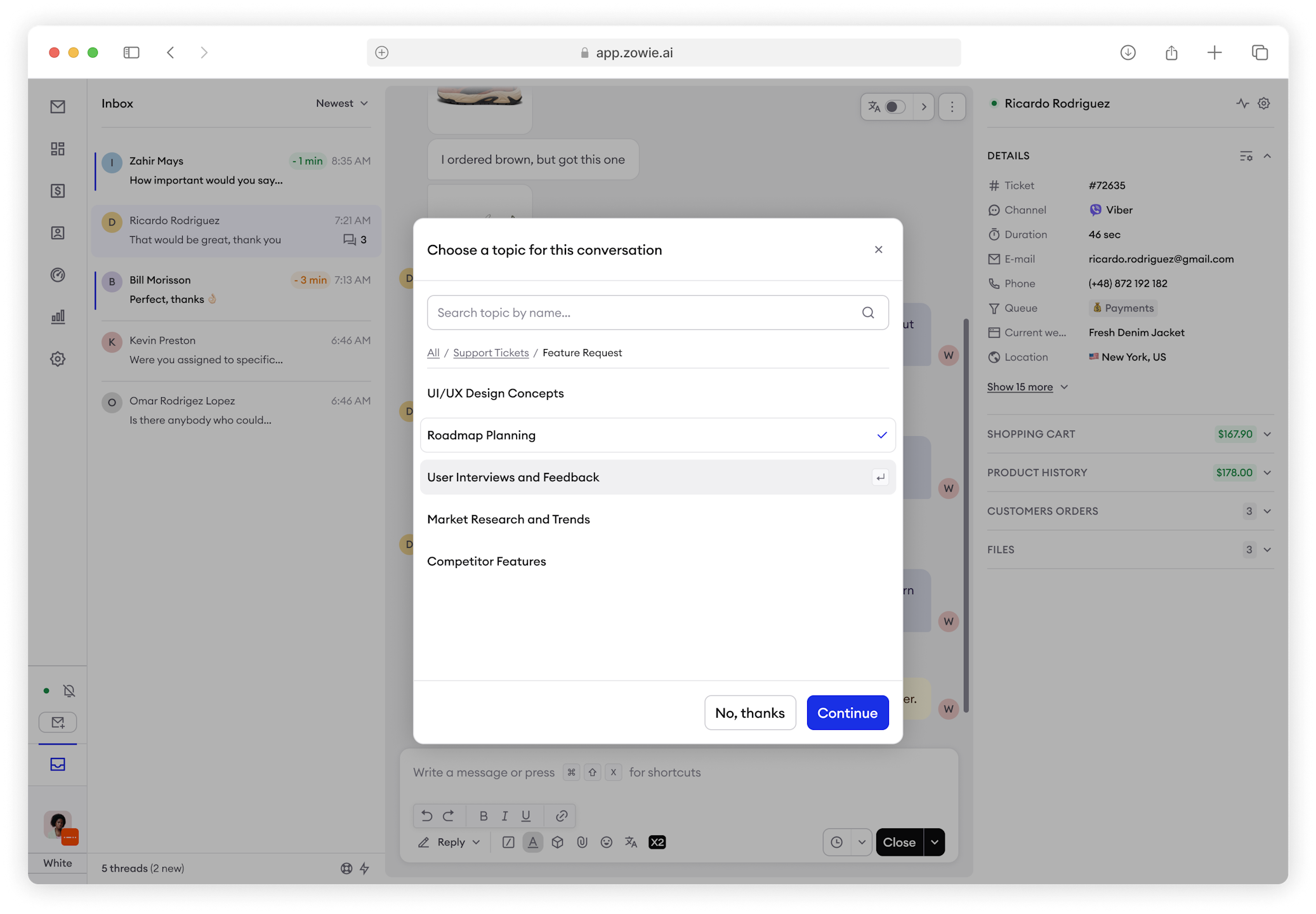
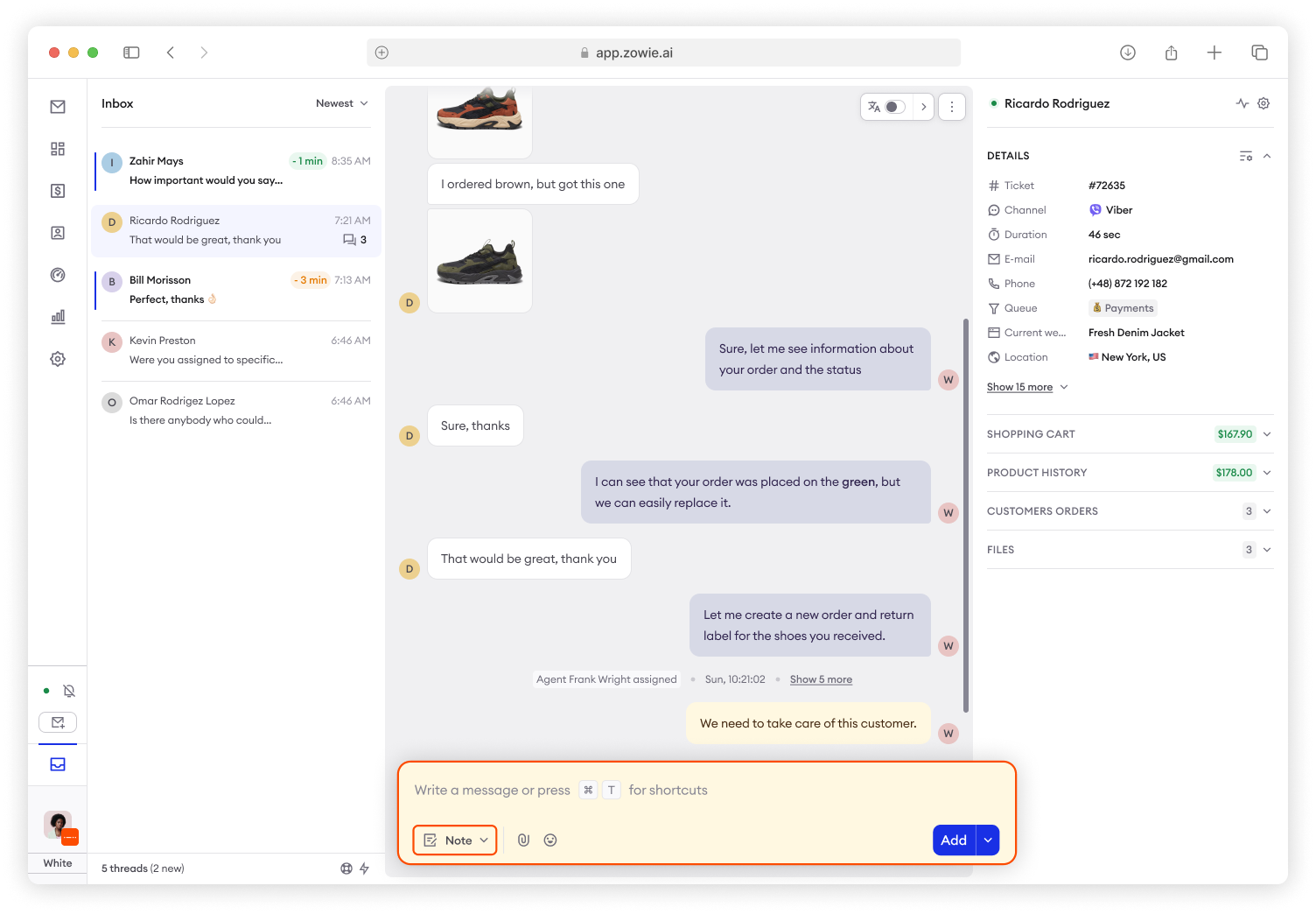
Internal Notes
Internal Notes are now added through Composer and only visible on messages list.
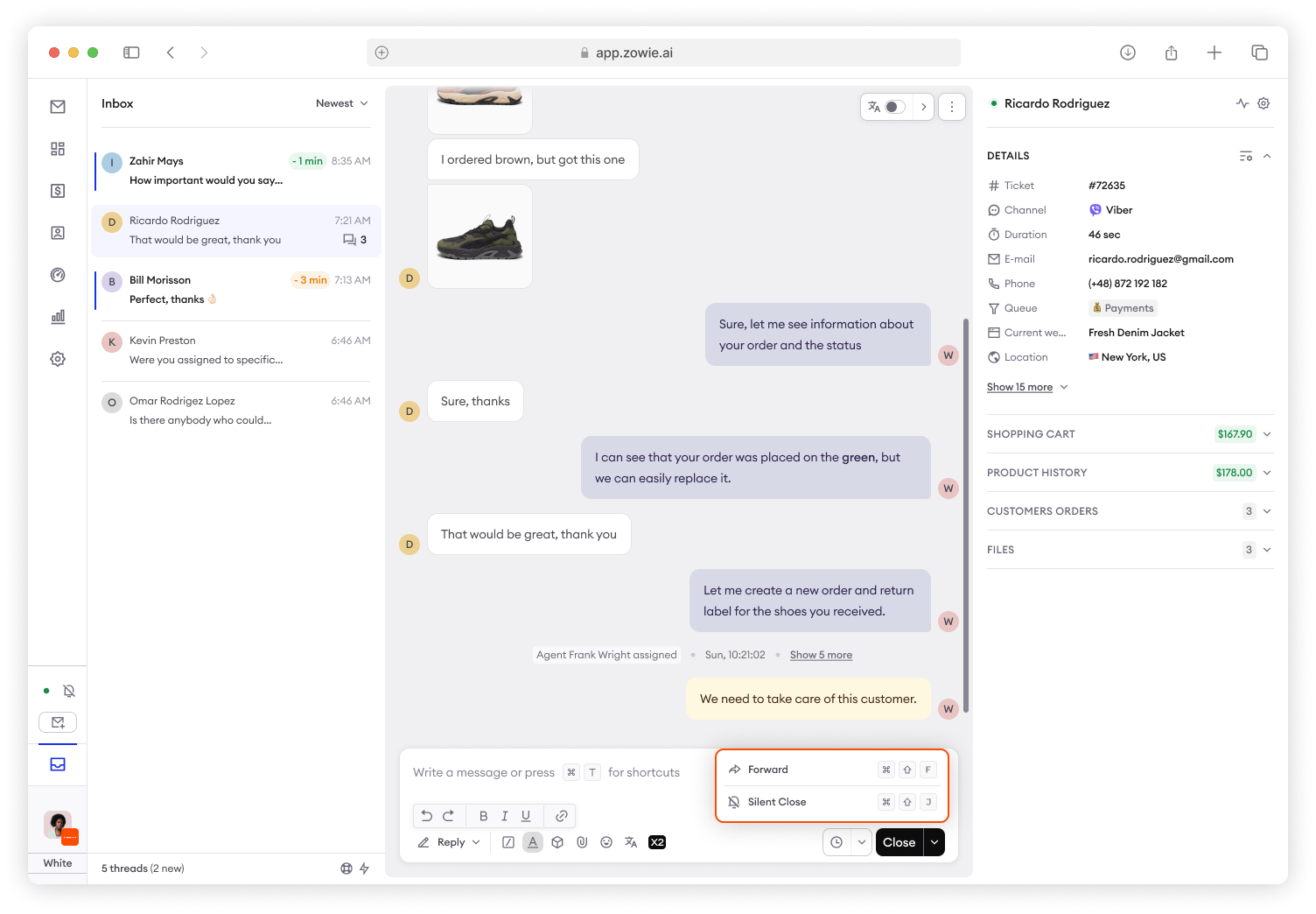
Action Button
All ticket options such as Close, Forward, Snooze and more are now available in Action Button placed on the composer.
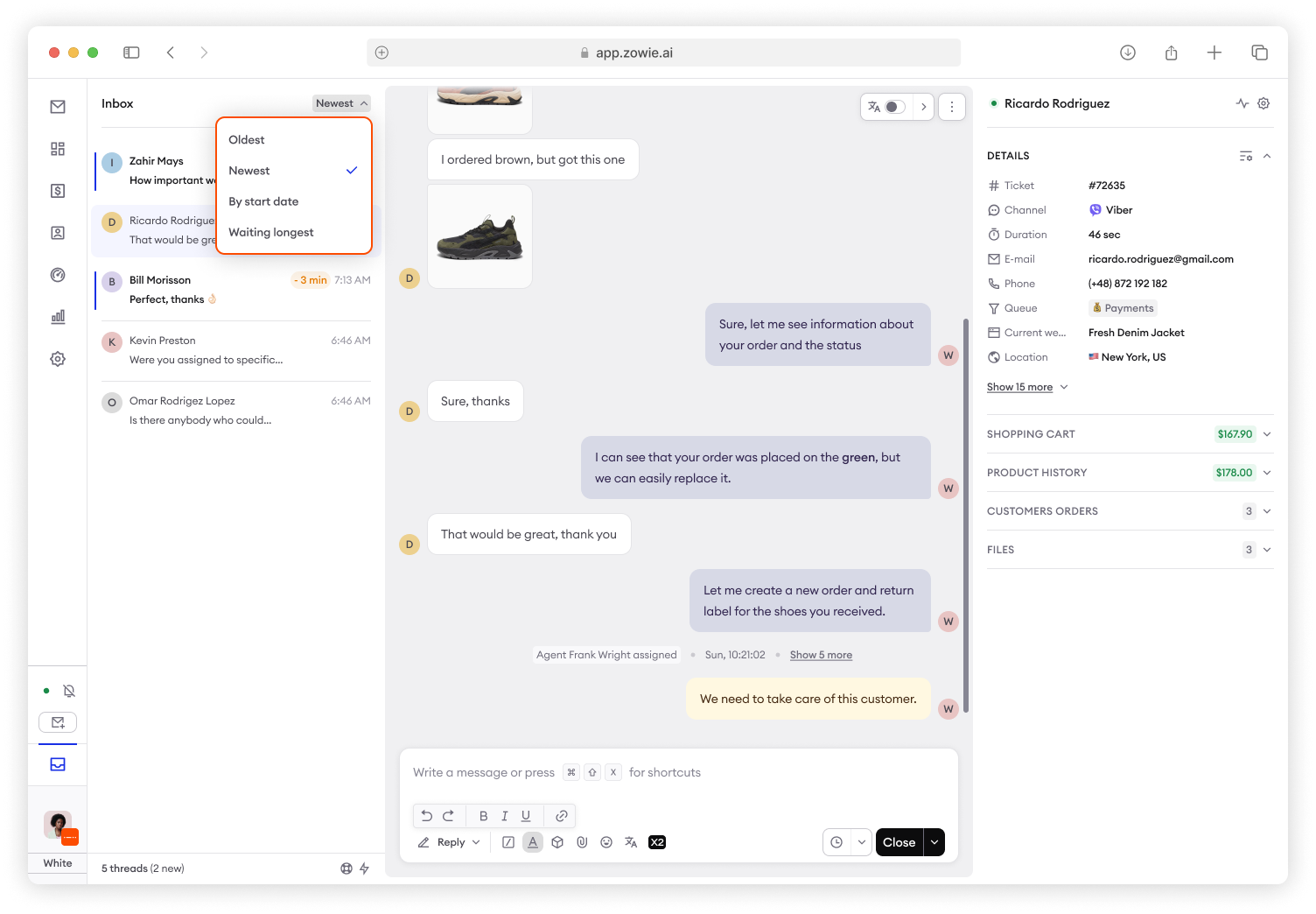
Personalization
- You can now sort tickets on the list by Oldest, Newest, Start date, Waiting longest (SLA).
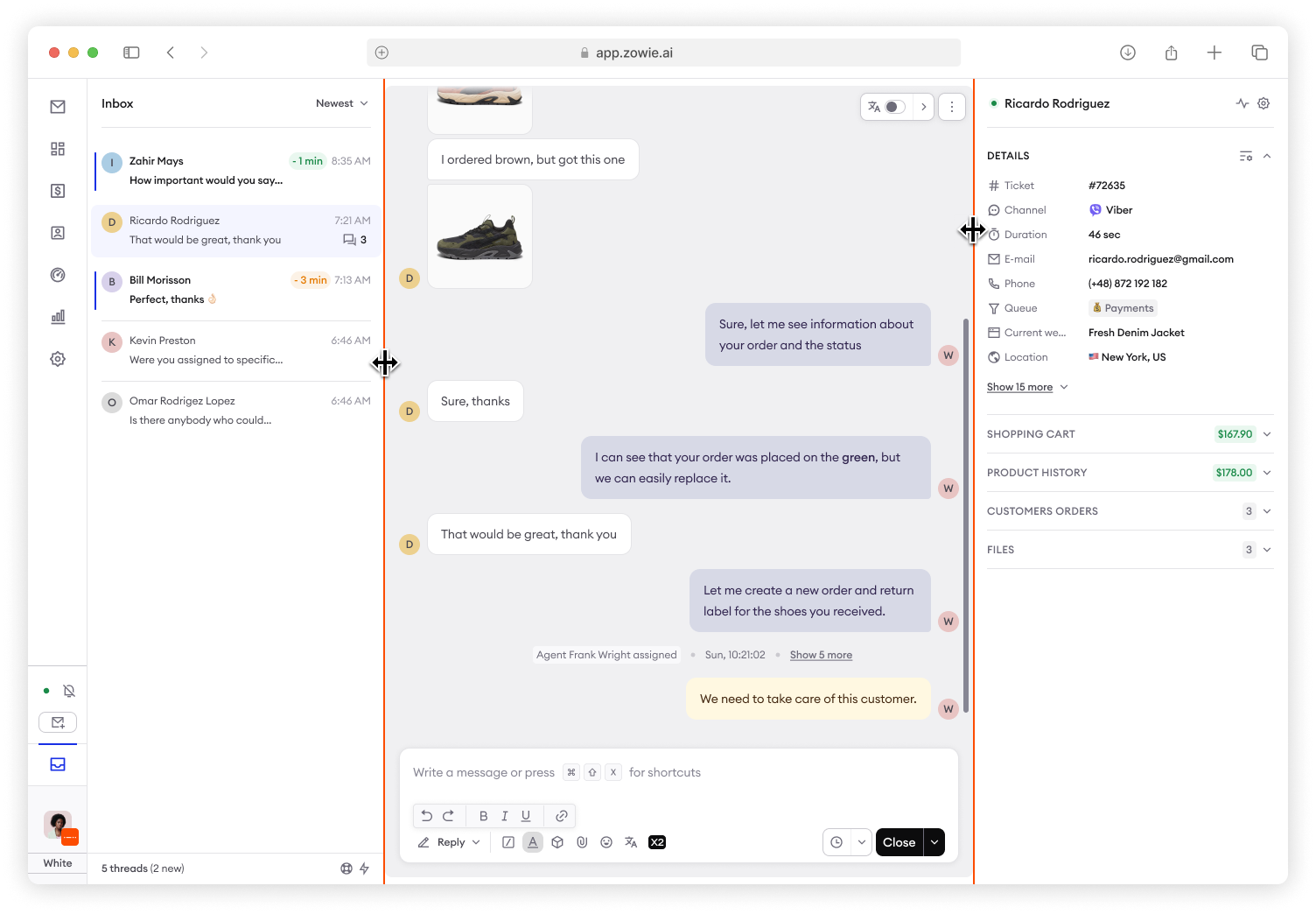
- Personalize width of conversation list and sidebar by drag-and-drop.
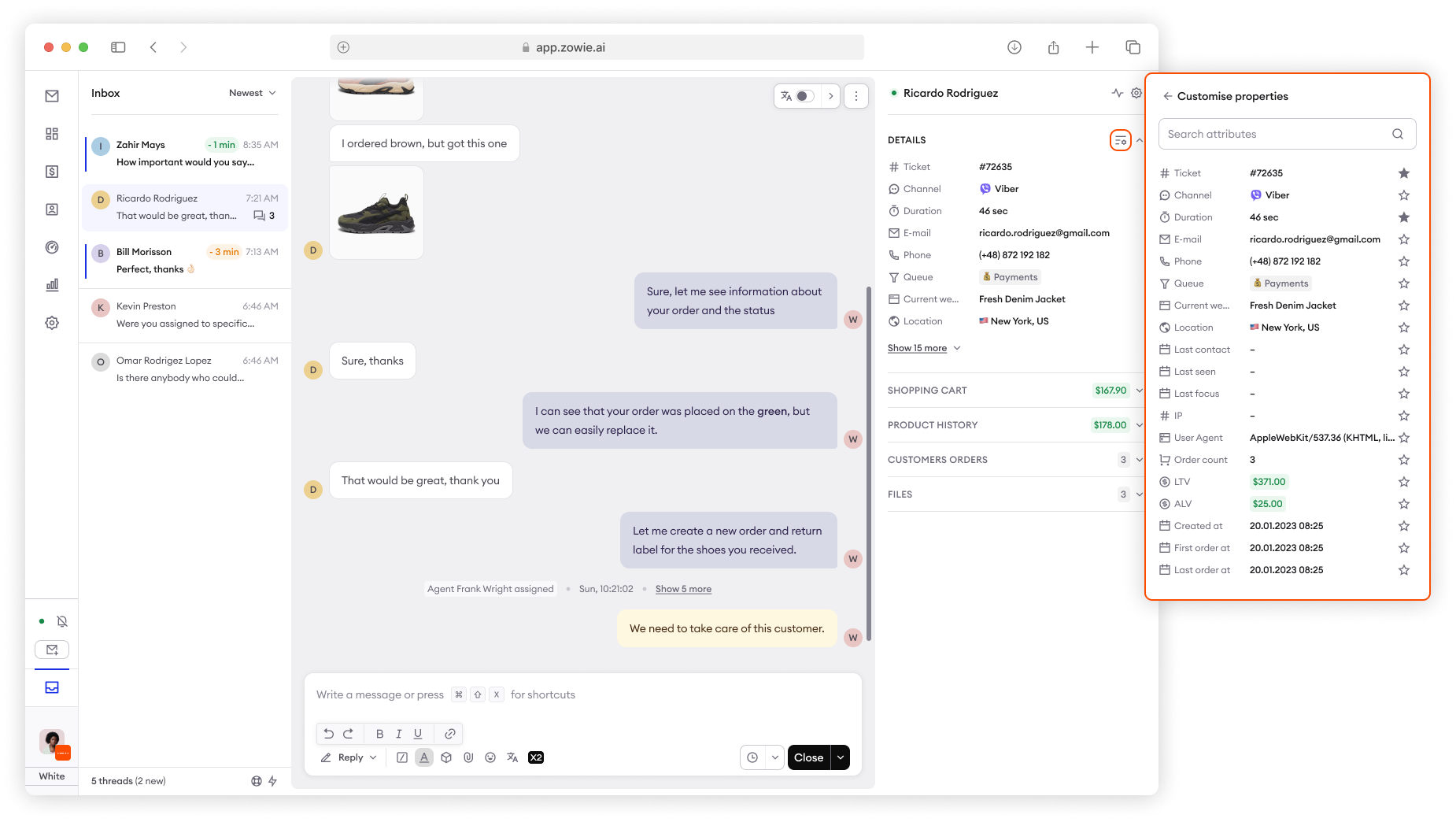
- You can now pin or unpin elements in Details section.
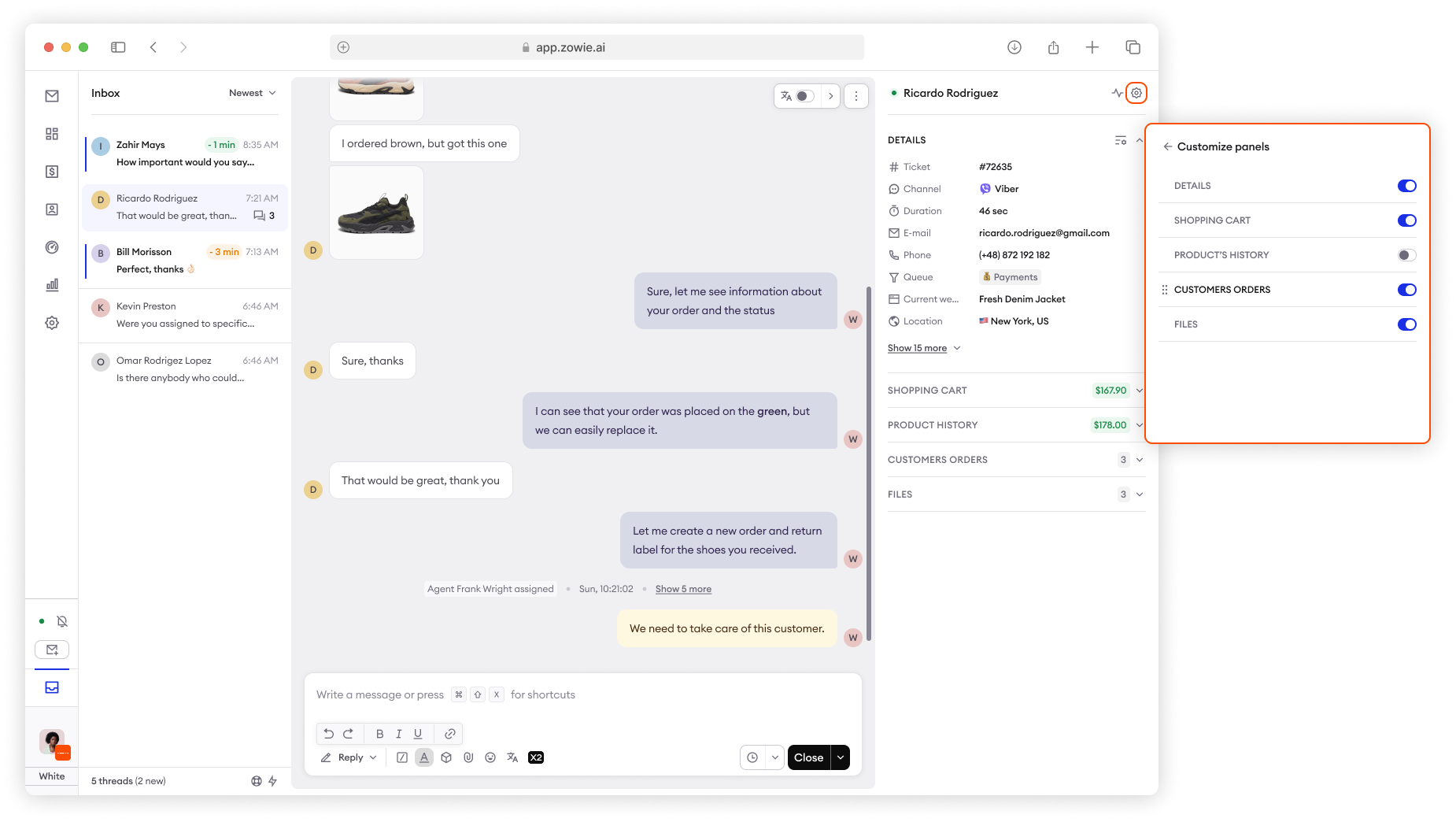
- You can now switch on or off and reorder sidebar sections.
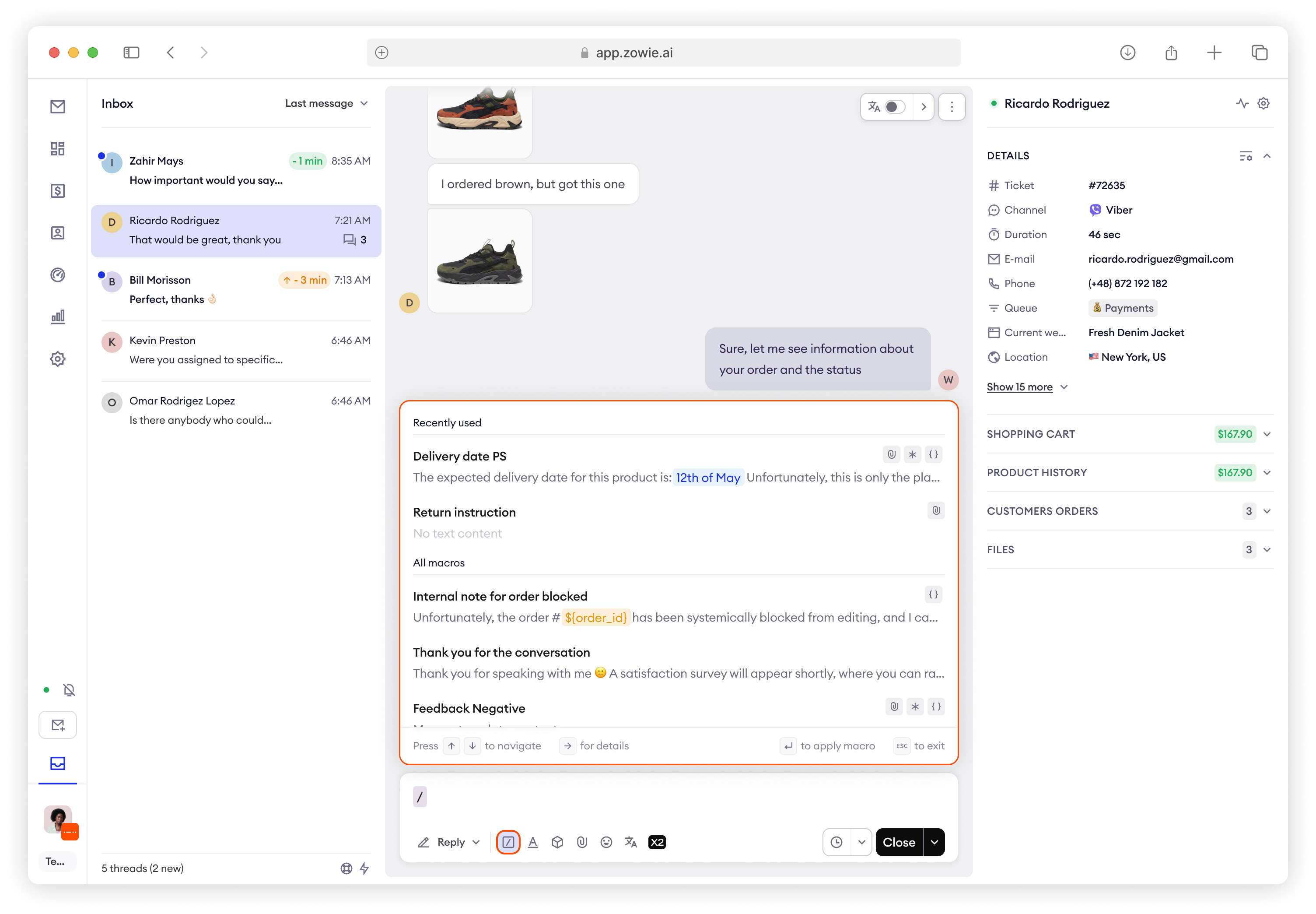
Improved macros ex. templates
Access macros faster by typing / instead of #.
Added Search by Content, next to existing Search by Title.
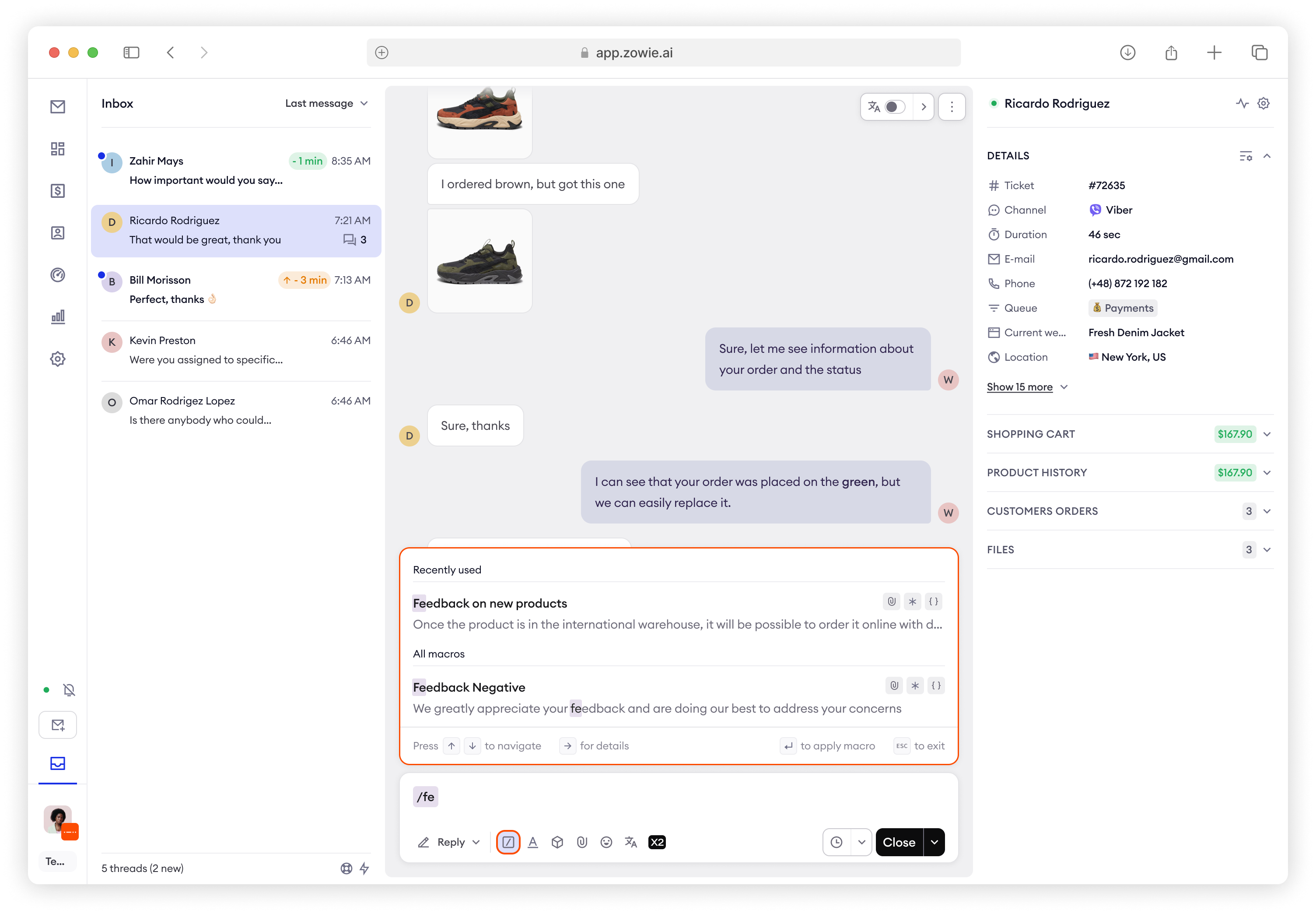
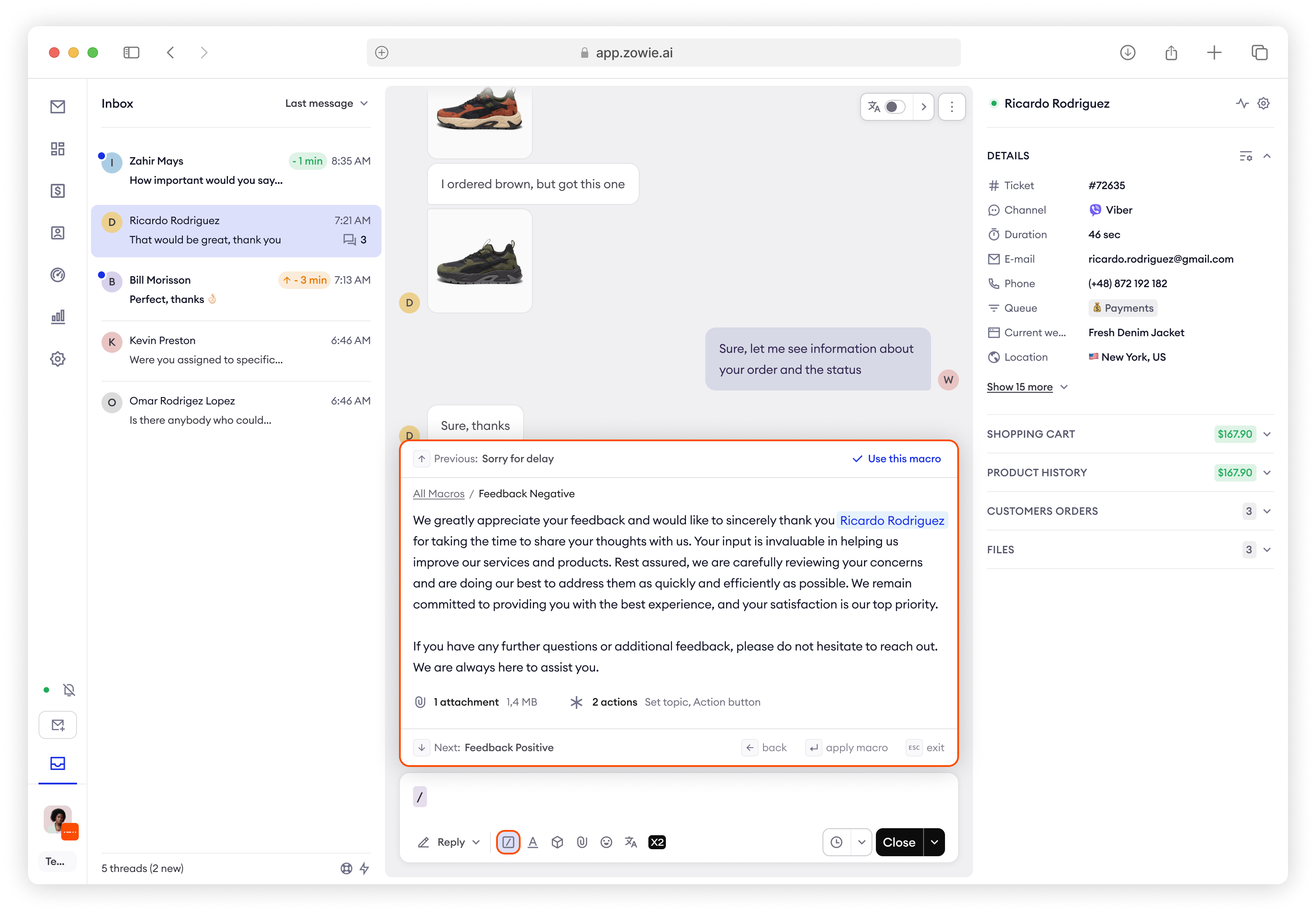
Agent can now preview macros before choosing and see the full content, get the information about used actions and/or attachments.
Access full macros experience via shortcuts.
Improved Ecommerce experience
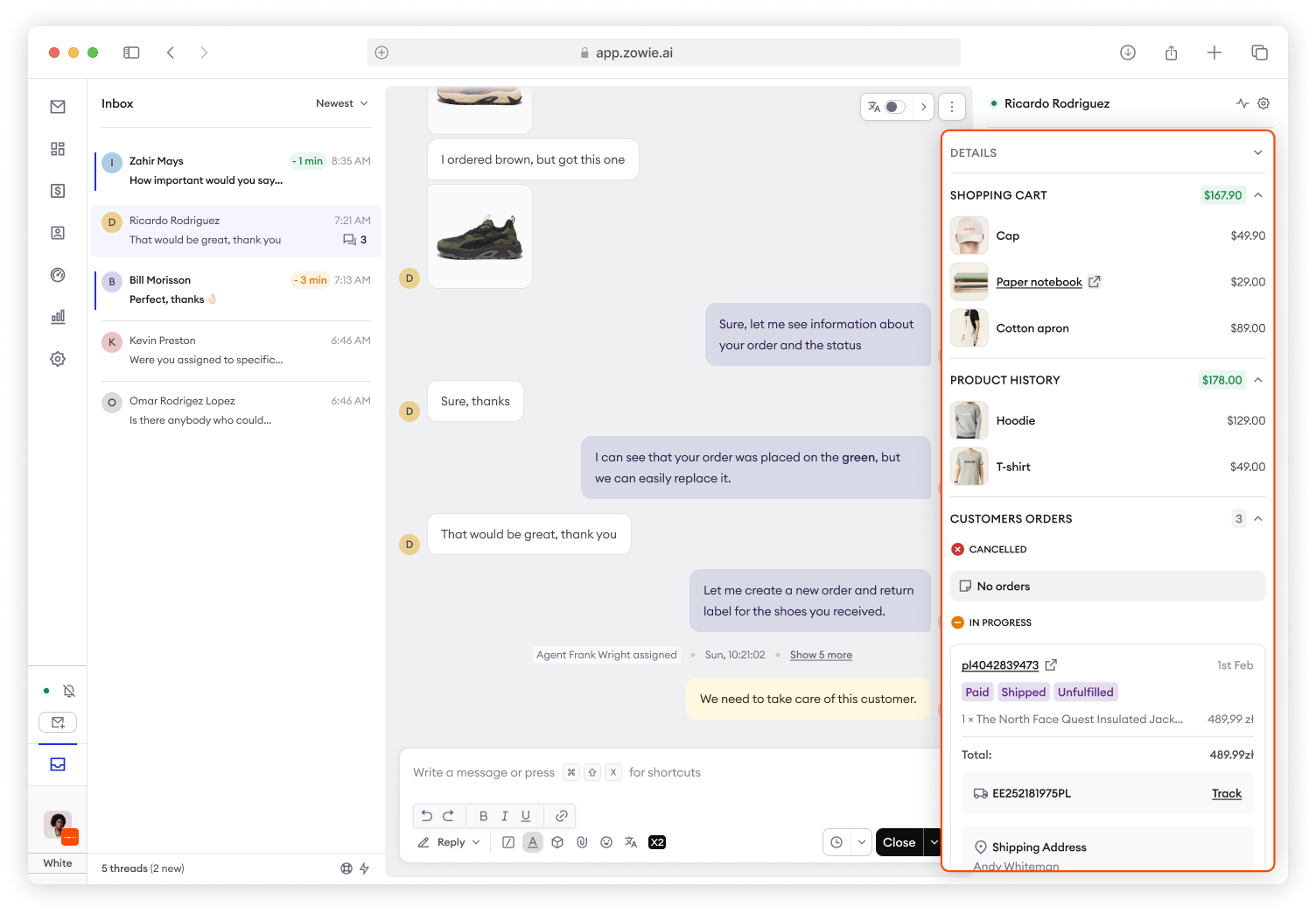
Customer Insights are now merged with Details and can be personalized.
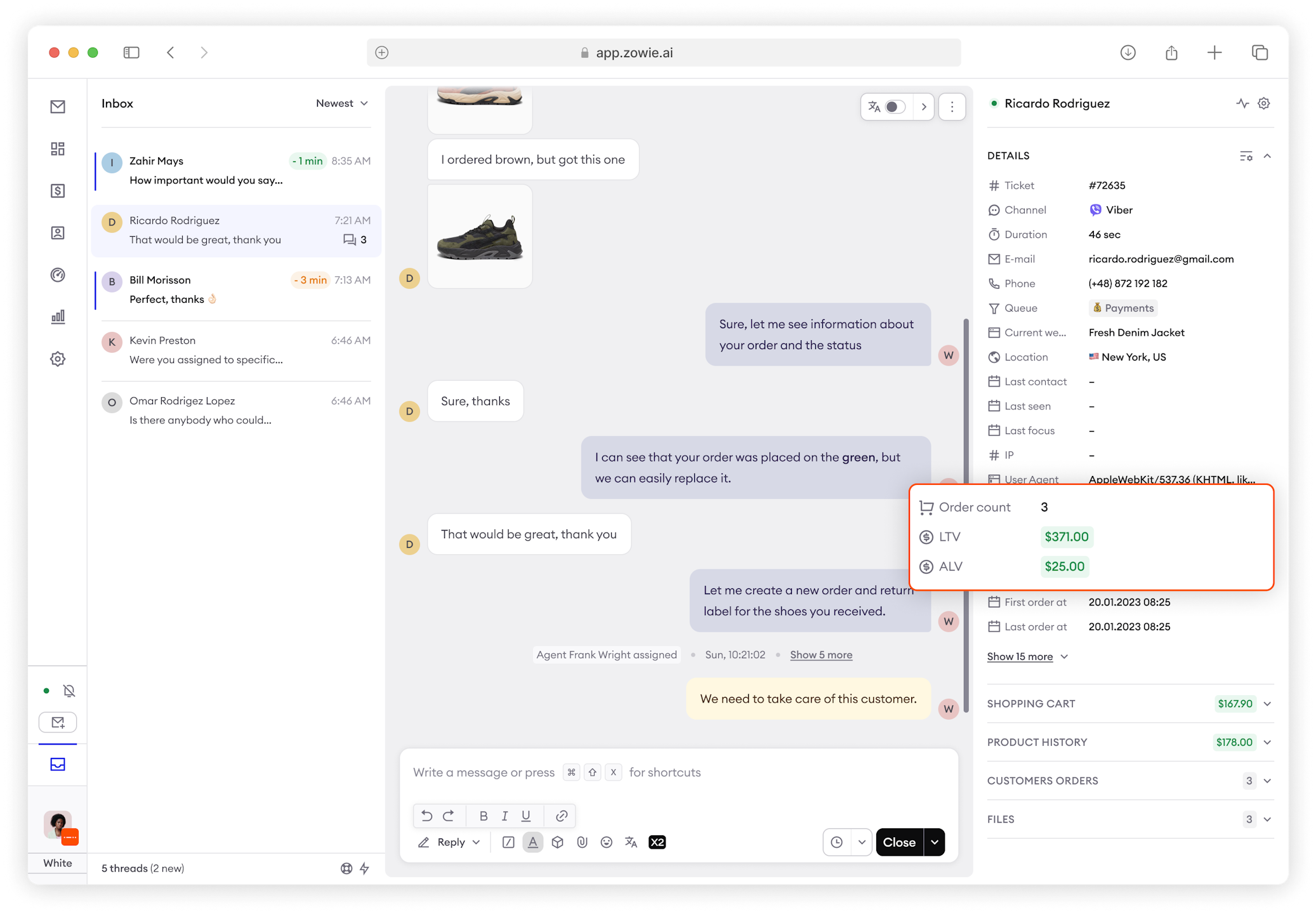
Shopping card, Product History and Past Ordered have now refreshed look.
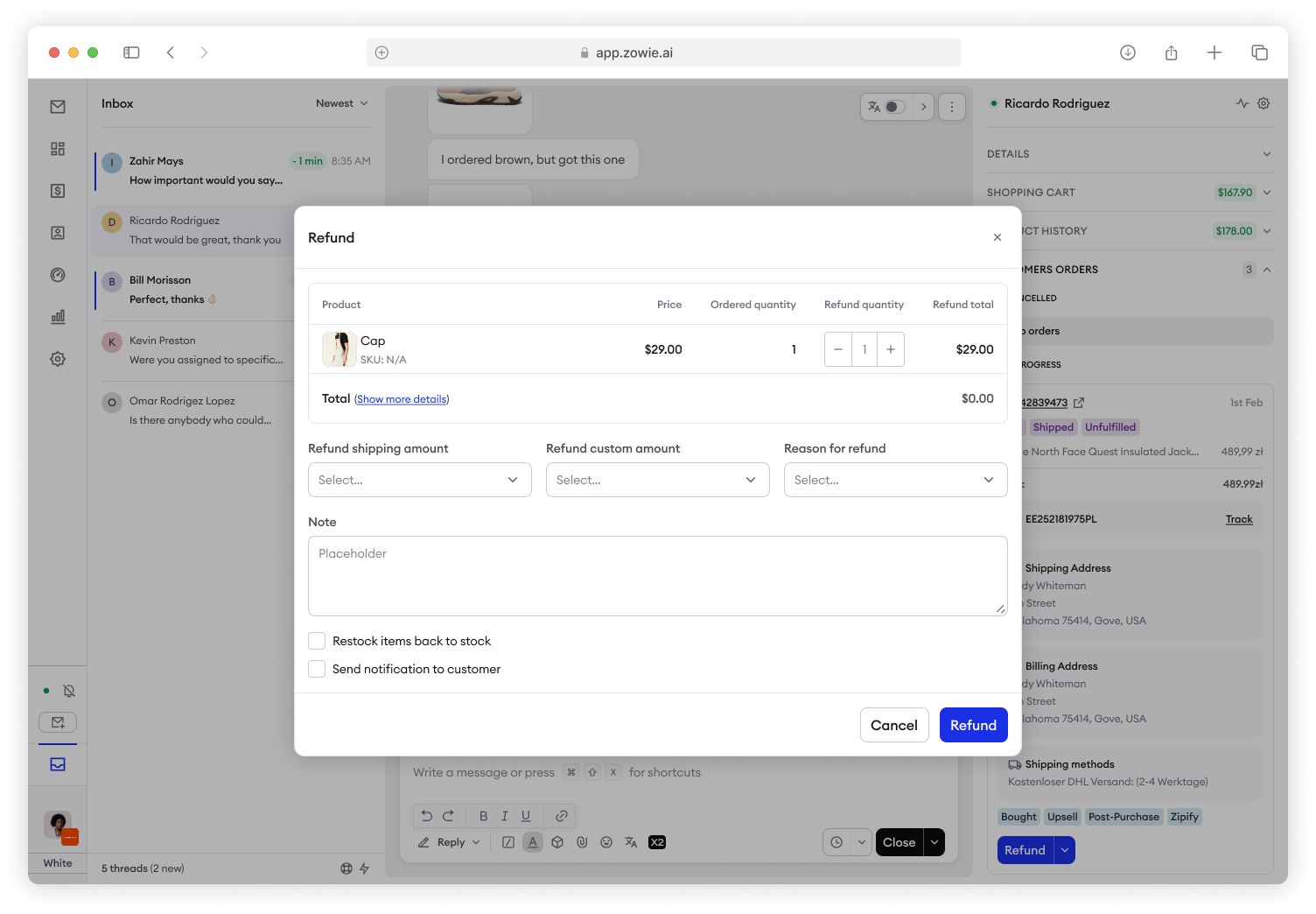
Refund, Tracking and other ecommerce options have now refreshed look.
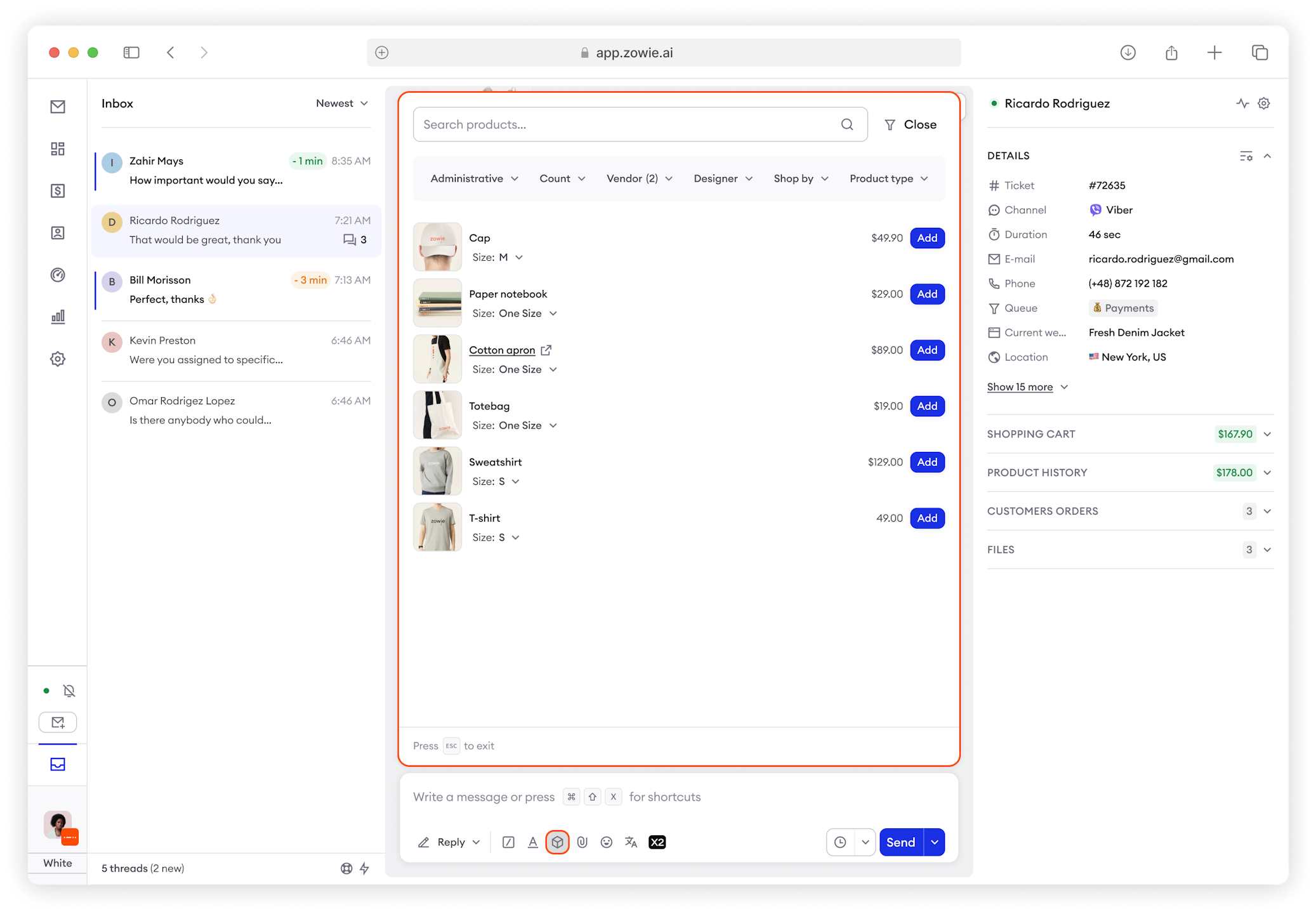
Product catalogue has now a new, refreshed look and sorting / filtering options added.
Email experience
The New Private Email option is now positioned in the bottom-right corner in Email Threads.
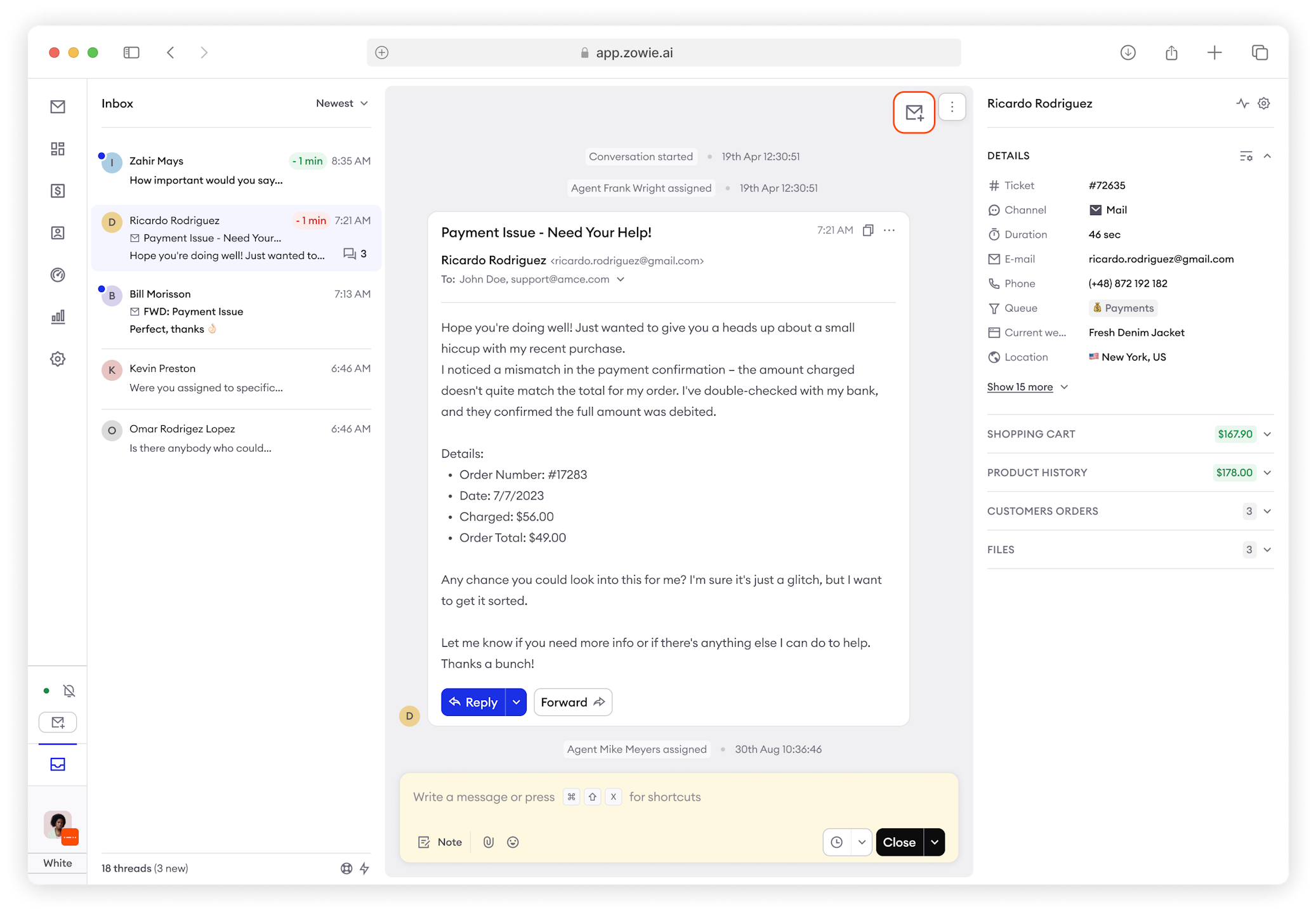
BCC functionality has been added.
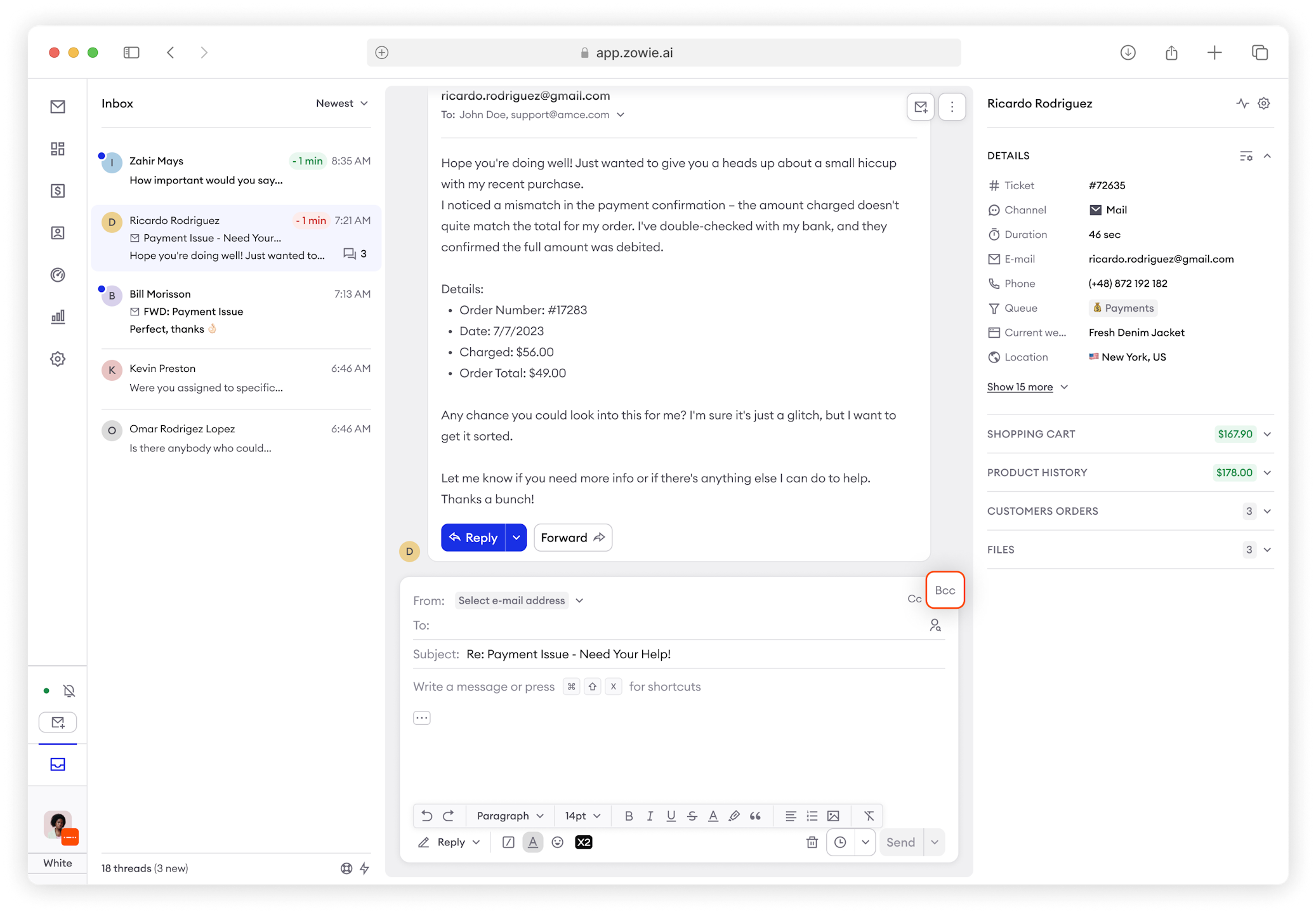
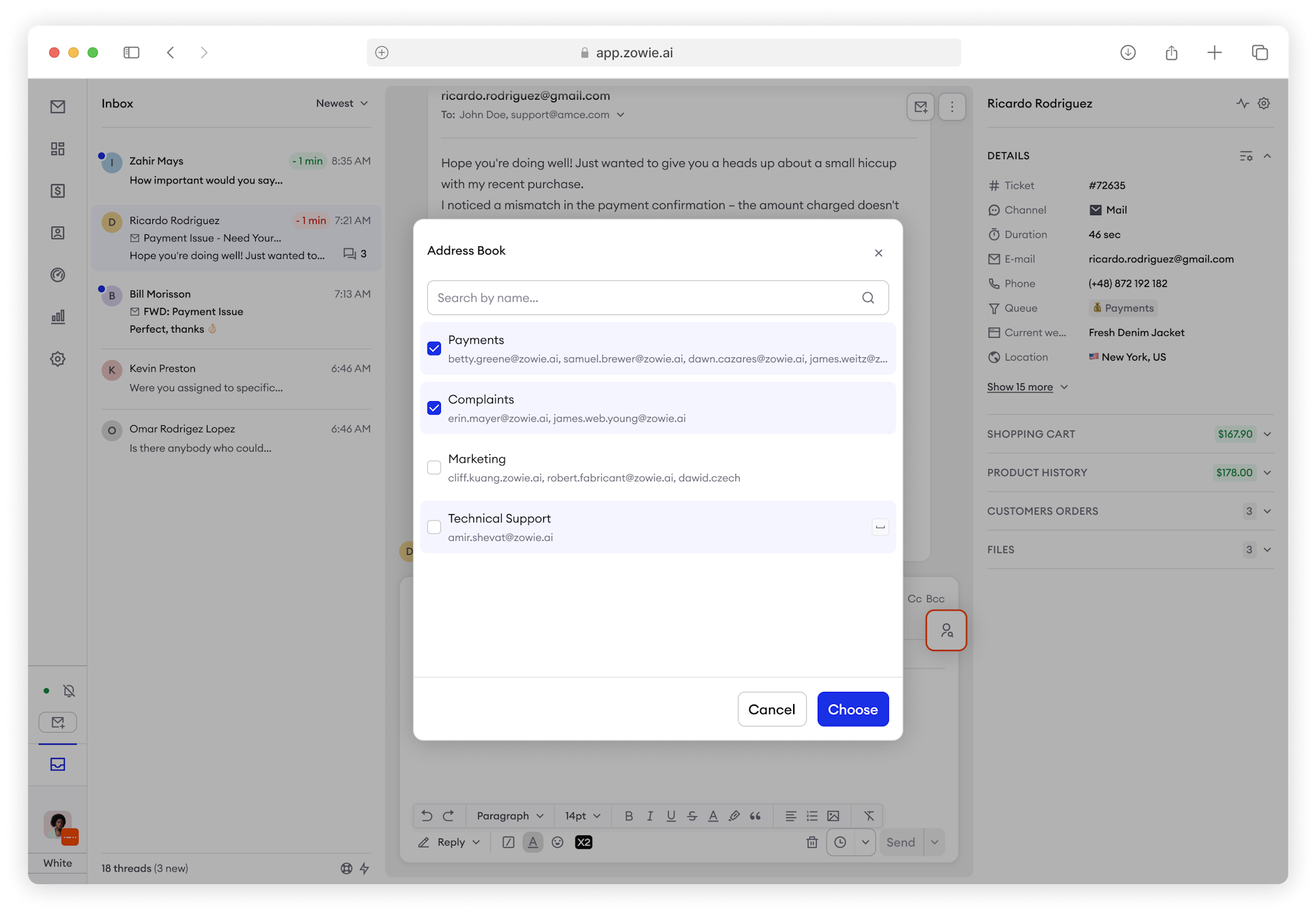
The address book is now more visible.
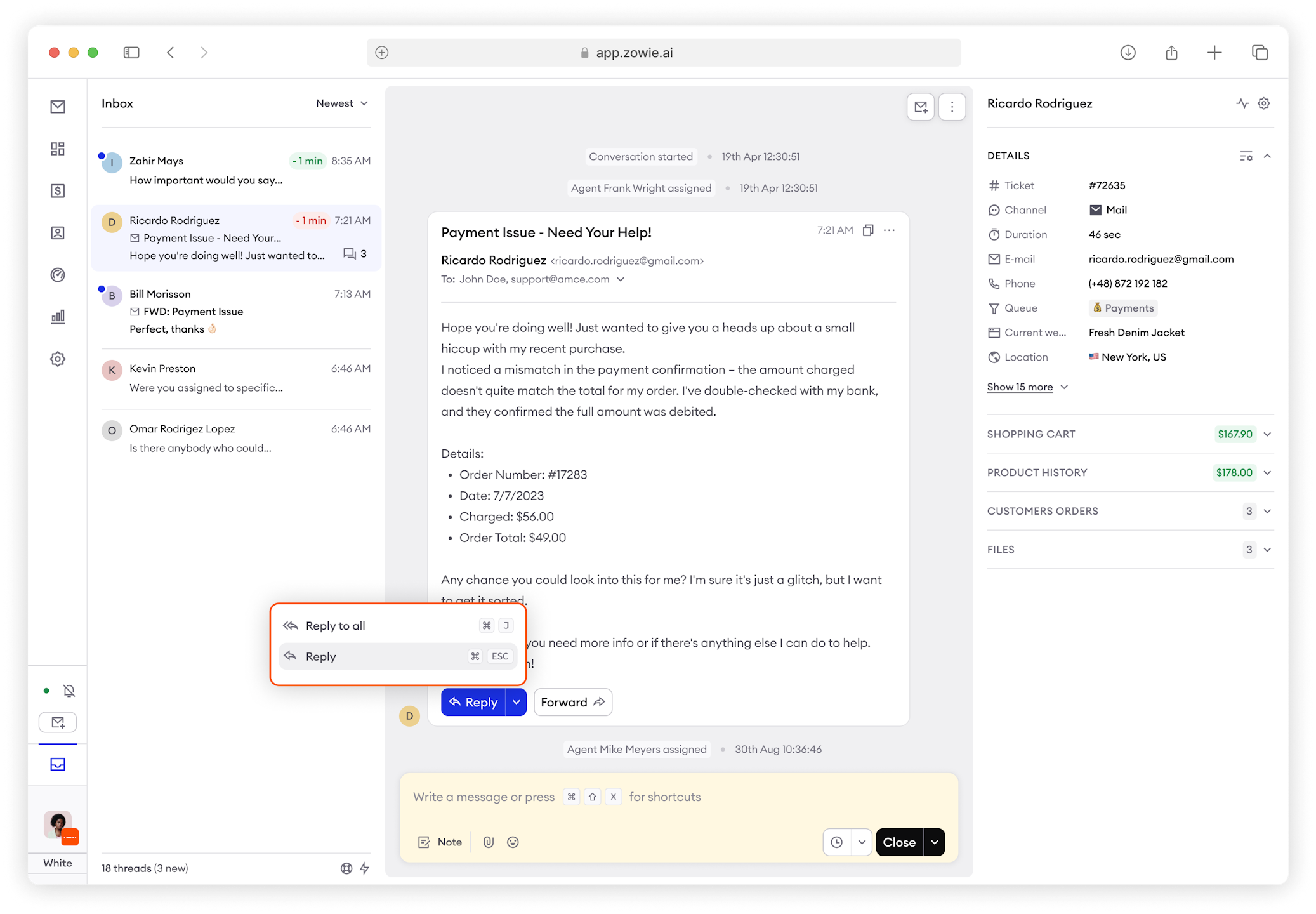
Support for Reply and Reply All has been added.
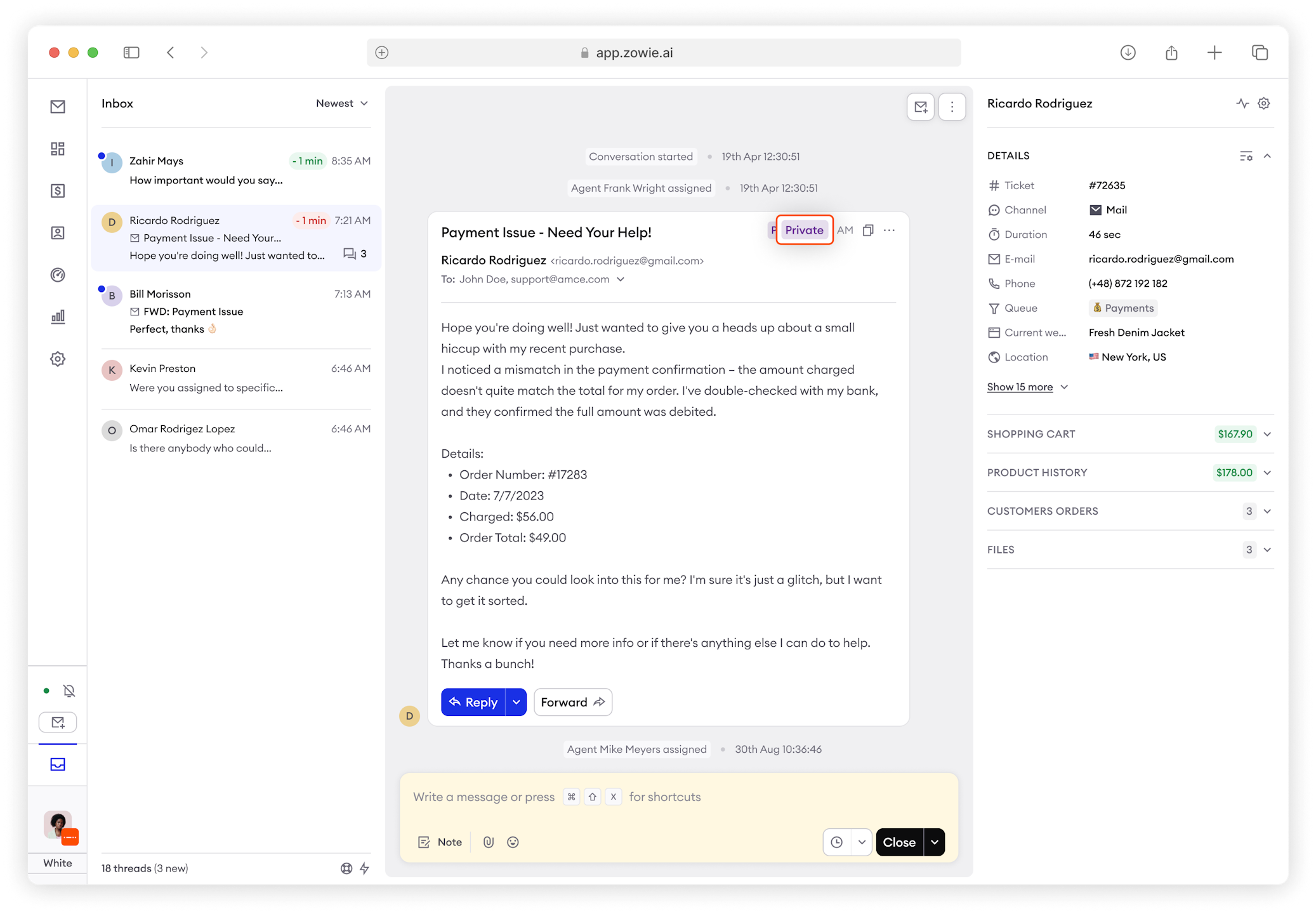
Private Emails have been renamed External Emails and are labeled in the upper-right corner.
All Emails and Customer Emails can now be selected in the Action Hub.
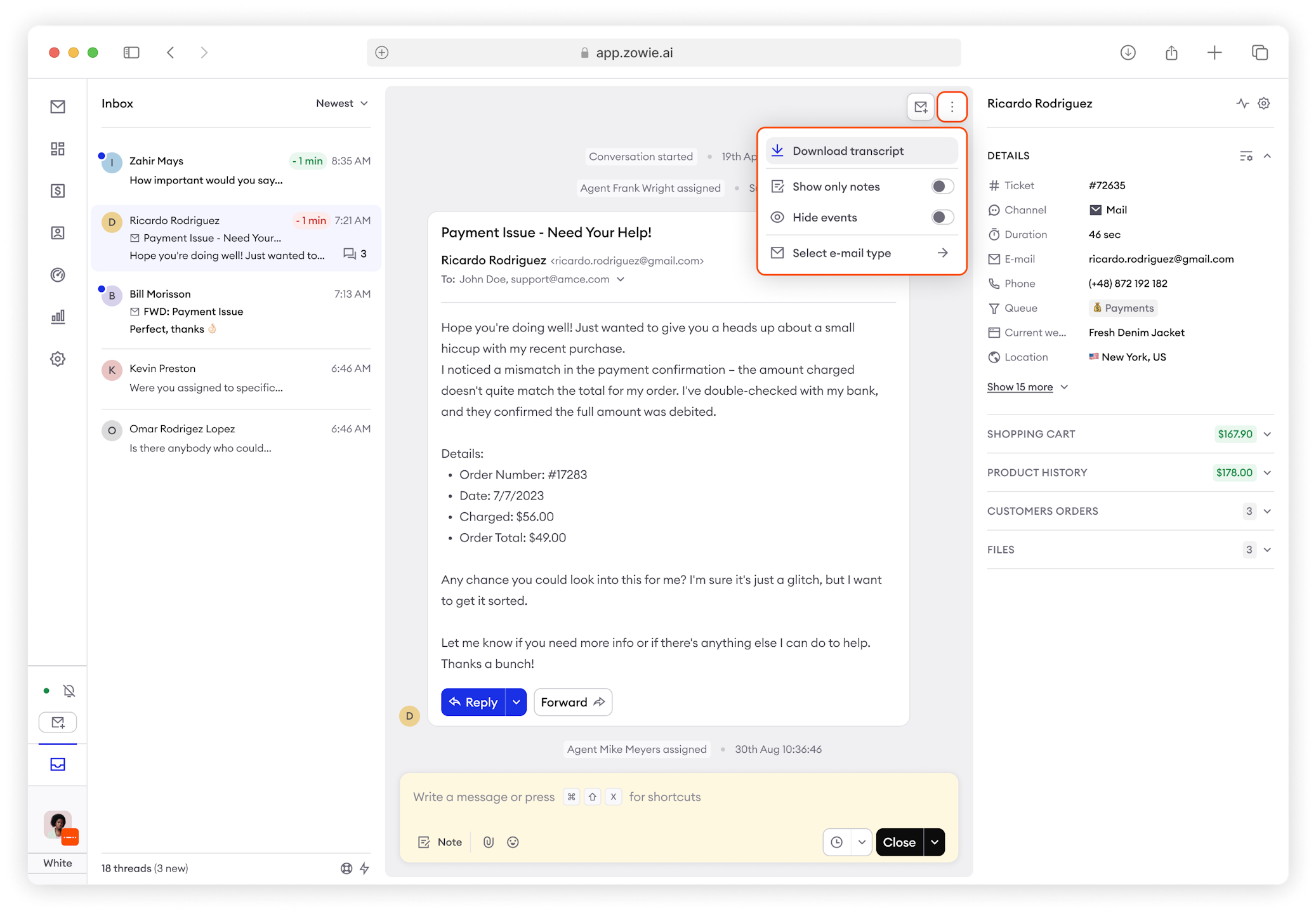
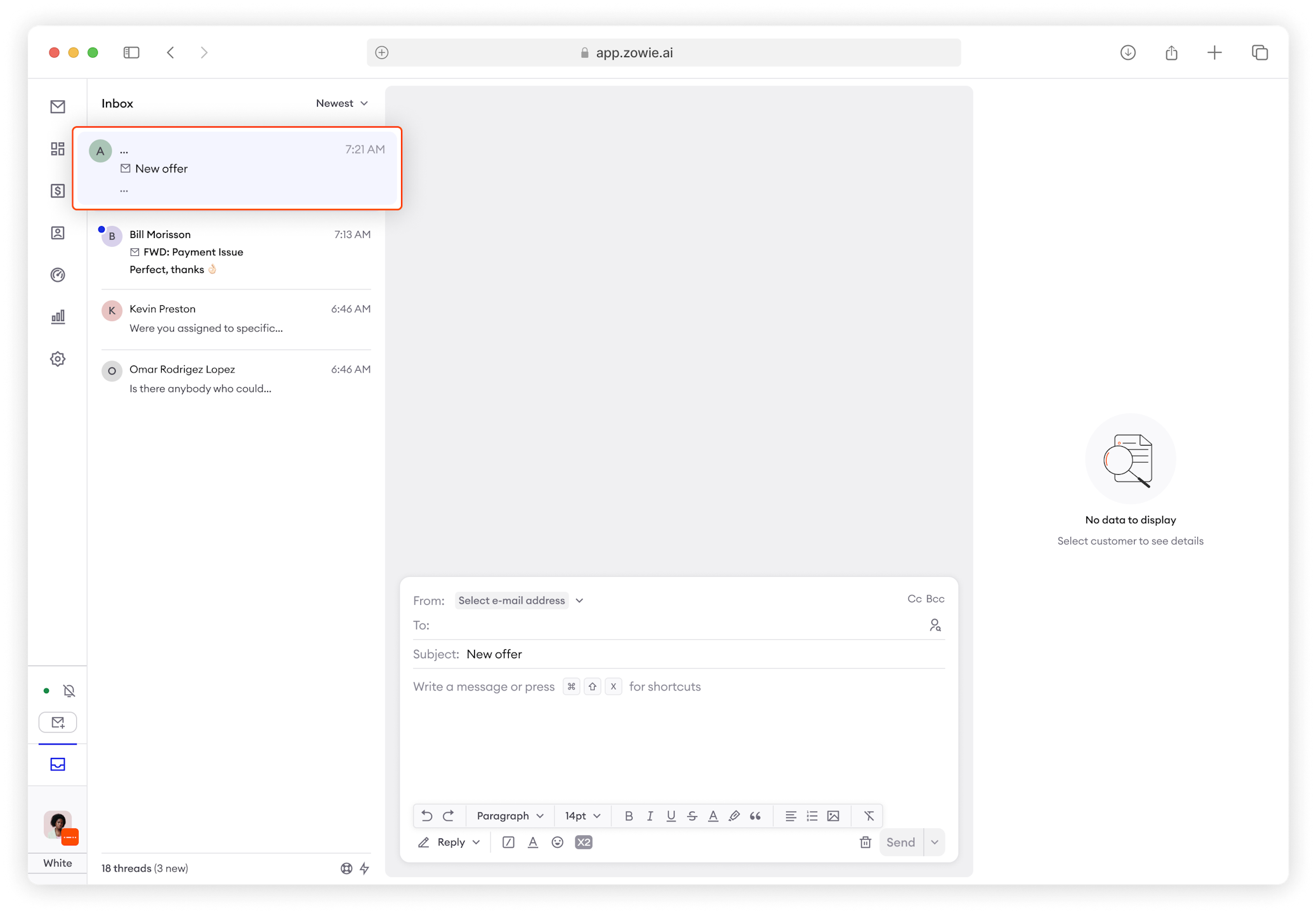
Draft emails will now be saved in the Conversation List.
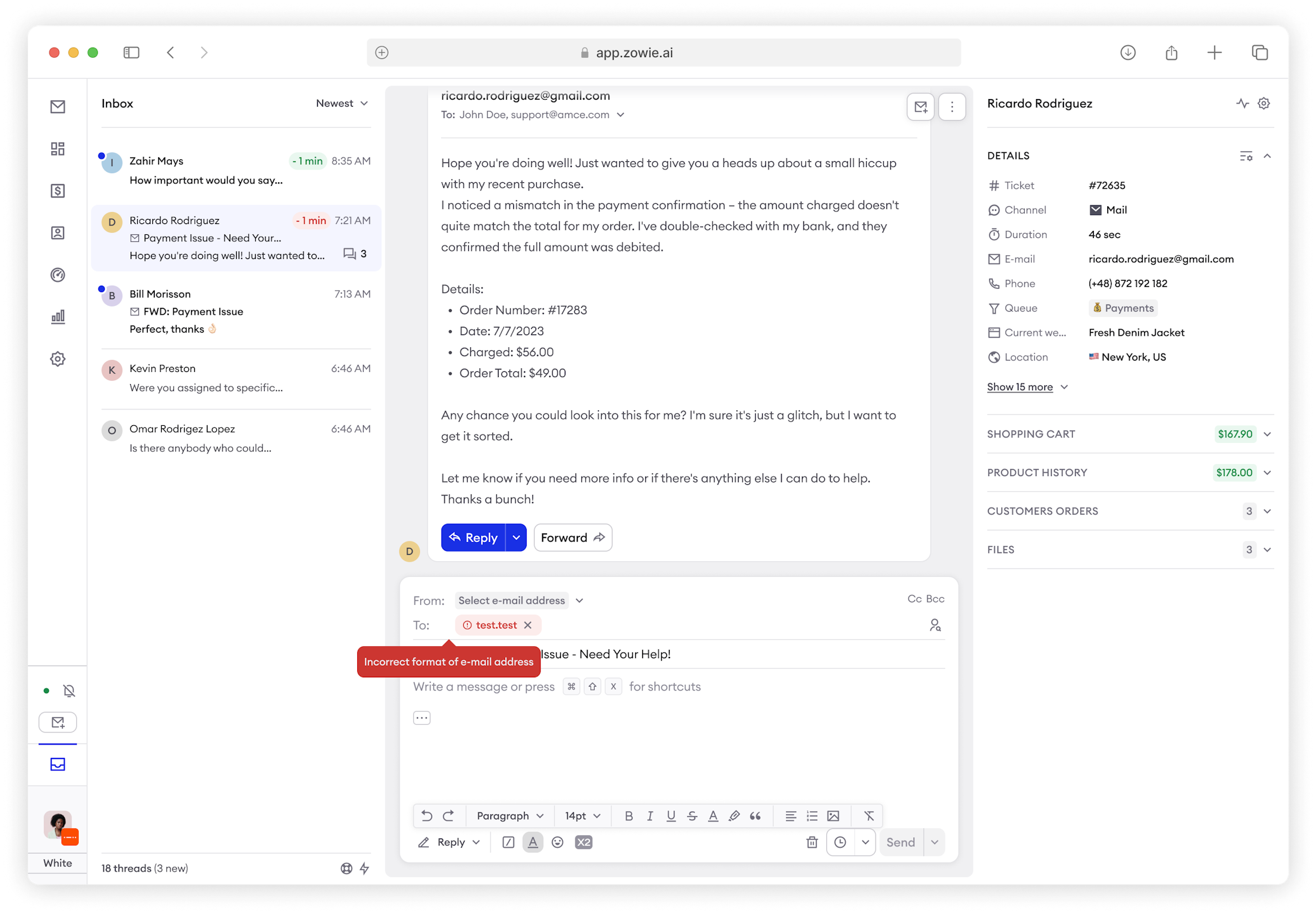
Email addresses will now be validated.
Write Assist and Quick Summary are now available in emails.
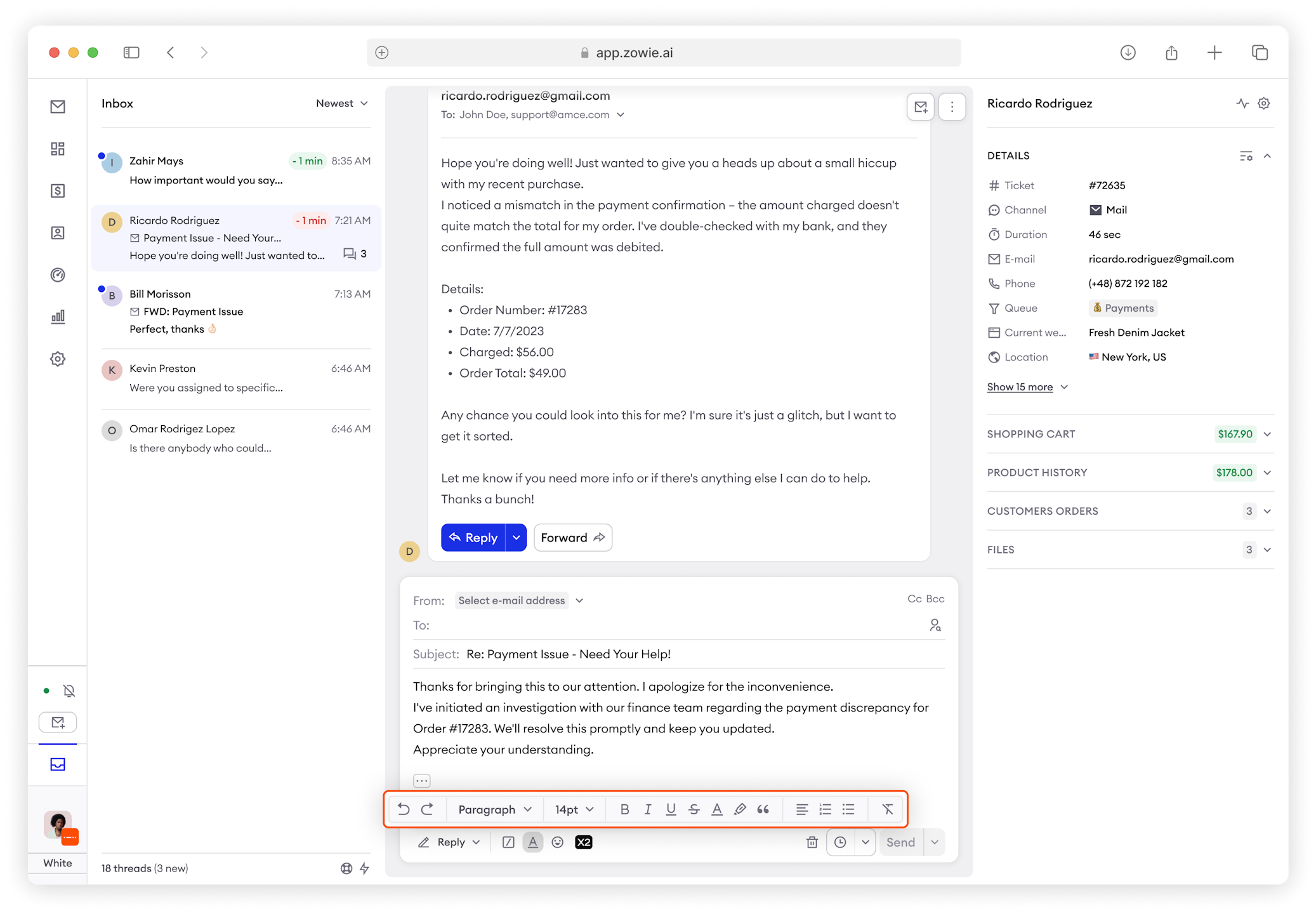
A rich text editor is now available for emails, including options such as: Bold, Italics, Strikethrough, Underline, Paragraph, Adjust Paragraph, Change font style, and Change font size.
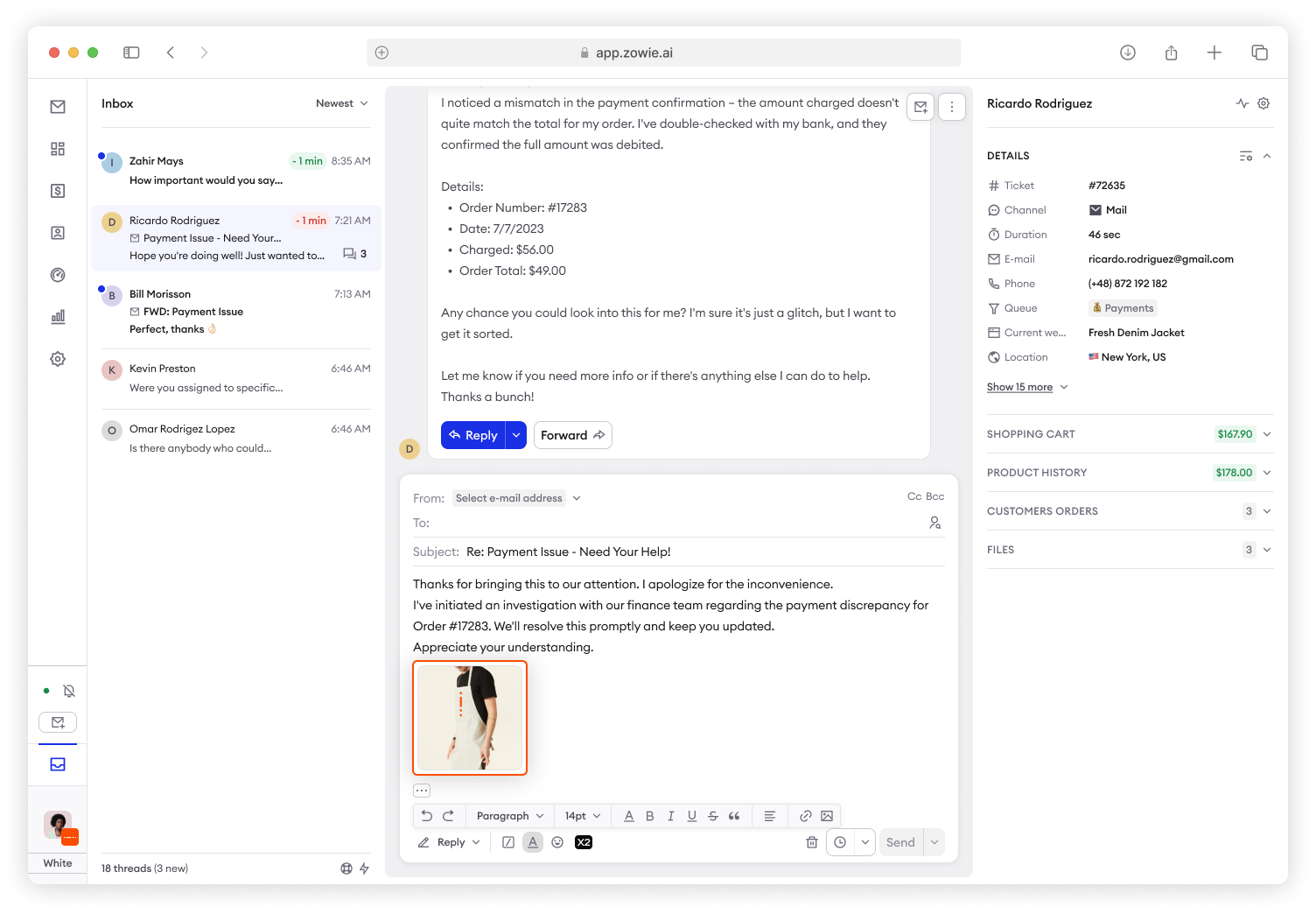
In-line pictures are now supported in emails.
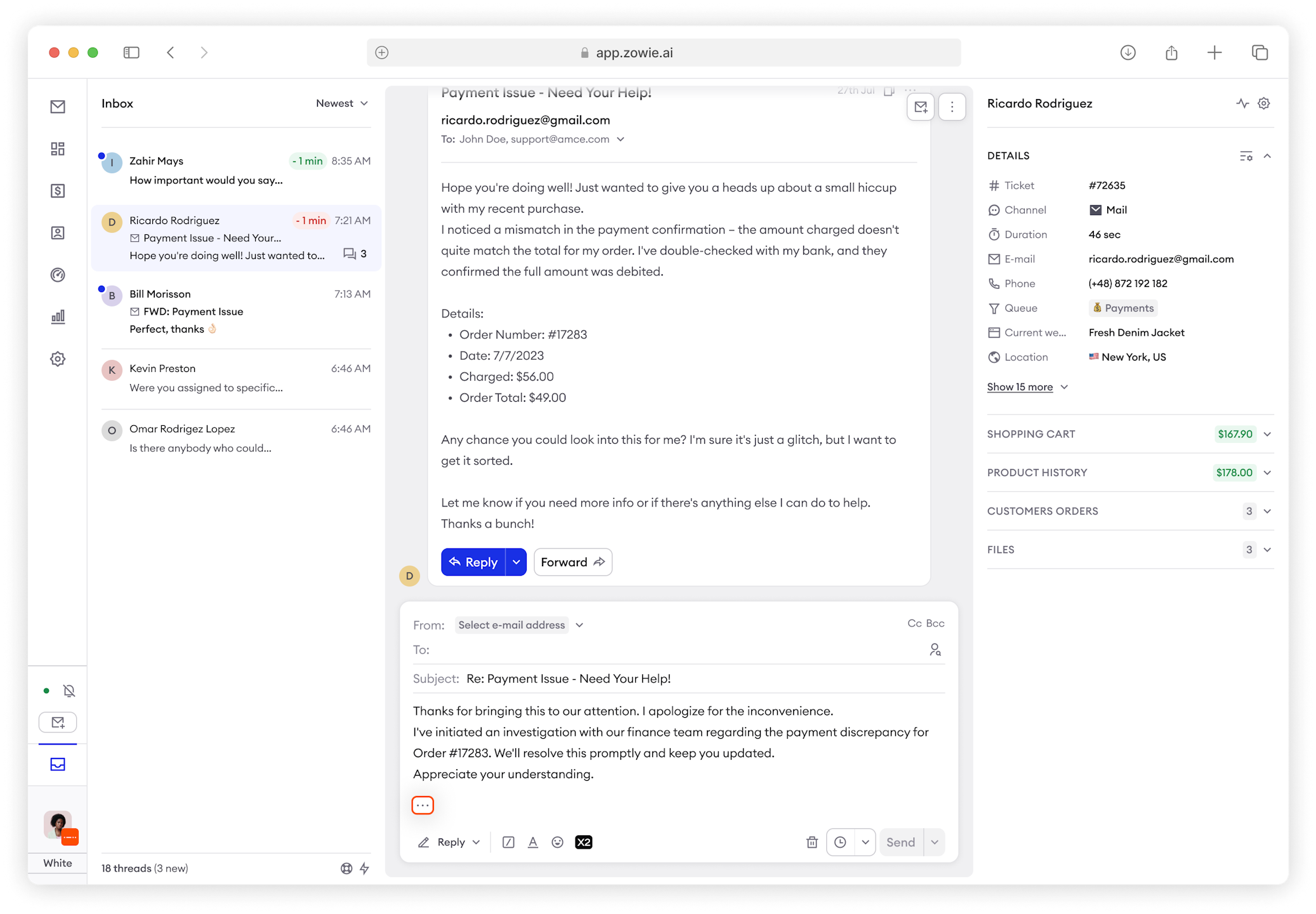
Quotes can now be edited in emails.
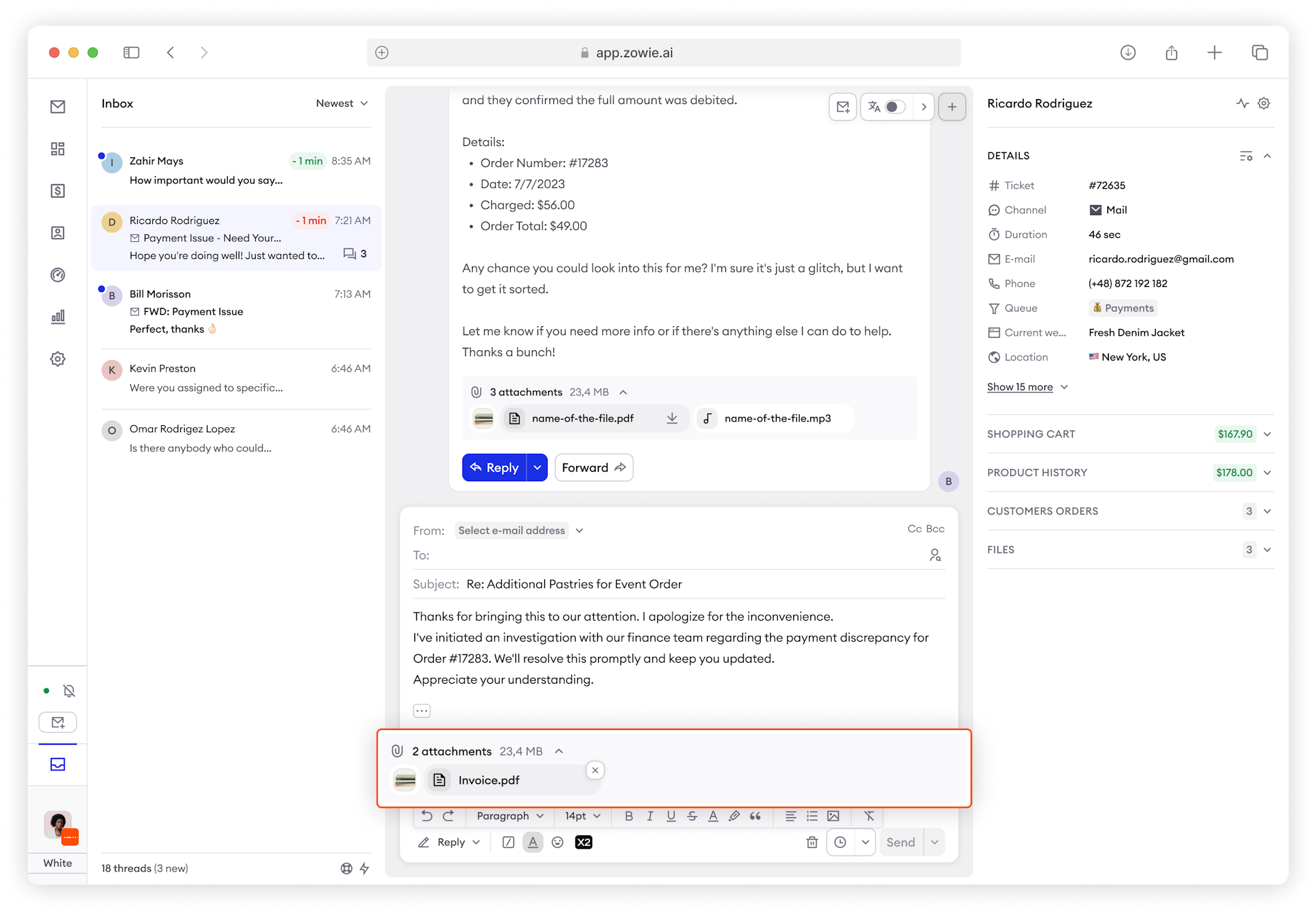
Attachments can now be edited when forwarding emails.
Files
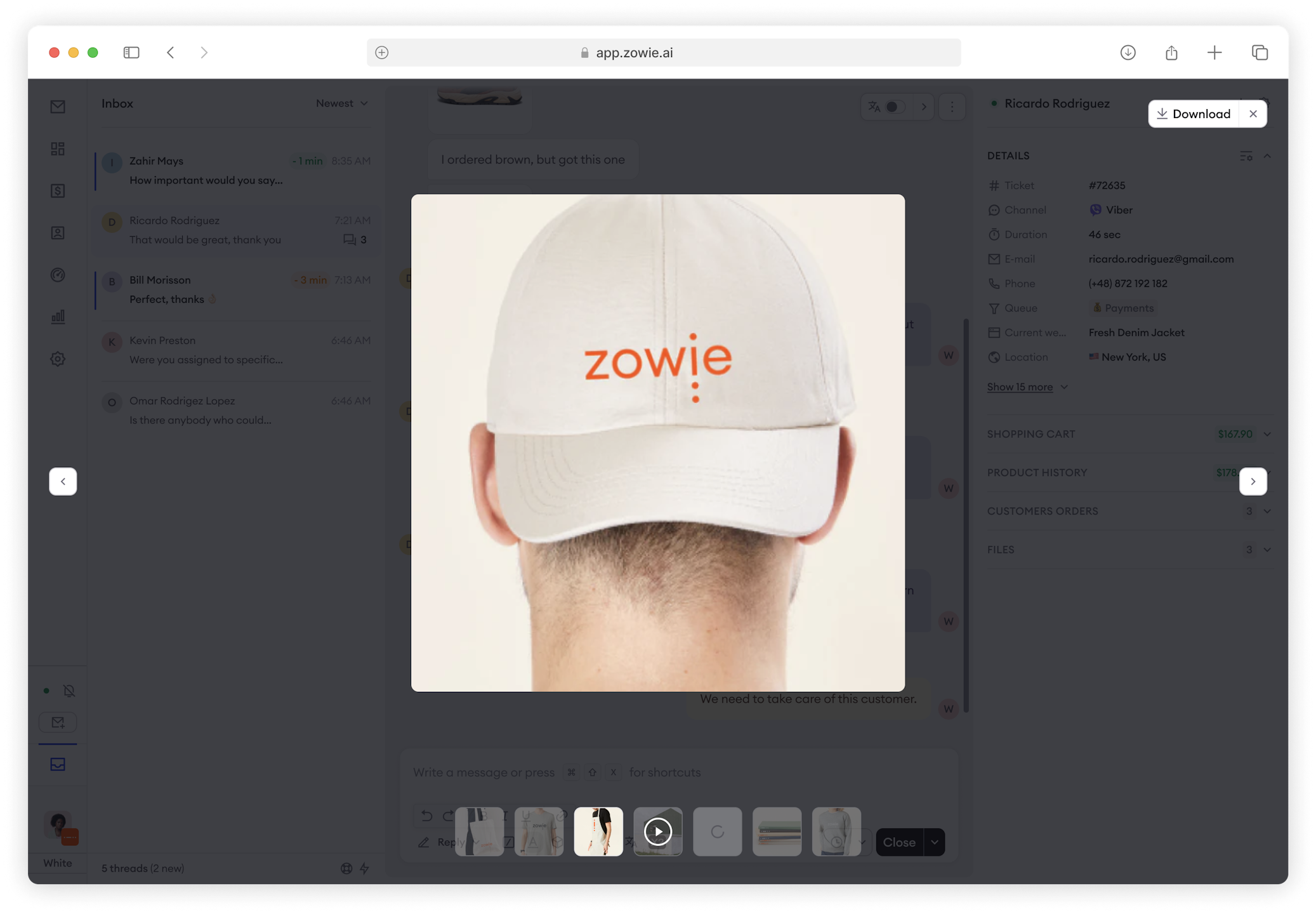
Picture attachments can be previewed in carousel in browser before downloading.
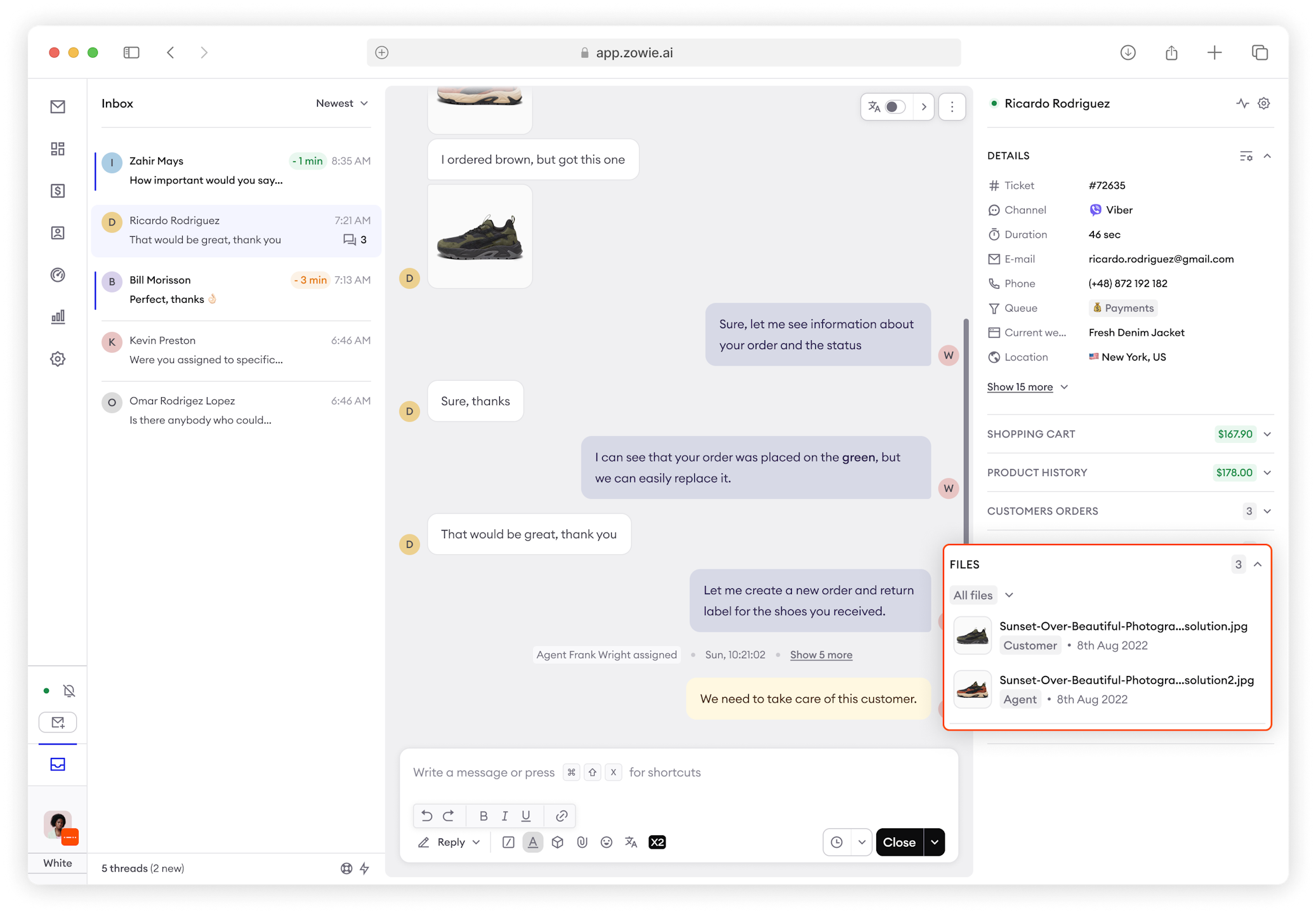
Files in Sidebar can now be sorted by agent or customer.
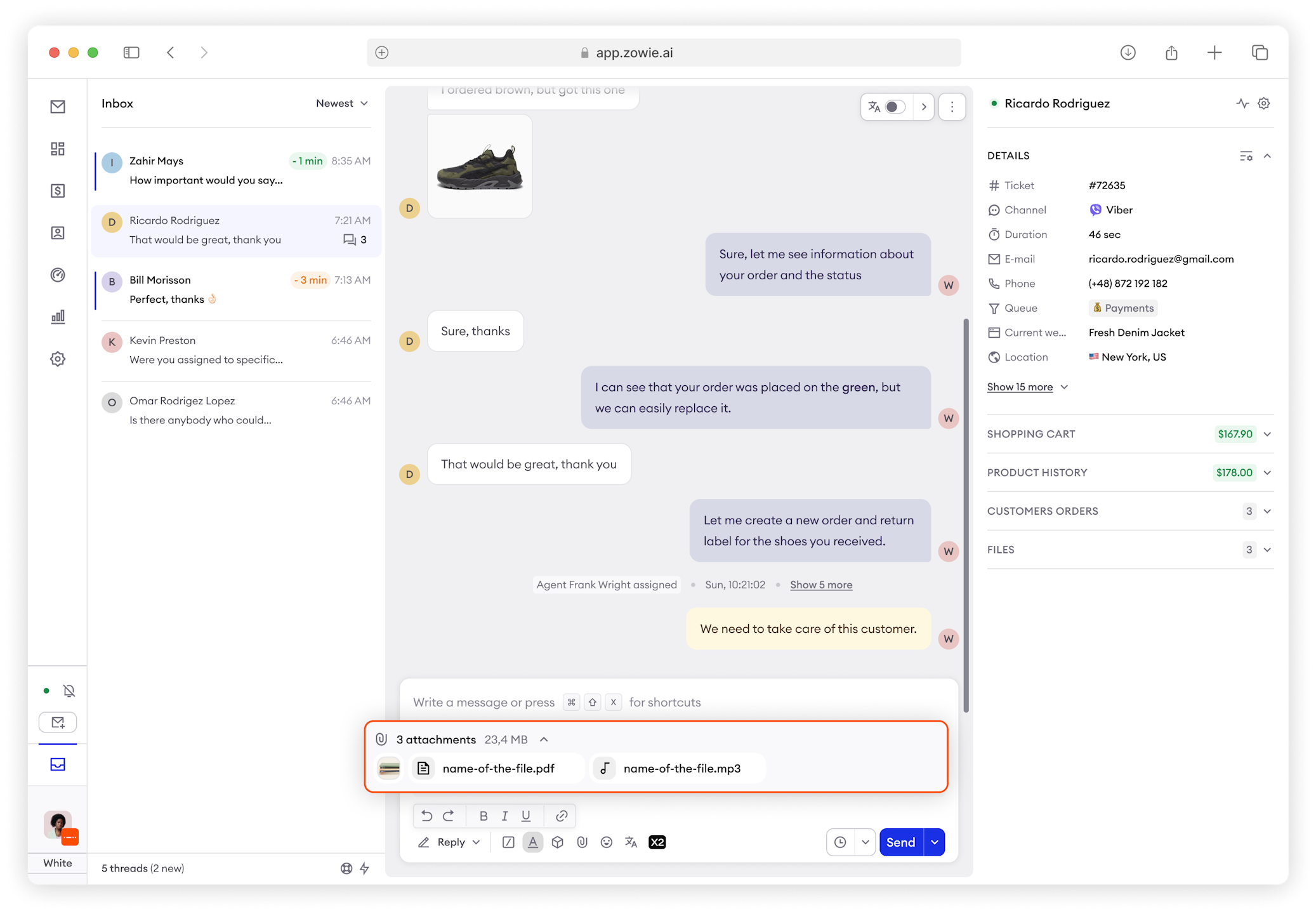
Added information on attachment sizes.
Updated over 1 year ago