
Statuses
What are Statuses?
Statuses are used to identify whether individual agents are online, on a break, or offline, and whether or not they should be assigned tickets accordingly.
Why use Statuses?
Using Statuses properly ensures that your agents will only be assigned tickets when online. It also gives you the ability to report on agent activity and how much time is spent in each status.
How to access Statuses?
In order to find Statuses, please go to Inbox > Settings > Statuses.
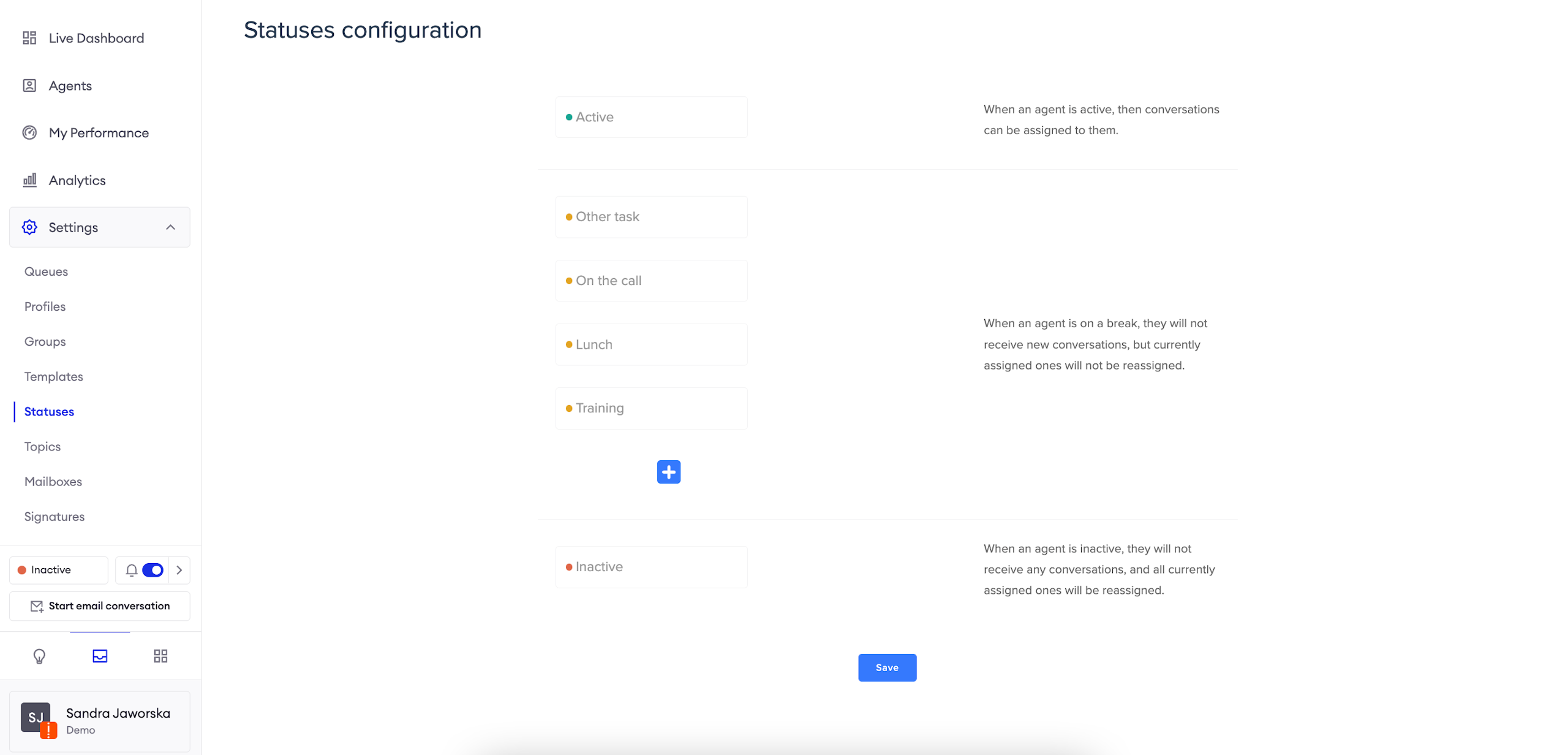
Configure Statuses
By default, Zowie provides three statuses:
- Active;
- Break;
- Inactive.
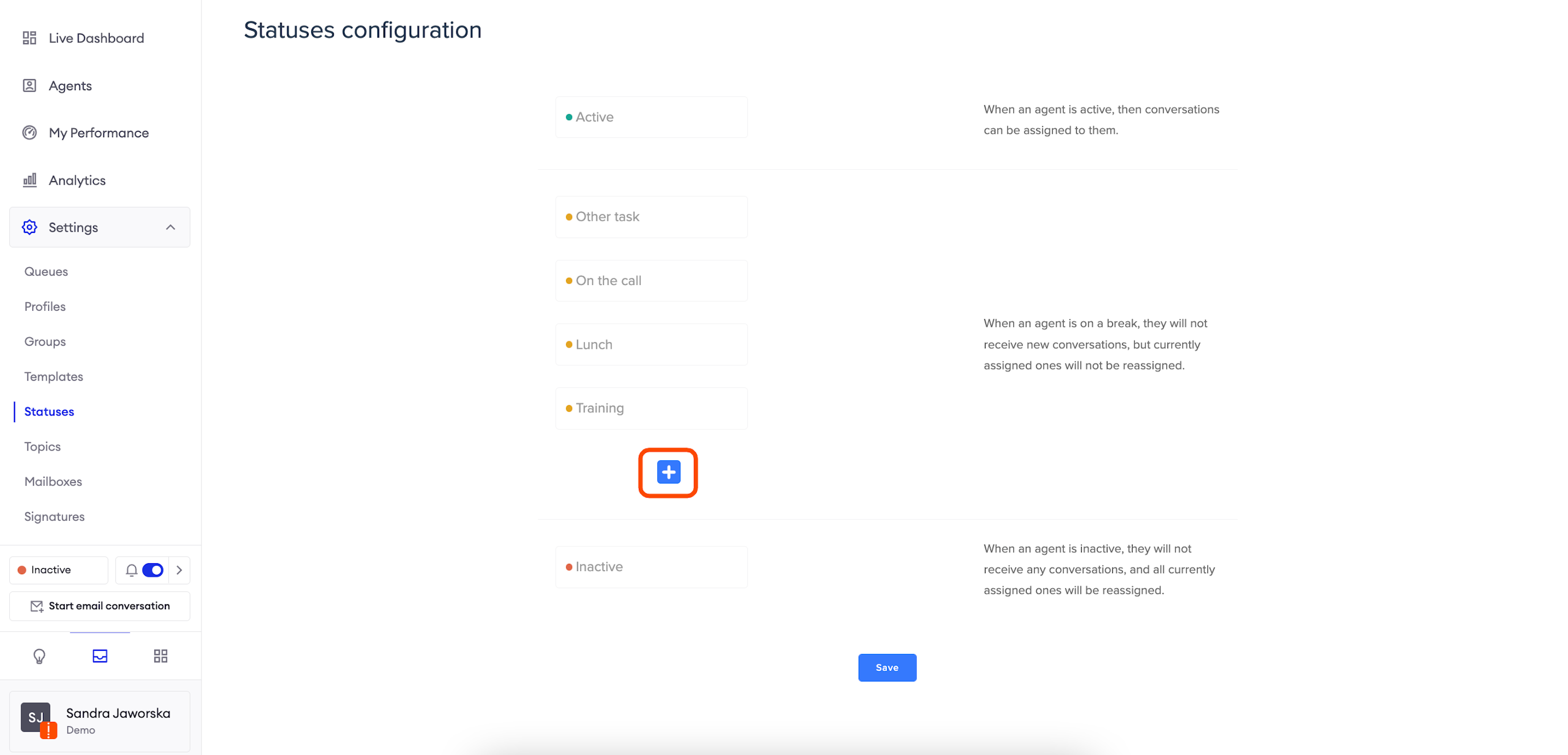
You can easily set up other statuses, which will be treated as the "Break" status which means that the agent in that status will not be assigned any new threads, but the currently assigned ones will not be deassigned.
Updated over 1 year ago
Did this page help you?