
Facebook Ads
What is the FB Ads Module?
The FB Ads Module allows you to connect a chatbot with your FB Ads. After clicking the ad, users will be transferred to a predefined place in the chatbot.
Why use FB Ads?
By using the Facebook Ads module, you can direct Facebook Ads traffic to the chatbot in a previously defined place (e.g., Quizzes, Contests, Promotional codes).
How to access FB Ads?
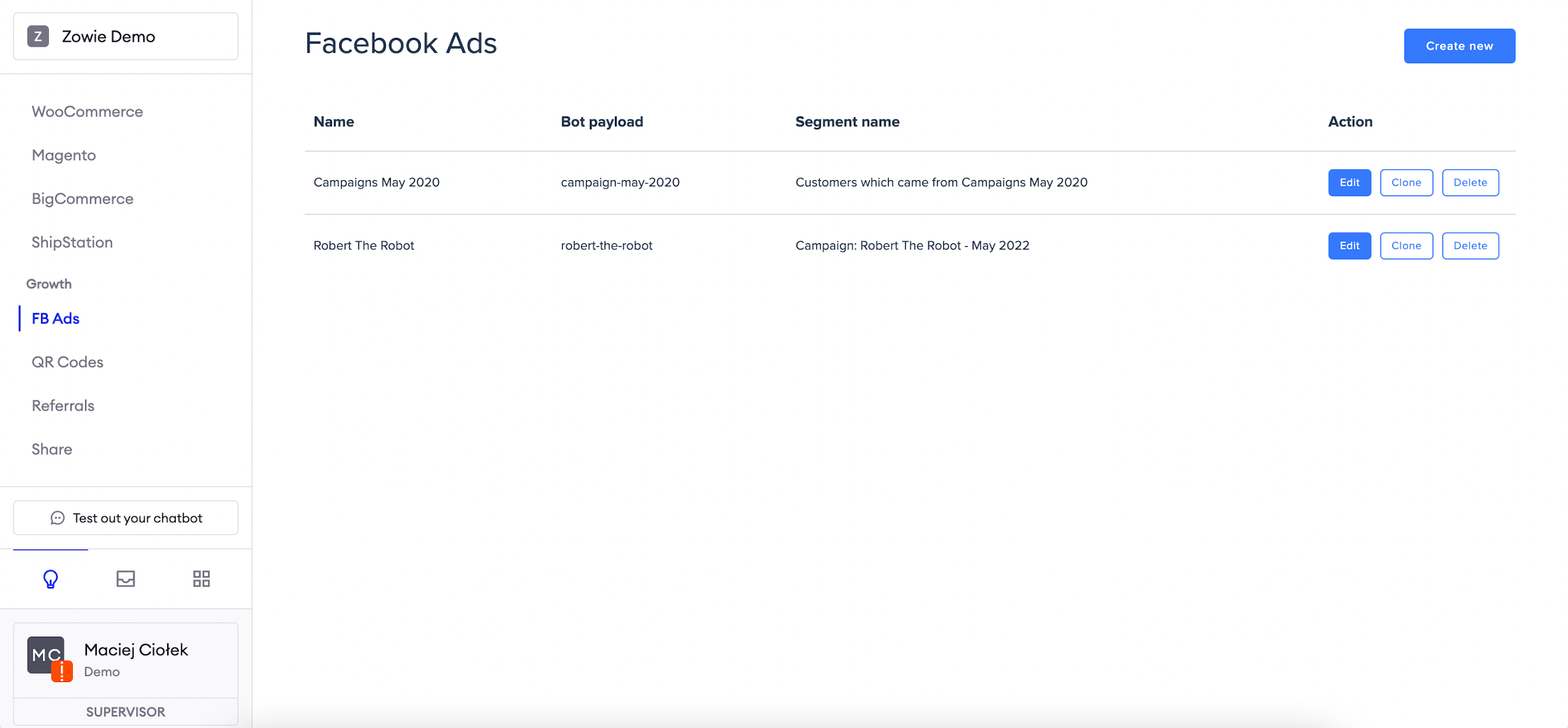
To access the FB Ads Module, navigate to Modules > FB Ads from the navigation bar.
Ads Manager
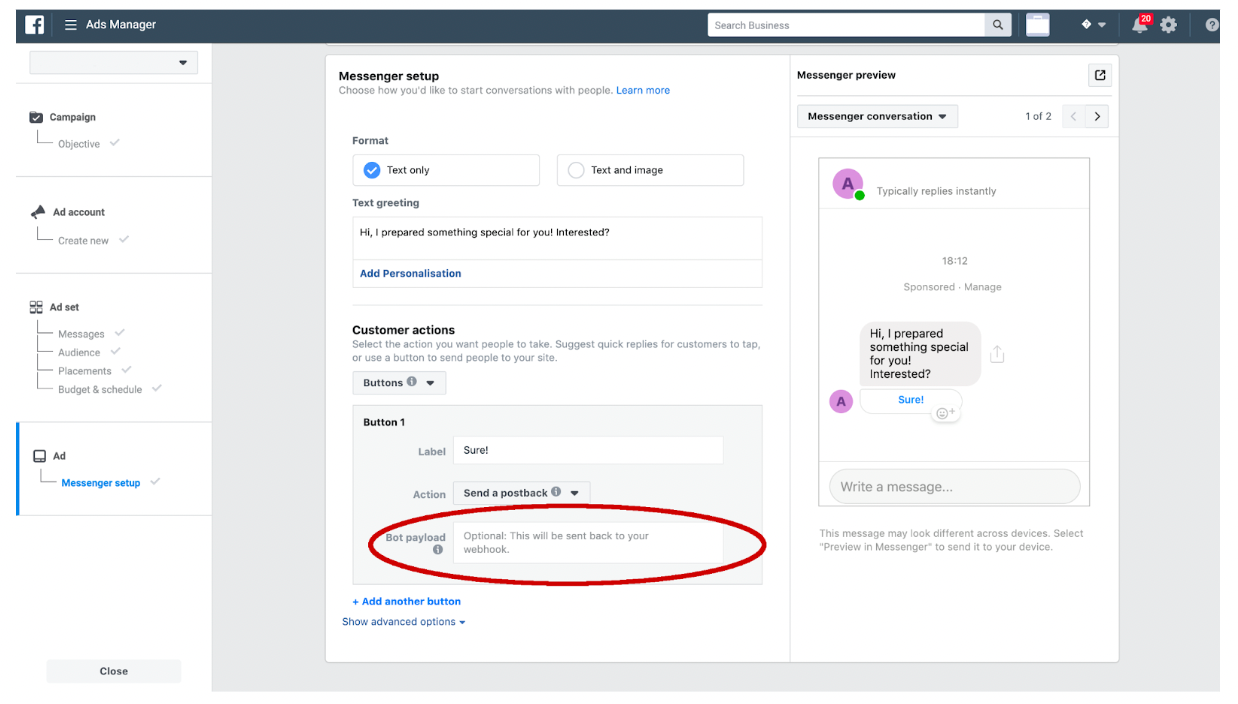
Before configuring the module, configure the ads using Facebook Ads Manager.
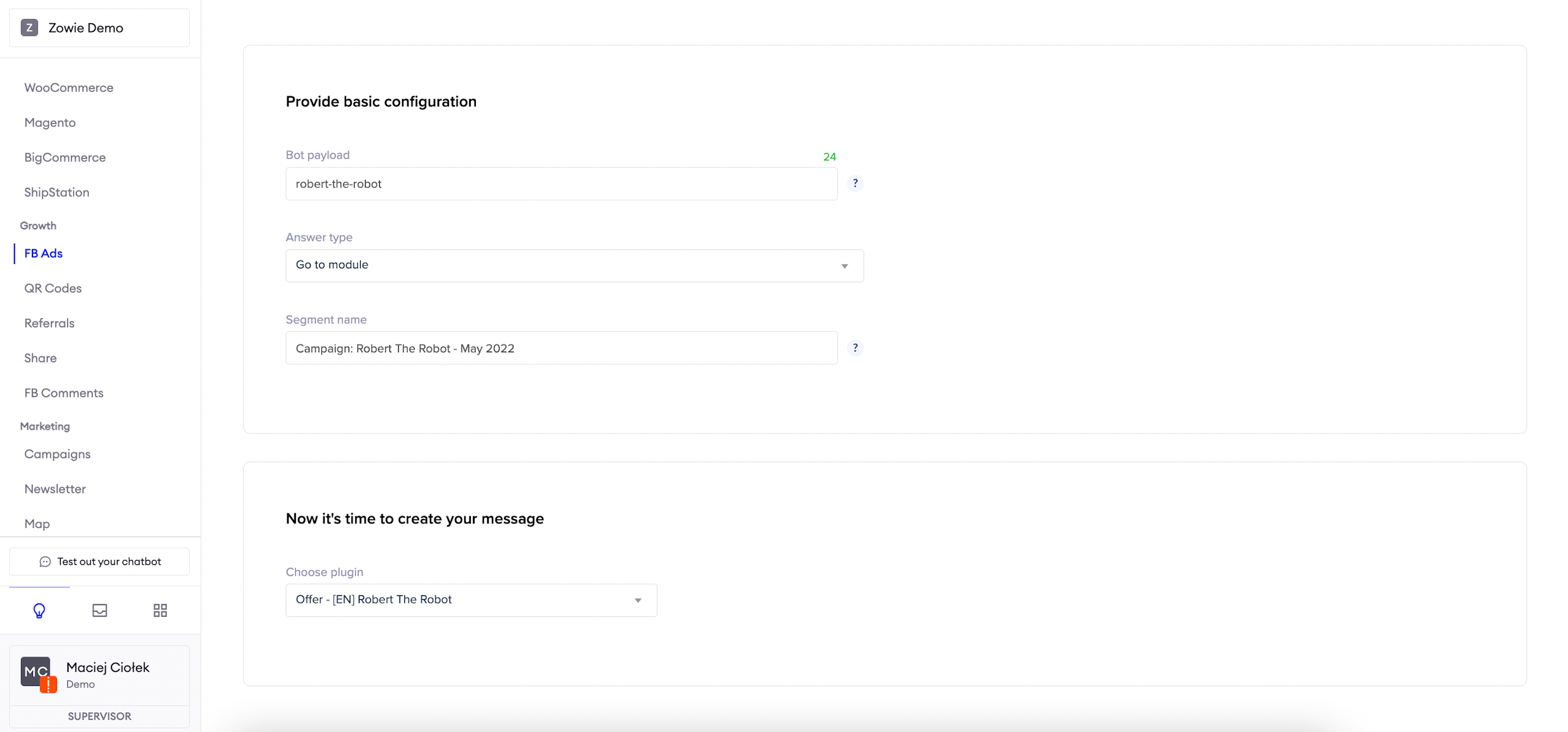
The most important field is the Bot payload. Create and enter a unique value. Later, you will have to put the same value in the FB Ads module on the Zowie platform - only then will it correctly link the ads with the module.
Basic configuration
Next, select the Answer type.
Go to module moves the user to a predefined module, and Respond with message responds with content that you configured in the Creator below.
Finally, enter the Segment name. People who will enter the chatbot through this particular Facebook Ads module will appear under this name.
Updated over 1 year ago