
Process Gallery
Overview
Process Gallery is your one-click template library that transforms Decision Engine workflows from blank canvas to production-ready in minutes. Each template comes pre-configured with best practices, integration logic, and error handling—so you can focus on your unique business requirements instead of rebuilding common workflows.
Getting Started
Accessing Process Gallery
- Navigate to Tools → Processes in Zowie main (Automate) tab
- Click on Process Gallery in the top right corner
- Browse available processes
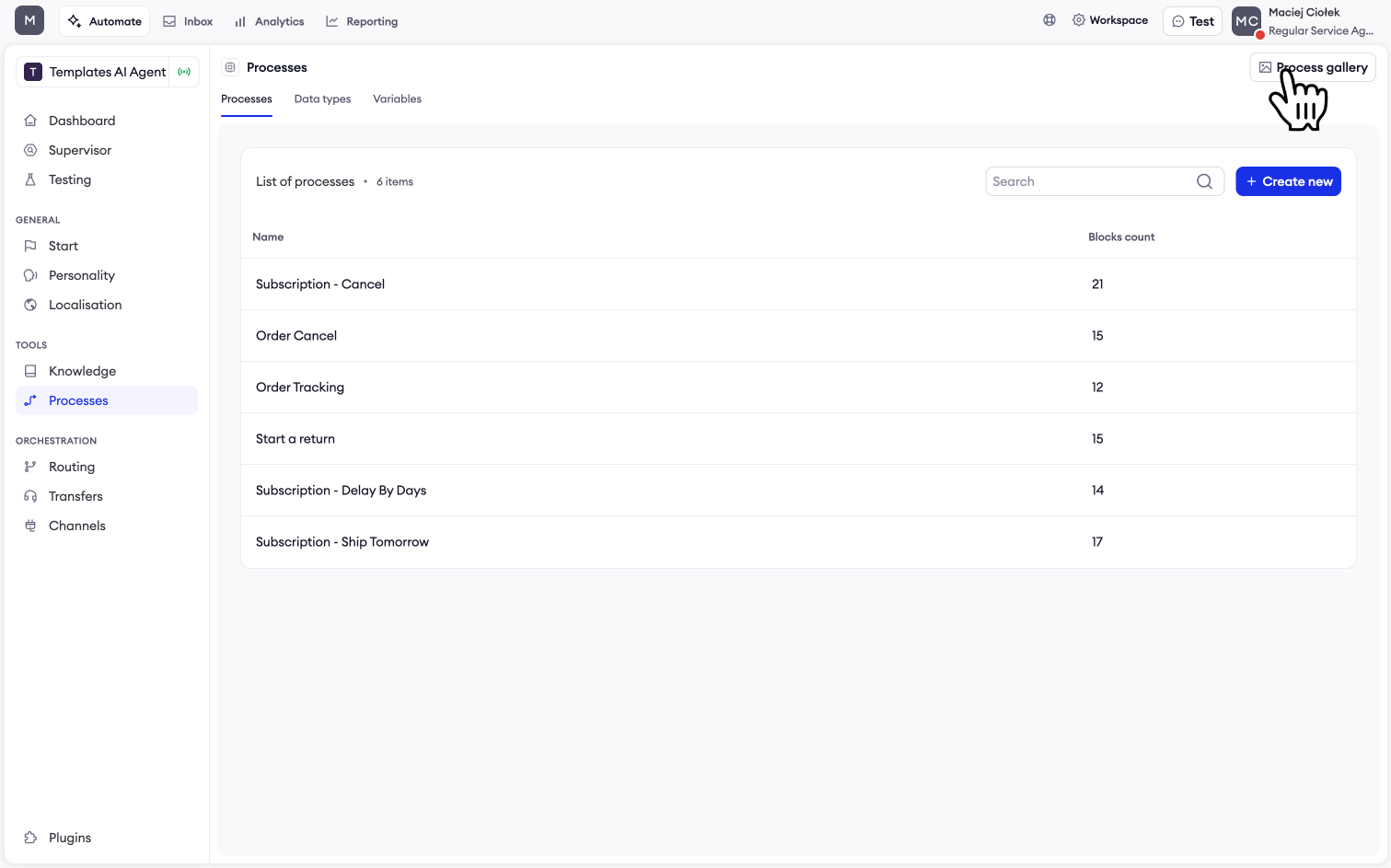
Understanding Template Prerequisites
Before installing a template, ensure you have the required integrations connected. Select a Template and click "Start Setup". Each template displays required integrations.
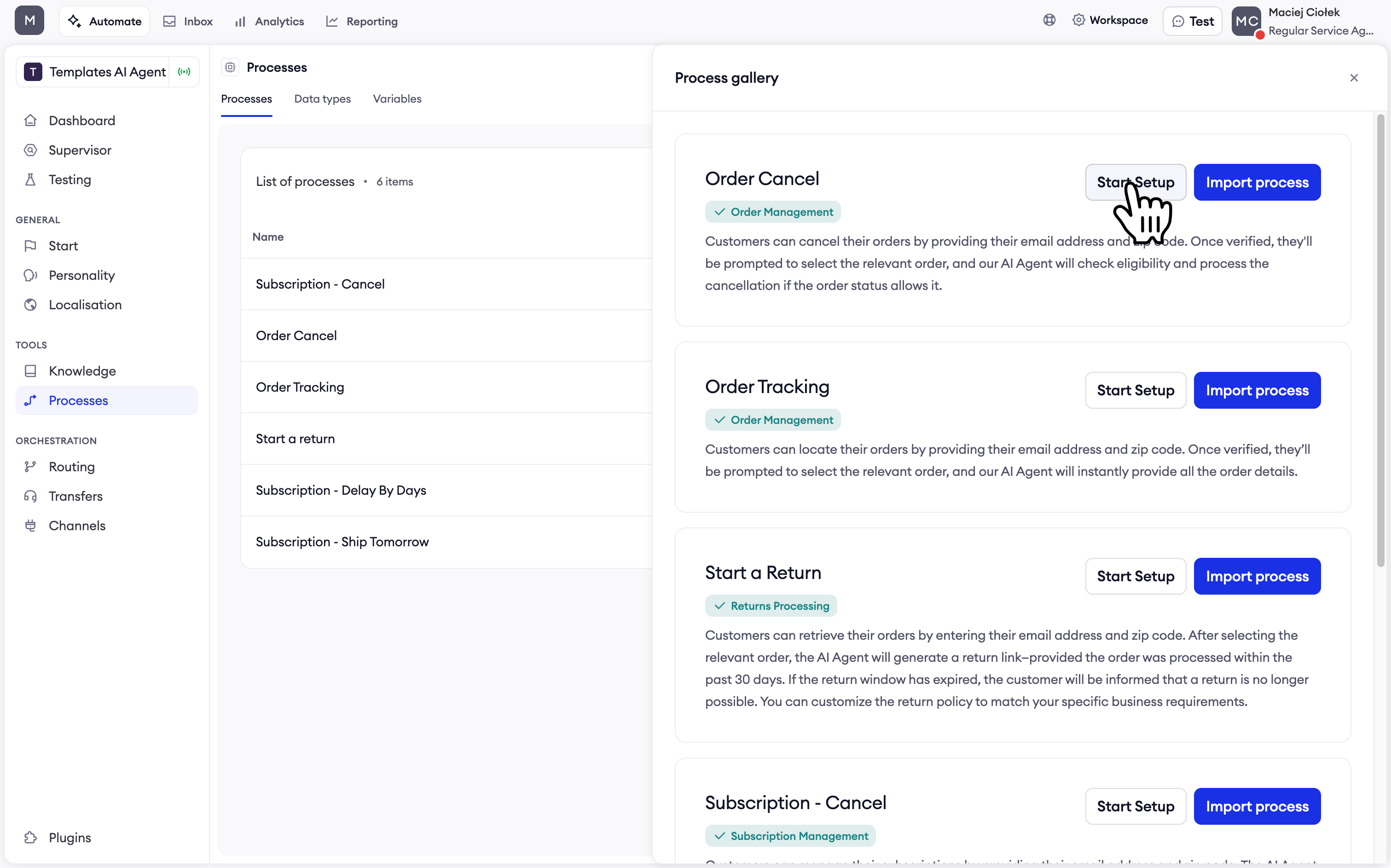
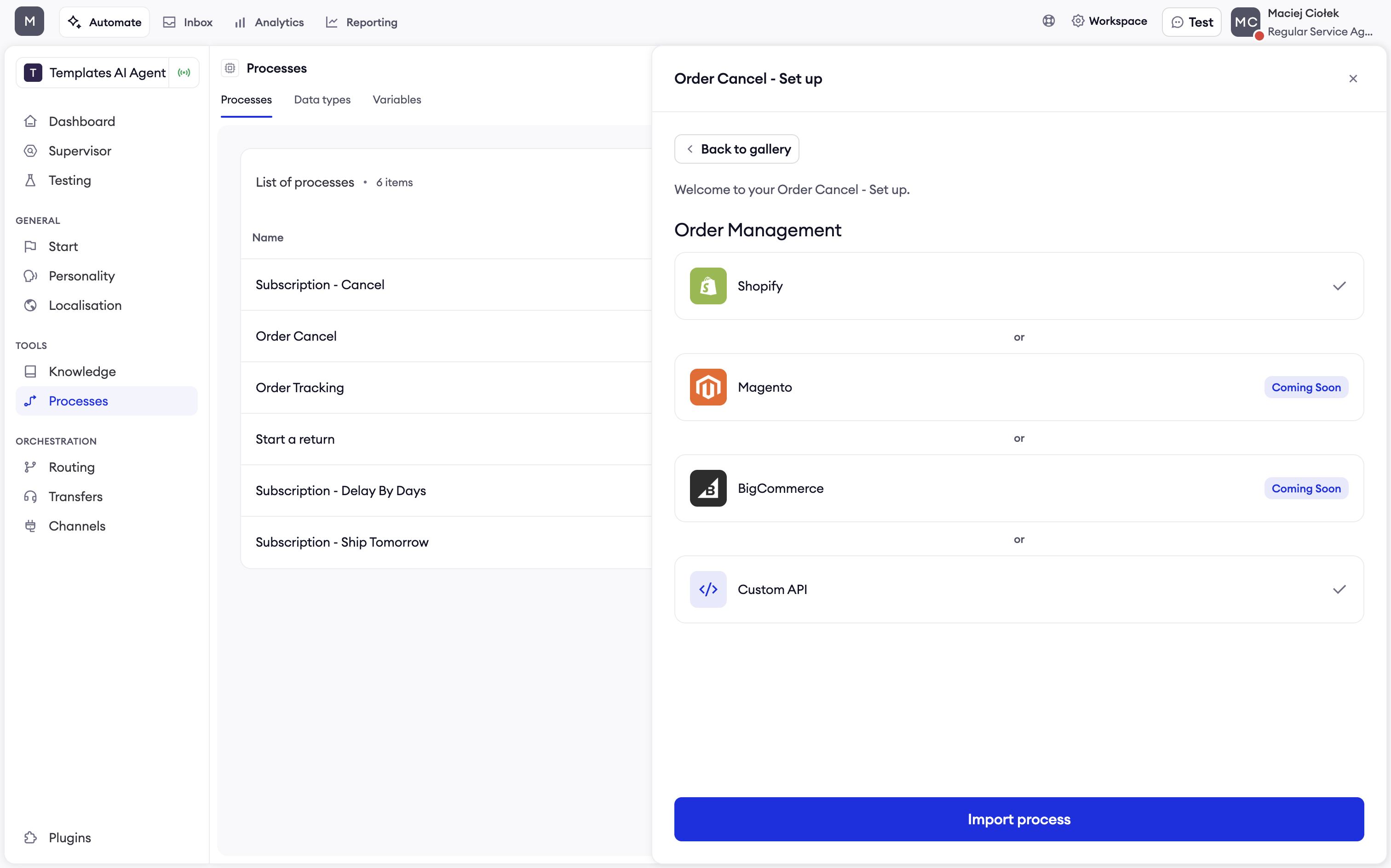
If you meet the requirements, you can proceed to Import process. Otherwise, you can select required integration and connect.
Available Processes
Order Management
Order Cancel - Two Hours from Created
Purpose: Enable customer self-service cancellation within 2 hours of order placement
Supported Integrations: Shopify, Magento, BigCommerce, or Custom API
Key Features:
- Email and zip code verification
- 2-hour cancellation window validation from order creation time
- Automatic order status validation
- Cancellation confirmation messaging
Order Cancel - Based on Status
Purpose: Enable customer self-service cancellation based on order status
Supported Integrations: Shopify, Magento, BigCommerce, or Custom API
Key Features:
- Email and zip code verification
- Status-based eligibility check (Waiting for payment, Paid, Processing)
- Automatic order status validation
- Cancellation confirmation messaging
Order Tracking - By Email & Zip
Purpose: Instant order status lookup using dual verification
Supported Integrations: Shopify, Magento, BigCommerce, or Custom API
Key Features:
- Secure verification via email and zip code
- Real-time order status retrieval
- Multi-order handling
Order Tracking - By Order Number & Email
Purpose: Direct order lookup for customers with order details
Supported Integrations: Shopify, Magento, BigCommerce, or Custom API
Key Features:
- Quick lookup with order number
- Email verification for security
- Detailed shipment tracking information
Returns Processing
Start a Return
Purpose: Automated return link generation with policy enforcement
Supported Integrations: Loop Returns + Shopify, Frate Returns + Shopify, or Custom API
Key Features:
- 30-day return policy validation
- Automatic return label generation
- Return status tracking
Subscription Management
Subscription Cancel
Purpose: Handle full cancellation or offer 30-day delay based on reason
Supported Integrations: Recharge + Shopify, Skio + Shopify, or Custom API
Key Features:
- Cancellation reason capture
- Retention offer logic
- 30-day delay option
Subscription Delay By Days
Purpose: Custom rescheduling by specified number of days
Supported Integrations: Recharge + Shopify, Skio + Shopify, or Custom API
Key Features:
- Flexible day selection
- Automatic schedule adjustment
- Confirmation messaging
Subscription Ship Tomorrow
Purpose: Expedite next delivery for urgent requests
Supported Integrations: Recharge + Shopify, Skio + Shopify, or Custom API
Key Features:
- Next-day shipping activation
- Inventory validation
- Express shipping notifications
Ticket Creation
Create a Ticket (to external email)
Purpose: Create support tickets by sending an email to an external address
Required Integration: None
Key Features:
- Customer email collection
- AI-generated conversation summary
- HTML transcript included in email
- Configurable subject line and recipient email
Configuration Parameters:
- Ticket Subject - The subject line for the support ticket email
- Recipient Email - The email address where the ticket should be sent
Create a Ticket (Zowie Inbox)
Purpose: Create support tickets directly in Zowie Inbox
Required Integration: Zowie Inbox
Key Features:
- Customer email collection
- AI-generated conversation summary
- Configurable subject and mailbox routing
Configuration Parameters:
- Ticket Subject - The subject line for the support ticket
- Mailbox - The Zowie Inbox mailbox where the ticket should be created
Create a Ticket (to external platform)
Purpose: Create support tickets in external helpdesk platforms
Supported Integrations: Zendesk, Salesforce, Kustomer, or Freshdesk
Key Features:
- Customer email collection
- AI-generated conversation summary with full transcript
- Configurable subject line and platform routing
Configuration Parameters:
- Ticket Subject - The subject line for the support ticket
- Integration ID - The ID of the external ticketing system integration
Installing Processes
One-Click Installation
- Select a process from the Process Gallery
- Review prerequisites to ensure required integrations are connected
- Click "Import process"
- Activate the process to make it available to your AI Agent
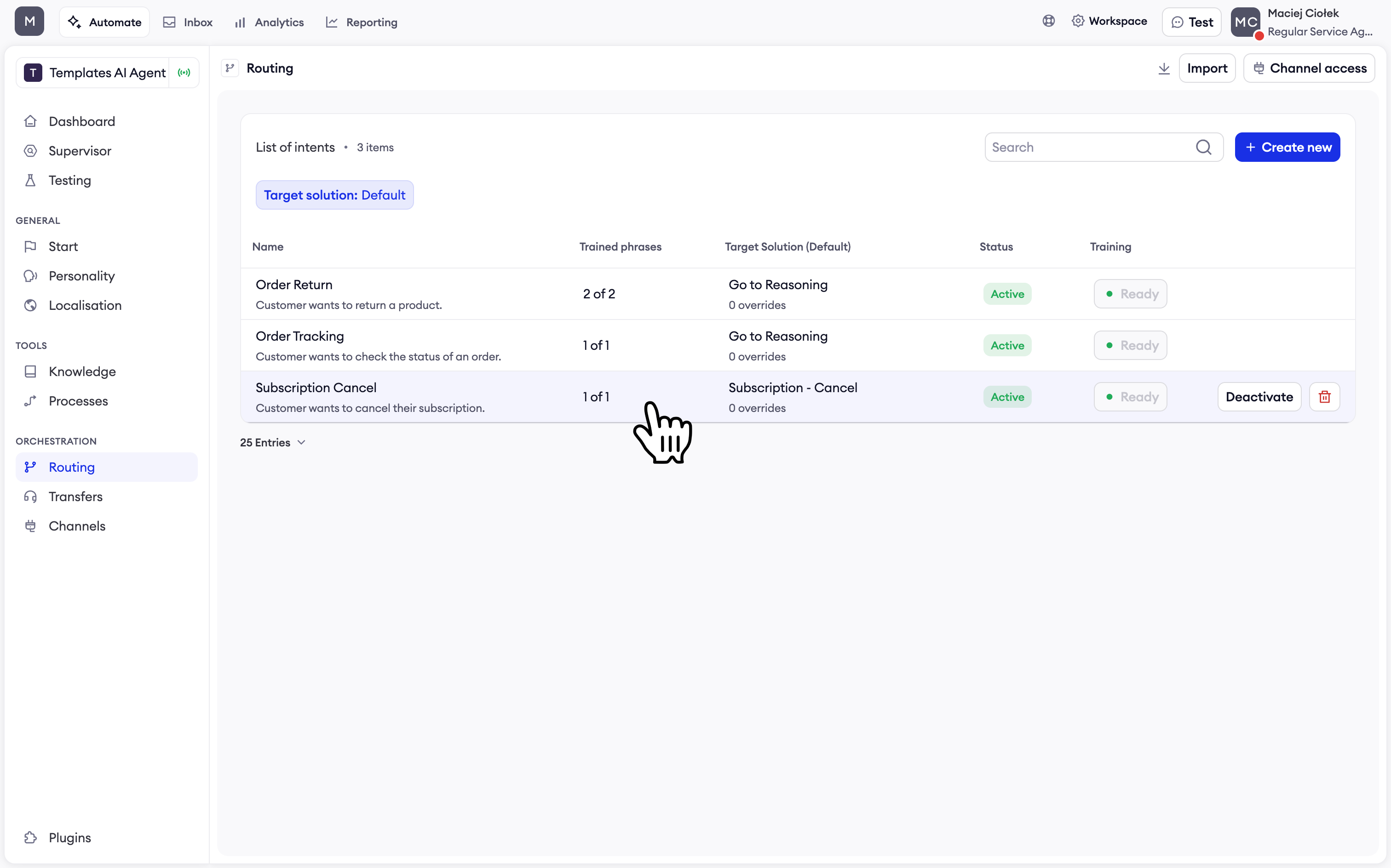
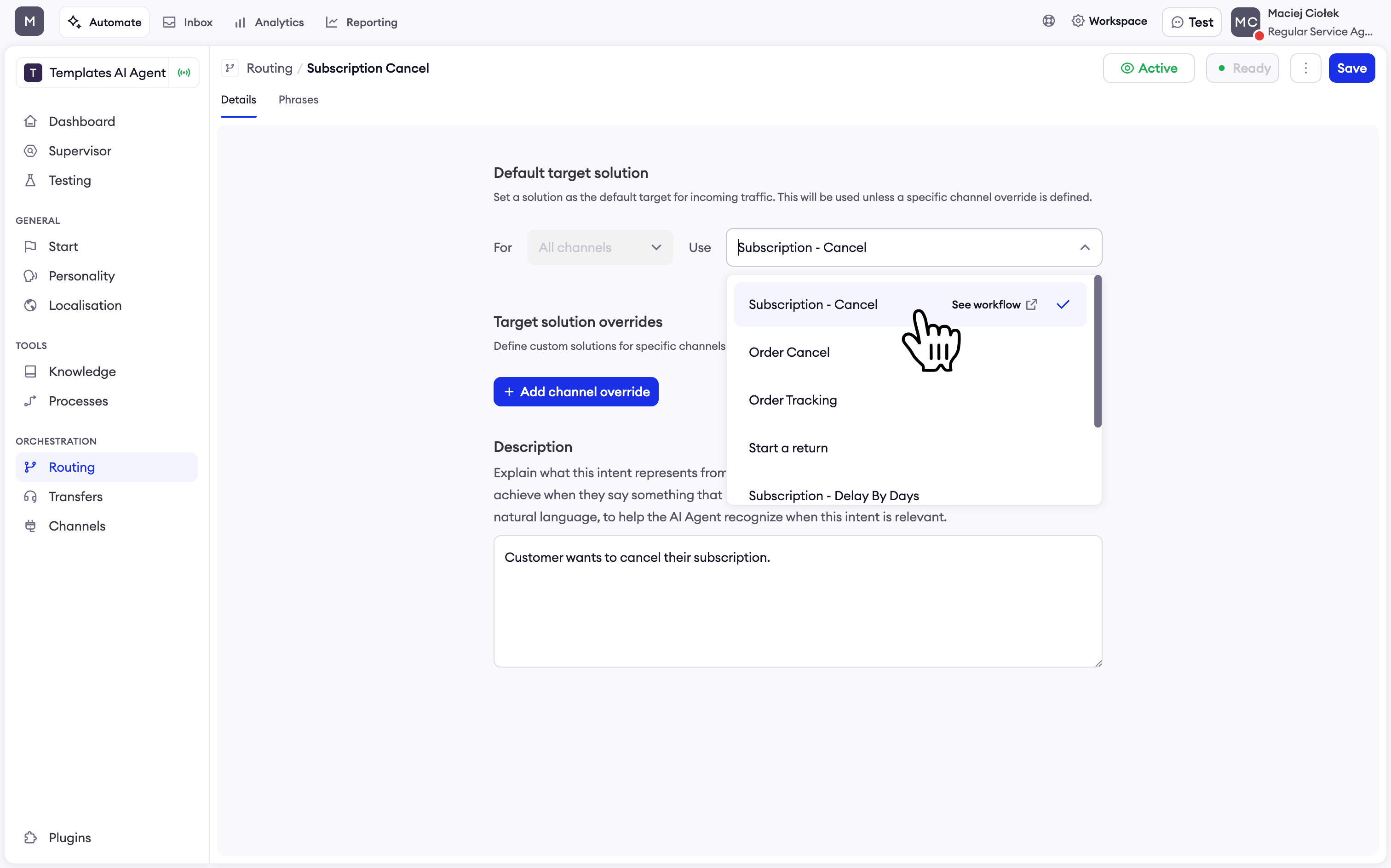
Your process is ready to go!
Updated 9 months ago