
Pre Chat Survey
What is the Pre Chat Survey?
The Pre Chat Survey is a global setting that can be enabled to collect information from users before engaging Agents via a Handover in Zowie.
Why use the Pre Chat Survey?
This tool helps your team solve tickets more quickly by collecting relevant information from users. You can ask them for their name, phone number, and email address so that agents understand who they are speaking with and how to help.
How to access the Pre Chat Survey?
To access Pre Chat Survey, choose _Settings > Pre Chat Survey _from the main navigation panel.
Enabling the Pre Chat Survey
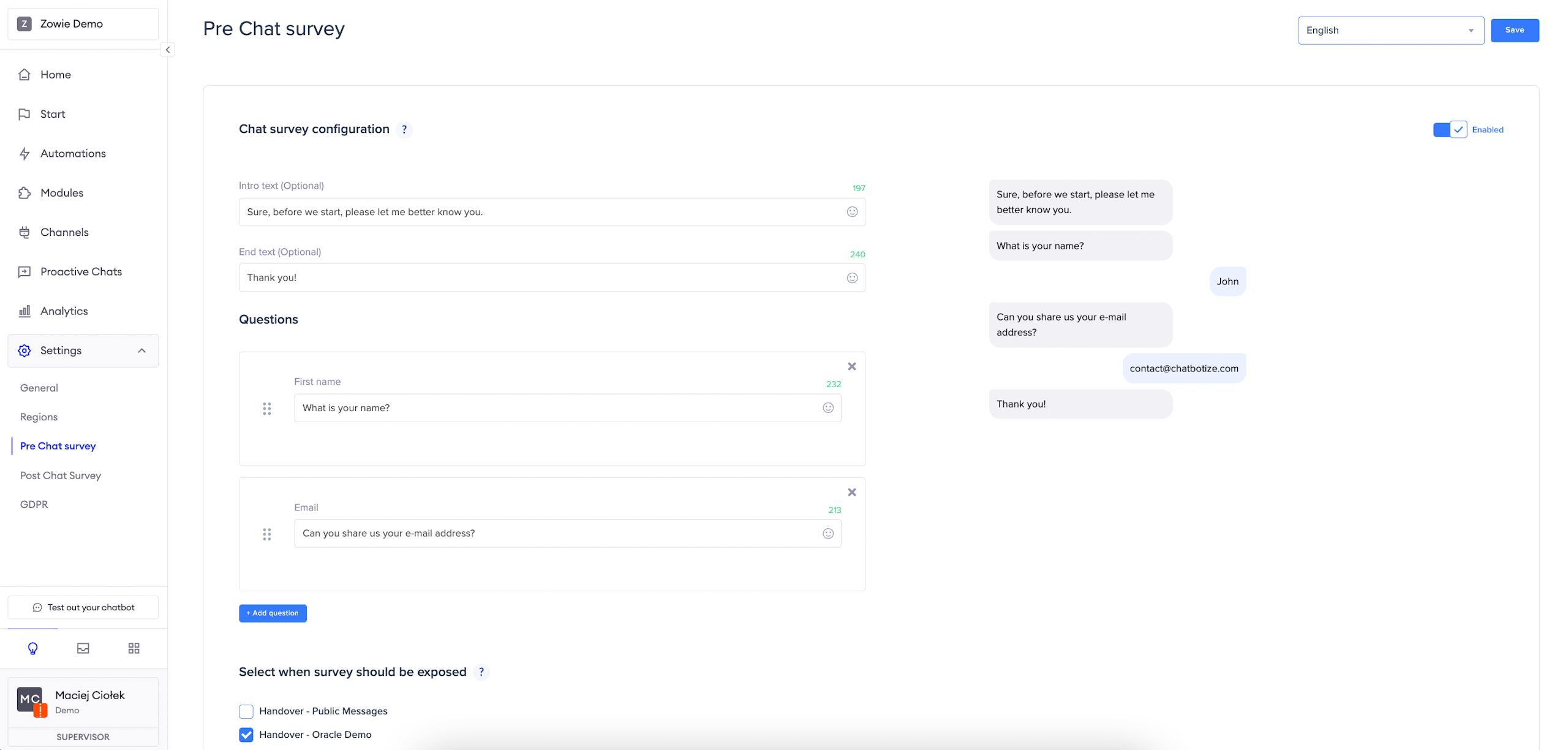
To access Pre Chat Survey, go to Chatbot part, choose Settings tab in the left menu and click on the Pre Chat Survey section.
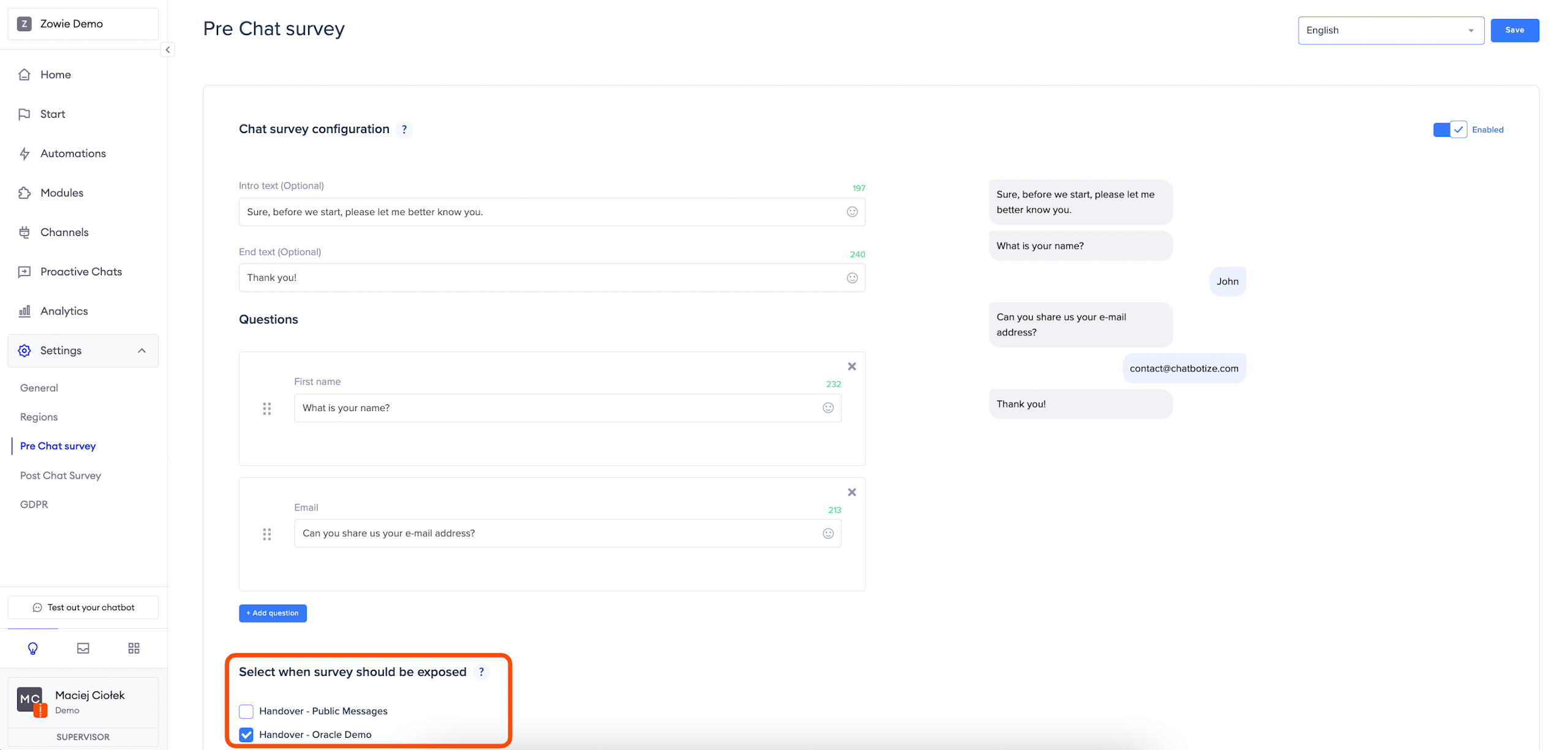
Click the button in the top right corner to enable the Survey. In the next steps, simply fill out the necessary fields.
Remember:you need to configure the Pre Chat Survey separately for each Region if you want to show versions in different languages.
Intro & end text
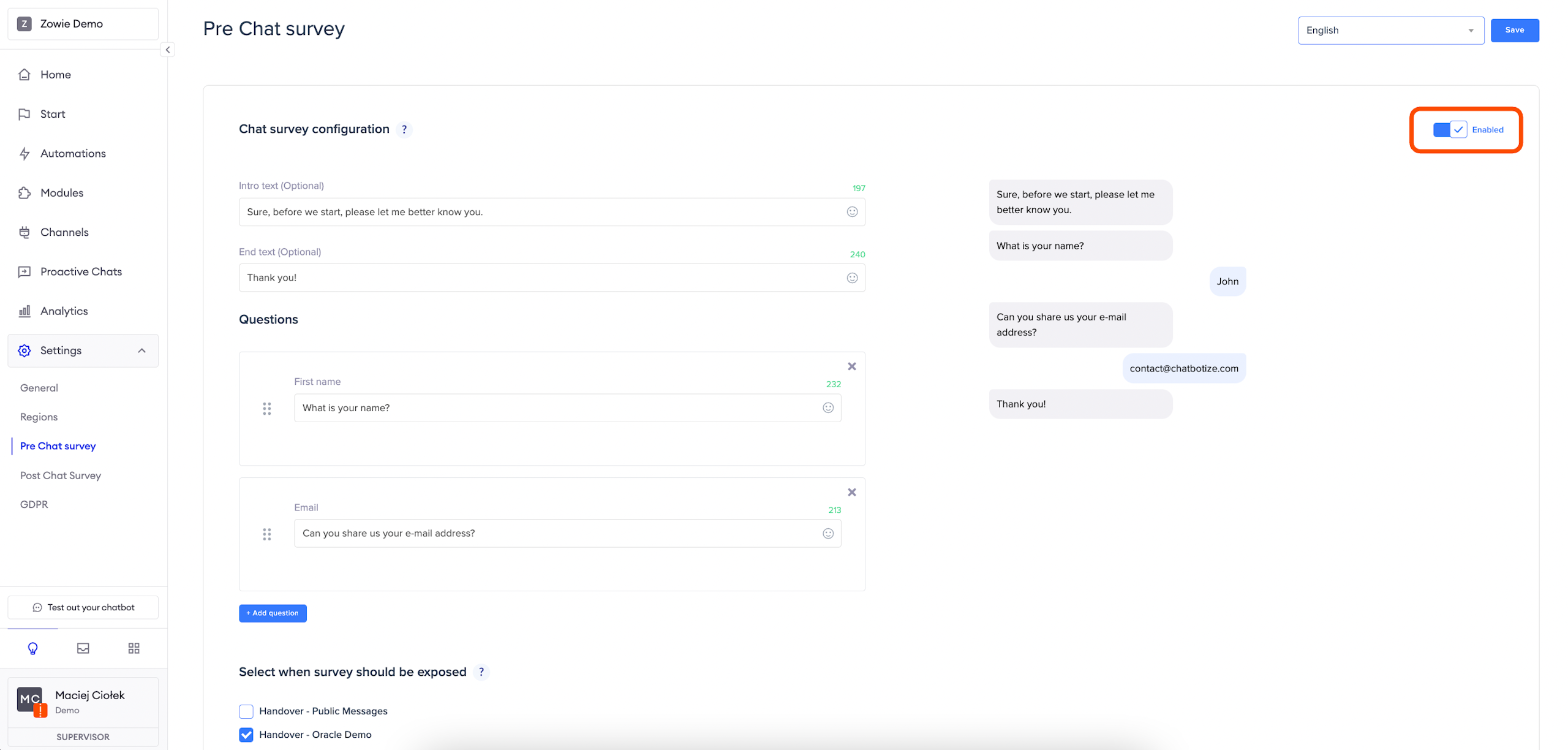
Intro text: this allows you to give your customers some context before the chatbot asks questions from the survey—it has a limit of 250 characters.
End text: it is displayed right before an Agent joins.
Questions
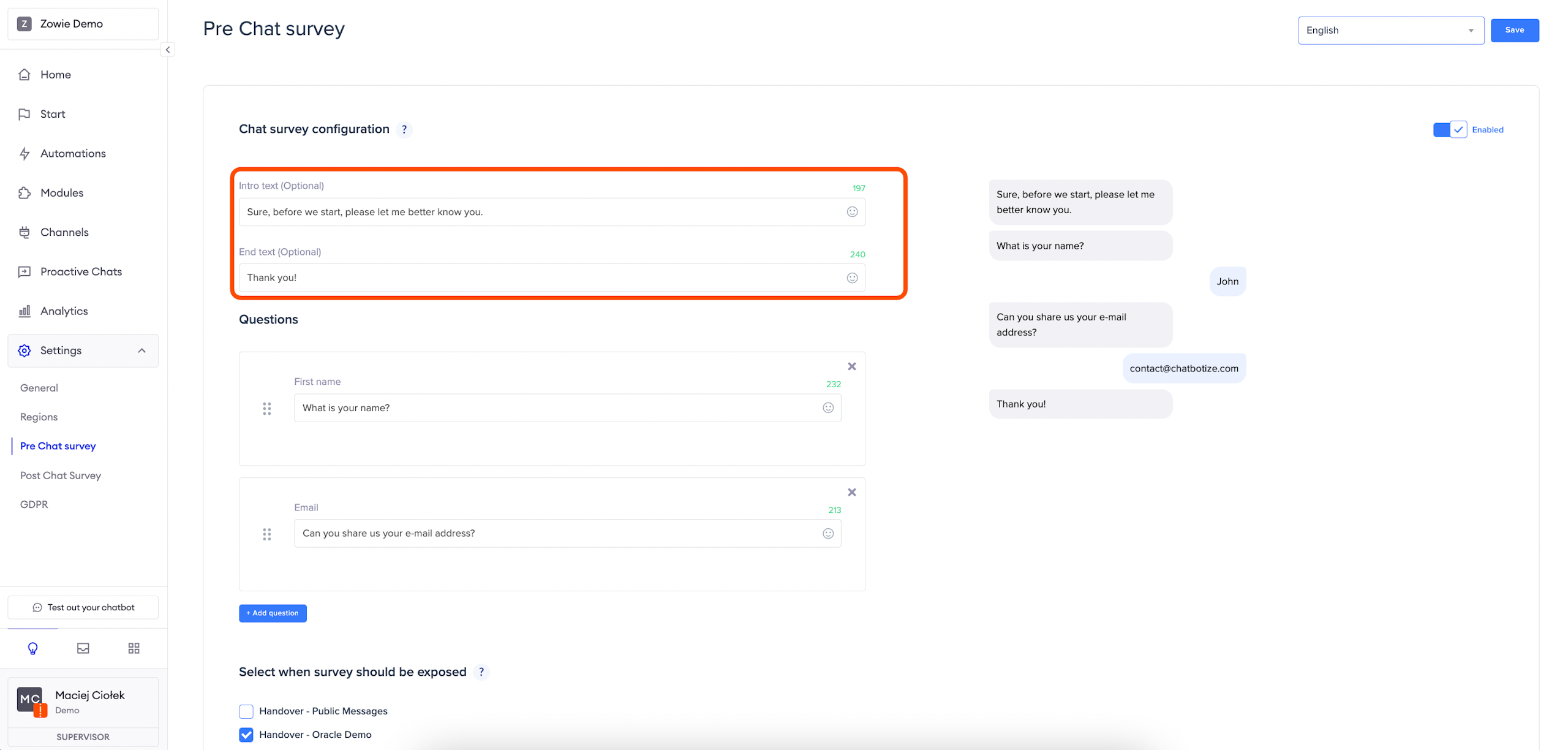
You can add up to four questions from the predefined set:
- First name: user’s first name;
- Last name: user’s last name;
- Email: user’s email address—we validate user input against email format;
- Phone number: user’s phone number—we don’t currently validate this field.
AttentionAll available text fields have a limit of 250 characters and support emojis.
Placement
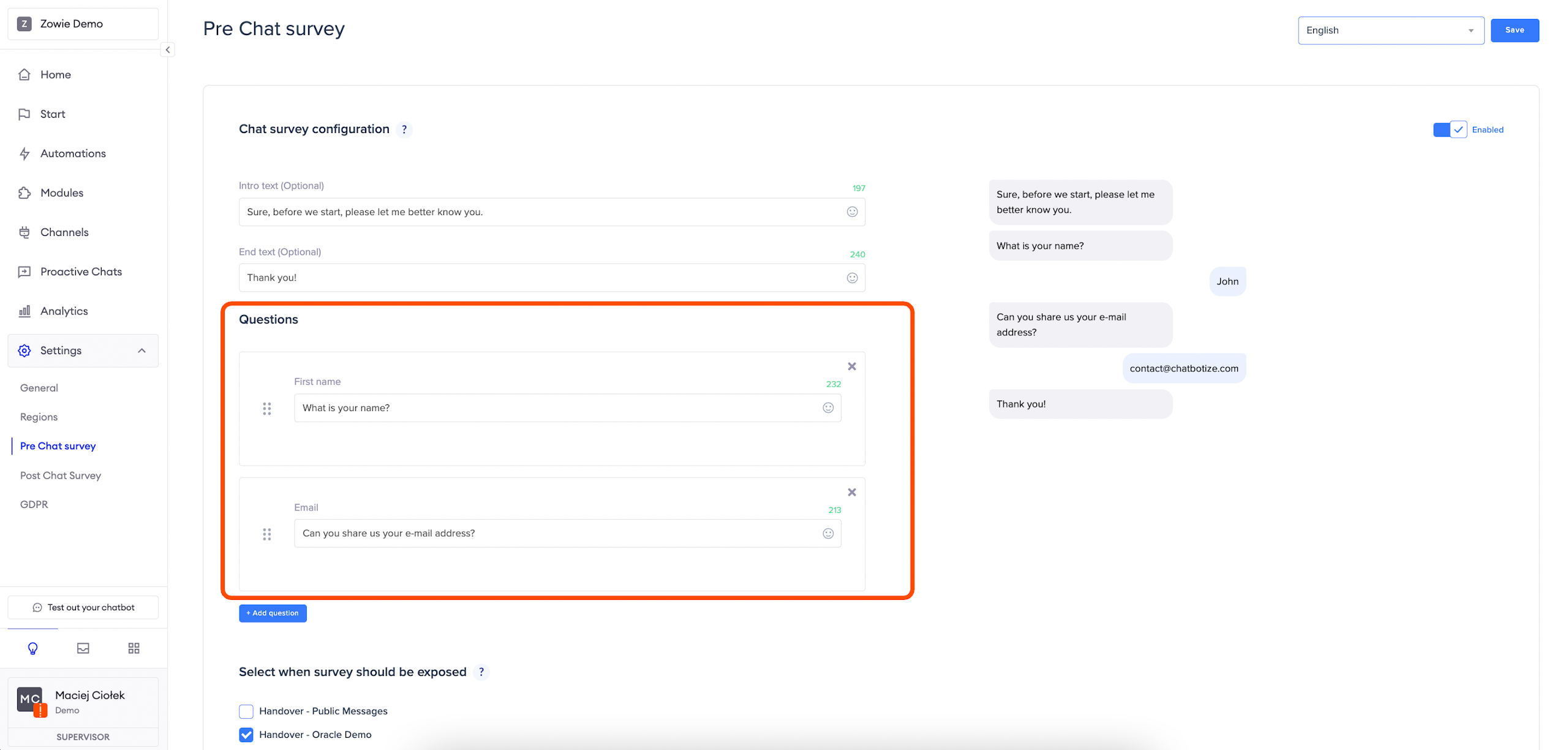
In this step, you can select before which configured handovers the Survey should be displayed (you can choose any number). Remember that a user will see the Survey only once.
Updated over 1 year ago