
Macros
Macros are new and improved Templates
What are Macros?
Macros are pre-defined responses that agents can quickly pull into a thread to provide a best-practice response to your customers. Macros allow you to speed up the process of responding to your customers and provide your agents with predefined content that can be used to quickly ask the customer for the necessary information or respond with a standardized answer.
Why use Macros?
Macros allow you to manage your customer support process more closely and to ensure your customers are receiving adequate support.
How to access Macros?
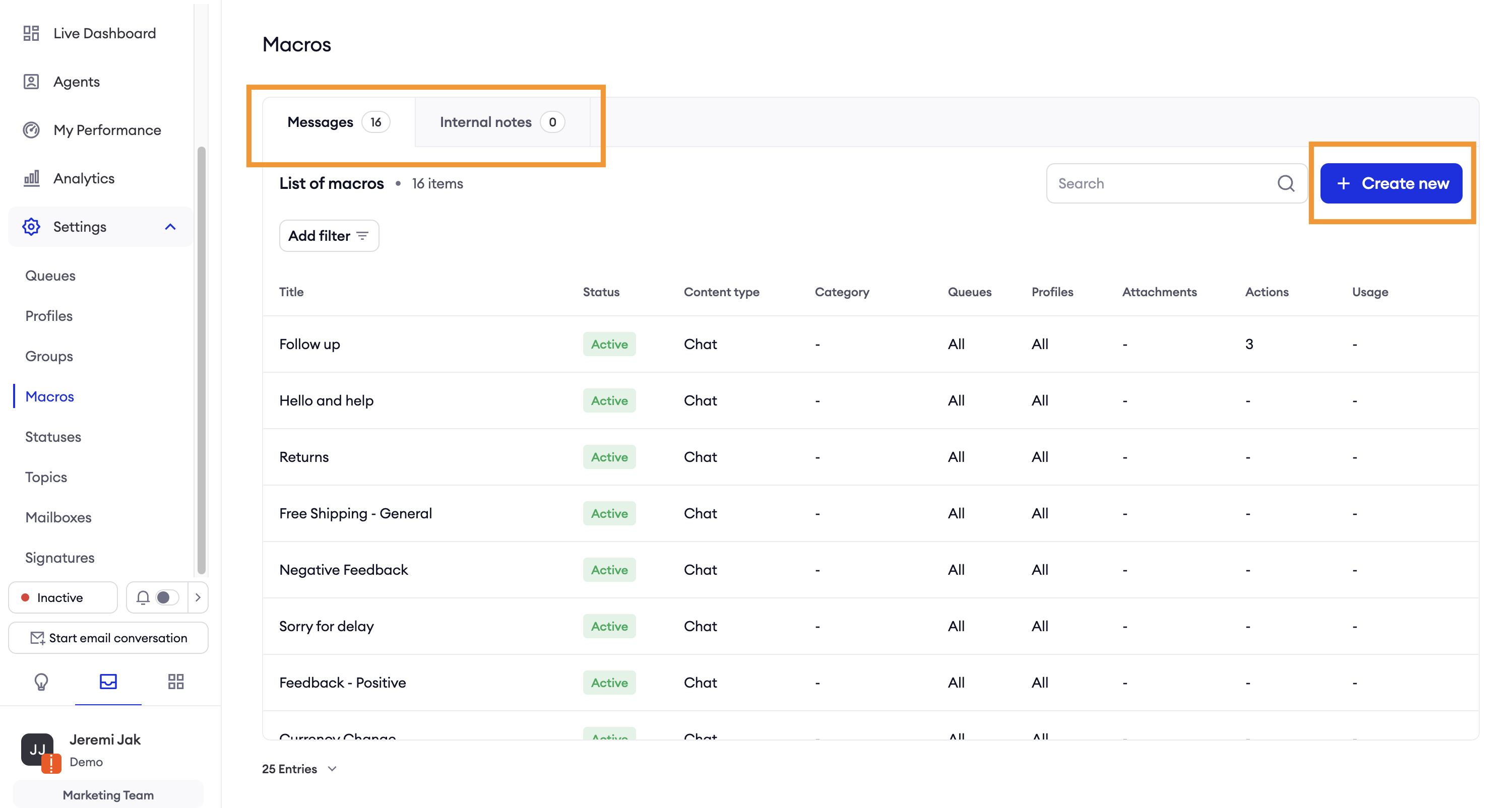
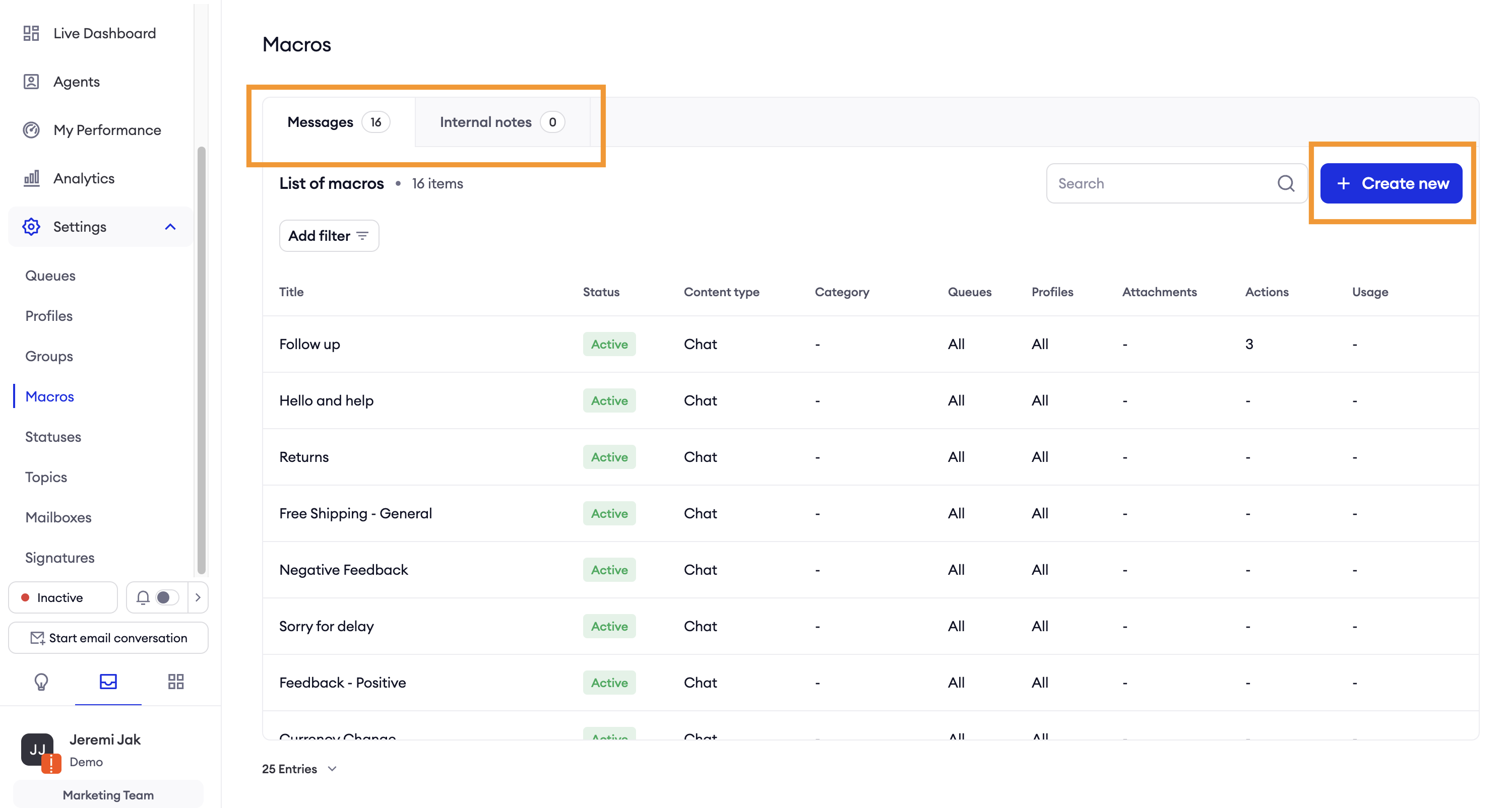
In order to find macros, please go to Inbox > Settings > Macros.
The Macro List contains two tabs that filter between Message Macros and Internal Note Macros.
Message Macros – macros designed to streamline responses to customers.
Internal Note Macros – macros used to quickly add internal notes for internal purposes.
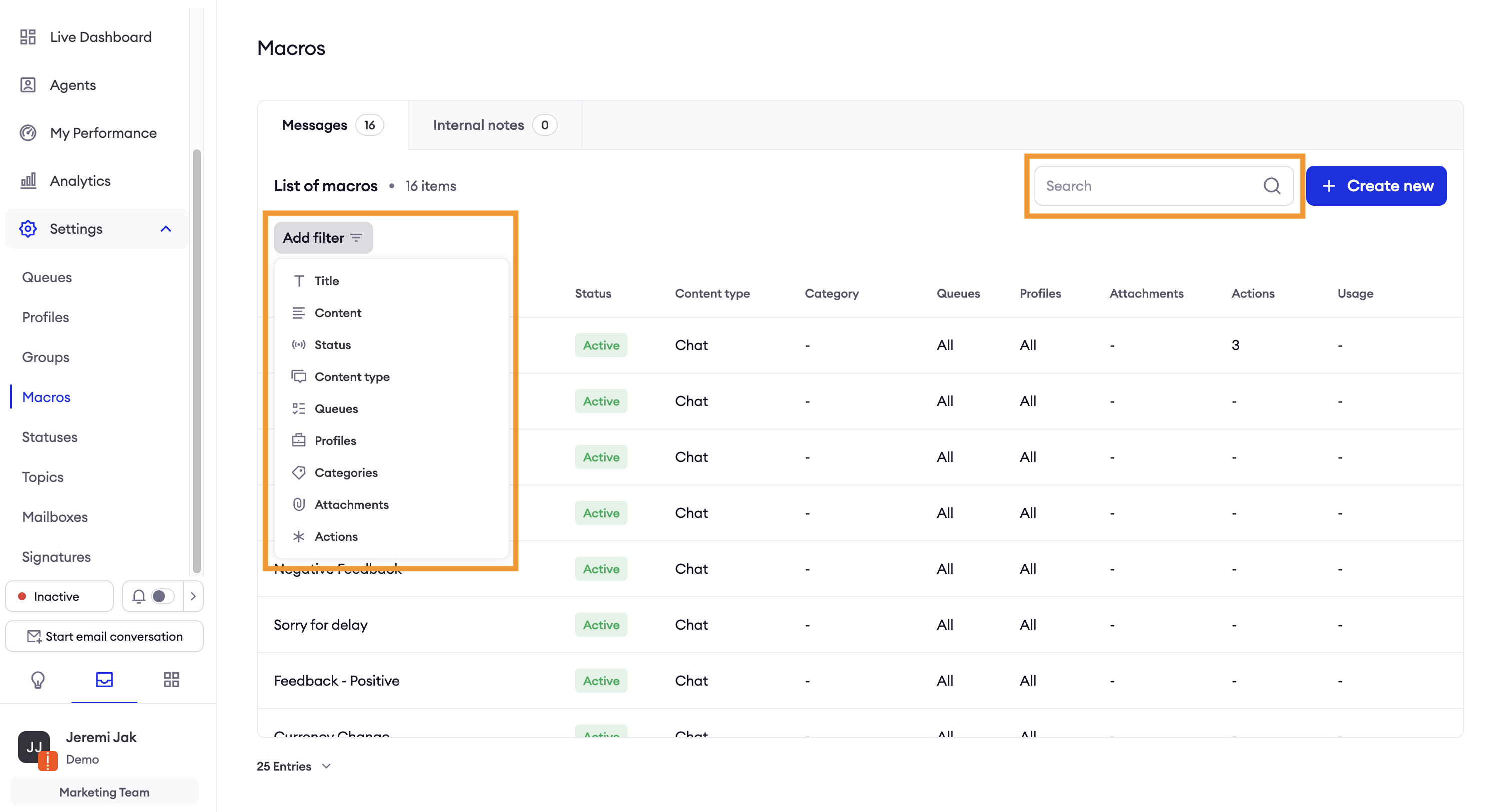
Filtering and searching the list of Macros
Search allows you to type Macro title or Macro content and quickly find exact match in respective parts of macros.
Filter is more complex and allows to filter by Title, Content, Status, Content type, Queues, Profile, Categories, Attachments and Actions. You can apply as many filters as you want.
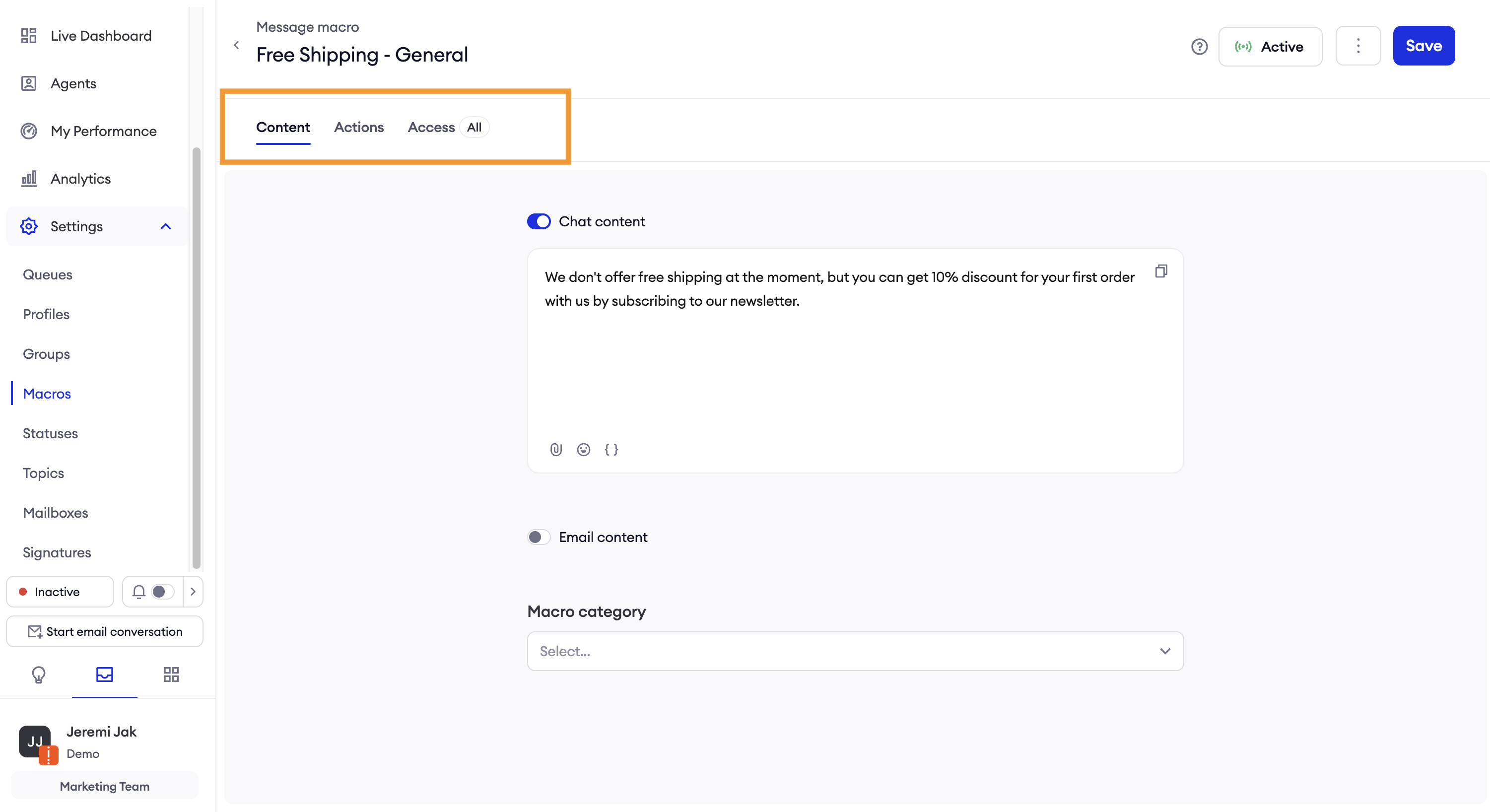
Macros preview
You can preview the macro content and settings by clicking on macro and navigating through configuration tabs.
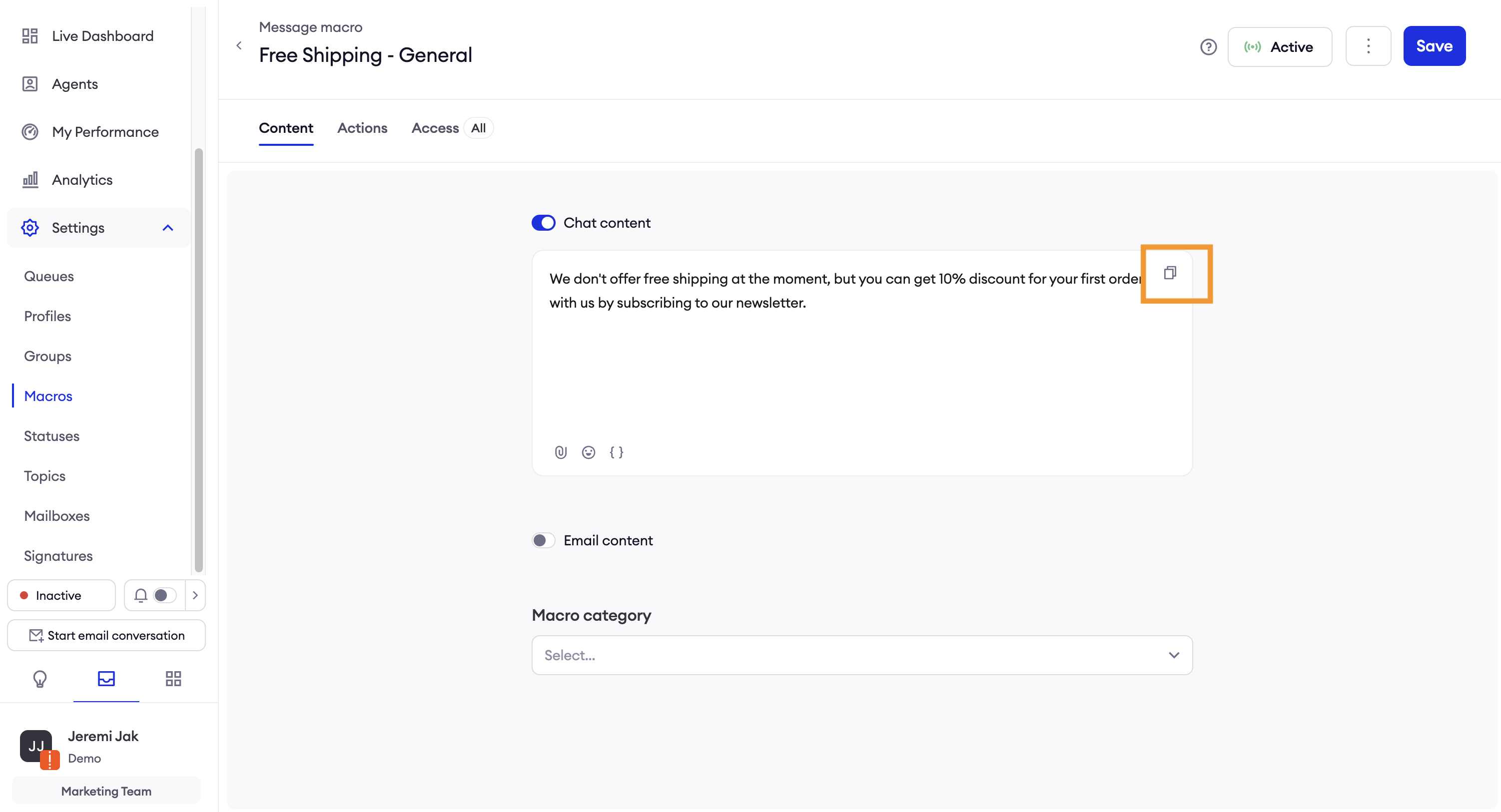
In order to copy the content, click on the icon.
Configuring Macros
The configuration page is opened based on the active tab (Message or Internal Note). To create a Message Macro, select the Message tab and click the Create New button in the top-right corner.
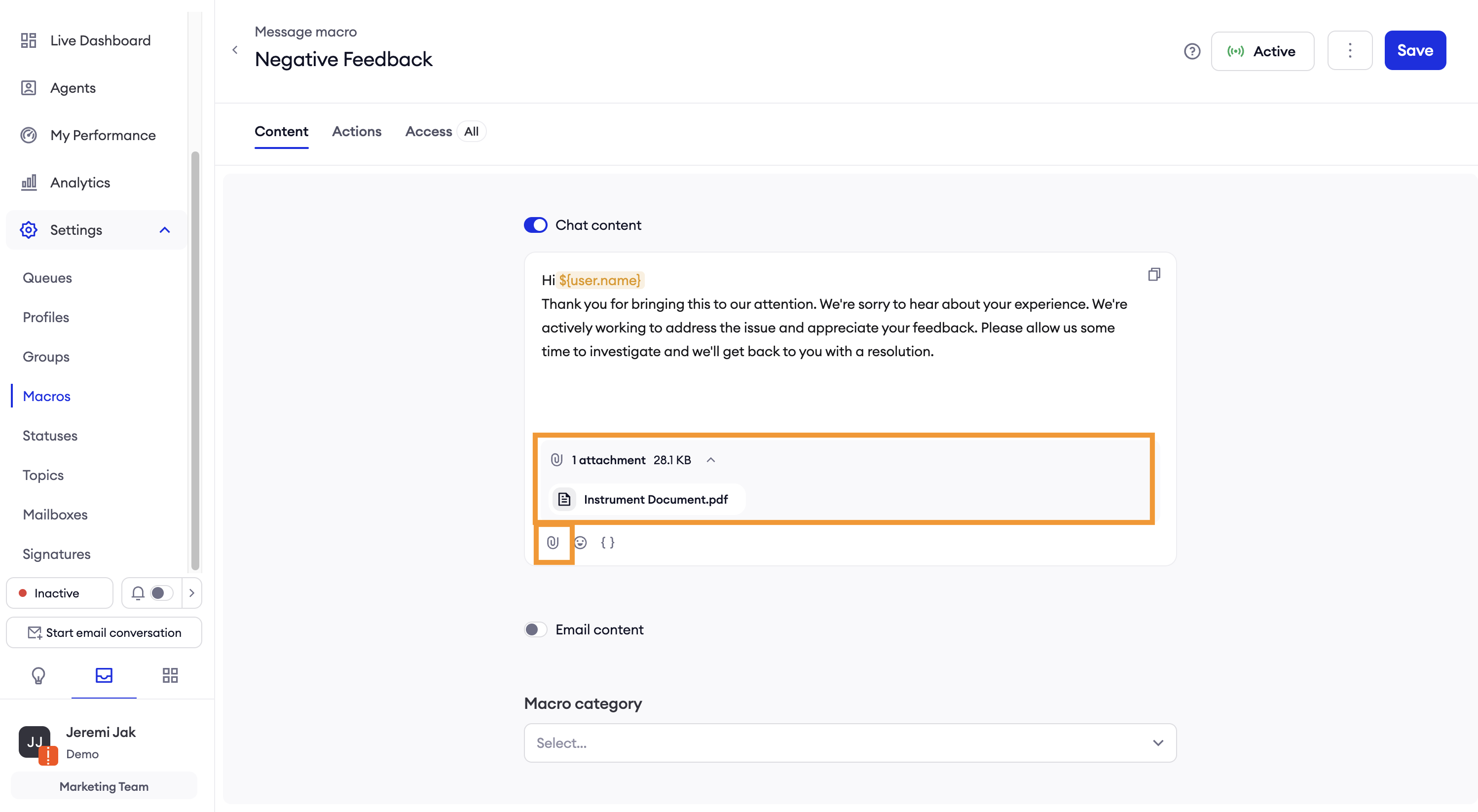
In the Content tab, enter the Macro name and fill in the content that agents will use.
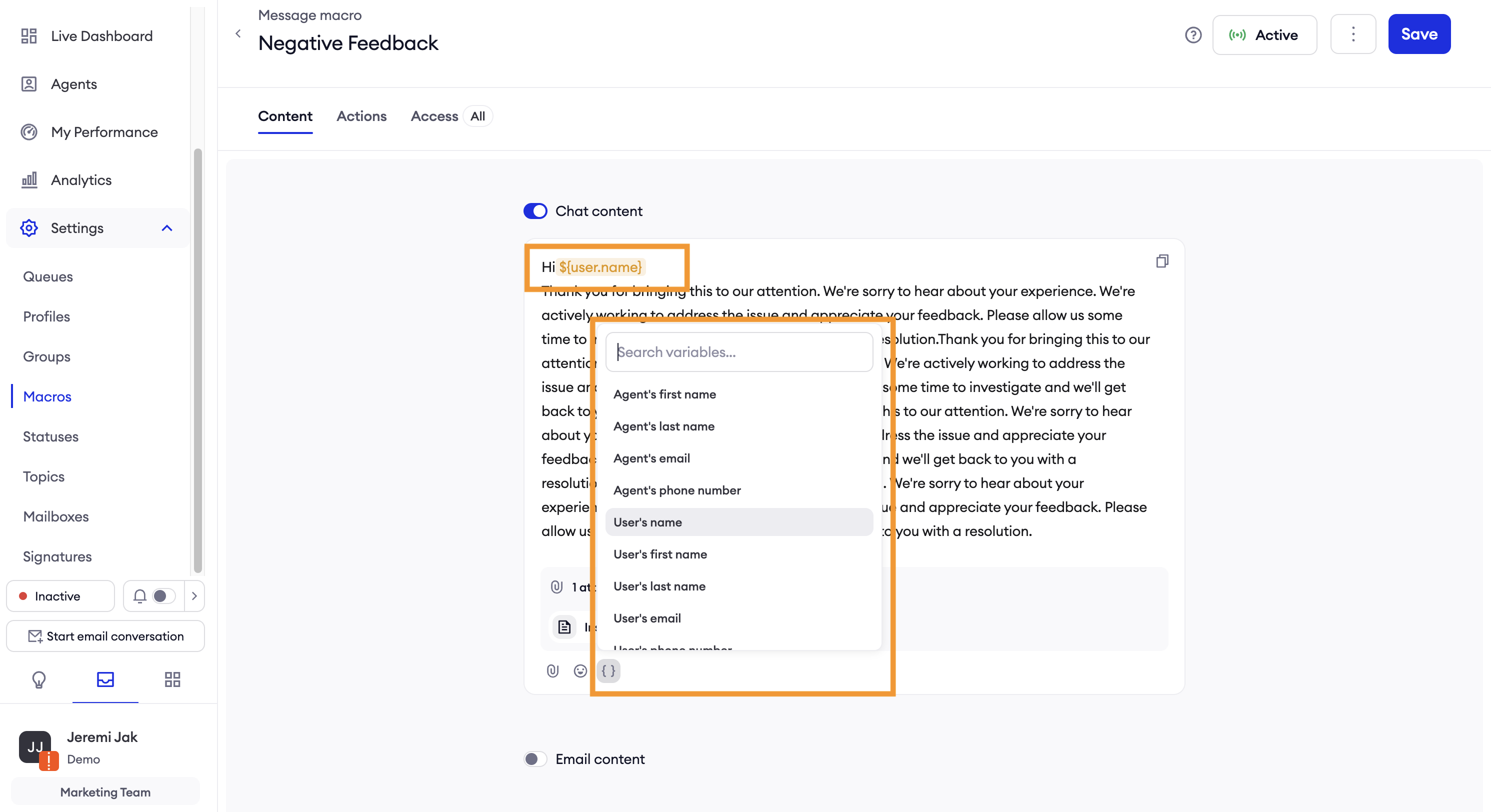
For Message macro you can provide different content for Chats and Emails. Additionally, you can add attachments, emojis, and personalized tags from the defined list.
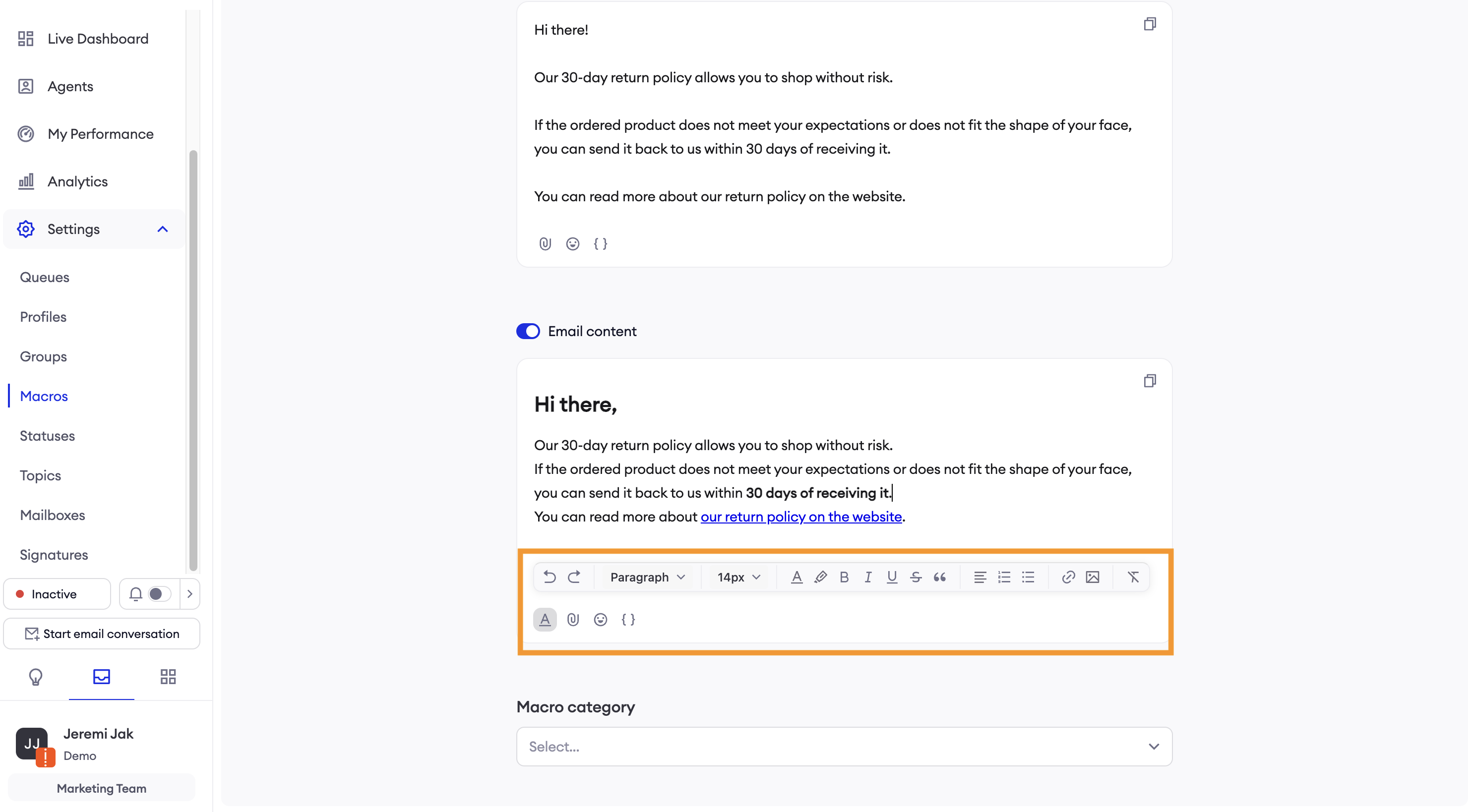
Using the email content toolbar, you can adjust the style and add inline attachments or links.
Internal Note macro uses one content for both Emails and Chats. You can add emojis, and personalized tags from the defined list.
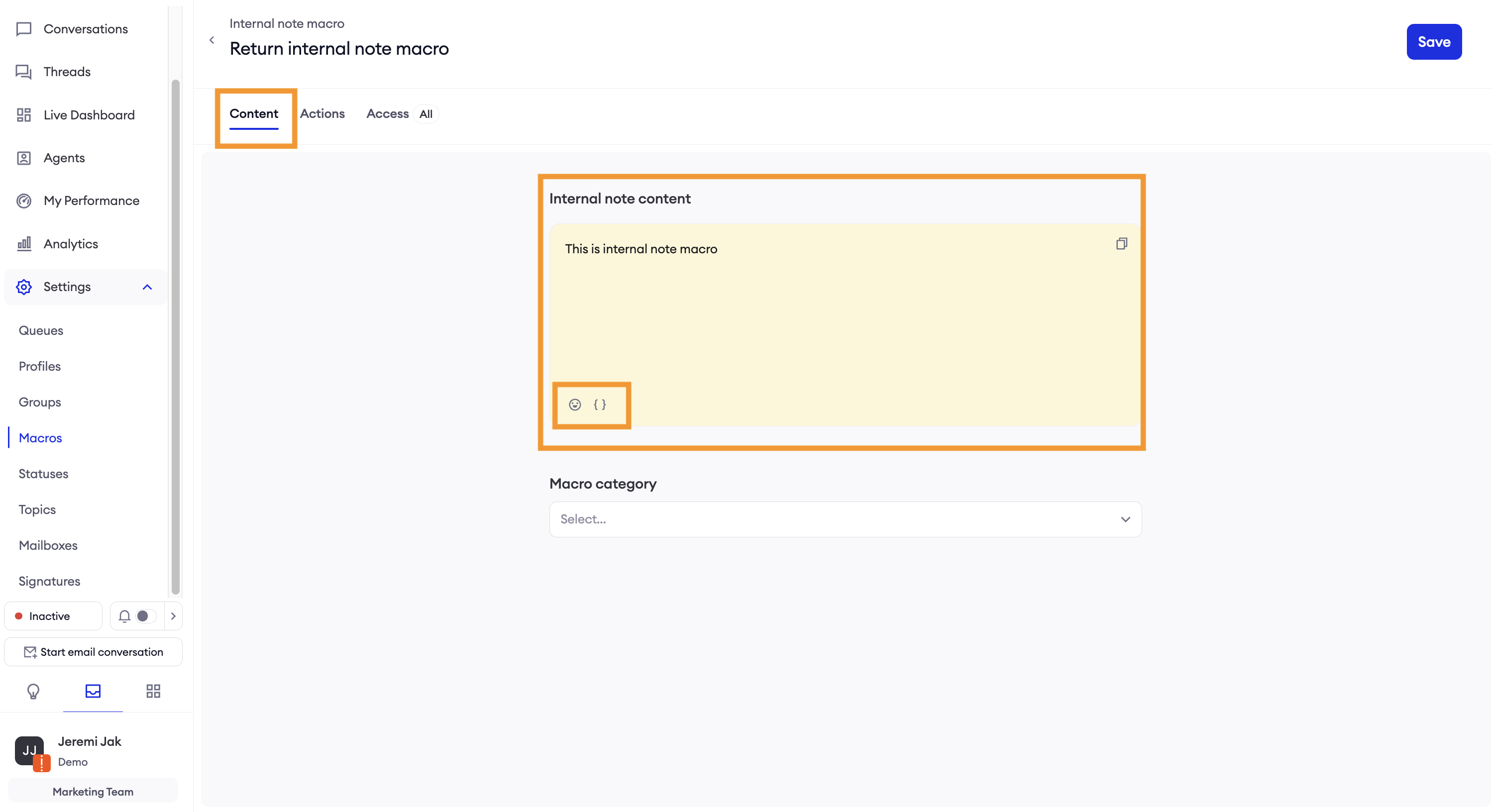
Supported personalized tags:
- Agents’ personal details
- Users’ personal details
- Ecommerce order’s details (if ecommnece platform is configured)
- Custom properties configured in Segmentation/User Properties
- Custom properties from external integration
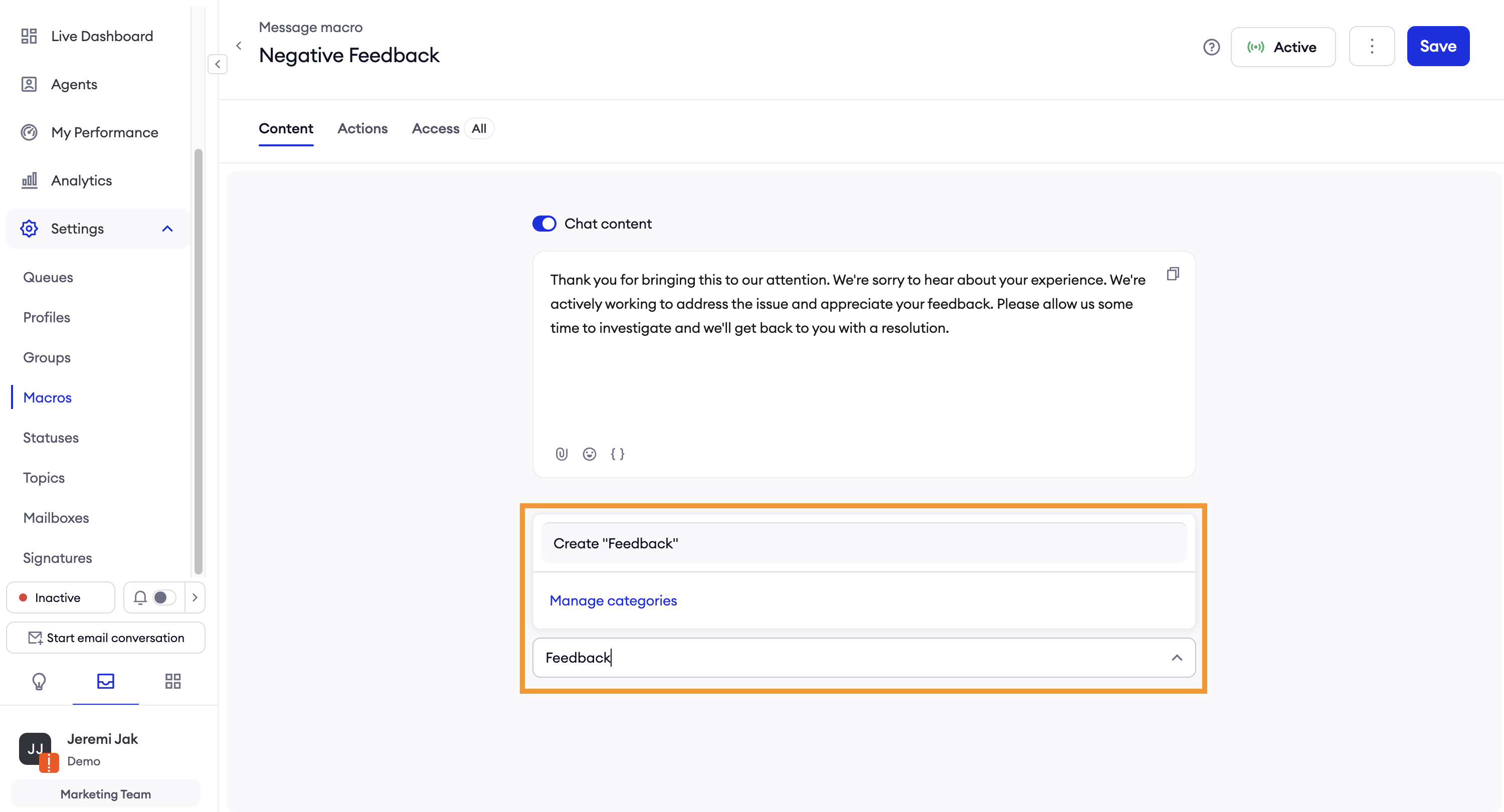
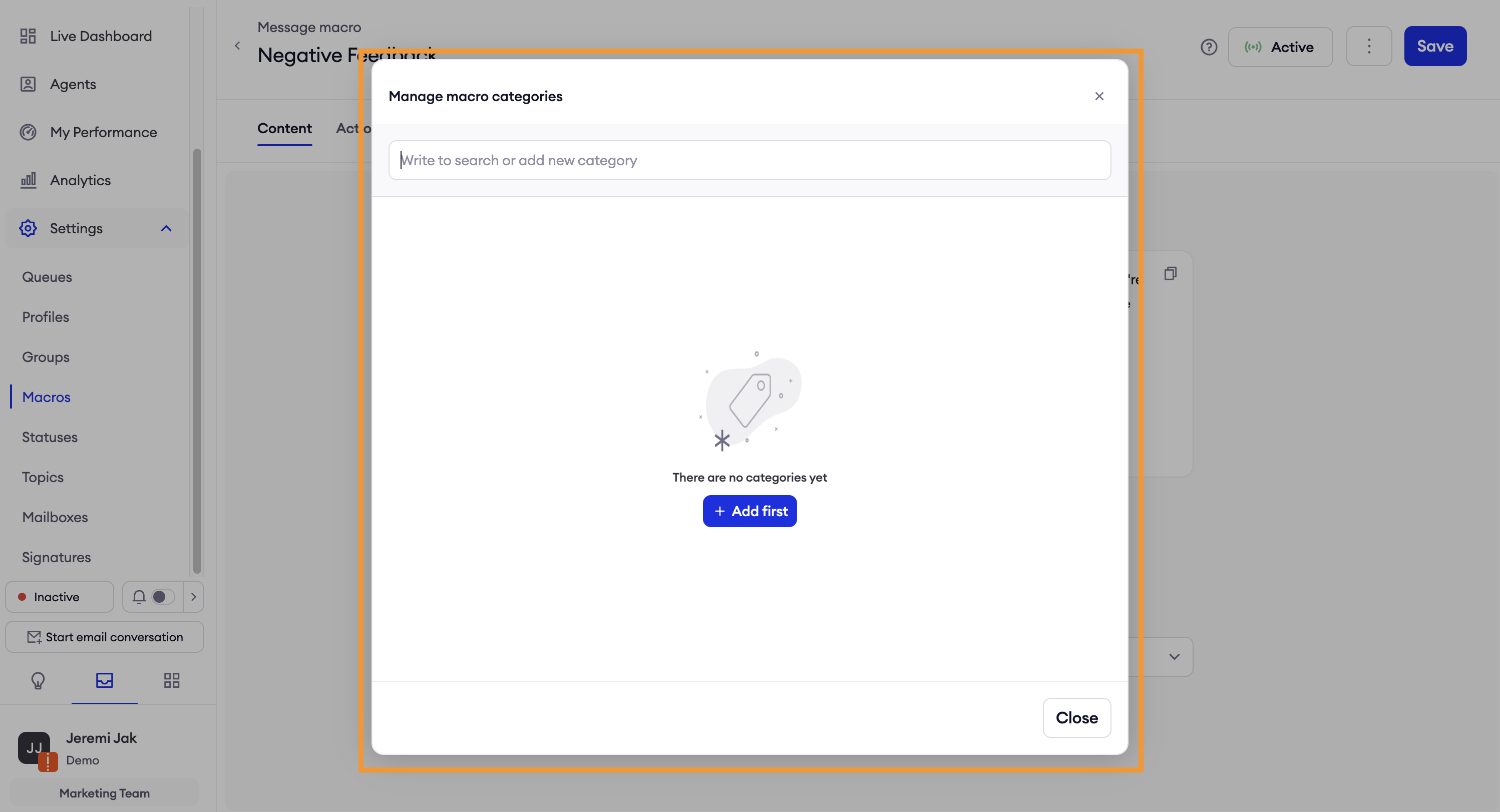
In Content tab of both Message and Internal Note macros you can set the *Macro Categor_y that the new macro categories can be added by clicking “*Manage categories" or directly on the select by entering the name.
Macros Actions
In the Actions tab, you can define additional actions which will be executed during sending a message/internal note.
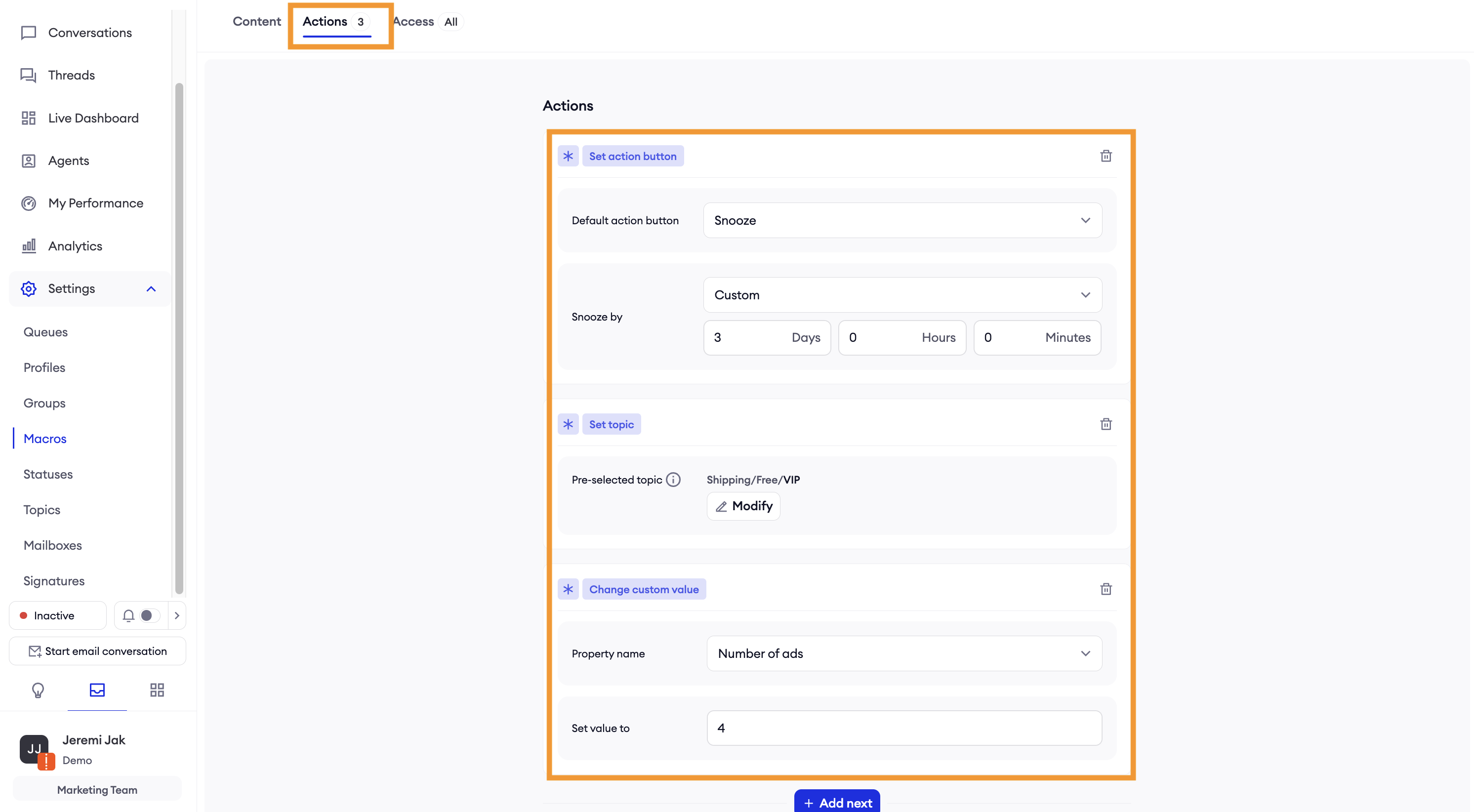
Actions for Message macro:
- Set action button - suggest the next actions by using this macro. You can configure fallowing action:
- Change custom value - you can overwrite custom user properties by using this macro that you’ve configured in your system
- Add internal note - you can add predefined internal note during sending that macro
- Set topic - suggest a topic which should be used together with that macro. If the agent has no access to that topic (based on the Topic settings) while using macro that action will be skipped but the user will be informed about that.
Actions for Internal Note macro:
- Set action button,
- Change custom value,
- Set topic
Macros Access
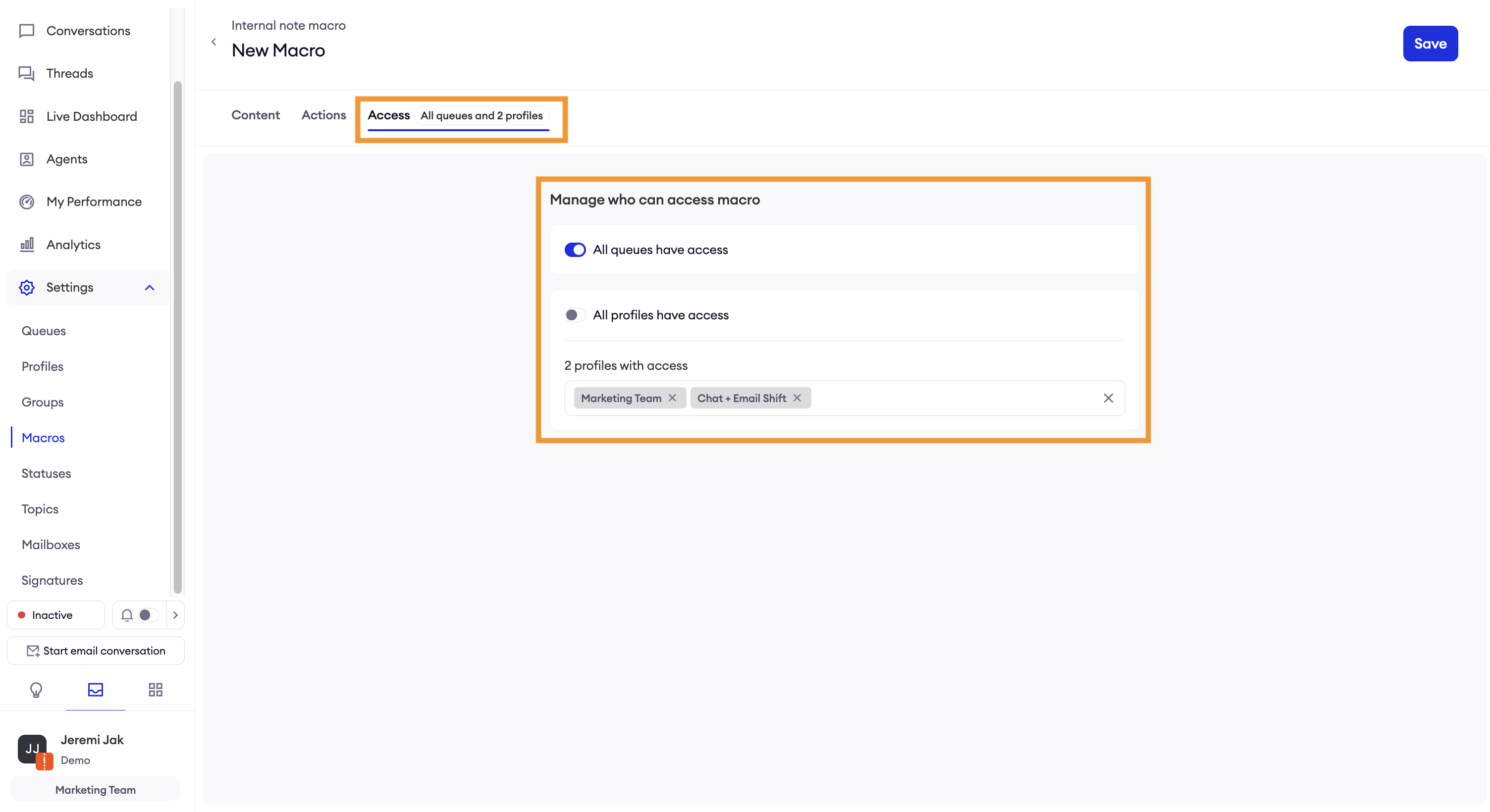
In the Access tab, you can choose which Queues and/or Profile should have access to each Macros. e.g. All queues and 2 profiles
Macros Statuses
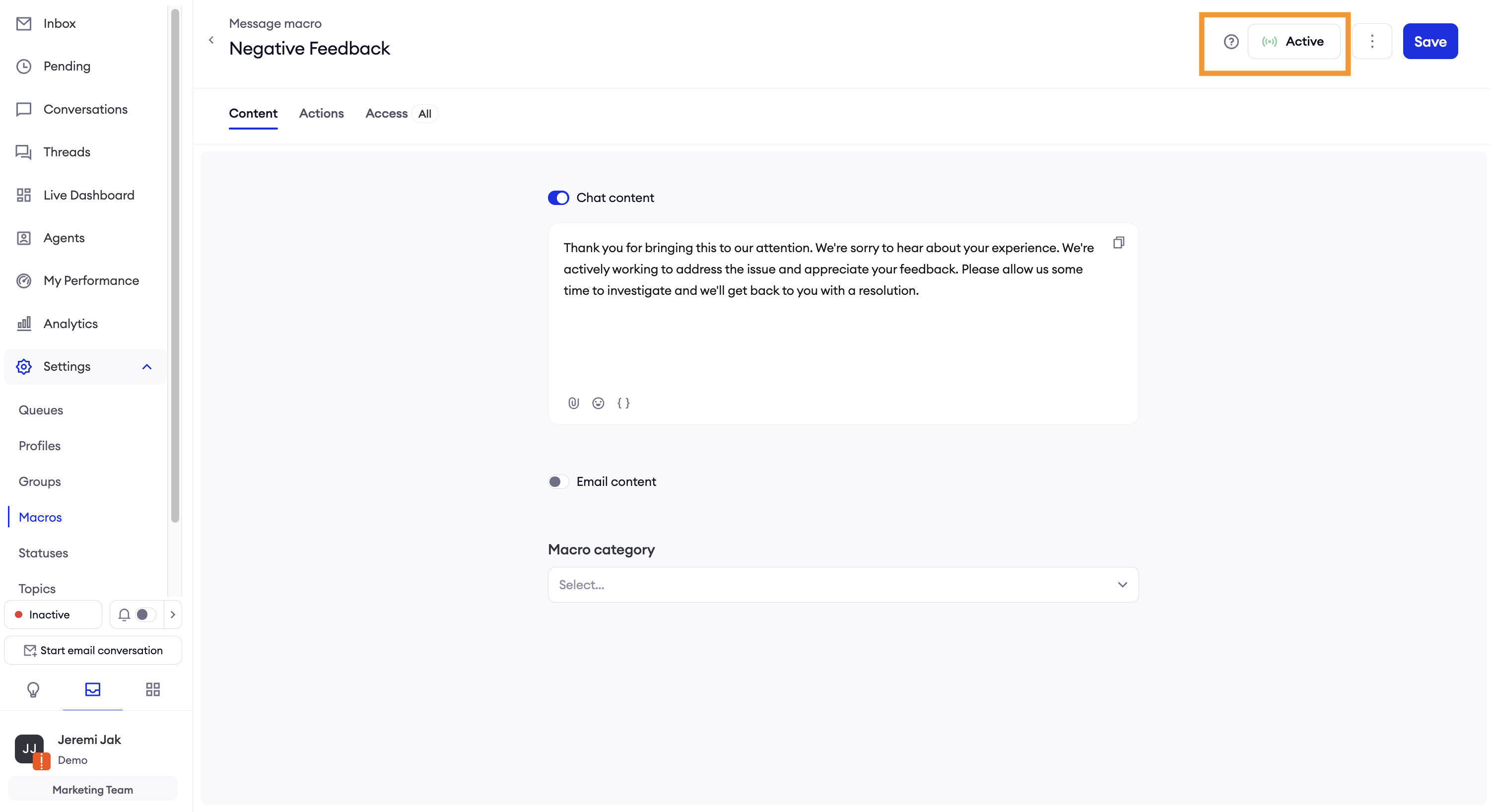
In the Macro configuration page, administrators can set the Macro status (Active/Inactive) that affects whether macro will be Available/Not available for agents. By default the newly created or duplicated macros are set as Inactive.
Congrats! Your Macros are now ready to be used by agents.
Updated over 1 year ago