
Offer
What is the Offer Module?
The Offer Module allows you to display offers or general choices for your user in the carousel.
The elements in the carousel are then placed inside the UI component which can be swiped upon, resulting in the change of the displayed element.
Why use Offer?
The Offer Module enables you to showcase products at once or in a thematic group by using this plugin. For example, you can welcome your new users by giving them the possibility to quickly view your offerings.
How to access Offer?
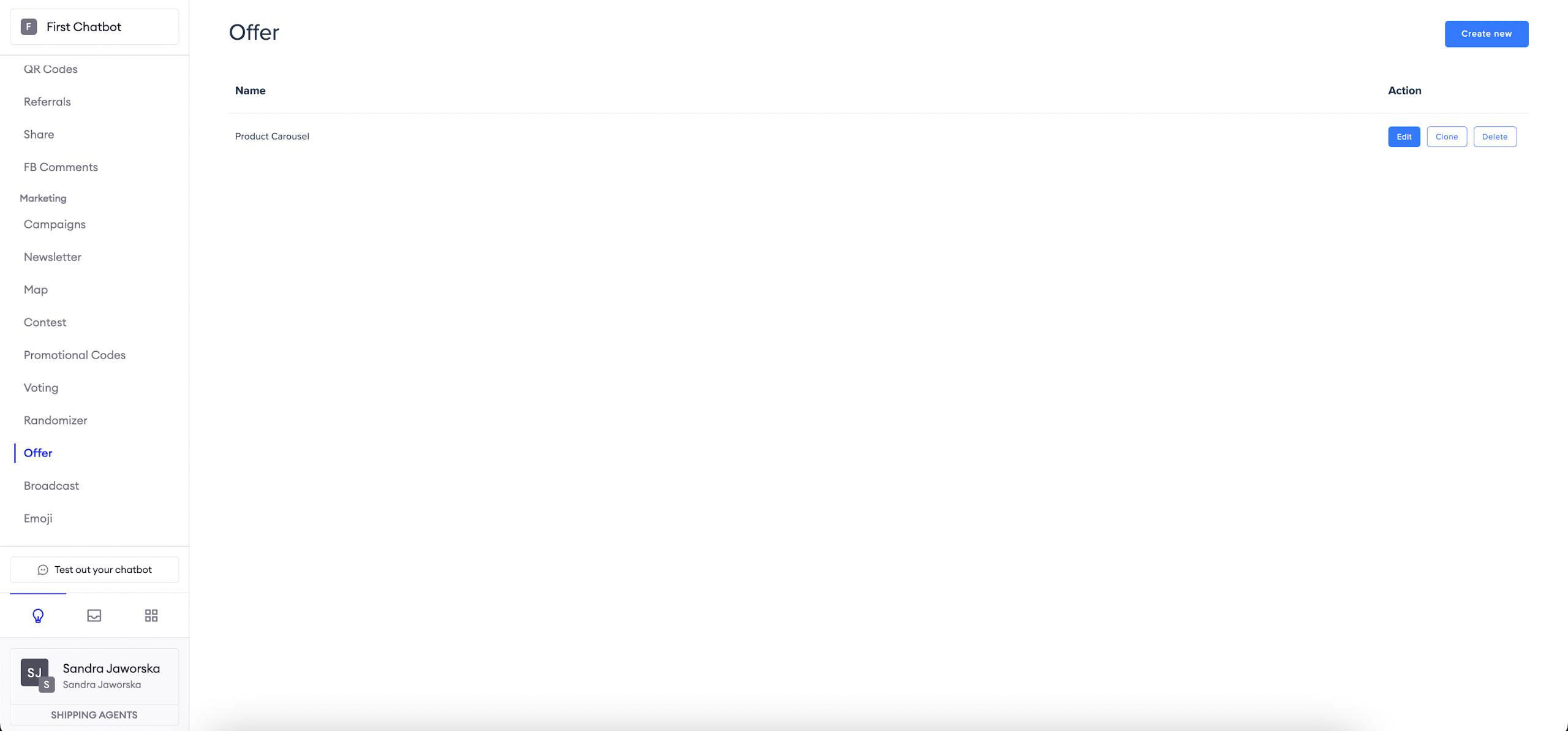
To access the Offer Module, navigate to Modules > Offer from the navigation bar.
Carousel configuration
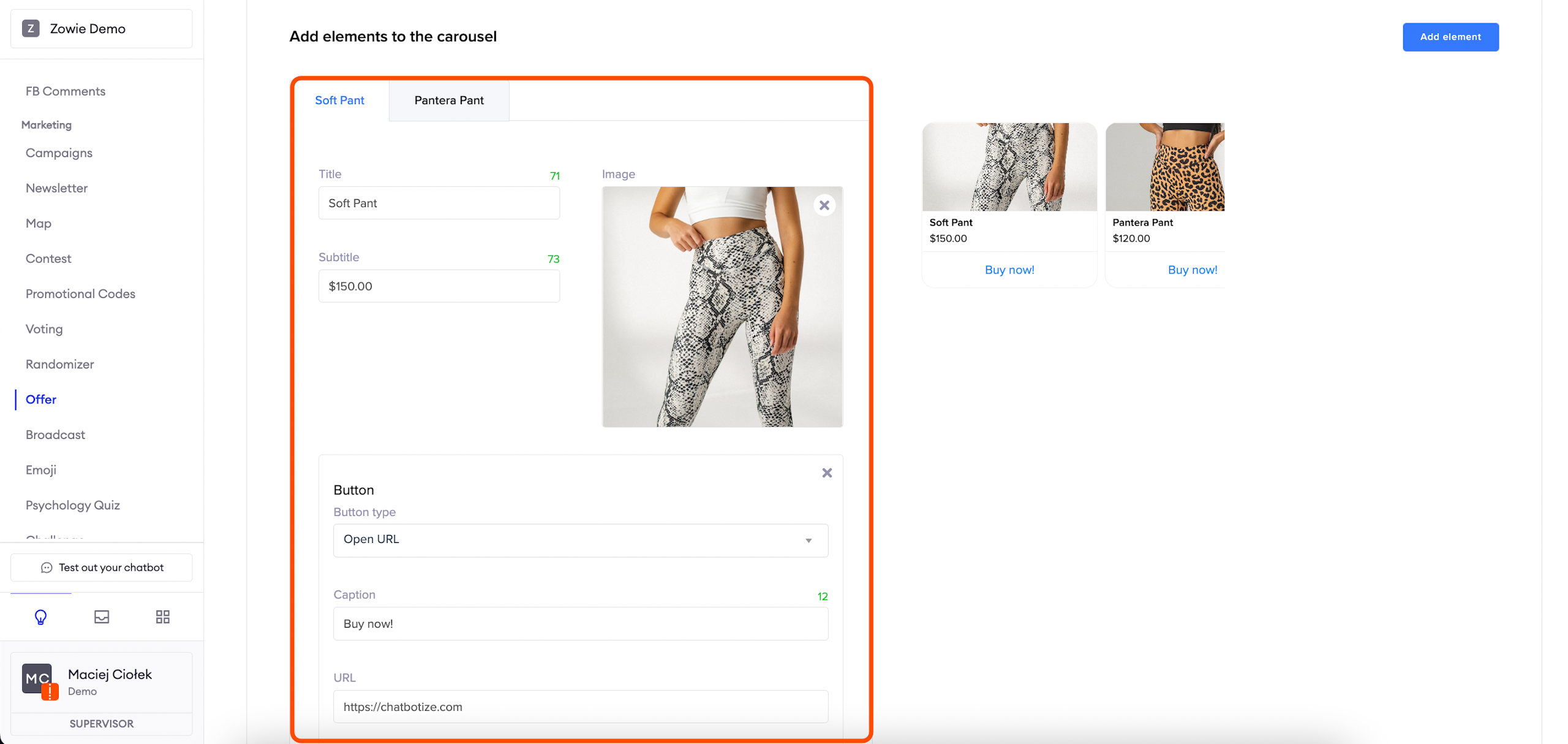
The carousel editor contains tabs representing each element. One tab corresponds to one element. The Title and Image are necessary. The subtitle is optional, but there is one more thing that is needed — at least one button.
AttentionThe image should have an aspect ratio of 1.91:1 (eg. 1200px x 628px).
The most important thing to note during button configuration is the Button type. The two different types are:
- Open URL: in this case, the button will move the user to an external website;
- Go to module: in this case, the button will move the user to a different part of the chatbot, for example a previously created Psychology Quiz.
After selecting the appropriate button type proceed to configure the Caption.
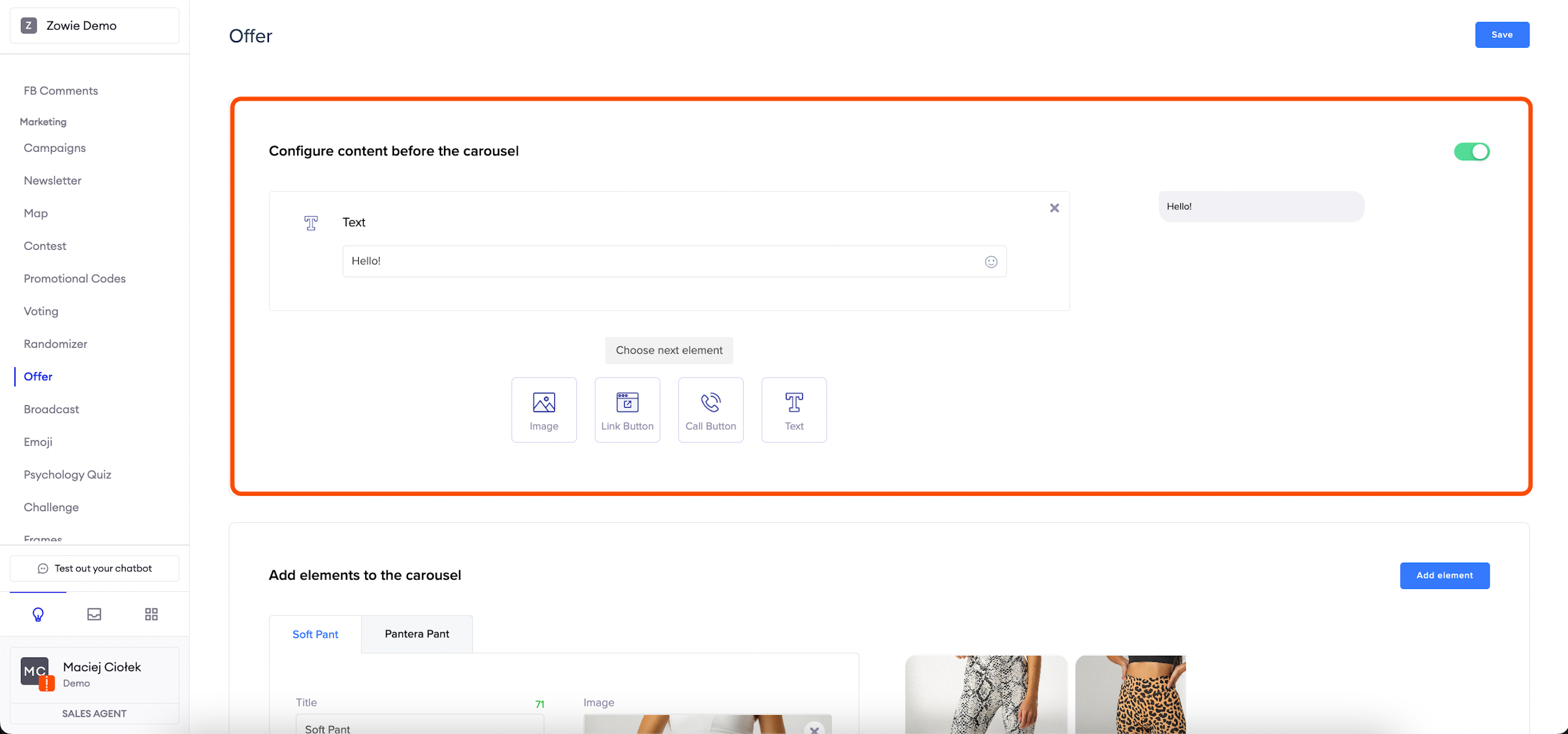
AttantionIt is possible to send the user content after the actual carousel is displayed. The content creation is handled by the Creator - this section of the module is optional. It can be configured, but it is not necessary.
Updated over 1 year ago