
Voting
What is the Voting Module?
The Voting Module allows you to perform voting directly in your chatbot.
Why use Voting?
By using the Voting Module you can create a voting mechanism for a specific purpose, and let your users express their opinion. Additionally, increase the organic range using the built-in sharing mechanism.
How to access Voting?
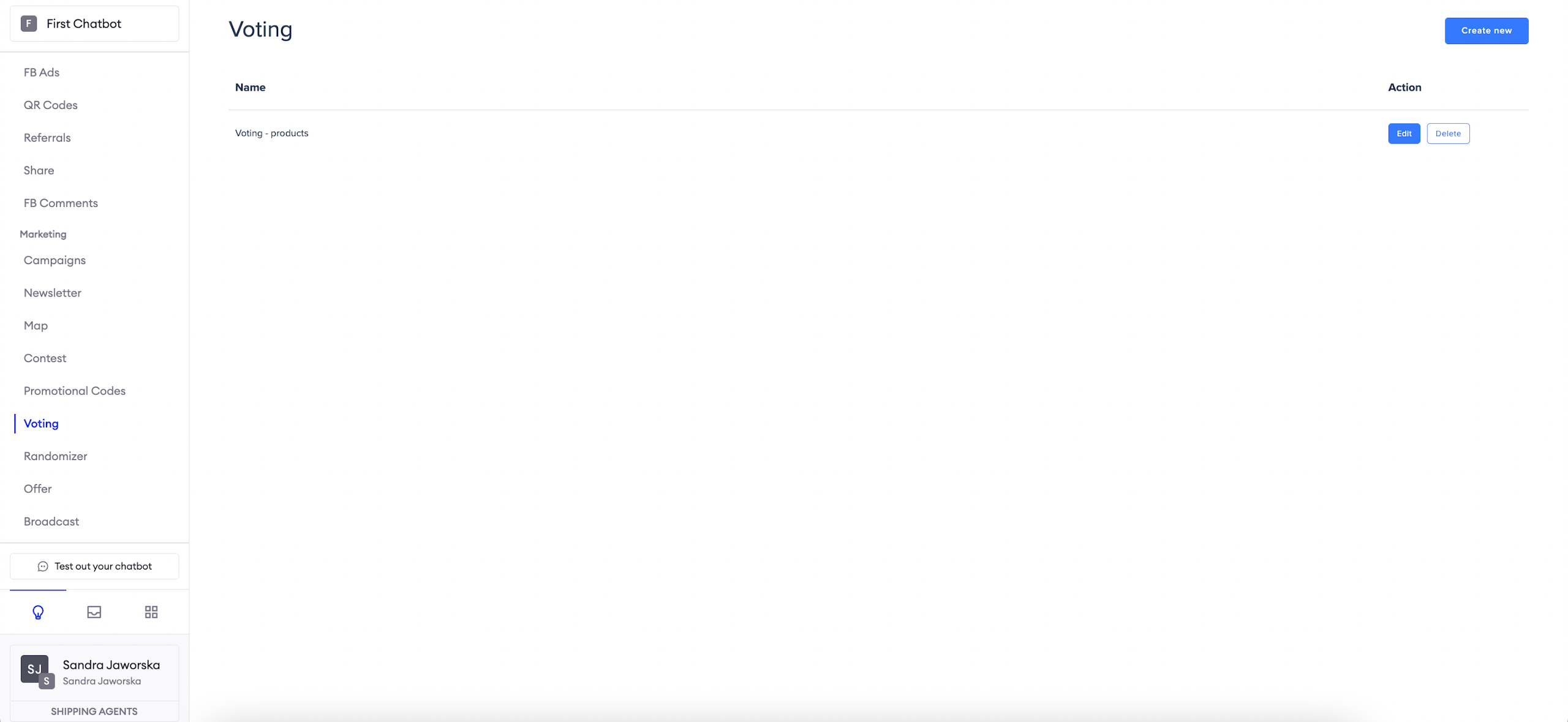
To access the Voting Module, navigate to Modules > Voting from the navigation bar.
Note that most of the module is run as a WebView application on the users' device.
Configure questions
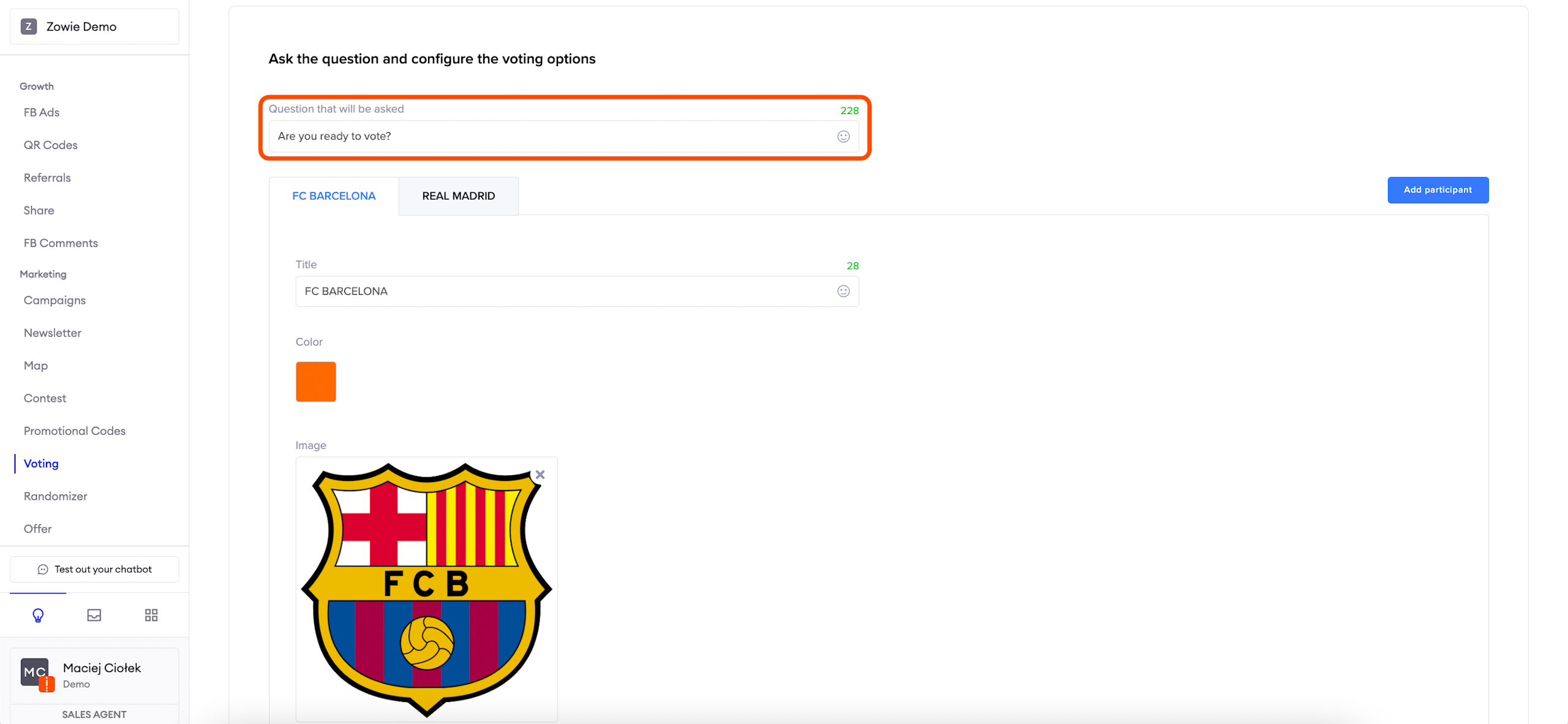
Type in the question, user will be asked, in the Question that will be asked field. Then proceed to configure the options that the user can vote for.
Configure voting options
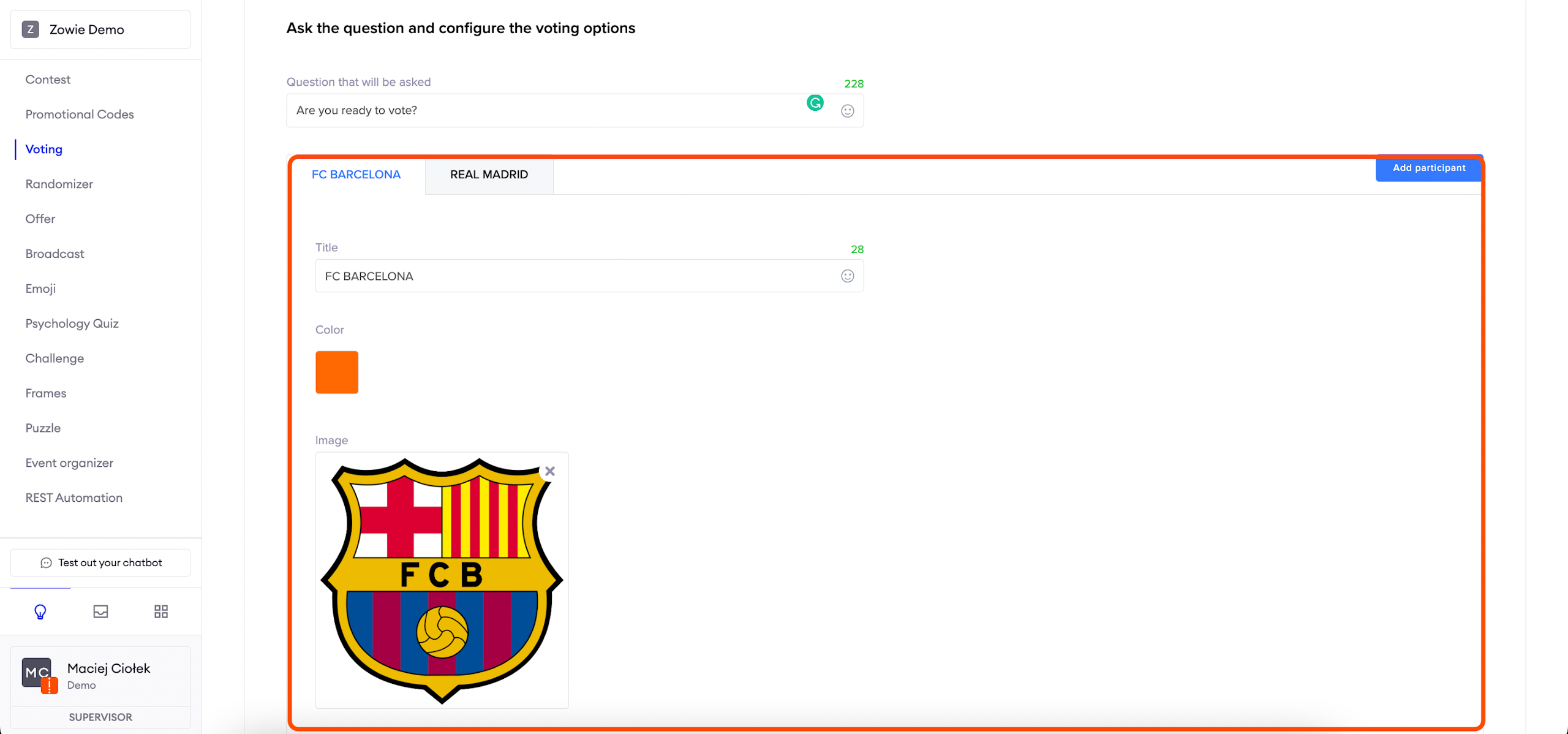
Add as many options as you want with the "Add participant" button. Participants stand here for options that are going to be enabled for voting. Configure their names in the Title field, set their colour using the provided colour picker and provide an image that will be representing the option on the graph.
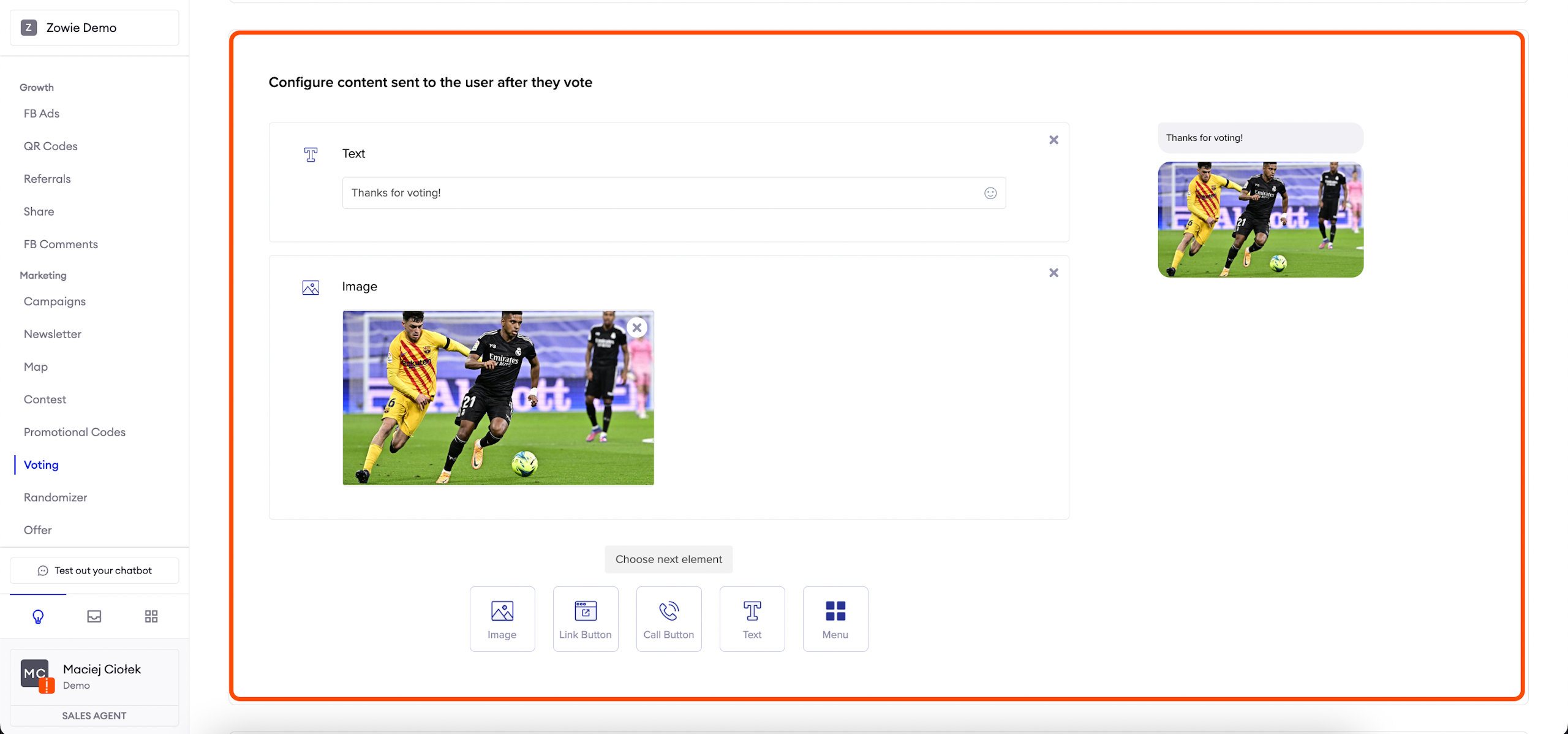
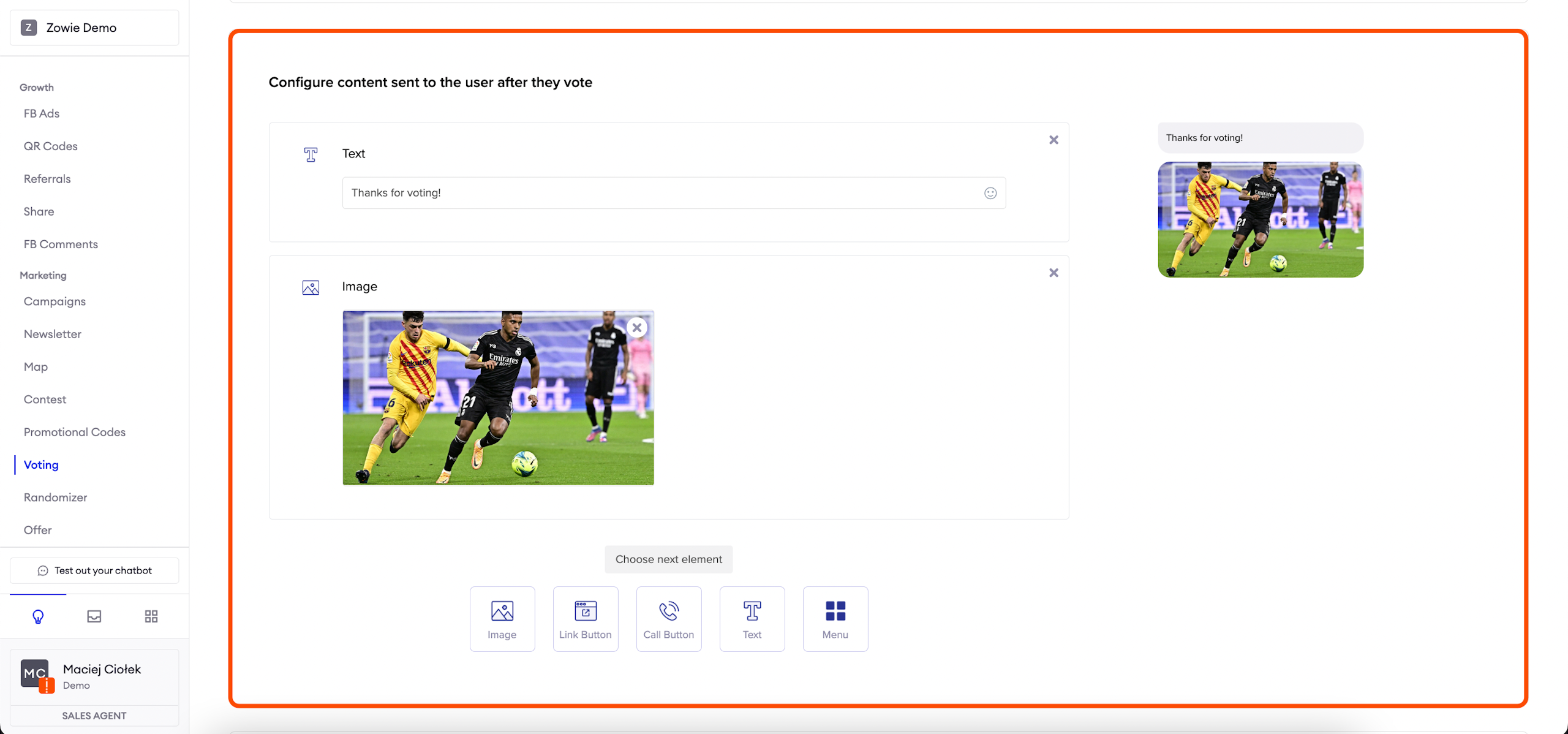
Configure content sent to the user after they have voted.
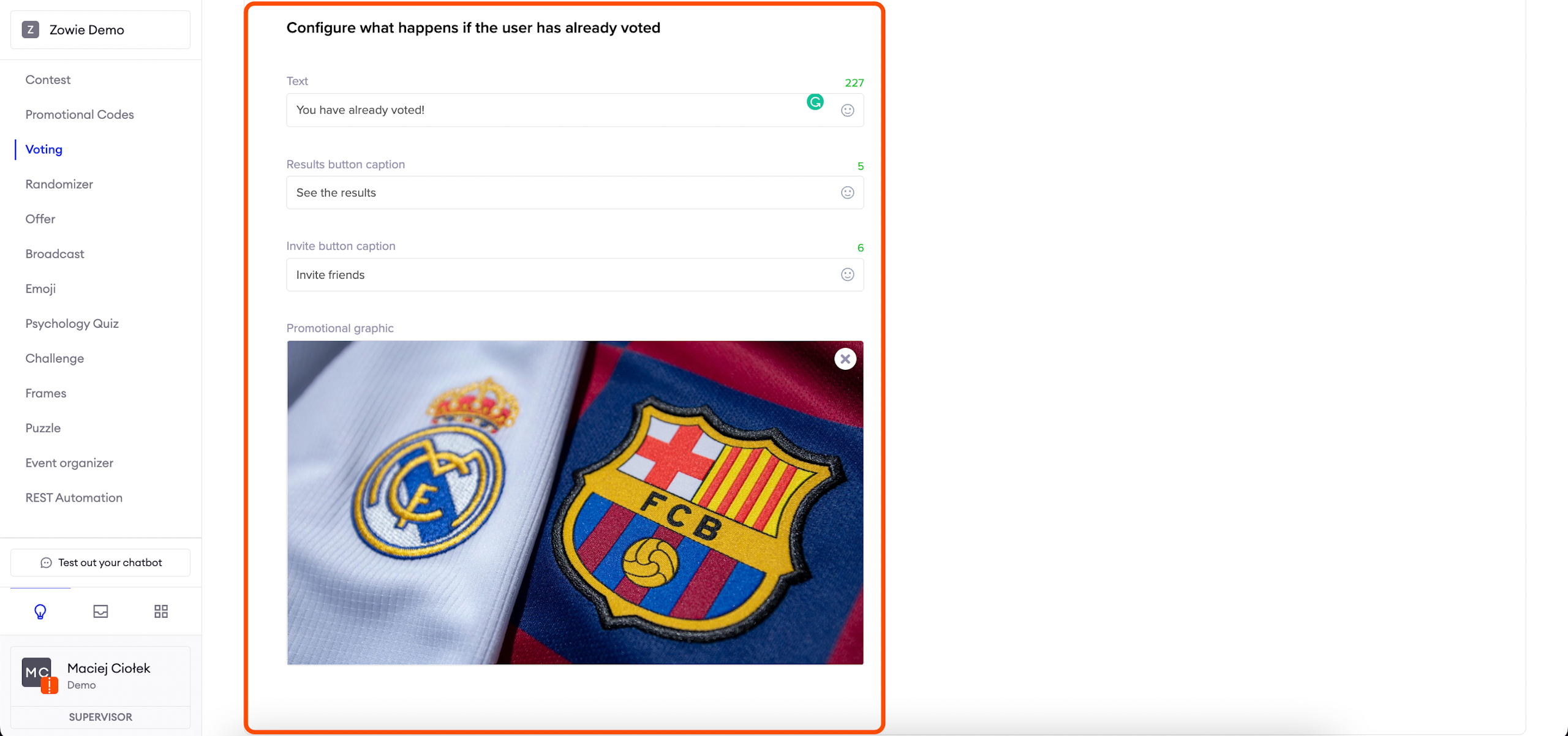
Configure message when user wants to vote again
In this section, you can configure the message which will be sent to the user in case the user tries to vote again.
The message is composed of text and two buttons: one that allows the user to see the results and one that allows them to invite their friends. Fill in the fields accordingly.
Configure content for sharing
Set up the content sent to the users' friends in case they want to share the voting. Type in a short title describing the voting and a bit longer description. Provide the caption for the button that will take them to the voting and upload a promotional image.
Updated over 1 year ago