
Privacy Compliance Section
What is the Privacy Compliance Section?
The Privacy Compliance settings allow you to collect and manage privacy-related agreements and statements from your users. You can adjust the settings according to the user’s region.
Why use the Privacy Compliance Section?
Leveraging these capabilities helps keep your organization in compliance with Privacy Compliance (e.g. GDPR) when engaging and collecting data from end users via your chatbot.
How to access the Privacy Compliance Section?
To access Privacy Compliance, go to Settings > Privacy Compliance in the main navigation panel.
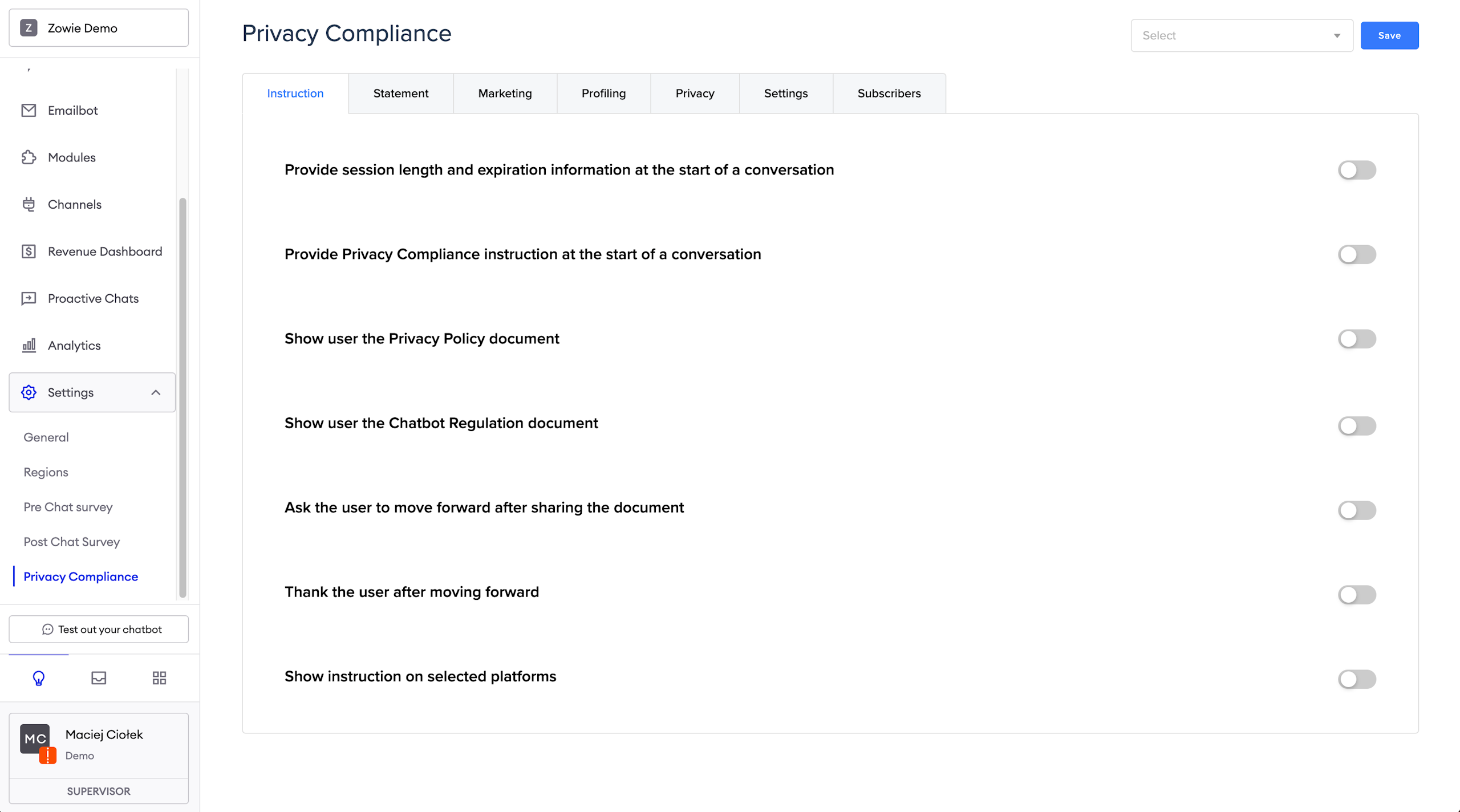
Instruction
In this section you can put your basic instructions regarding Privacy Compliance (e.g. GDPR).
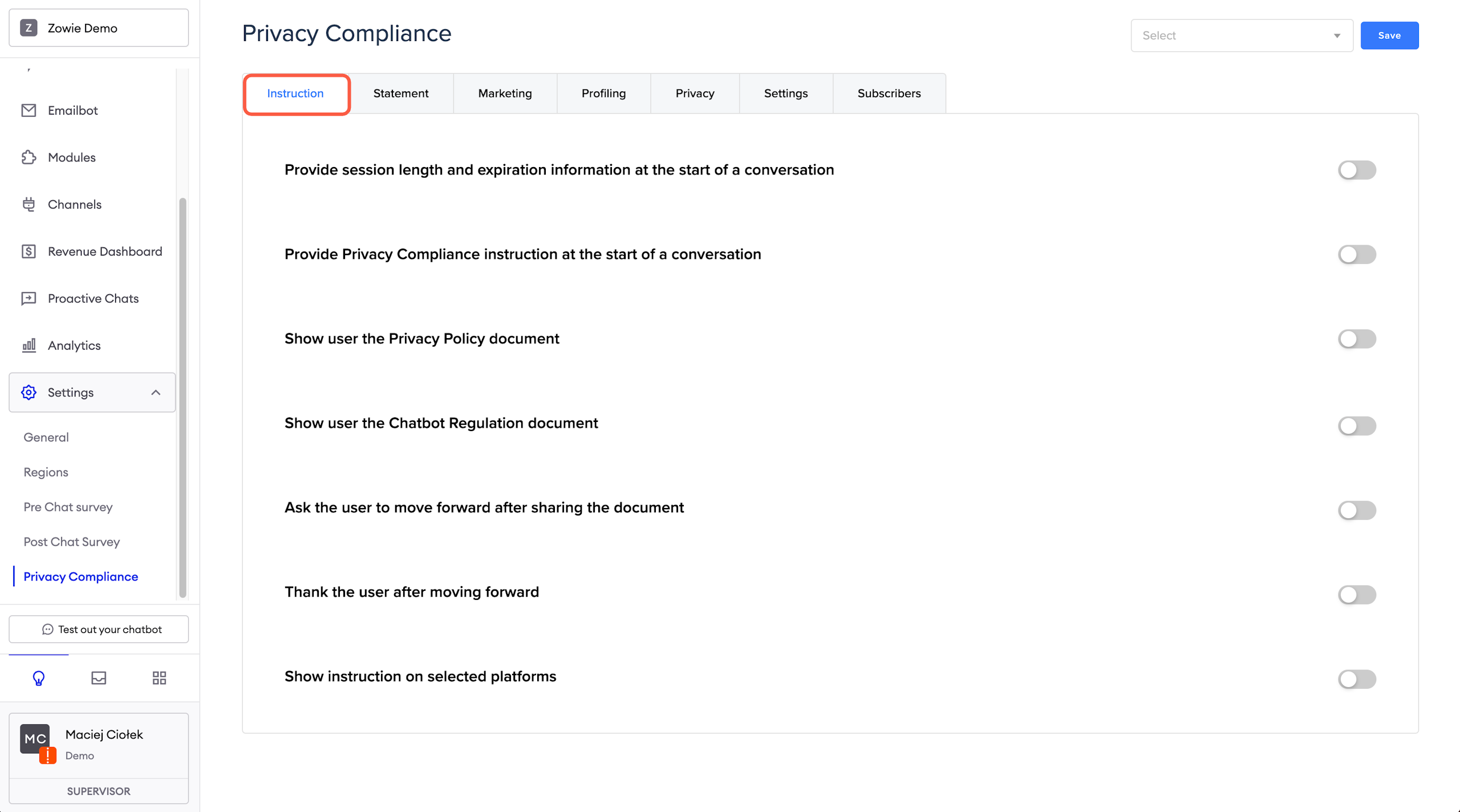
Provide session length and expiration information
Providing session length and expiration might be used for example:
- When you want to provide users with a Privacy Policy every time they talk to a chatbot, not just after the first time;
- When the user is sharing a device with someone else - then we could clear his data in CRM so we won't mistake him for the next person (to confirm) and protect their privacy by deleting the previous messages.
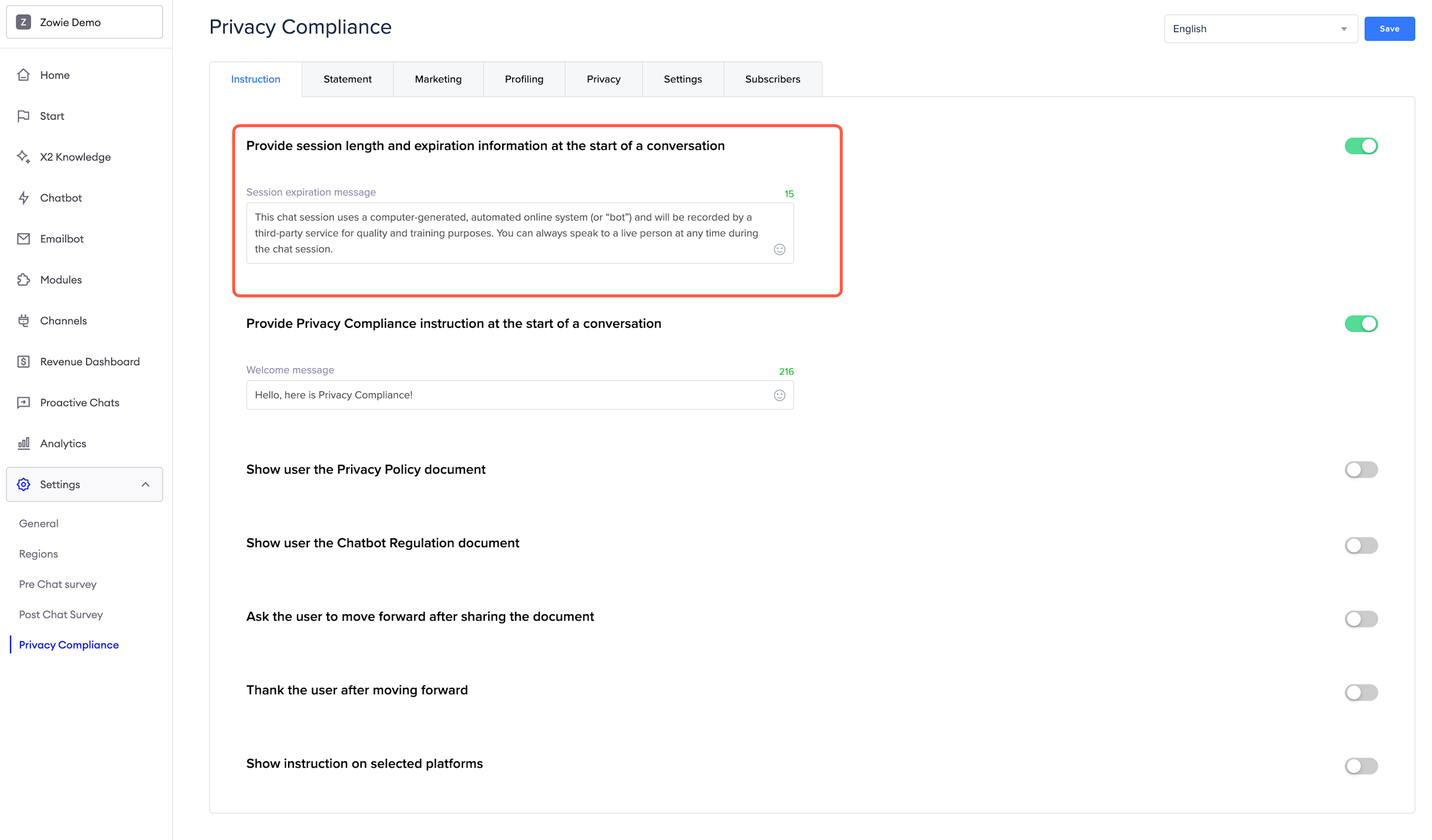
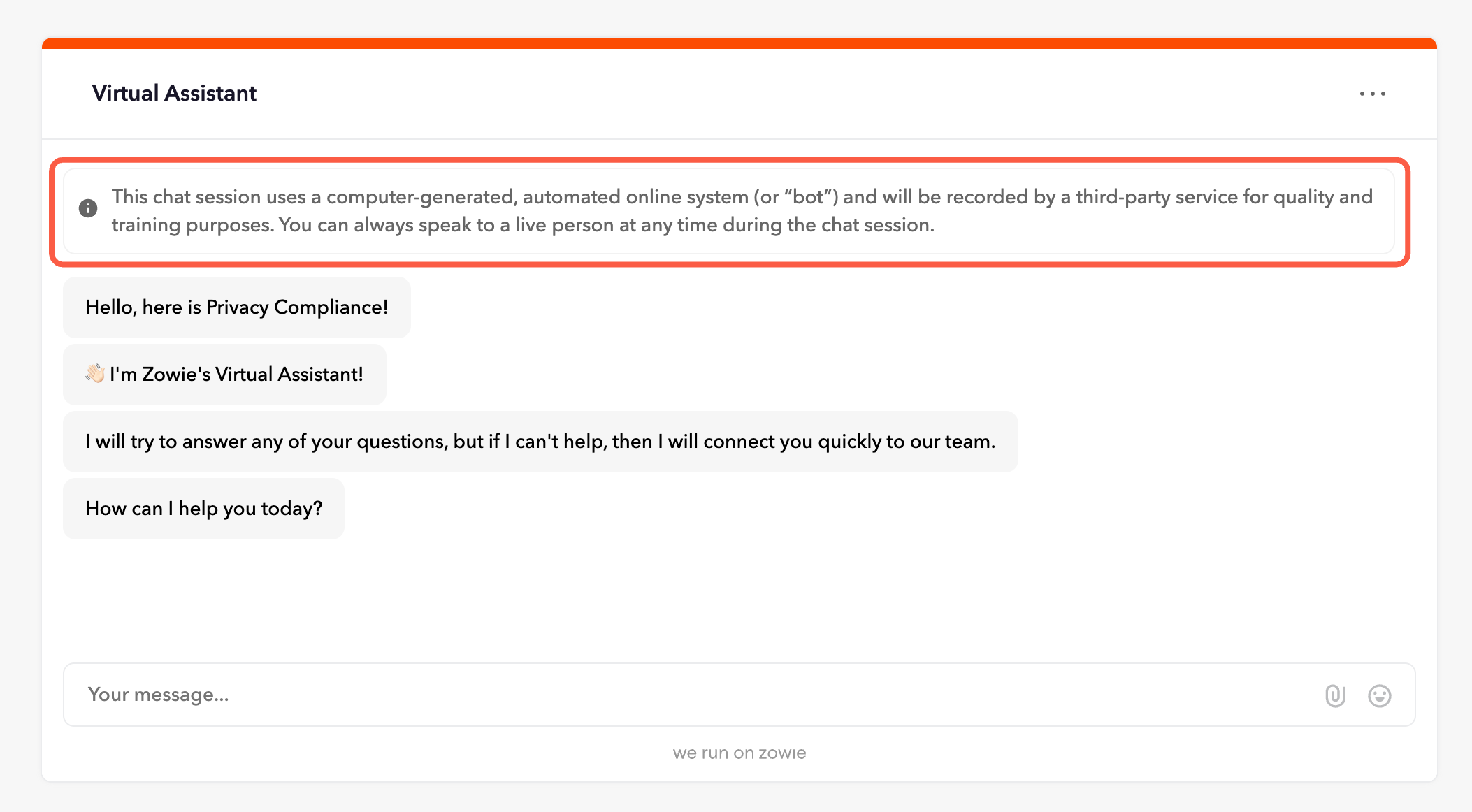
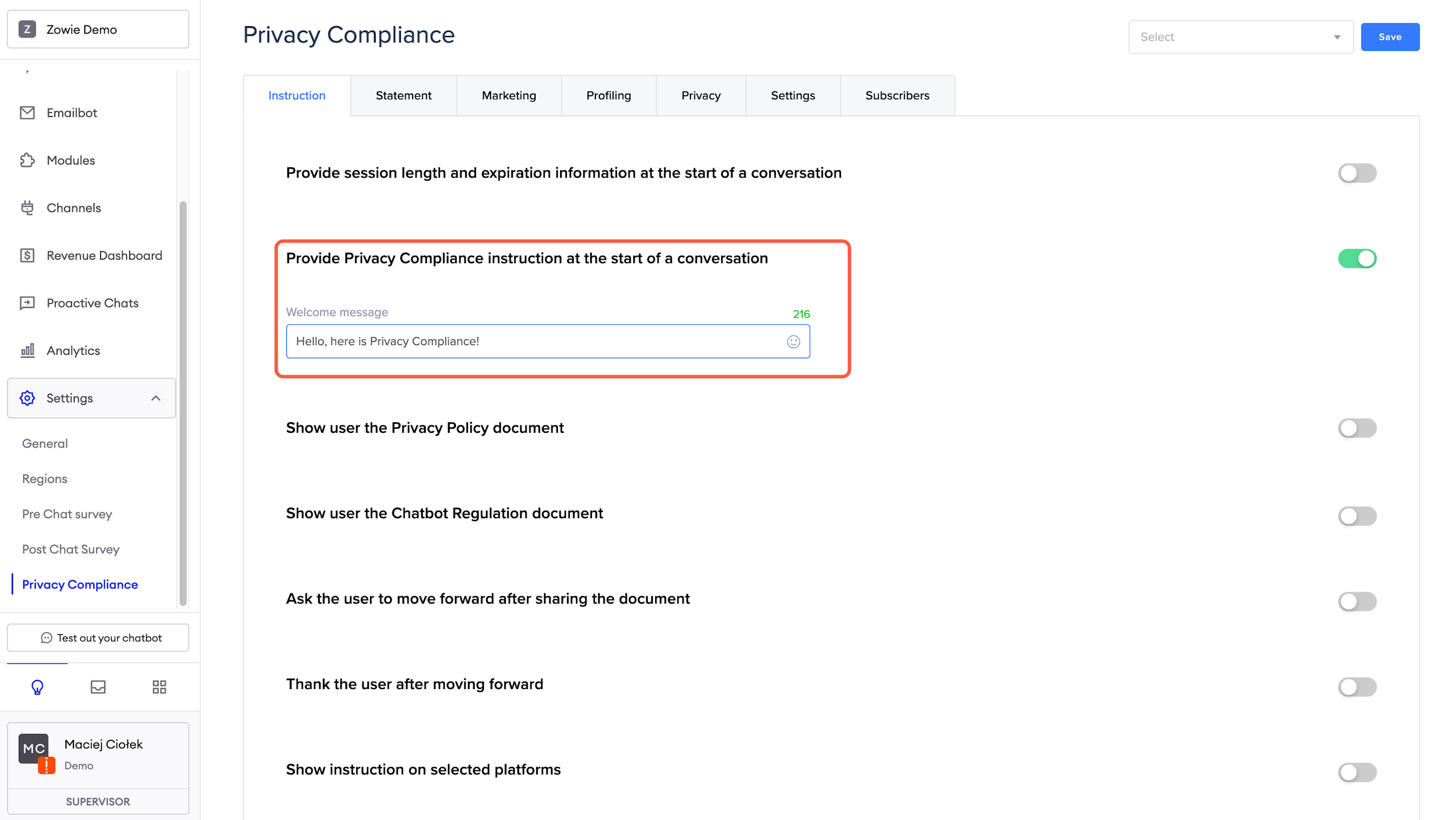
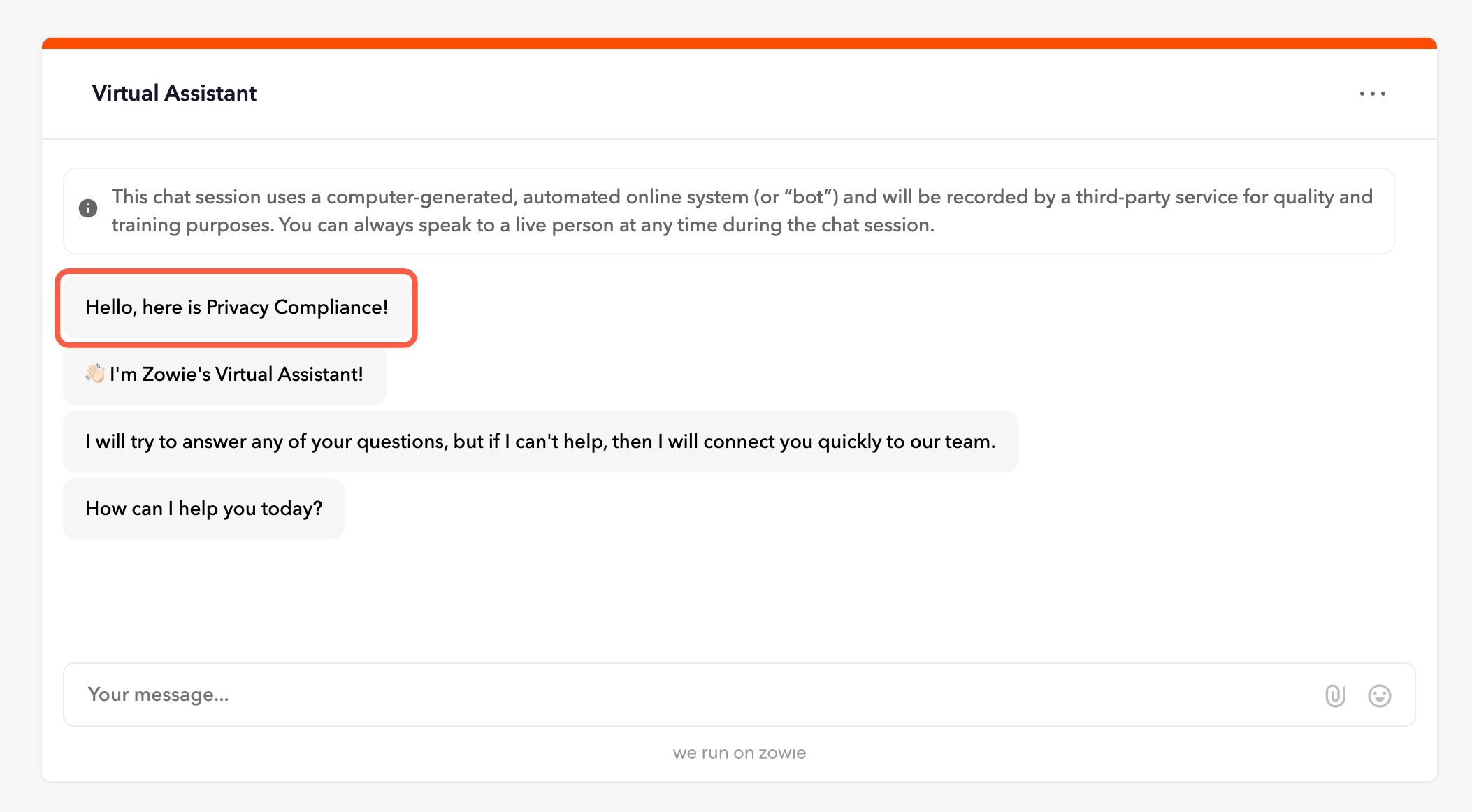
Provide Privacy Compliance instruction at the start of a conversation
The instruction configured in this section is presented to users in this region during their first interaction with the chatbot.
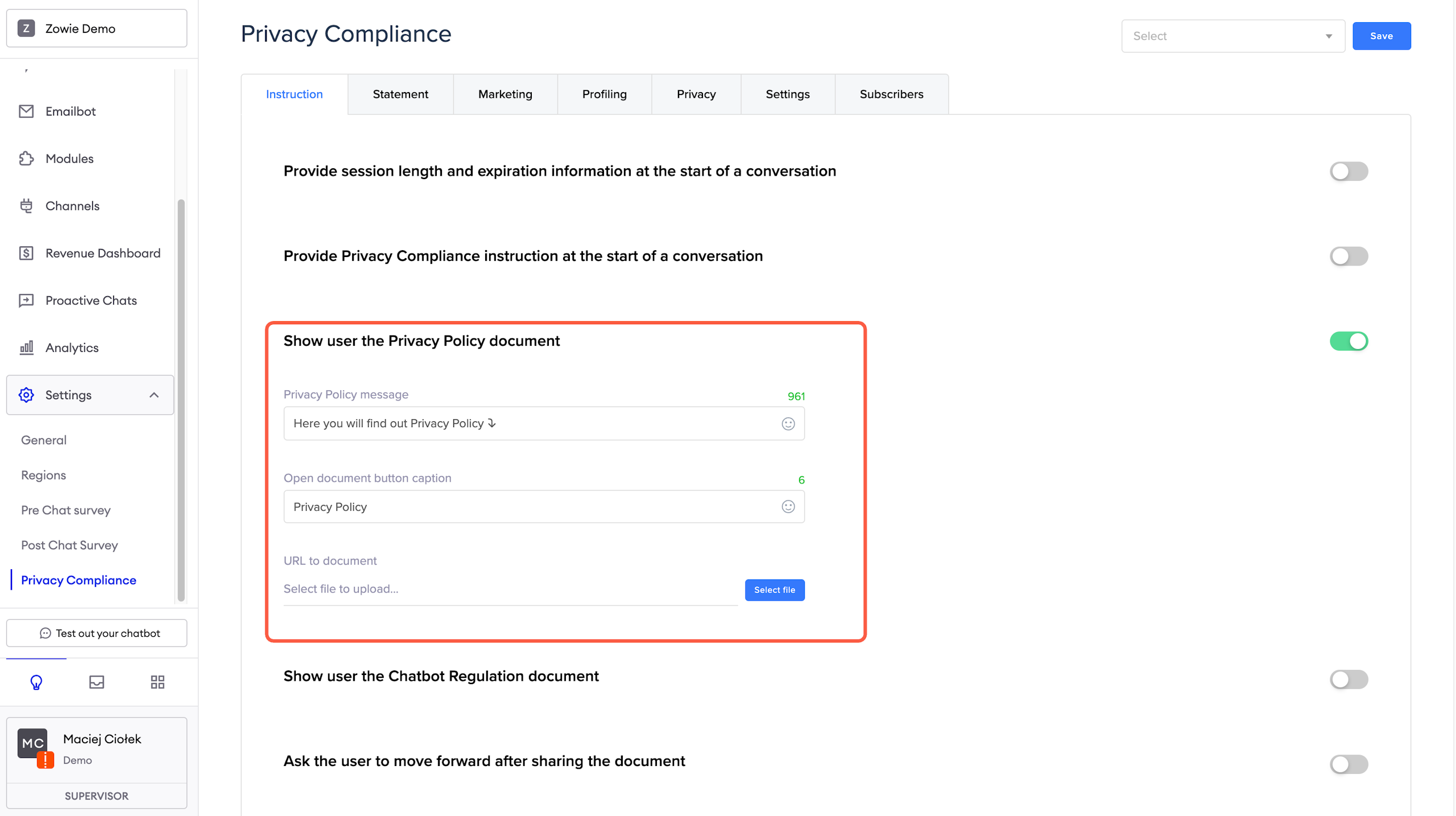
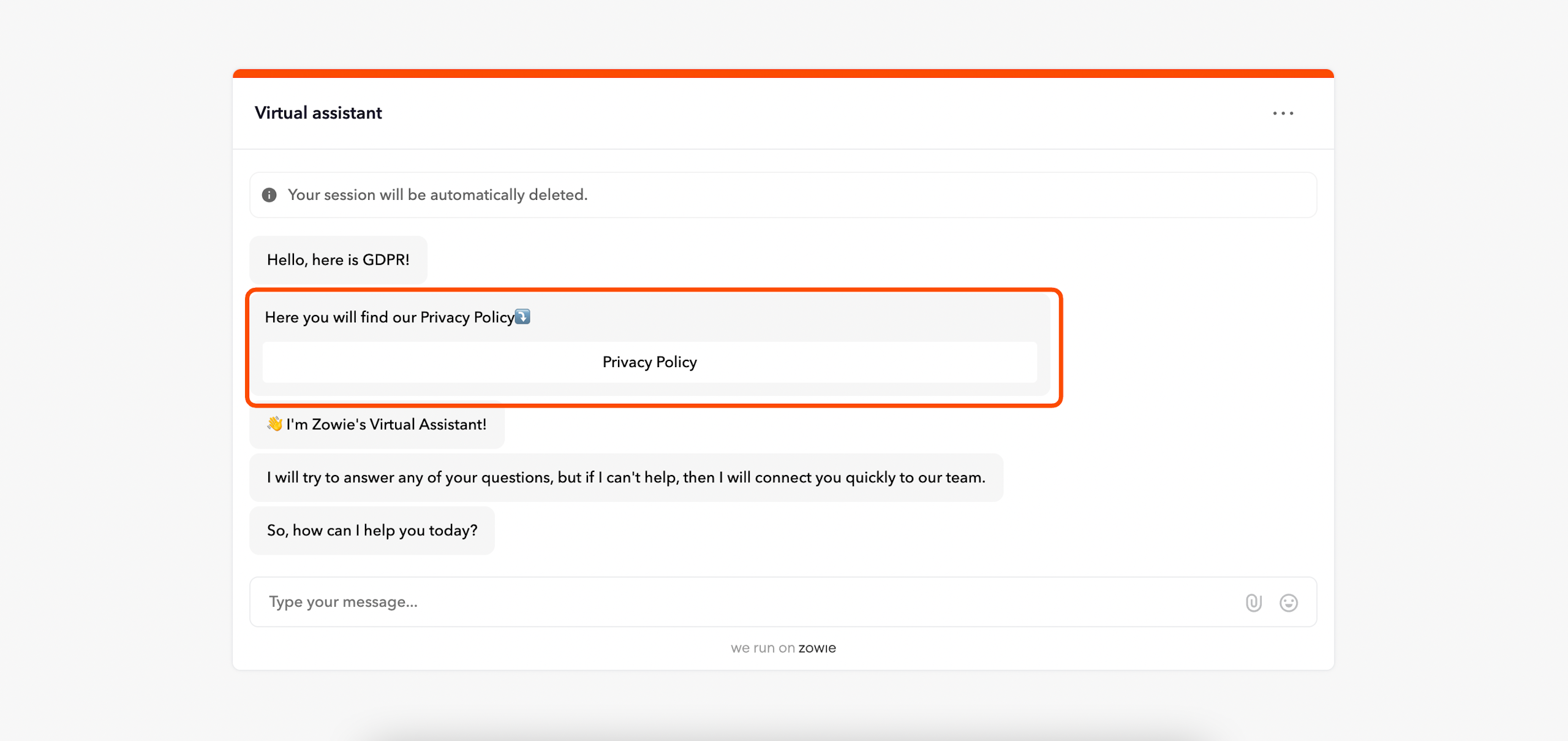
Show user the Privacy Policy document
The uploaded Privacy Policy is presented to users in this region during their first interaction with the chatbot. The document will be accessible through a button, and below the toggle button, you can configure the copy and add the document.
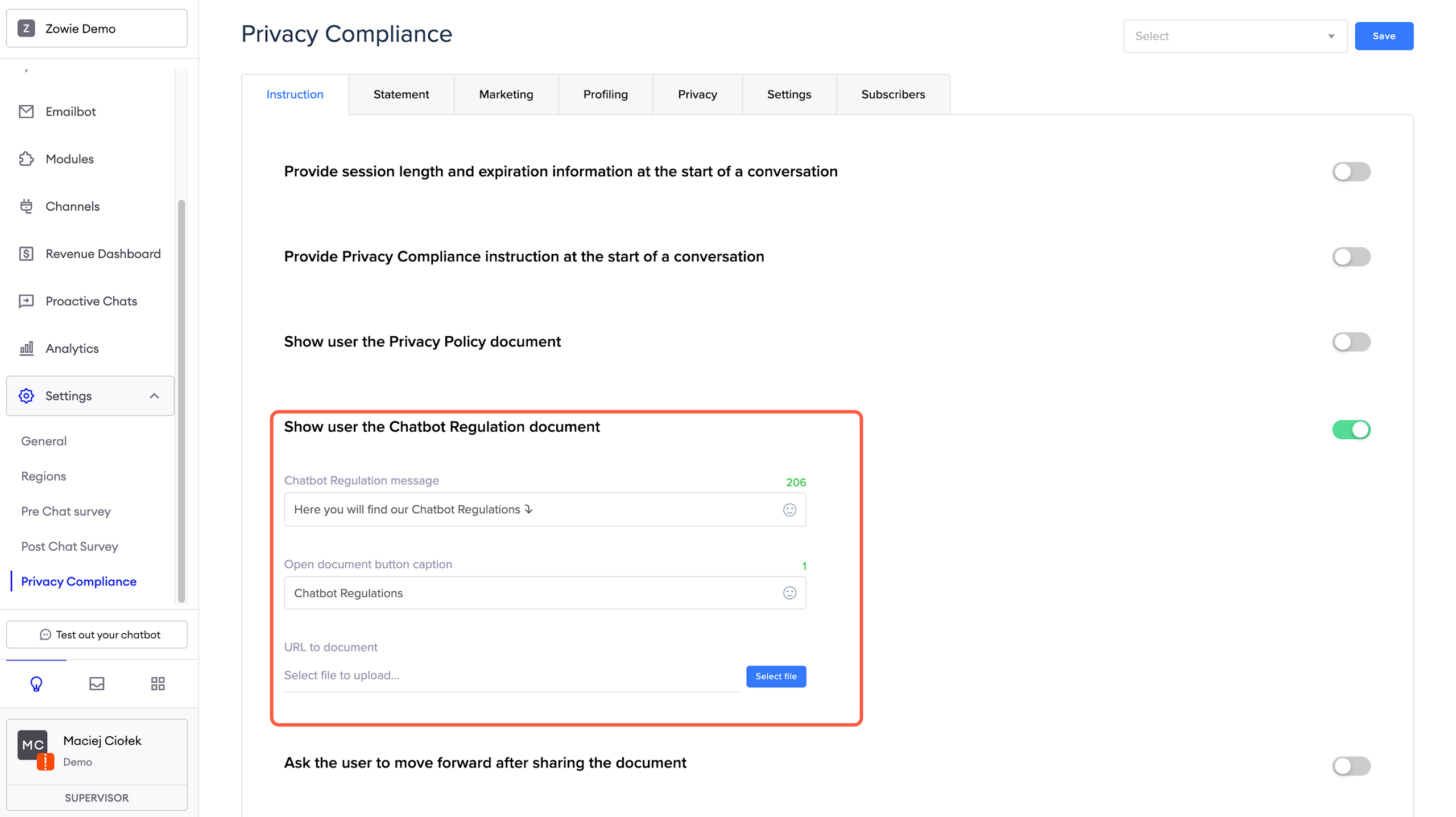
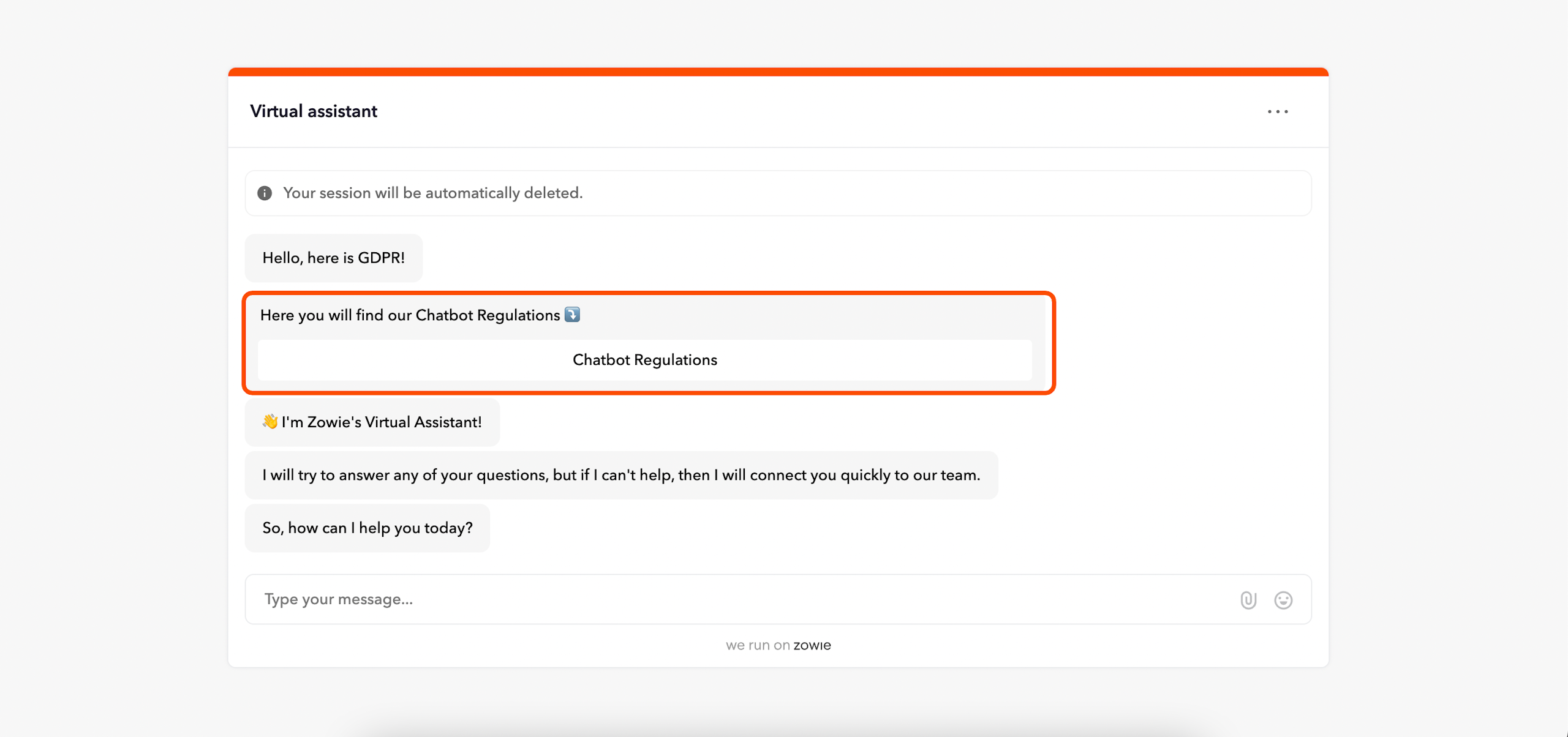
Show user the Chatbot Regulations document
The uploaded Chatbot Regulations are presented to users in this region during their first interaction with the chatbot. The document will be accessible through a button, and below the toggle button, you can configure the copy and add the document.
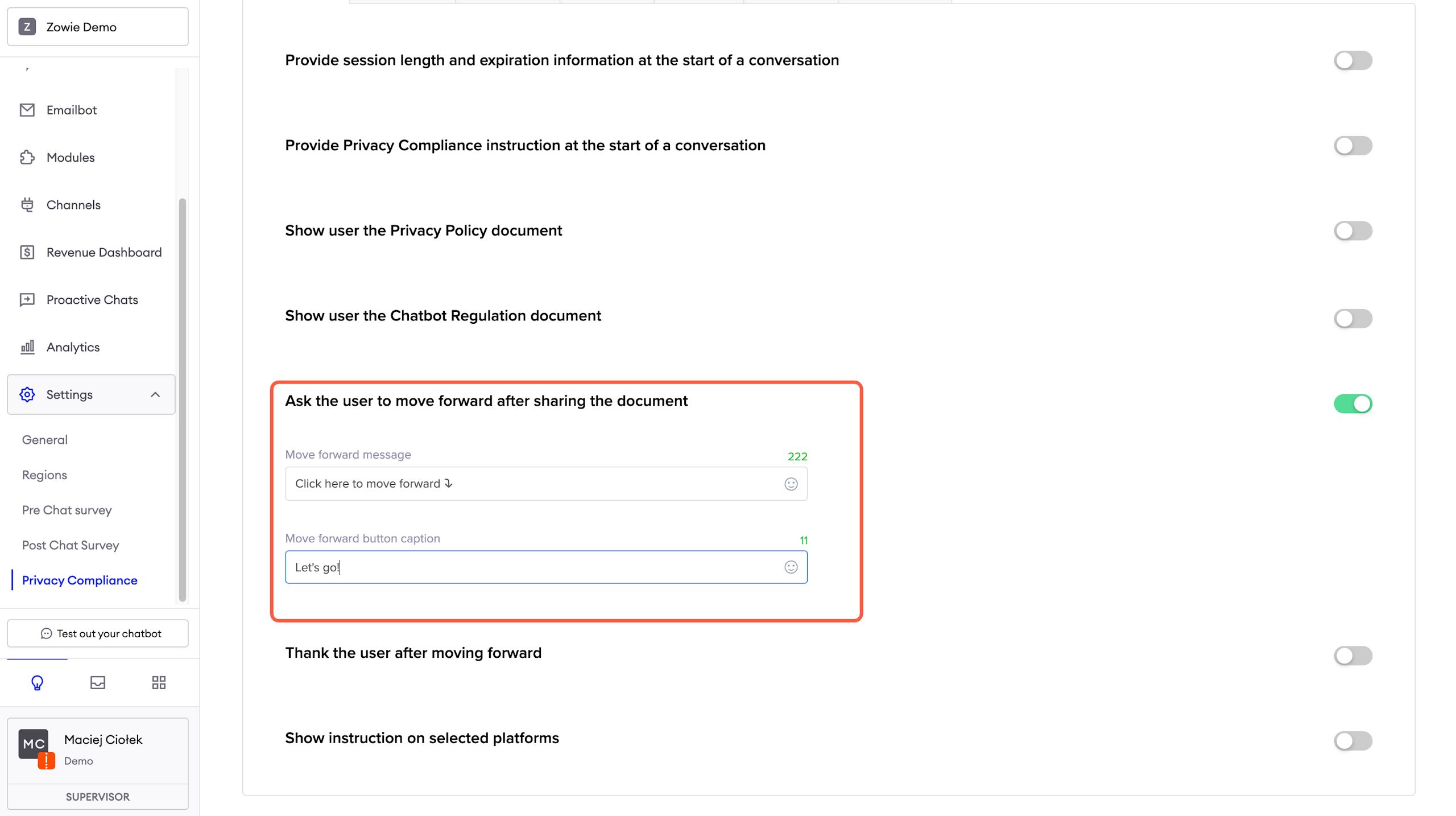
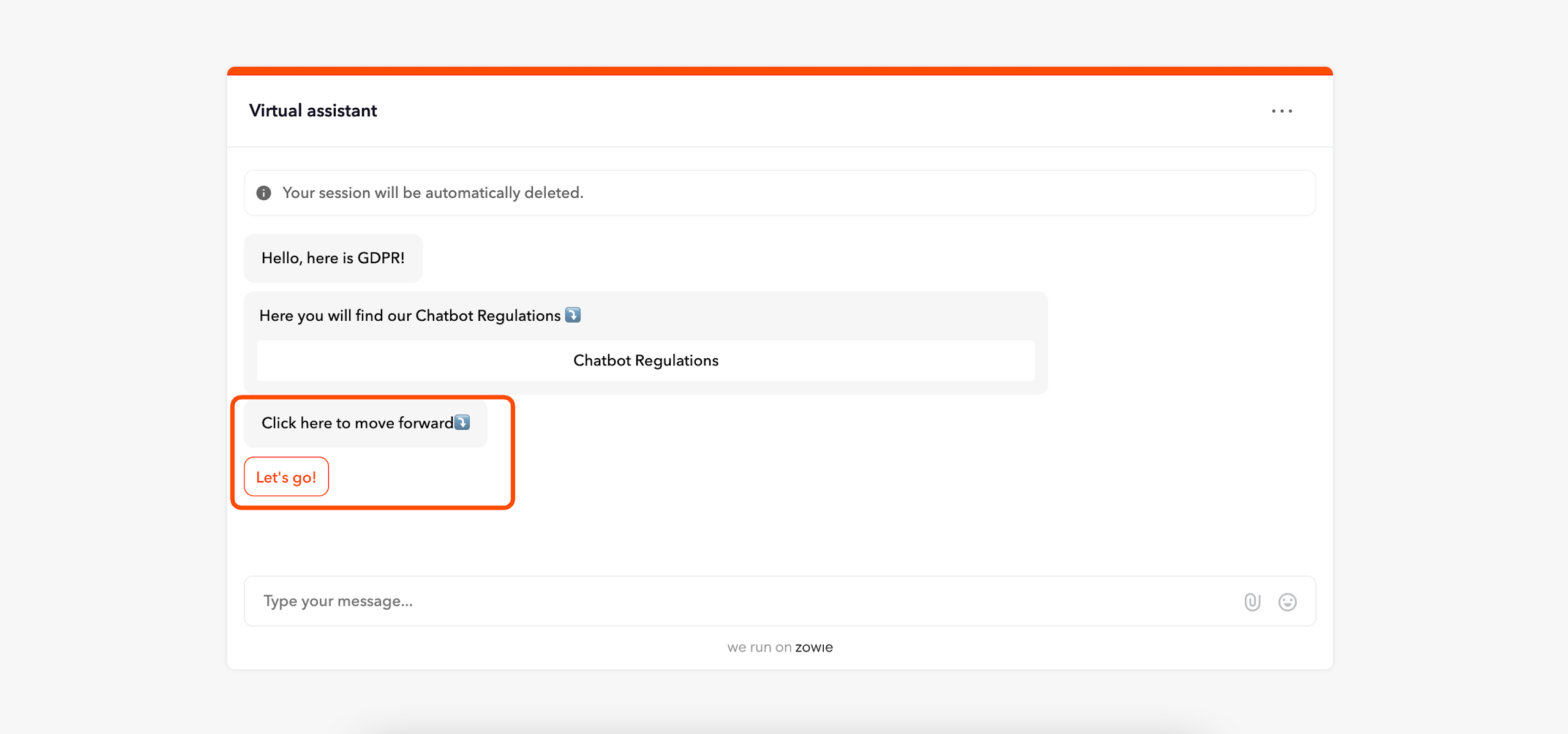
Ask the user to proceed after sharing the document
The user has to click a button to confirm they acknowledge the documents you provided.
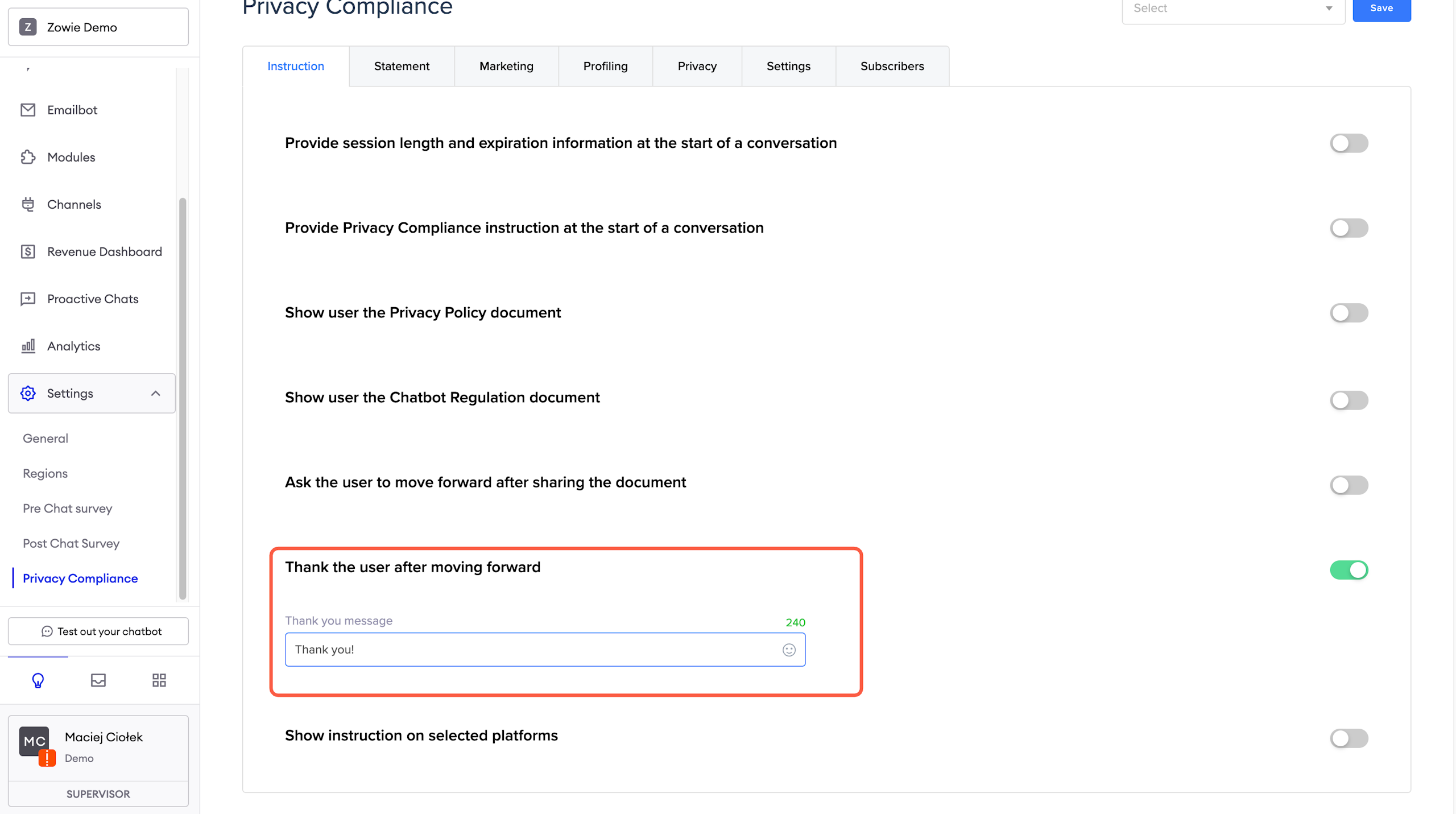
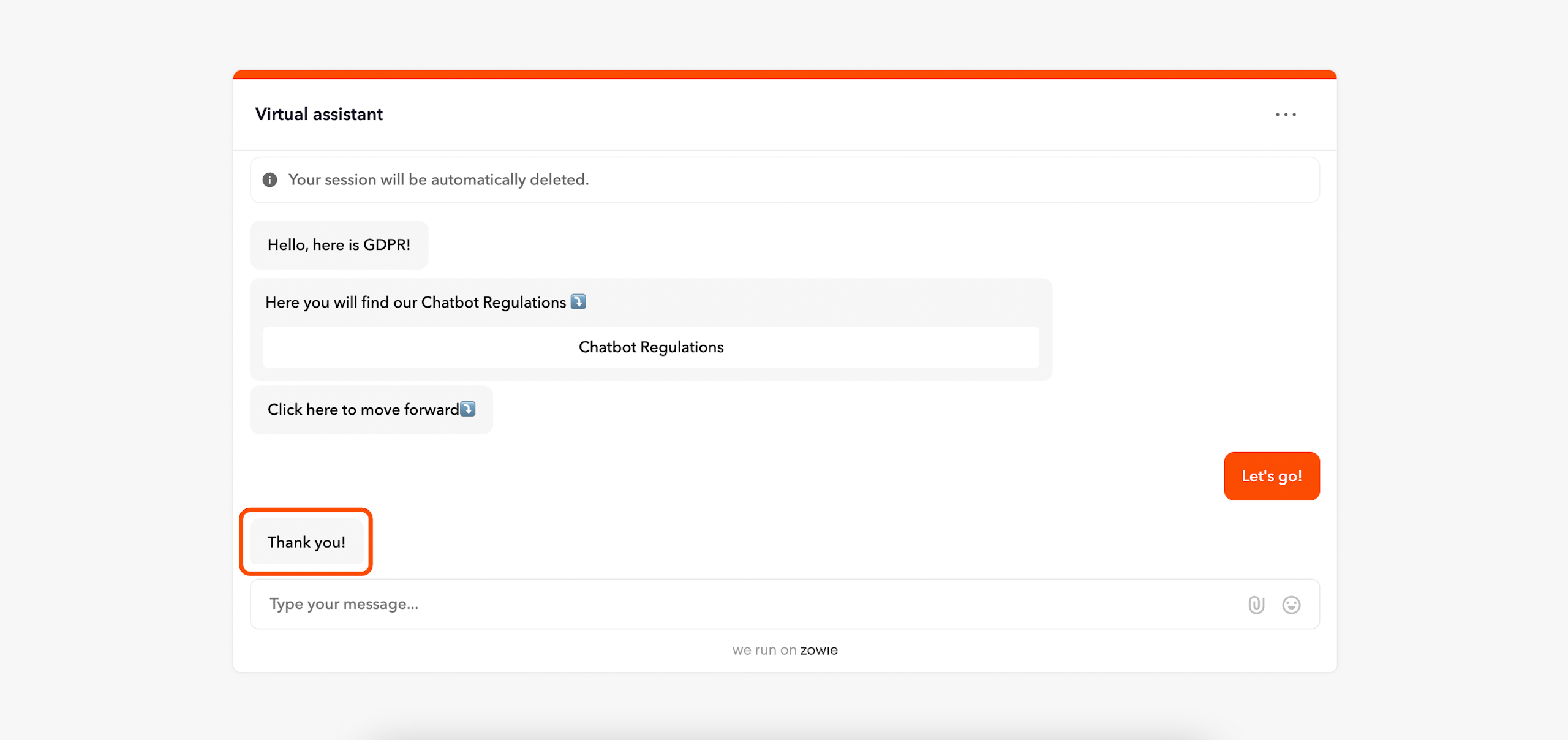
Thank the user after proceeding
The user receives a message after clicking the confirmation button.
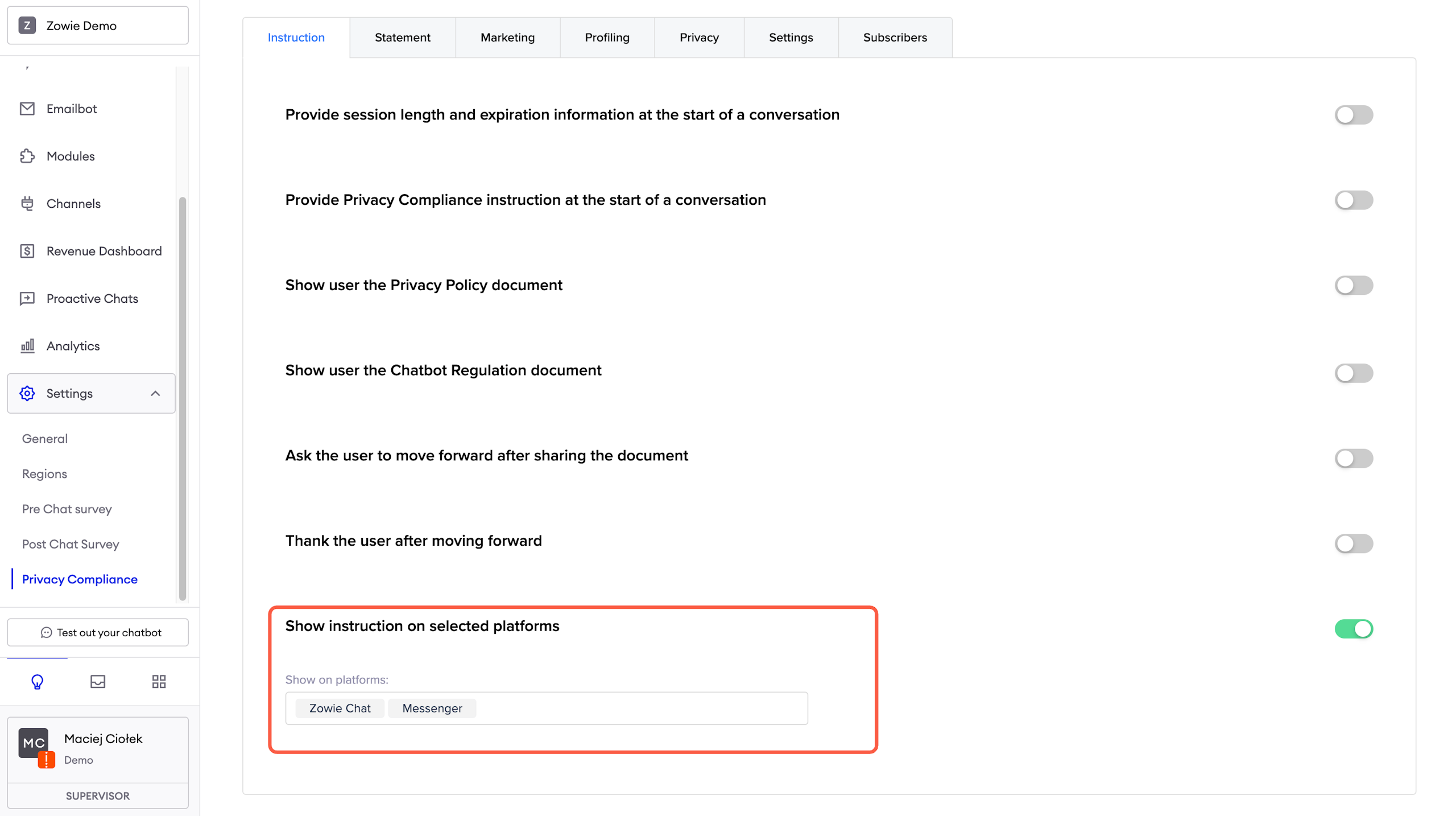
Show instructions on selected platforms
This list allows you to select which platforms will have configured instructions for users.
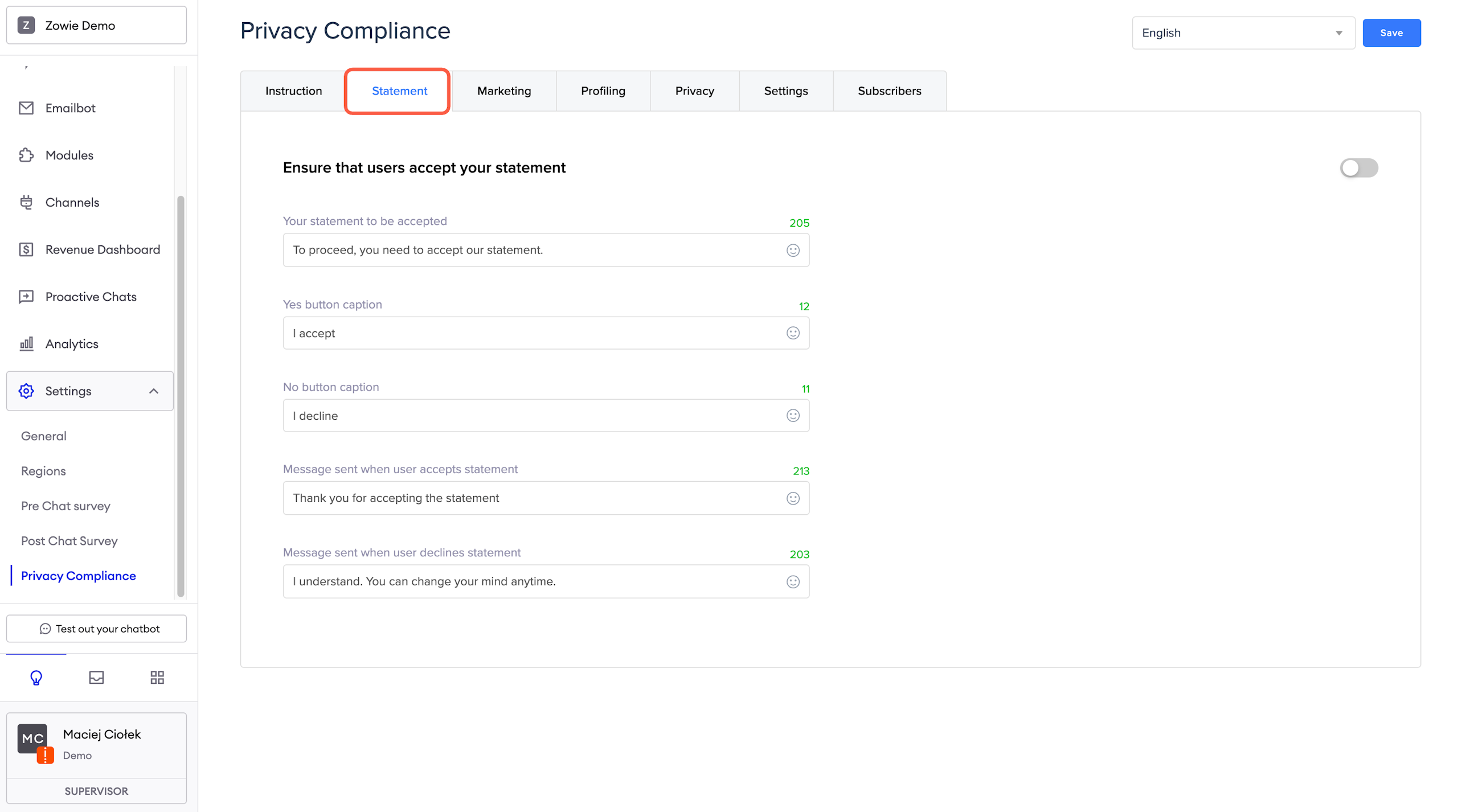
Statement
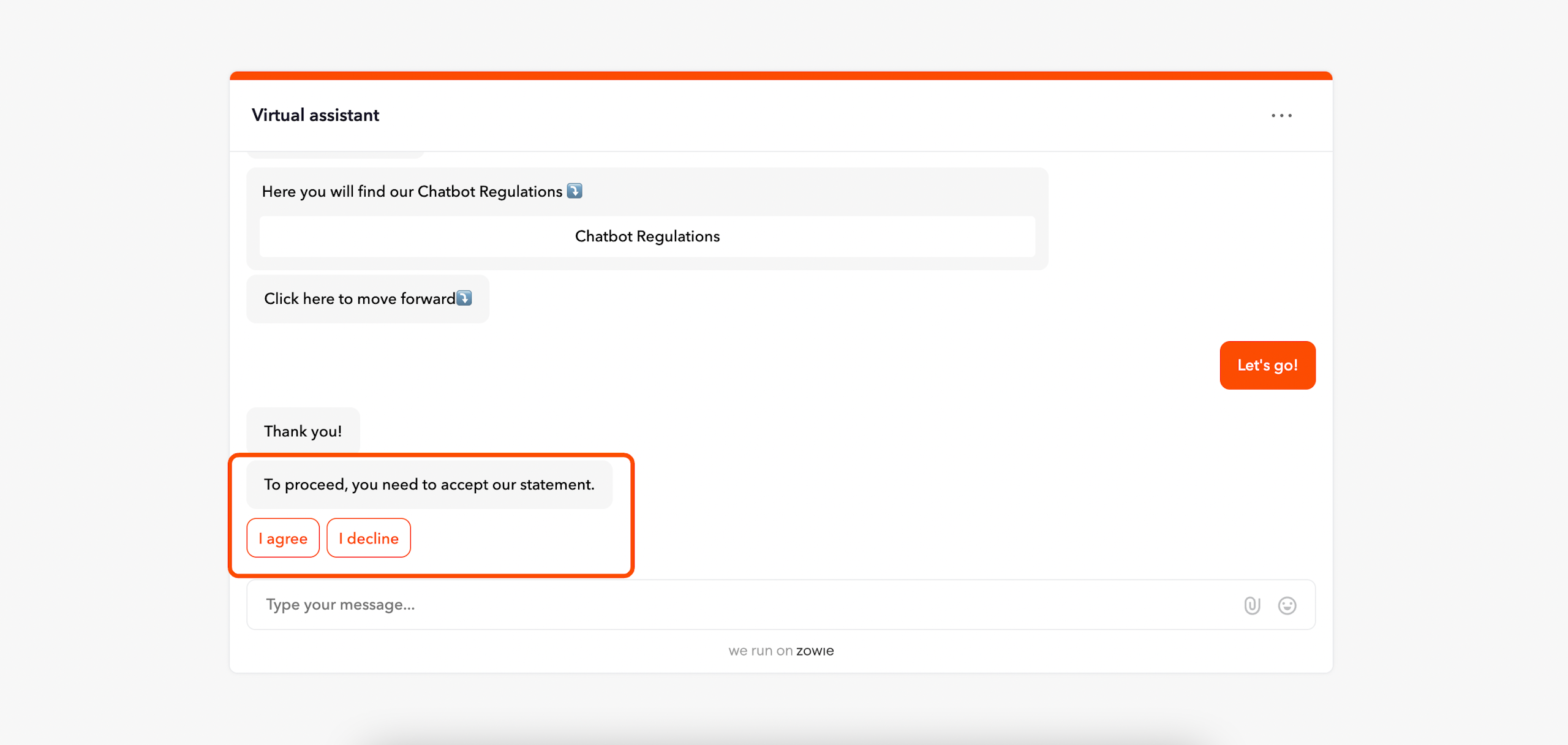
Here, you can enter a statement that the user must agree to in order to continue talking to the chatbot. You can configure the statement and any messages sent depending on the user's choice.
Marketing
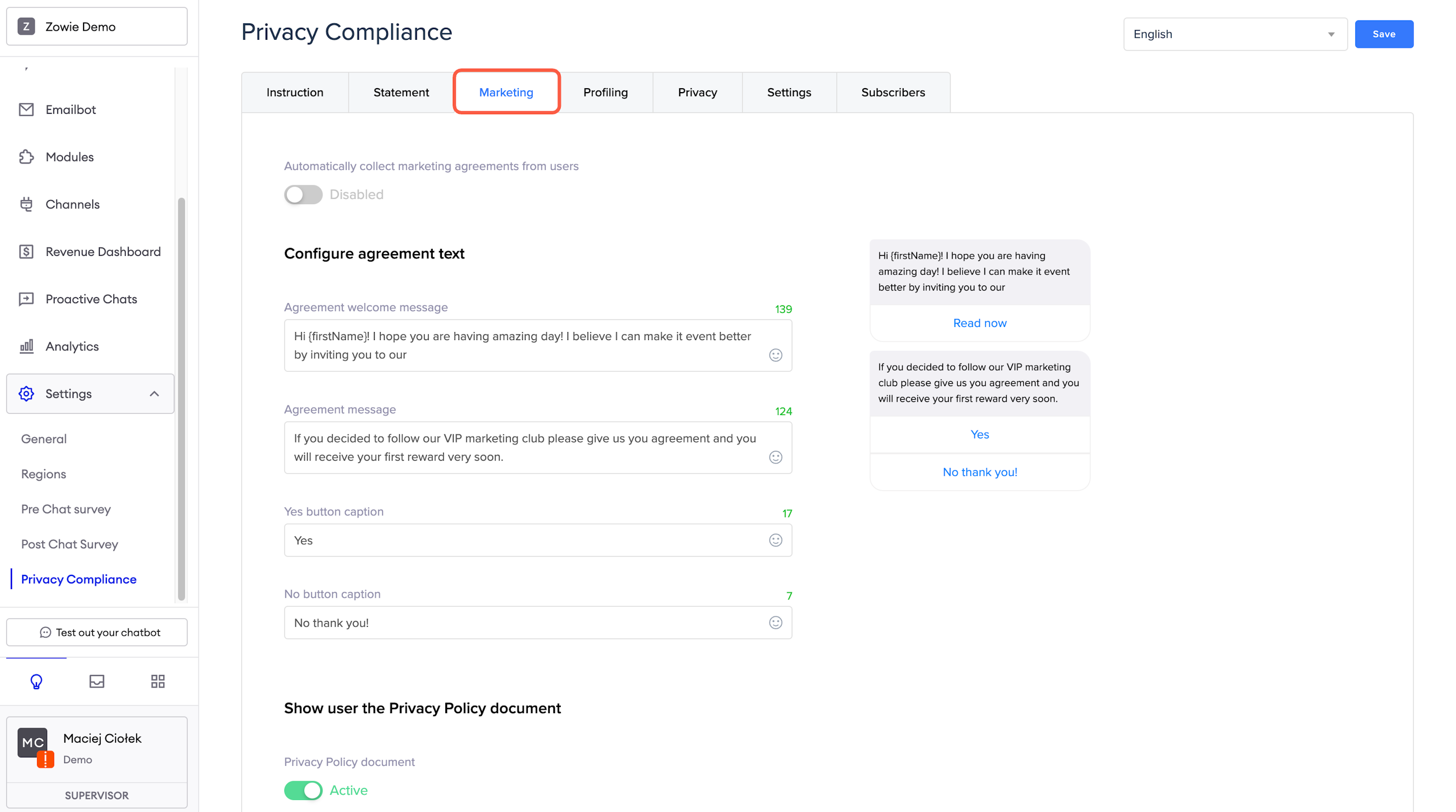
You can collect marketing agreements from the users too. The Marketing section of the Privacy Compliance Settings allows you to upload a separate Privacy Policy document and the normal messages for agreeing/disagreeing with the Policy.
Additionally, you can enable the automatic collection of Marketing agreements from the users. With that option enabled, the chatbot will ask the user if they agree to receive marketing information 4 hours after their first conversation with the bot starts.
AttentionAutomatic agreement collection is smart enough only to gather profiling agreements from 8 am UTC to 4 pm UTC. If it doesn't manage to collect all of them, it will stop and start again the next day.
Profiling
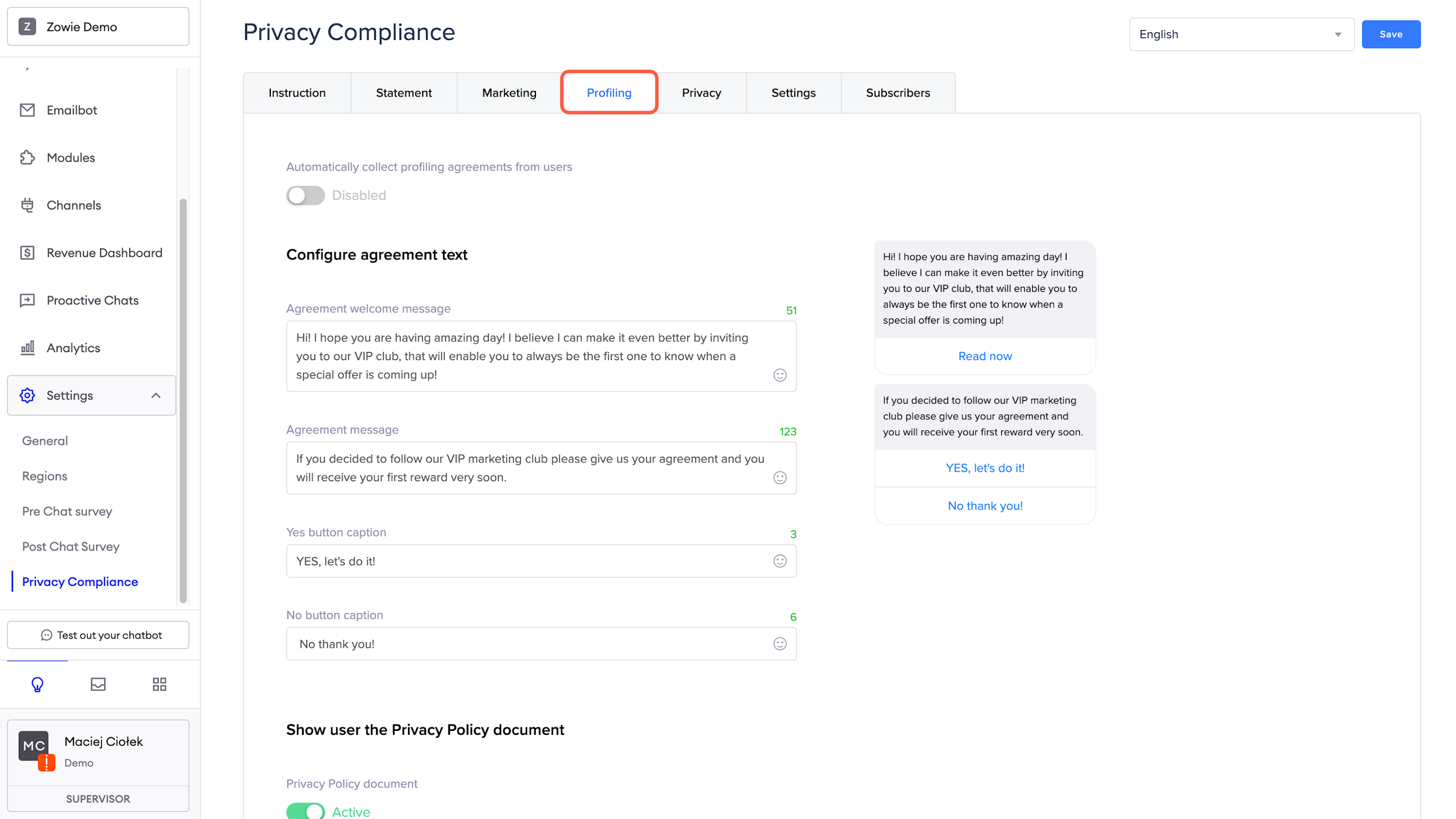
You can collect profiling agreements from the users too. The Profiling section of the Privacy Compliance Settings allows you to upload a separate Privacy Policy document and the normal messages for agreeing/disagreeing with the Policy.
Additionally, you can enable the automatic collection of Profiling agreements from the users. With that option enabled, the chatbot will ask the user whether they agree to be profiled 6 hours after their first conversation with the bot starts.
AttentionAutomatic agreement collection is smart enough only to gather profiling agreements from 8 am UTC to 4 pm UTC. If it doesn't manage to collect all of them, it will stop and start again the next day.
Privacy
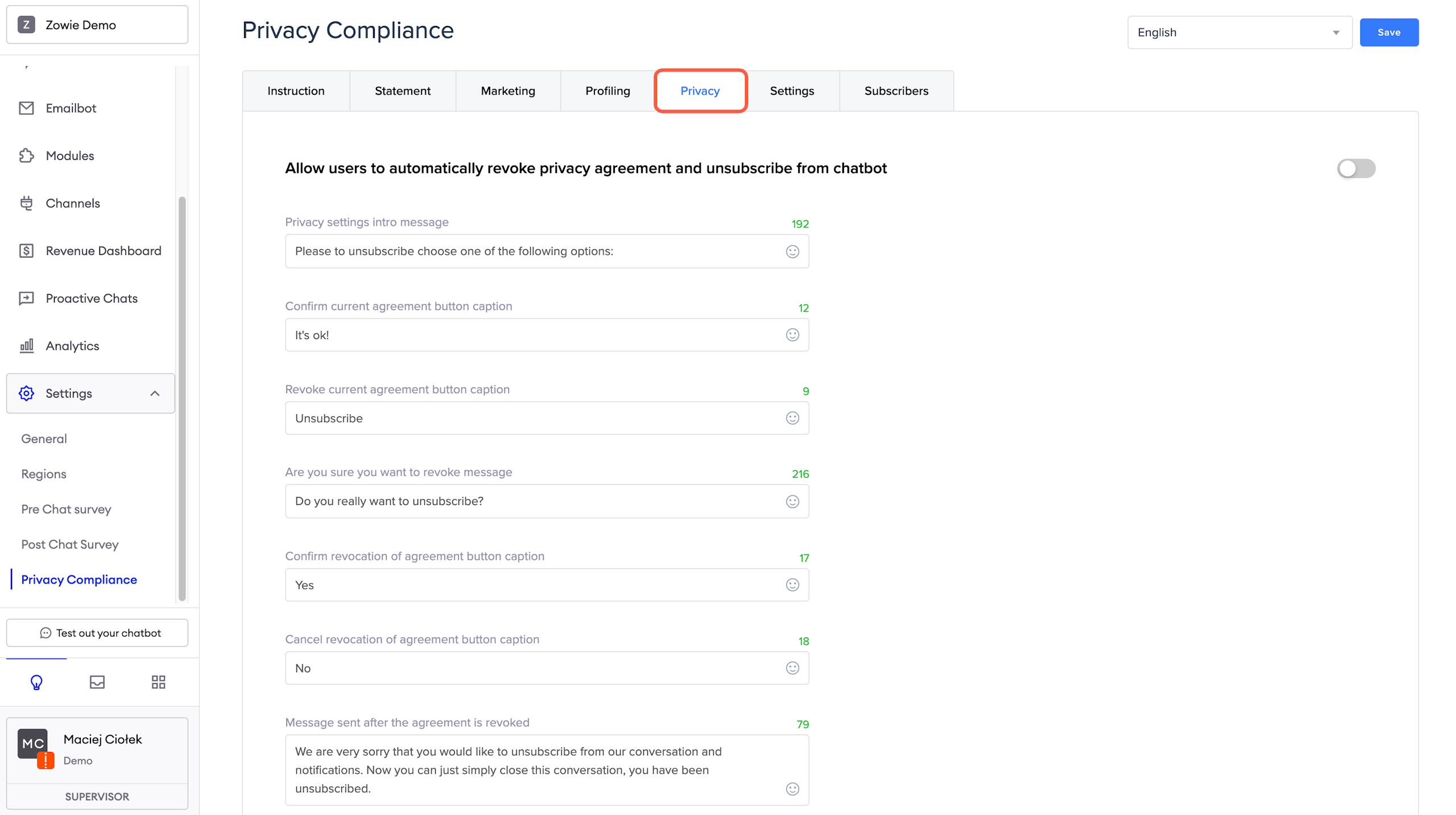
Configuring the Privacy section is crucial as it allows your users to revoke their agreement to the Privacy Policy and, effectively, unsubscribe from the chatbot, i.e., have their data removed.
Settings
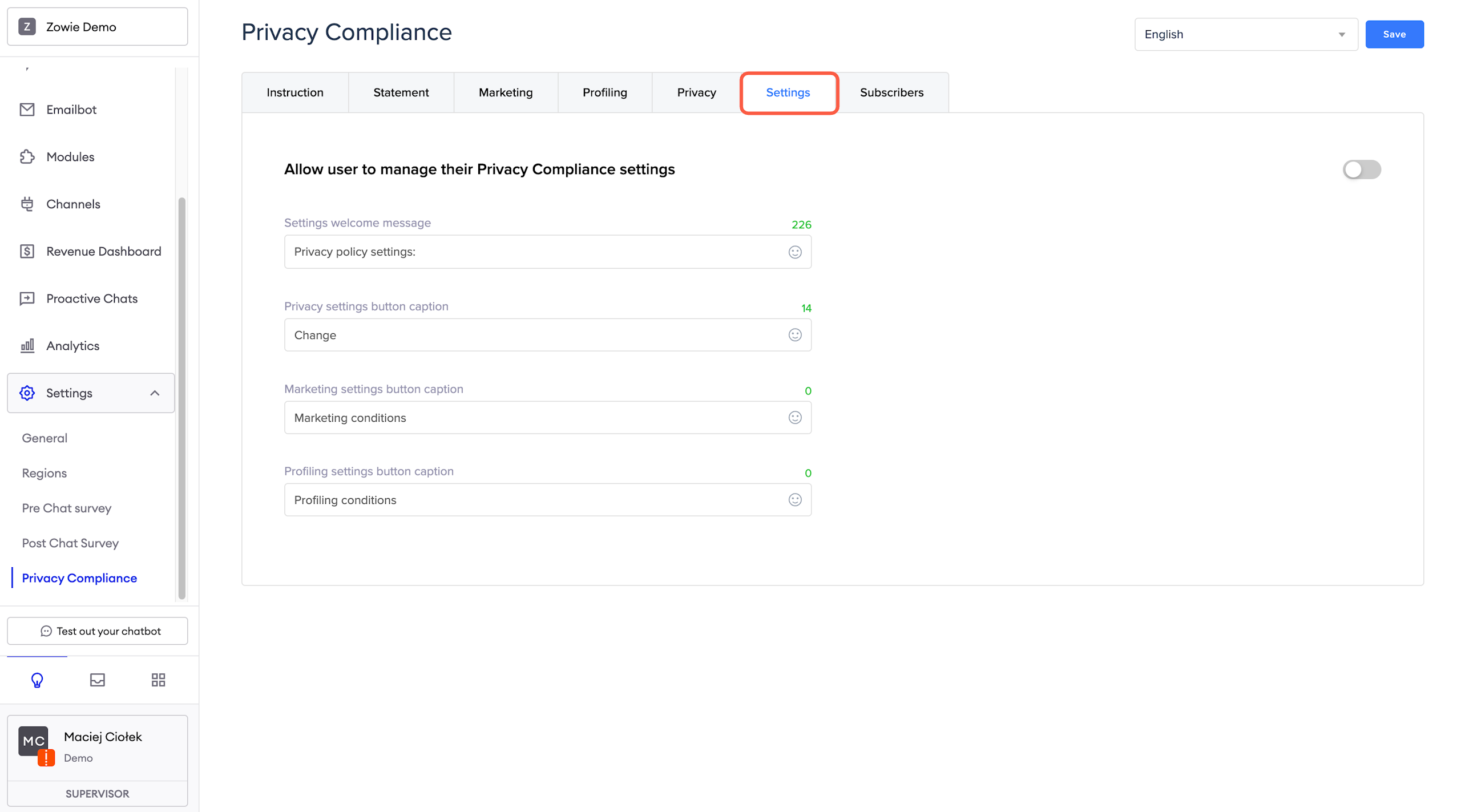
The Settings section allows you to configure the content sent to users when they decide to change or revoke something in their agreements. To let the user change or verify the Privacy Compliance settings, you must connect the Privacy Compliance Settings to a button in a Menu element or let the user access that part otherwise.
From there, they can change the settings related to the:
- general Privacy Policy;
- marketing Privacy Policy;
- profiling Privacy Policy.
Subscribers
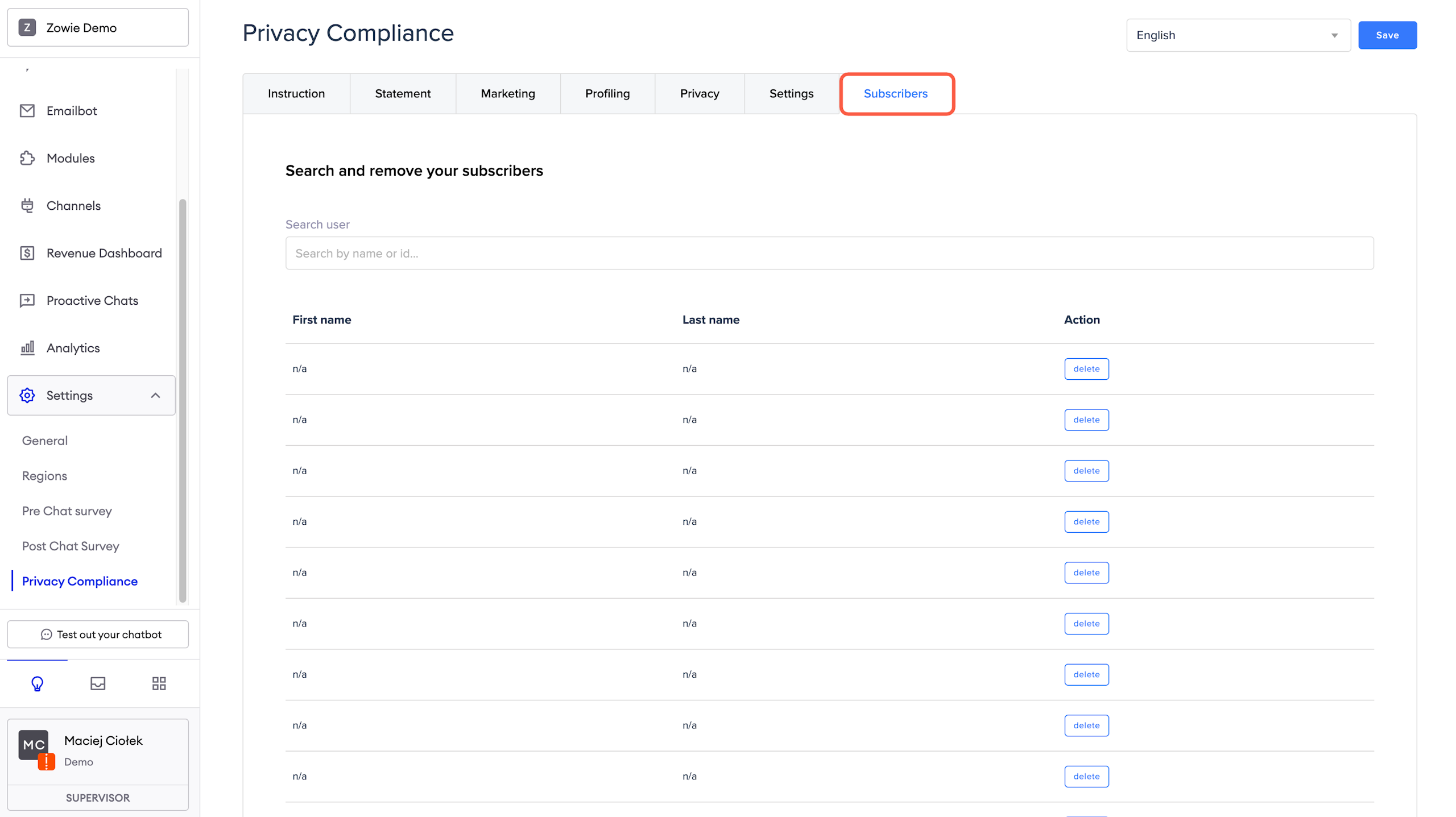
In this section, you can find the list of users with their firstname / lastname provided by metadata from a channel. It can be used to remove people who talked to a chatbot on social media.
Updated over 1 year ago