
Knowledge Base
What is the Knowledge Base?
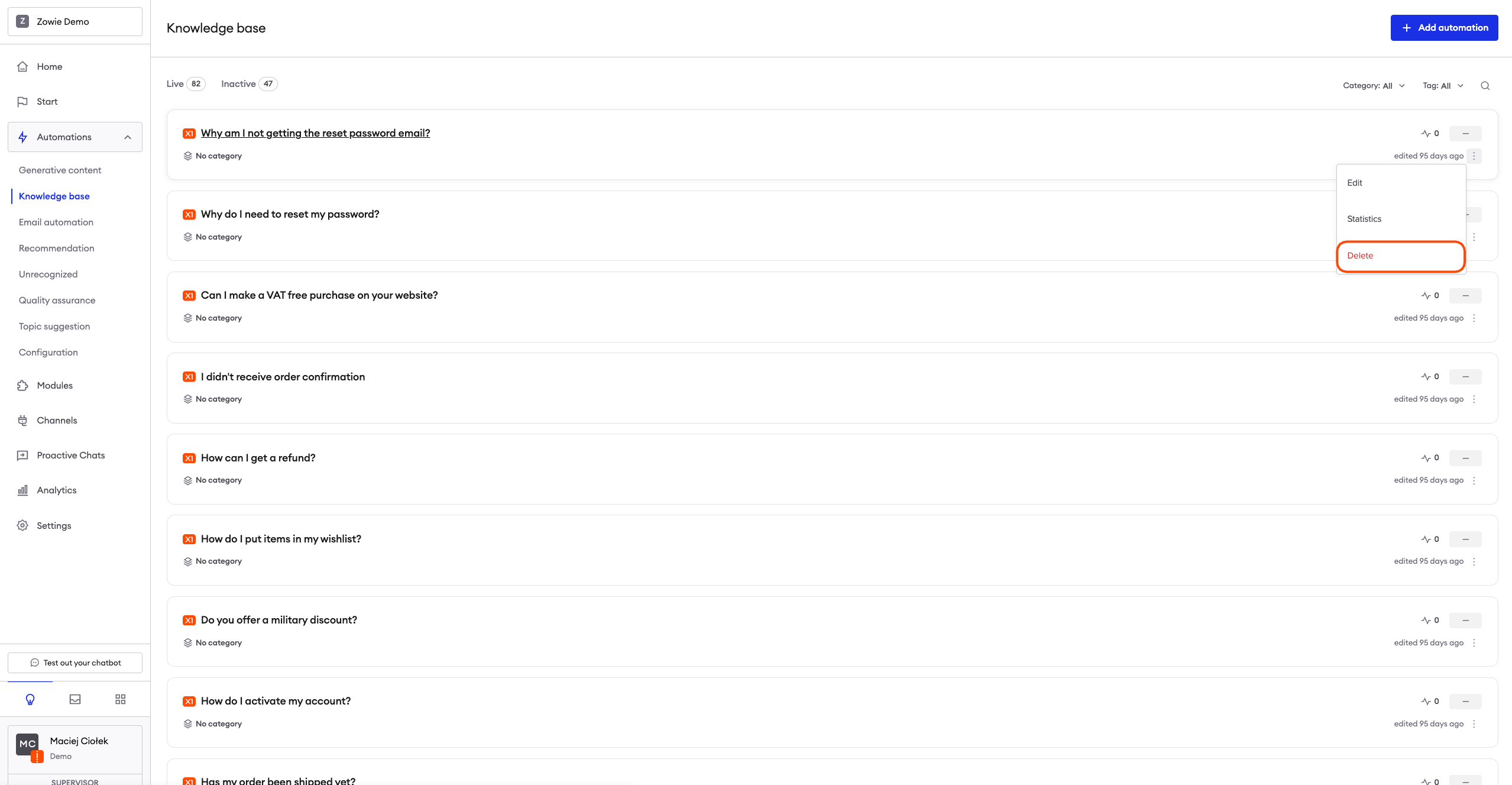
The Knowledge Base is the list of all the Automations with automated answers to frequently asked questions.
Why use the Knowledge Base?
Use the Knowledge Base to access, add and edit your Automations. Build your chatbot's knowledge base by adding automated topics: the more you add, the higher automation ratio you will receive.
How to access the Knowledge Base?
To access the Knowledge Base section, navigate to Automations > Knowledge Base from the menu bar.
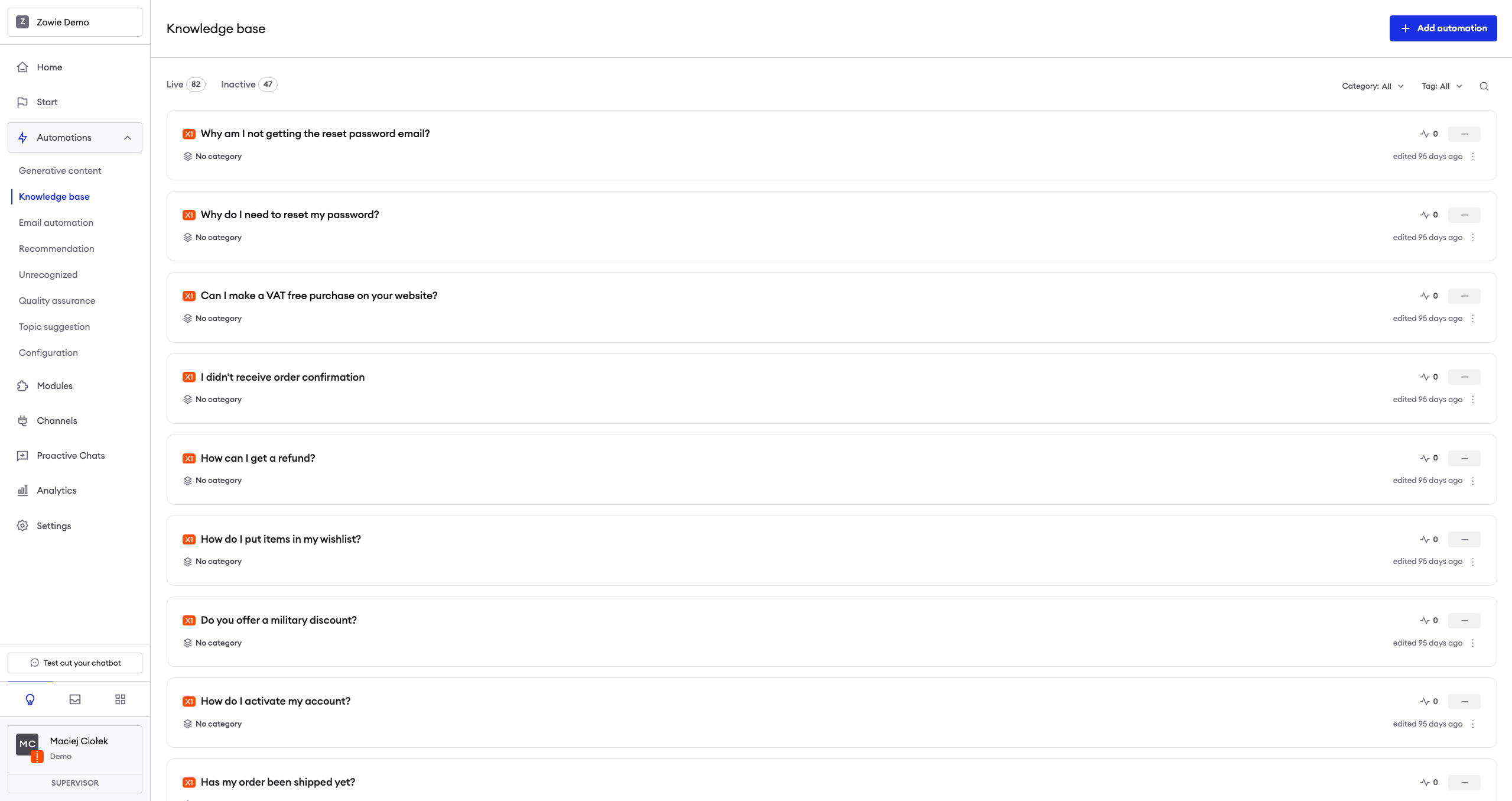
Creating an Automation
Check how to create an automation here: Creating an Automation
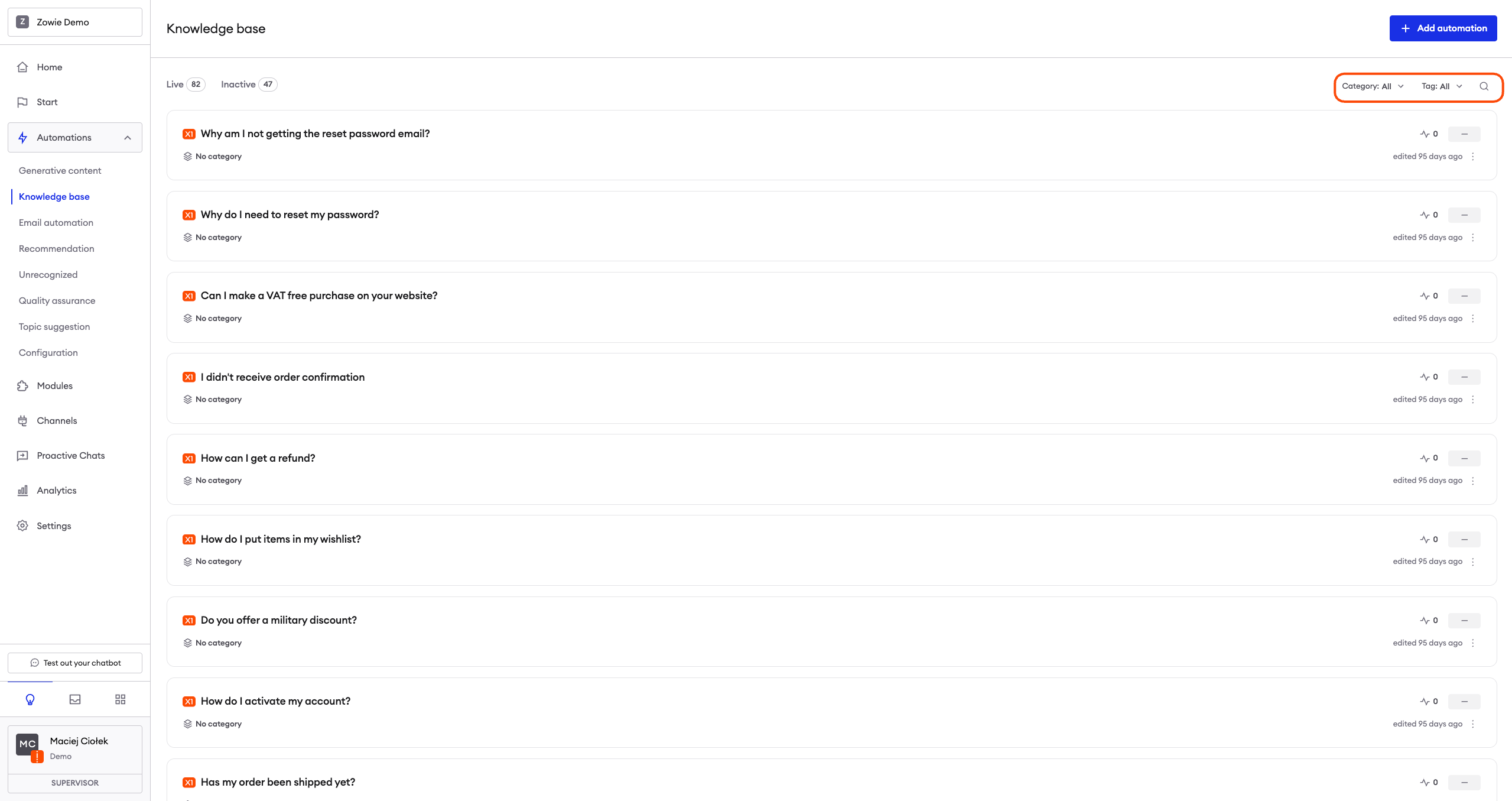
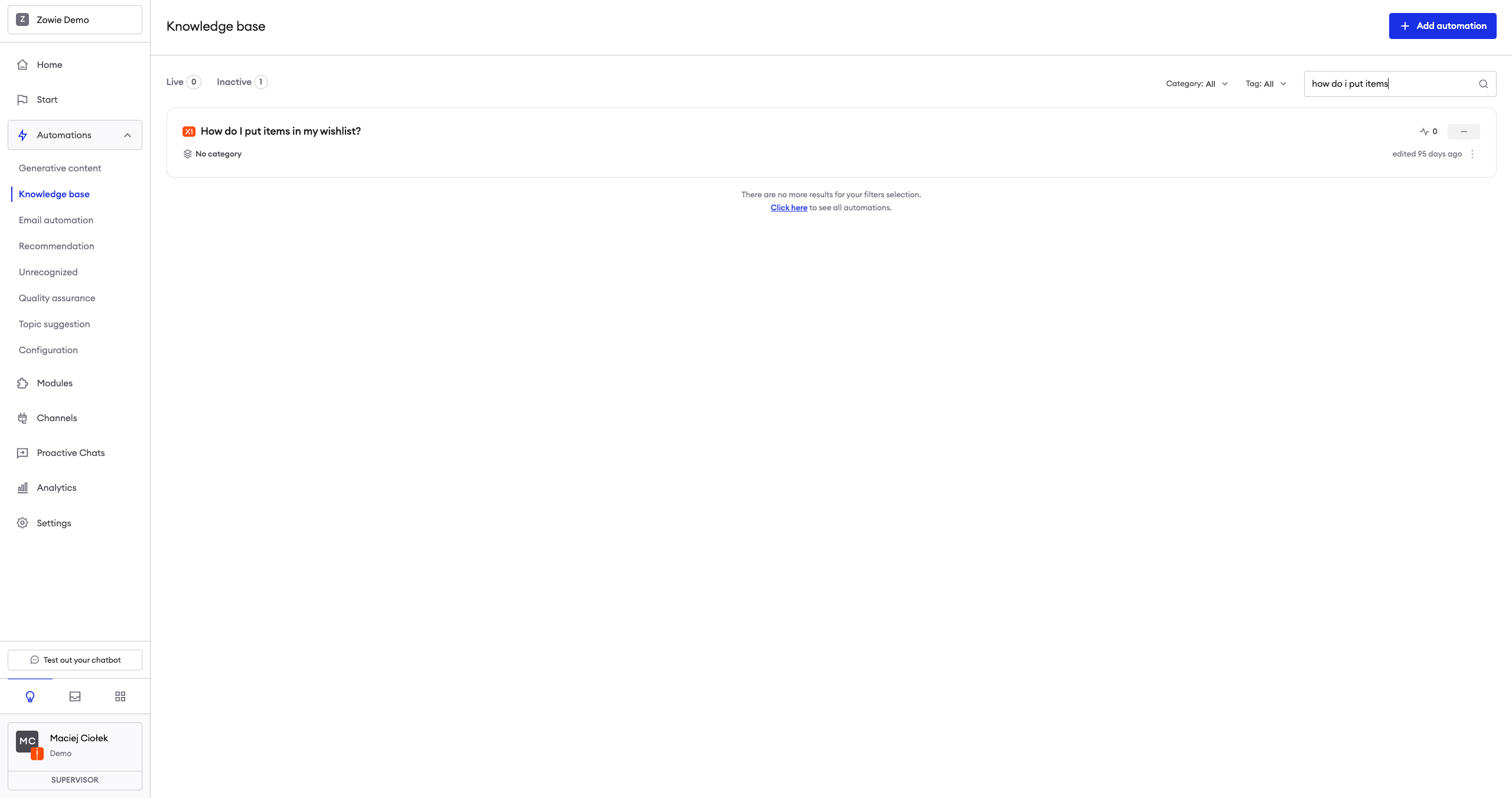
Filter the list of Automations
Use the fields at the top to search for Automations by name, category, and tag.
See the number of created Automations
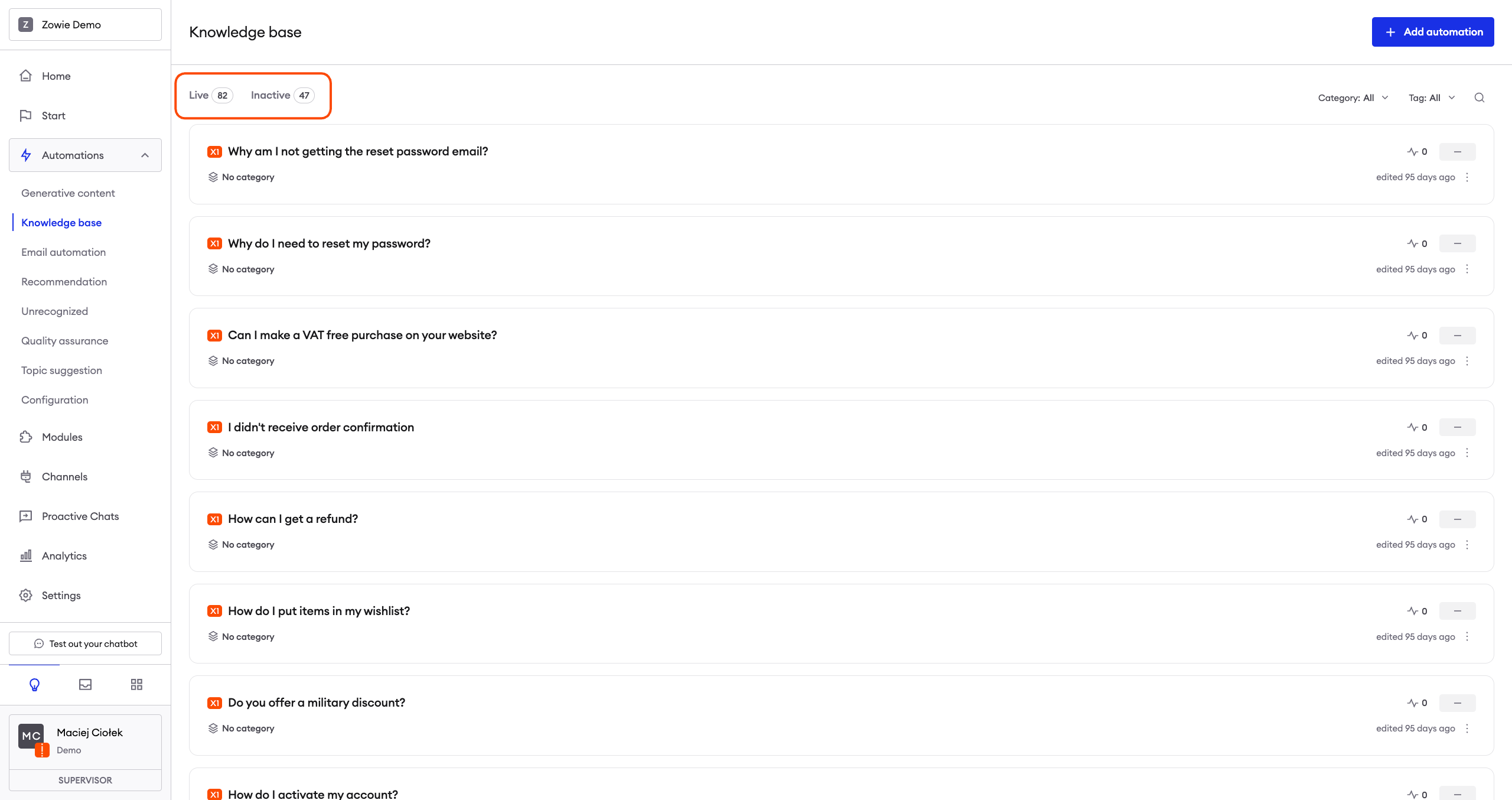
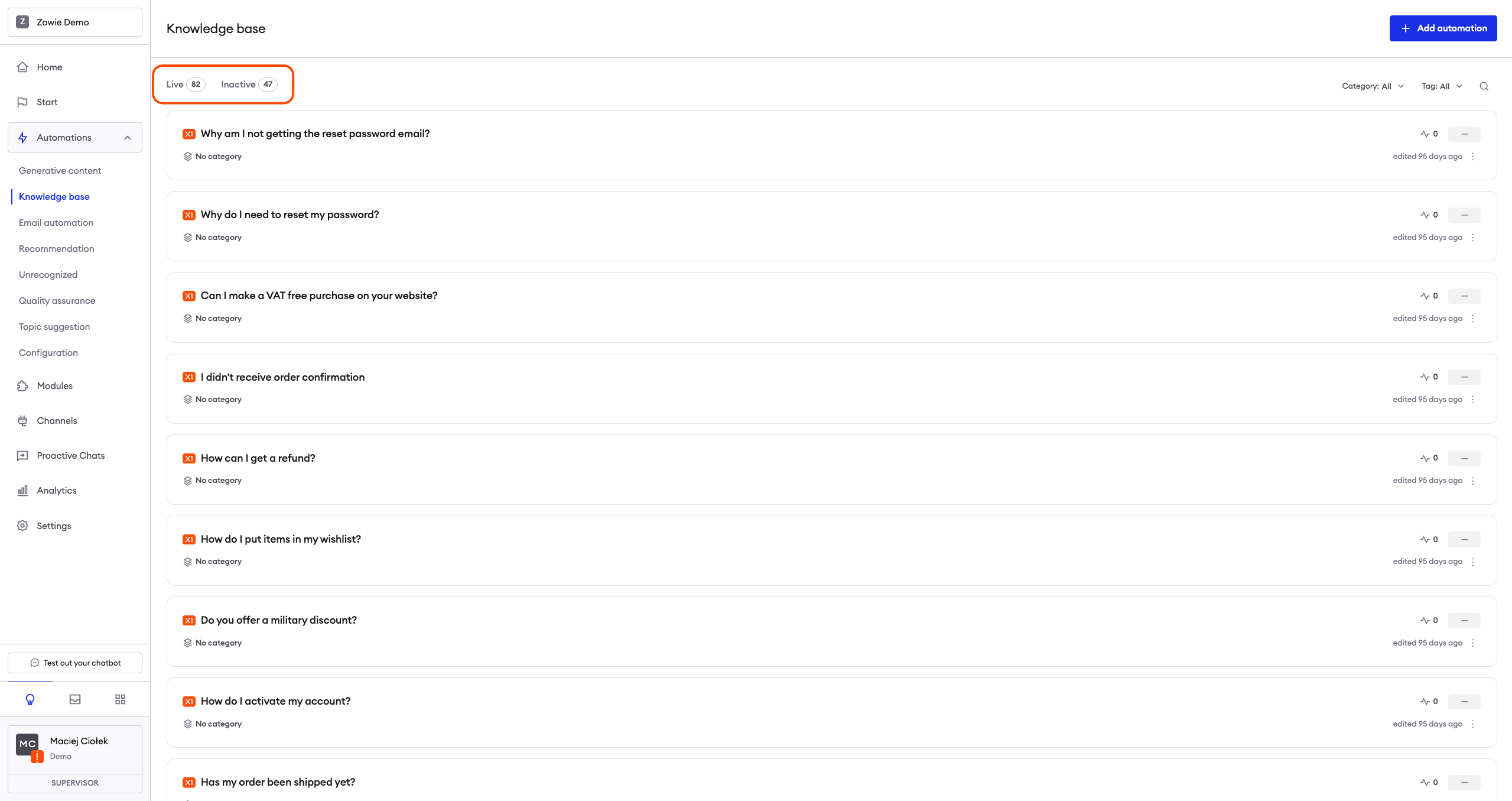
In the top left corner, you can see how many Automations your Knowledge Base contains.
Check the status of an Automation
In the top left corner, you can see they are separated by Live and Inactive Automations.
Manage Automations
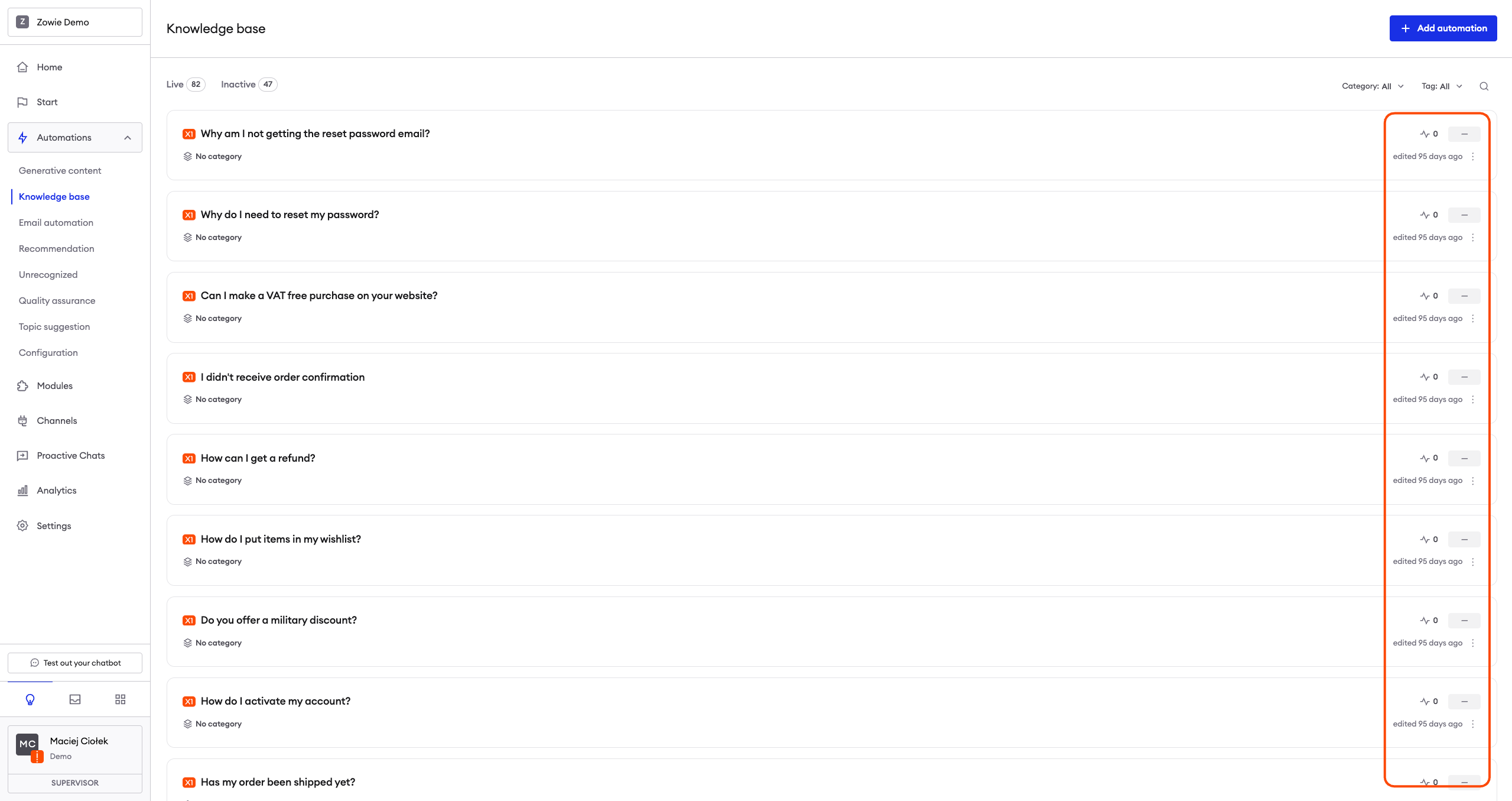
With three blue buttons available under the Action column you can manage individual Automations.
Edit Automations
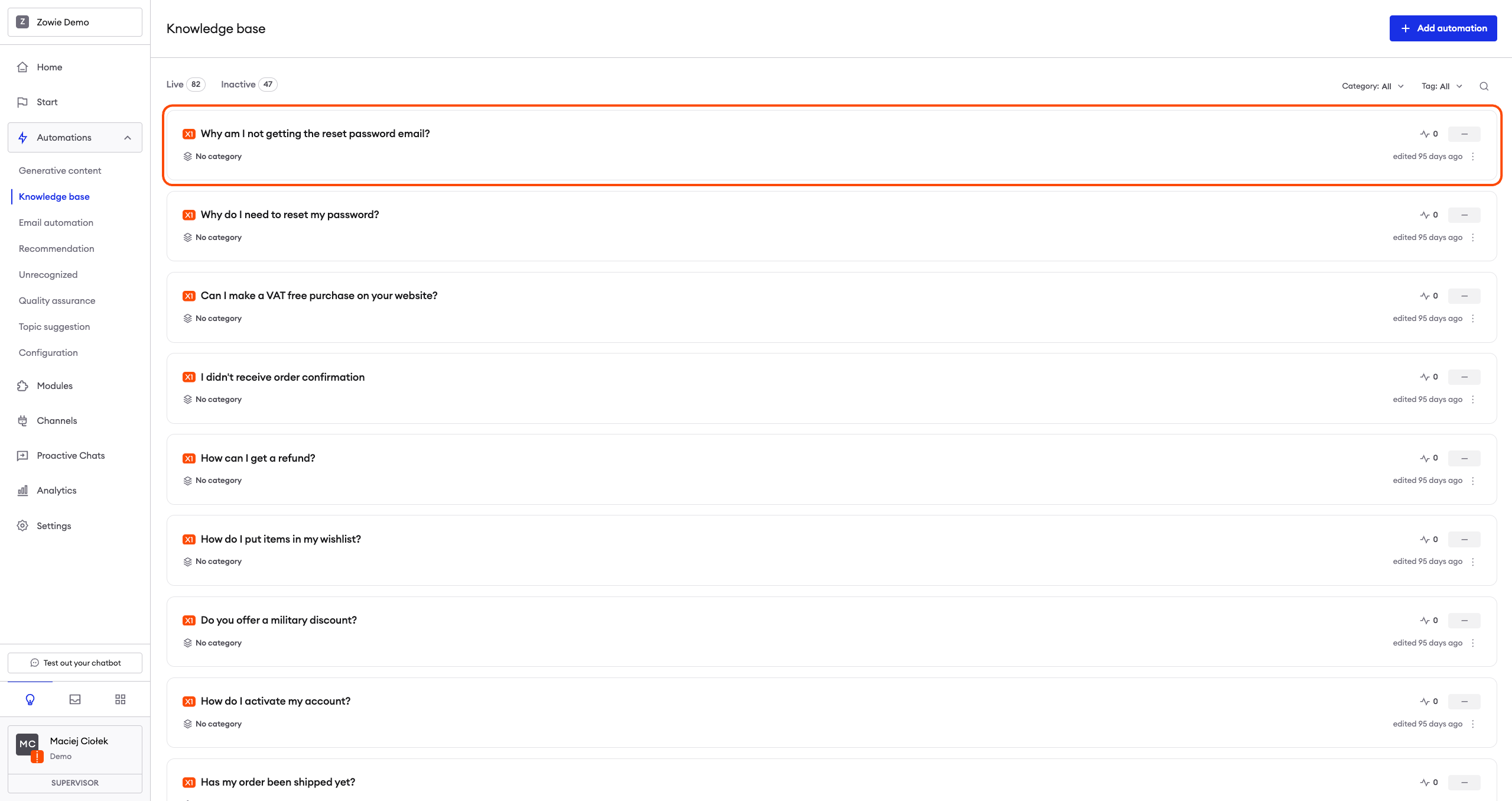
Clicking anywhere on the automation you can access and edit an Automation.
See the details of an Automation
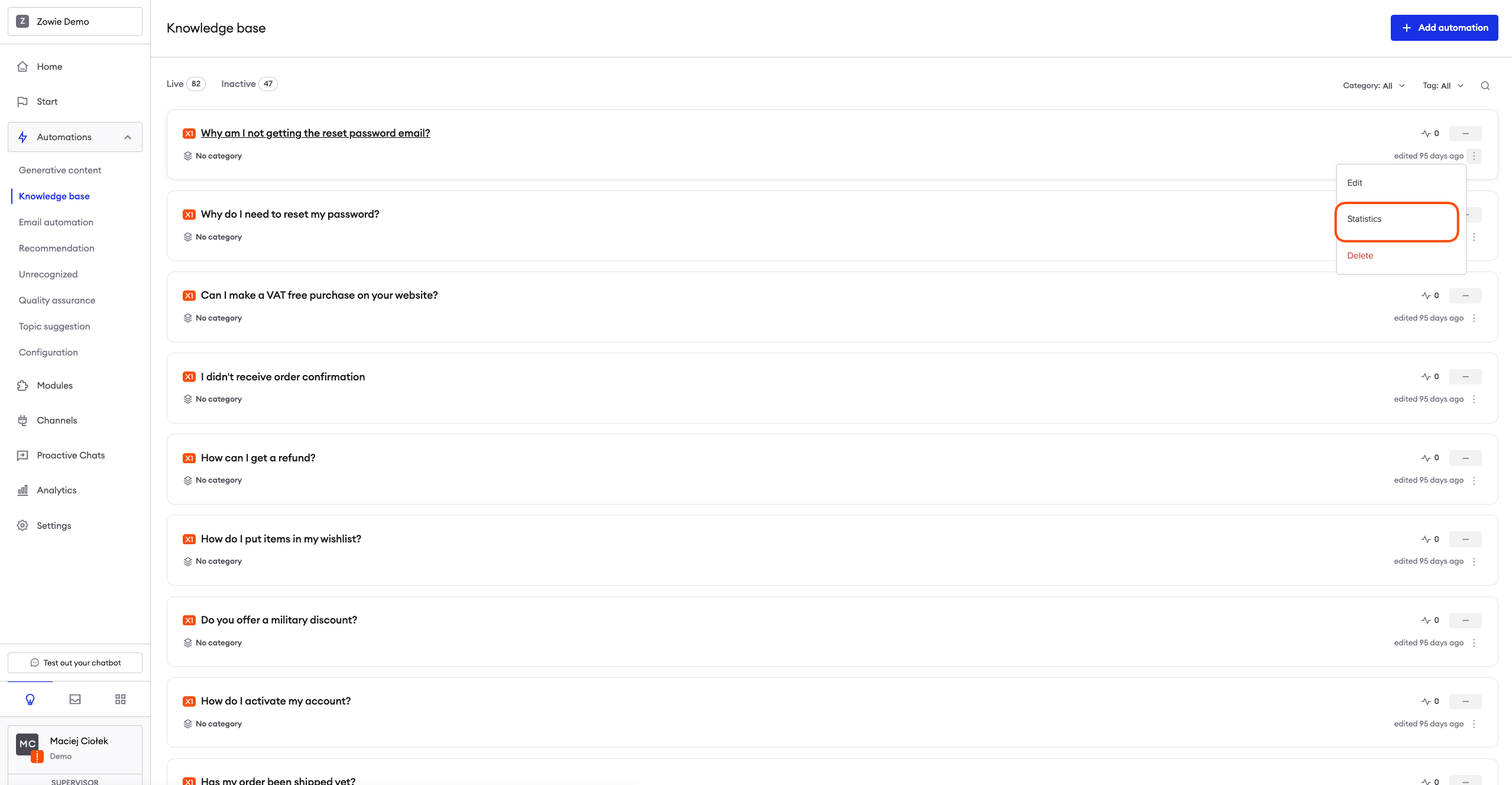
The "Statistics" button is redirecting you to the detailed view of chat automation analytics, so you can see statistics of an individual Automation.
Remove an Automation
Use the "Delete" button to remove unnecessary Automations.
After clicking it, the system will ask you for additional confirmation.
Updated over 1 year ago